Hi everyone, I installed Zorin OS 18 on my old notebook yesterday, it's working fine but I still need to learn how things work in this Linux world. I ran into a problem where the notebook screen is bluish. I searched on Google and even on chatGPT, and according to the information I found, it seems to be a problem where Linux doesn't correctly recognize this processor and its integrated GPU, causing the kernel to use a native driver. How can I solve this problem? From what I've seen, there isn't a driver for Linux. Can someone help me solve this? Thank you.
Updating chatGPT's answer:
The ASUS X551MA has driver limitations in Linux.
It's not a profile. It's not gnome-color-manager. It's not redshift.
It's the i915 driver for Bay Trail, which doesn't apply color correction.
You have three real options:
1. Install the HWE kernel
(often solves the problem)
2. Switch to Zorin Lite (XFCE)
or Mint XFCE / Xubuntu — this is where it works best.
3. Accept the limitation — the GPU simply doesn't have color control in Linux
No, that doesn't solve it.
What graphics card do you have?
You could take a look at Software&Updates>Additional drivers if there is offered one.
Also try to switch to Xorg if you are using Wayland.
Logout and at login click on your username then a cog wheal appears at the bottom right corner. There select Zorin Desktop on Xorg.
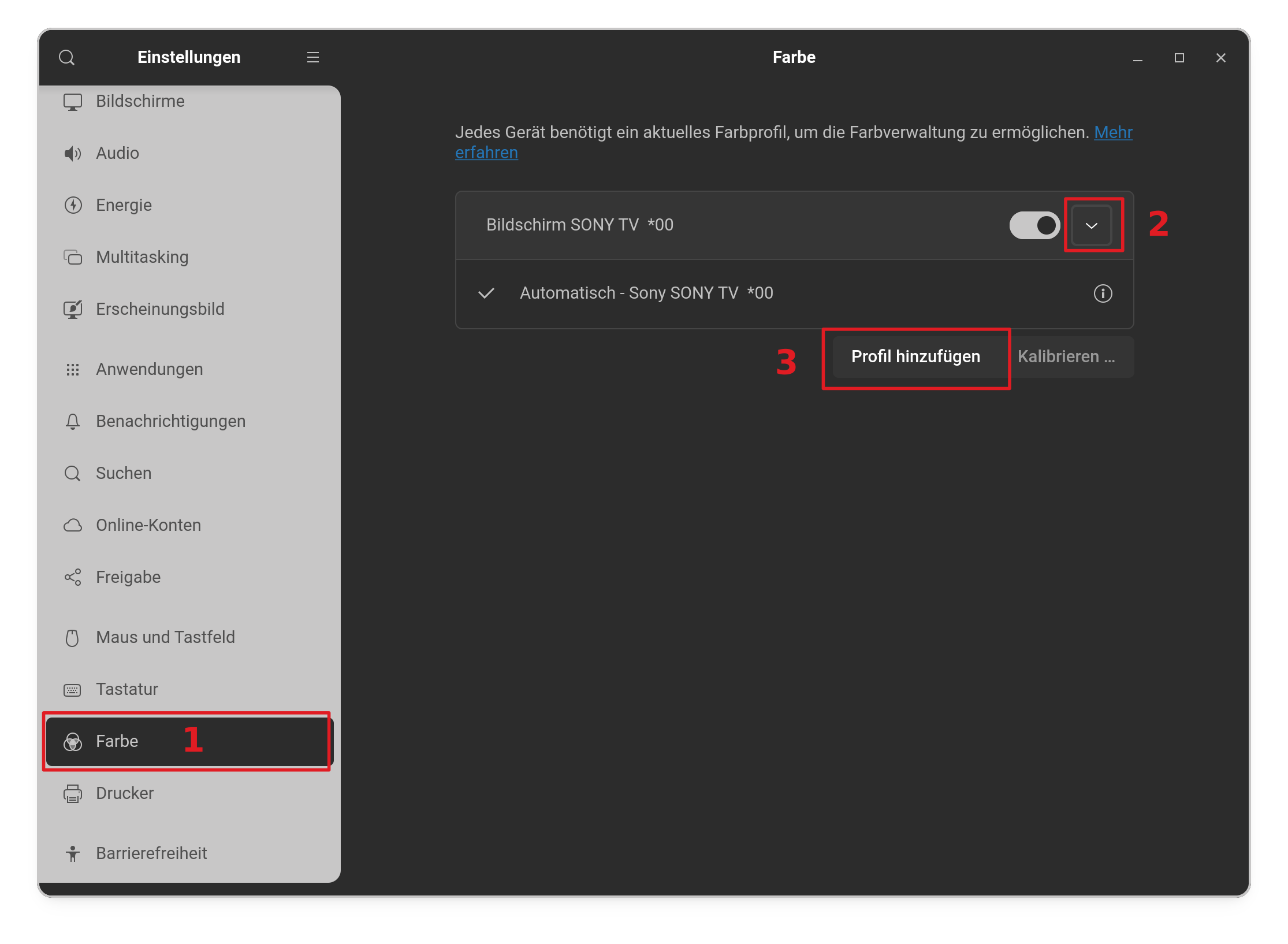
Did you take a look at color settings to select a color profile?
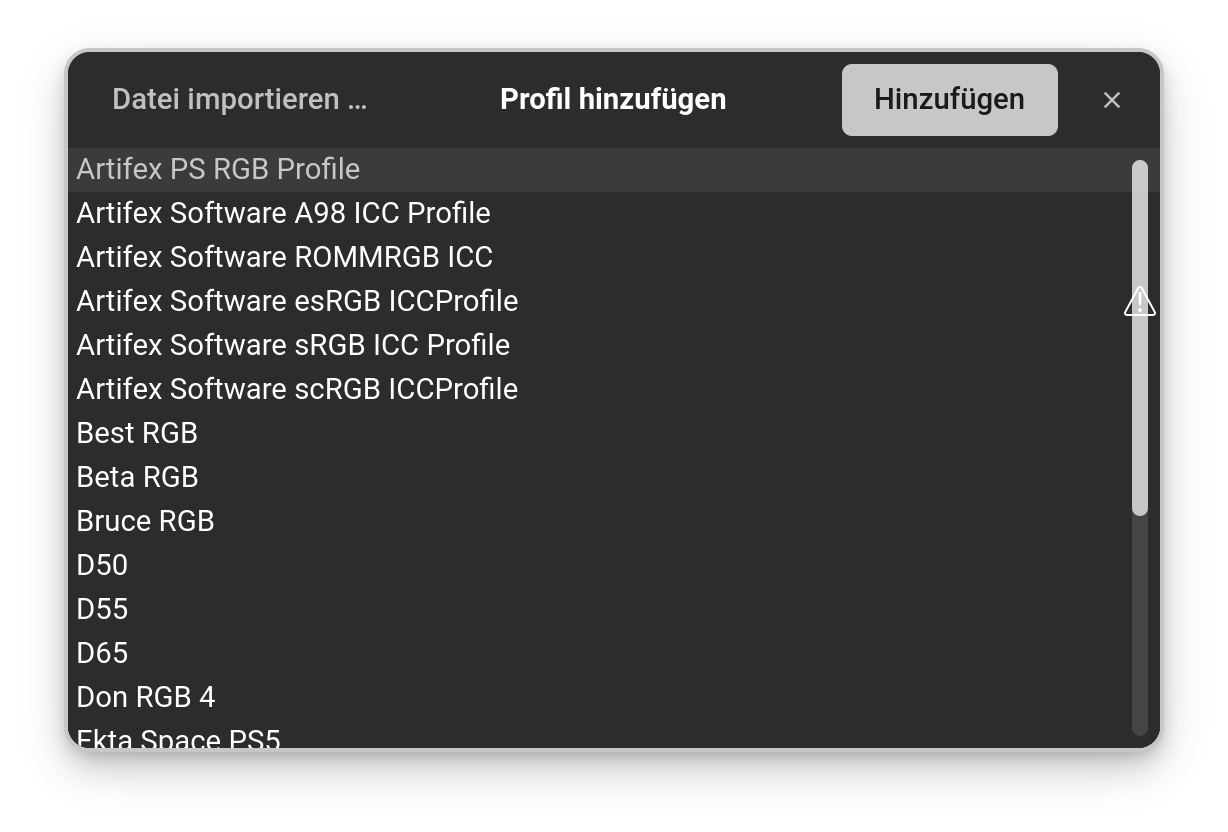
When You go to Settings>Color, You can set up a Color Profile for Your Monitor. click on the Arrow right beneath the Monitor and then on ''add Profile and a Windows with Profile Options will open:
Hi, thanks for the reply. So it's not a video card, actually the GPU is in the processor, which is a Celeron 2930 with integrated video. I didn't understand the part about xorg or wayland, sorry, I'm still struggling to understand Linux. I'm using Zorin OS 18, I downloaded it on Sunday. Regarding the color profiles, yes, I tested that, I got the Gnome Color Manager, used several profiles that come with it and none worked.
Hi, thanks for the reply. I changed all of that, but none of the color profiles worked satisfactorily. I even tried using the color profile from my desktop PC, but that didn't work either.
Are you able to plug in an external monitor and see if it has a blue tint, as well?
Xorg and Wayland are Display Protocols.
Xorg is the standard protocol, well established and maintained.
Wayland is a newer protocol, that the Red Hat and Gnome developers hope to replace Xorg with. In many areas, it appears unfinished and incomplete.
Yet, it is being adopted anyway - probably to put pressure on speeding up development.
Wayland is now the default on Zorin OS - as Zorin OS adopts Ubuntu's defaults in many areas.
Wayland cannot use xrandr - which is why this is important to you.
To switch to Xorg, from the GDM login screen, select to login as another user.
This should make the Gear Icon visible that GDM loves to hide.
Click the Gear Icon, then select which Desktop to login to - Choose whichever does not say Wayland. Zorin On Xorg or Zorin Desktop
If your machine is old enough - it may already have automatically defaulted to Xorg, but you can check that with a quick terminal command:
 1. Install the HWE kernel