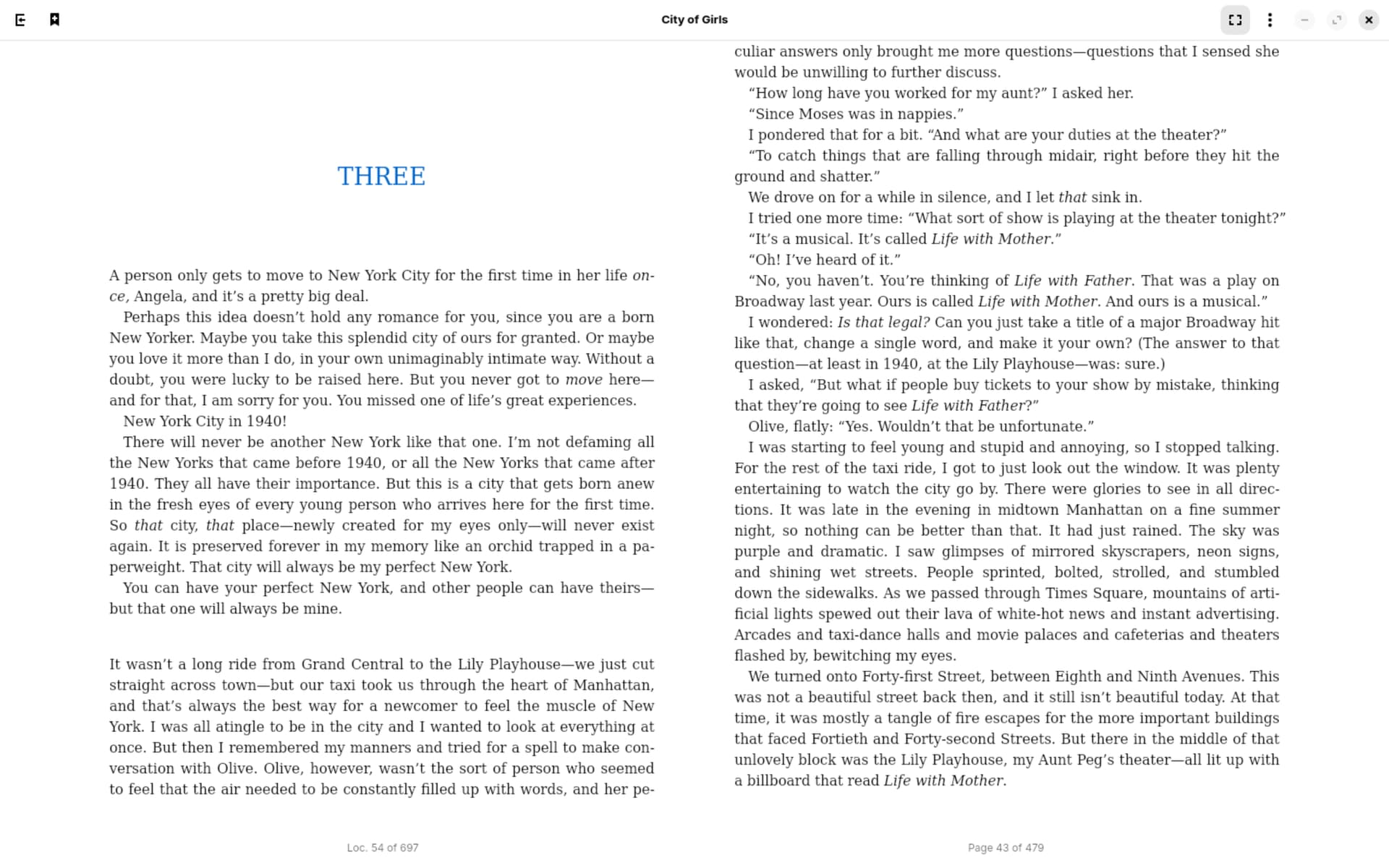
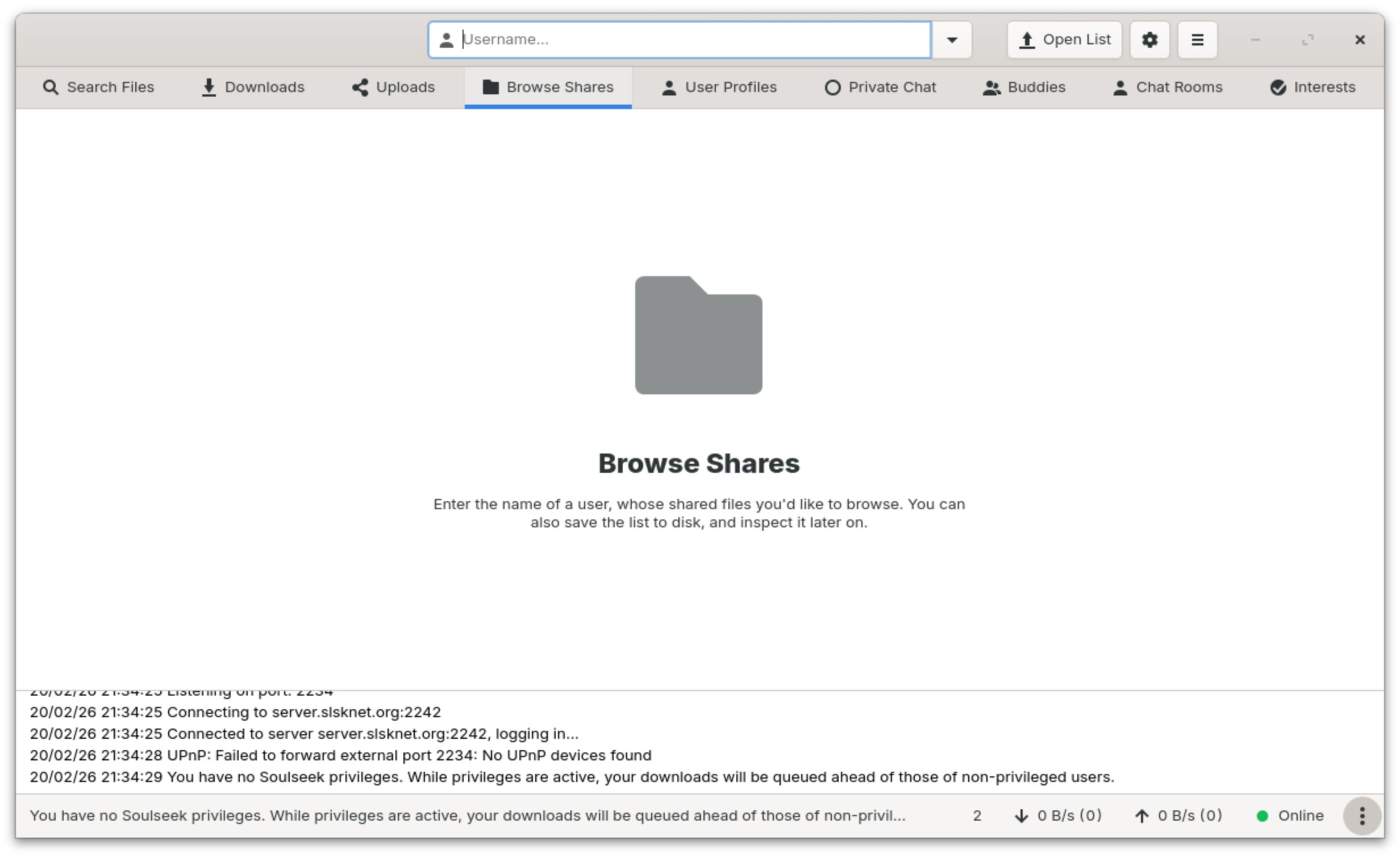
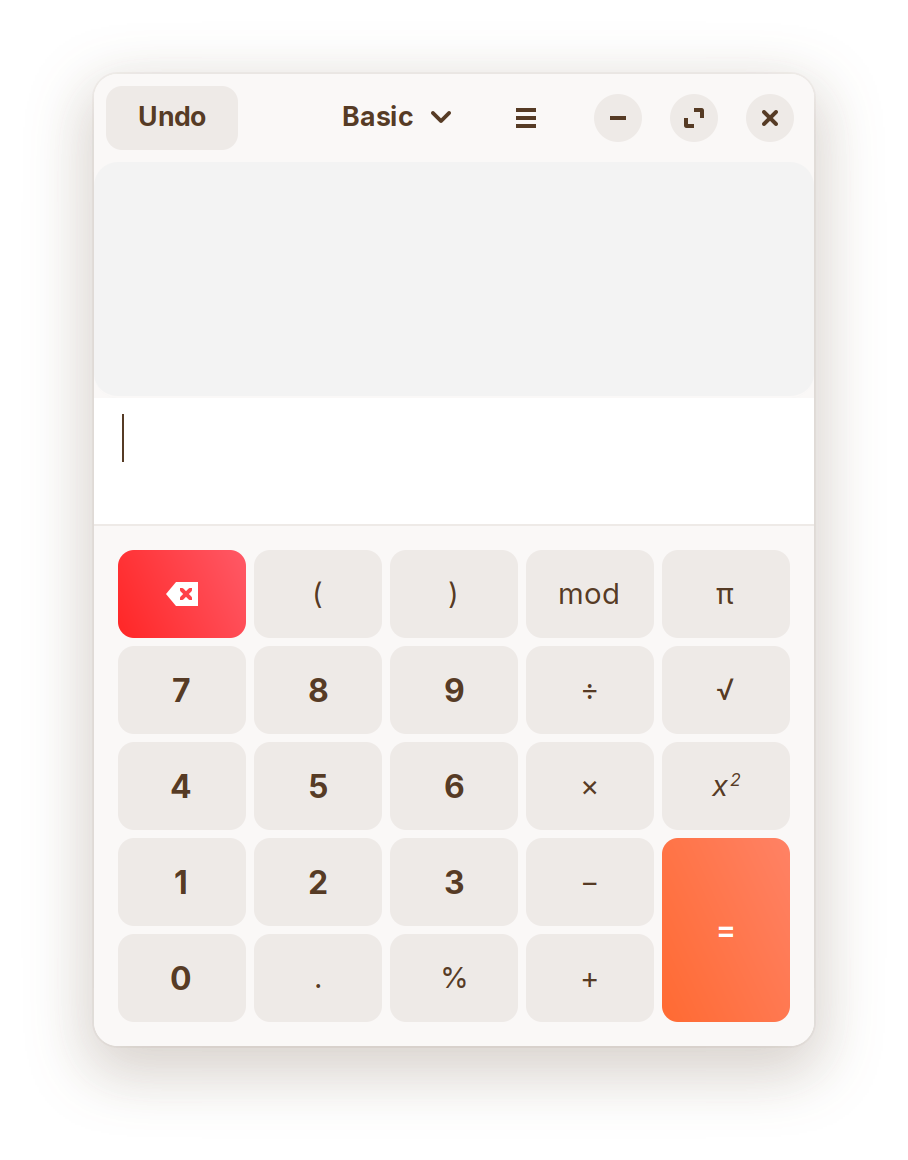
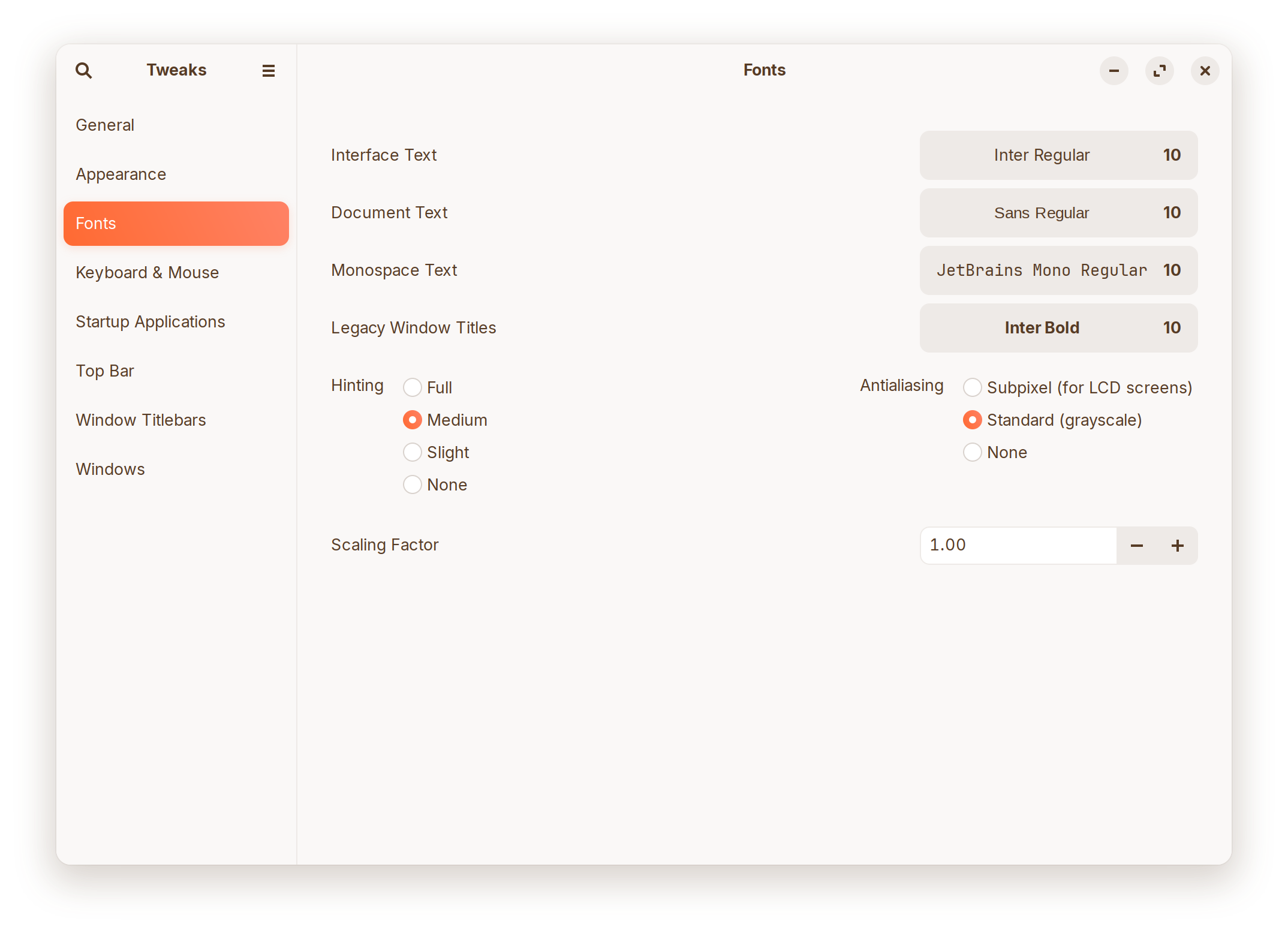
I am using Wayland, my resolution is 3200*2000 with 200% scaling (fractional scaling disabled). Here is a screenshot of my font settings in gnome-tweaks:
Maybe it is just me, but I don't see on the Screenshots blurry Text. But let's see ... Are these Program Flatpaks, Snaps or .deb/APT Packages?
I would suggest to try it with the Subpixel Option in Gnome Tweaks, but You already tried that. Maybe increase the Fonts Size in the Programs? Or try a different Font.
You could try switching to Xorg and see if it behaves different. to do that, go to the Login Screen. click there on Your Profile so that the Password Field appears. When it is appeared, You should see a Gear Icon in the bottom right Corner. Click on it and choose the Option ''Zorin Desktop on Xorg'' and then log in.
What Graphics Card do You have? If Nvidia: What Driver Version do You use? How is Your Refresh Rate set up?