Boot Issue on Laptop Due to Corrupted OS

Hello,

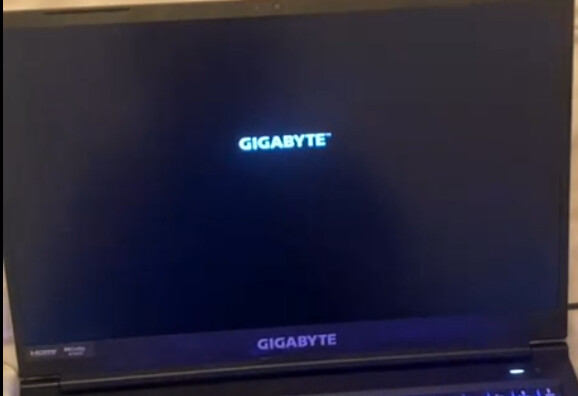
I am experiencing a boot problem on my laptop. The computer gets stuck on the Gigabyte/InsydeH20 logo and cannot boot from my USB drive.

After investigation, it appears that the issue is caused by a corruption in the pre-installed OS bootloader.

Here is the context:

  • The laptop’s SSD has a corrupted 200 MB EFI partition from the factory OS installation.
  • Even when attempting to force boot from a USB drive via the F12 Boot Menu or BIOS boot order, the PC still tries to boot from the corrupted SSD first, causing it to freeze.
  • The BIOS is

    InsydeH20. Secure Boot is disabled, and I have tried both UEFI and Legacy modes, but the problem persists.

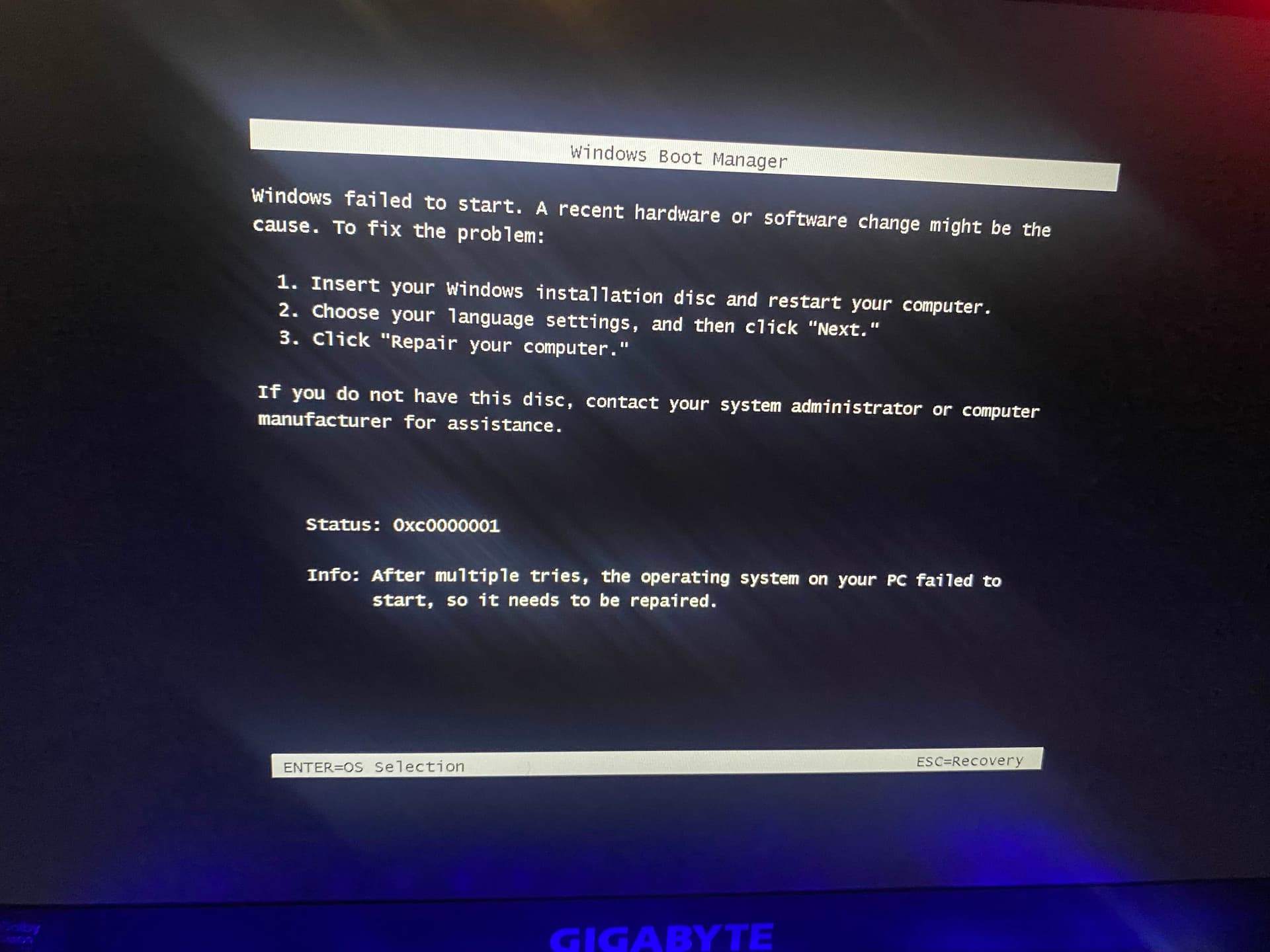
That says Windows Boot Manager, which suggests you are on Windows, or are at least dual booting.

You say that your EFI partition is corrupted, what about running the boot repair?

You might have to re-install your OS.

I'm glad you disabled secure boot, I assume fast boot is off as well.

System brand and specs?


Welcome to the Forum!

So, when Your USB Stick with Zorin on it is plugged in and You go in the BIOS and on the Boot Order, You click on the USB Stick to start, You get the Error Screen what You have posted?

What happens when You press Enter like wrote in the bottom left Corner?

yes after 3-4 restart
when i plug something (windows usb or zorin usb) i have the gygabyte logo and thats all there is no loading or something else

yes dual booting
i cant boot anything like something boot before my usb and give me an infinite loading

Insert your Zorin USB stick, press power button and then press continuosly F12. Maybe it helps.

stuck on this screen after booting anything

Hmm ... did You tried to reset Your BIOS to Factory Settings?

yes i did and it change nothing

Well, now I would suggest to create an USB Stick with Windows on it and then try it with repair it.

i did too and nothing happened i think zorin os just destroy my ssd and now i need to check my warranty or open my pc to change my ssd

If your SSD were destroyed that would have no bearing on whether or not your system would be able to boot to a different media (whether that be USB, CD etc). To me this seems like a bios boot issue possibly related to windows mucking about in the boot settings (which it does frequently).

Can you send a screenshot of what your bios looks like with a USB inserted?
1 Like

This topic was automatically closed 90 days after the last reply. New replies are no longer allowed.