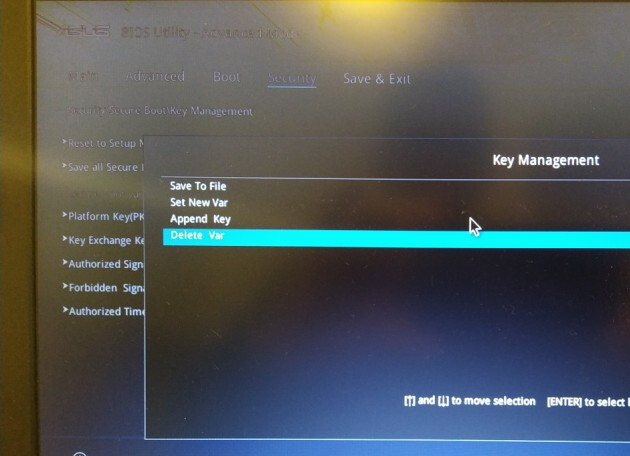
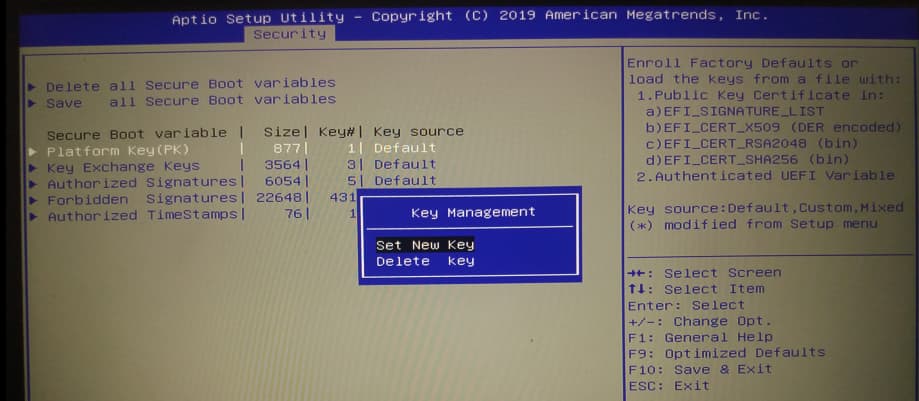
Hi,
I was trying to upgrade from ZorinOS 17 to 18 on a dual-boot machine (Windows 10 and Zorin); the upgrade process went fine, but once the machine rebooted, I started seeing the errors as depicted in this image:
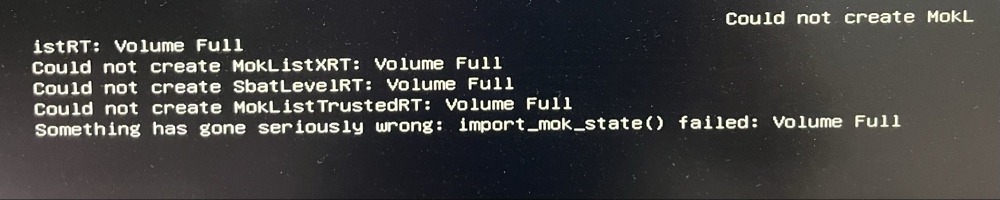
By changing the boot settings in my BIOS, I could boot into Windows and fiddle with the boot options so that I could get the GRUB menu, giving me the option to boot into Zorin or Windows at system start.
Now, the problem is, I cannot boot from my USB disk or a "live CD" anymore since I get the exact same message as shown in the image above.
Basically I can only either boot into Windows directly or go to the GRUB menu but any other option fails. Unfortunately, I do require booting from that USB disk time to time.
Any ideas what to do here?
p.s. secure boot is disabled.