Hello,
When I use Bottles to install my games, the icons in the taskbar all appear black. However, I didn't have this problem with Zorin OS 17.
Do you know how to fix this issue?
Thanks in advance!
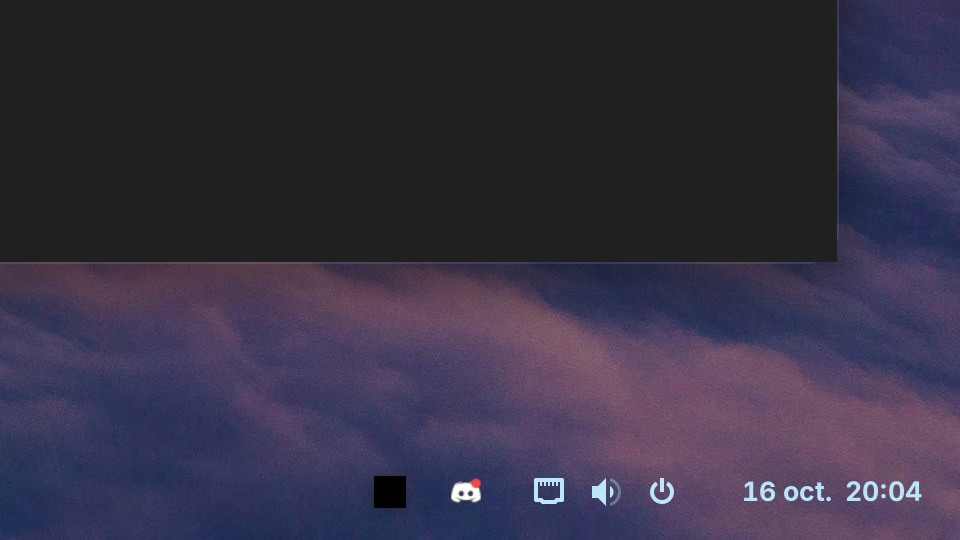
Does the Icon react when You click it?
Hello,
Yes
Hmm ... maybe it is a Permissions Issue ... You could try it with installing Flatseal and give Bottles more System Permission.
there is no change 
Did You tried Steam? Or behaves it the same?
Steam works fine and so does the icon. I even tried it with Lutris and I have the same problem.
Do you know if you're using the Flatpak version of Lutris? Bottles is only Flatpak or source, so we can assume on that one. I do realize you already tried using Flatseal; I'm just trying to confirm if this is related to flatpaks globally, or something else.
1 Like
If You tried the .deb Version of Steam and Lutris and Bottles were the Flatpaks, I would go in the sam direction like @Locklear93 and think that it is a Flatpak Thing. Flatpaks run with limited Permissions (that is Intention) and that can cause Issues.
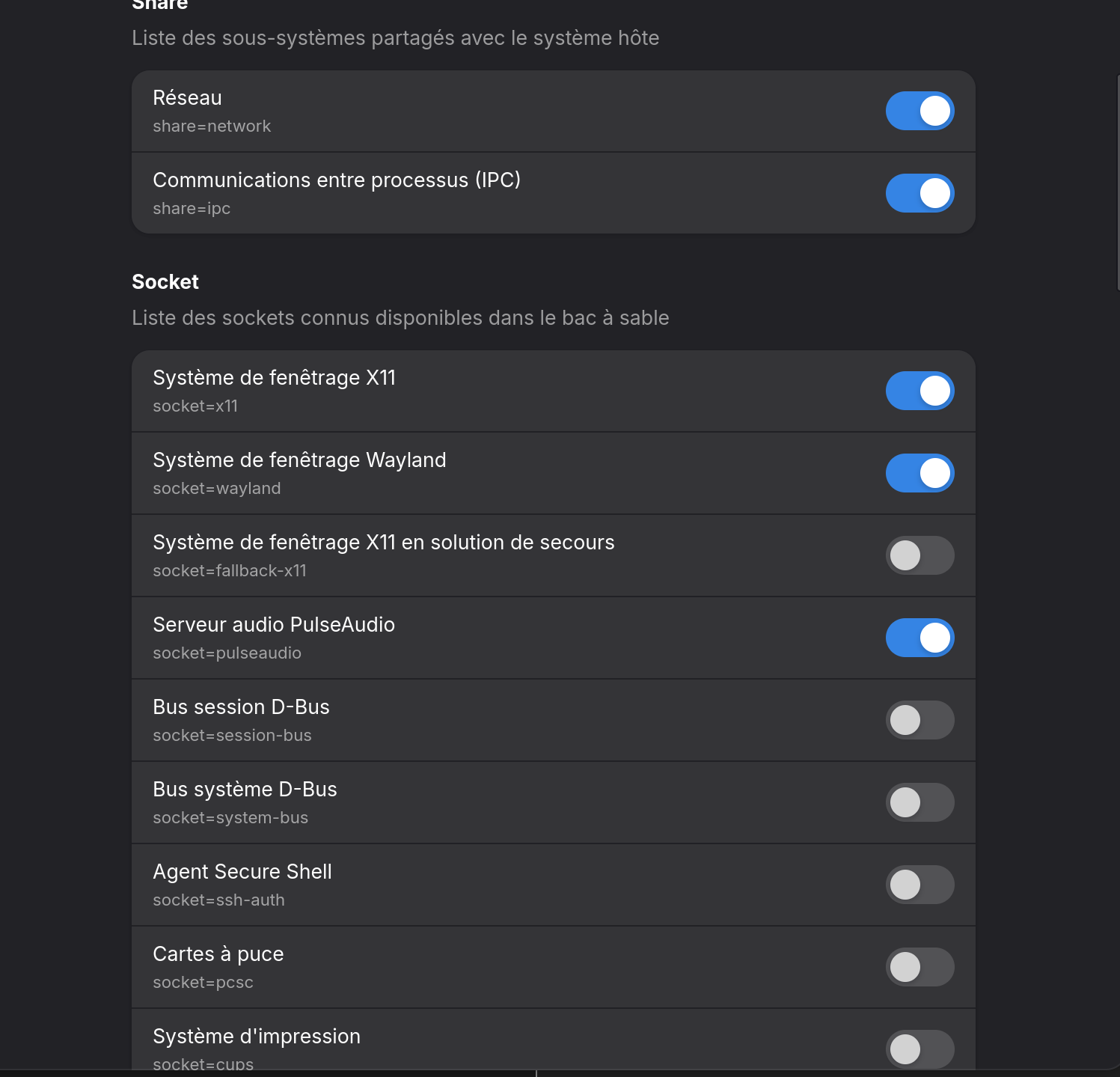
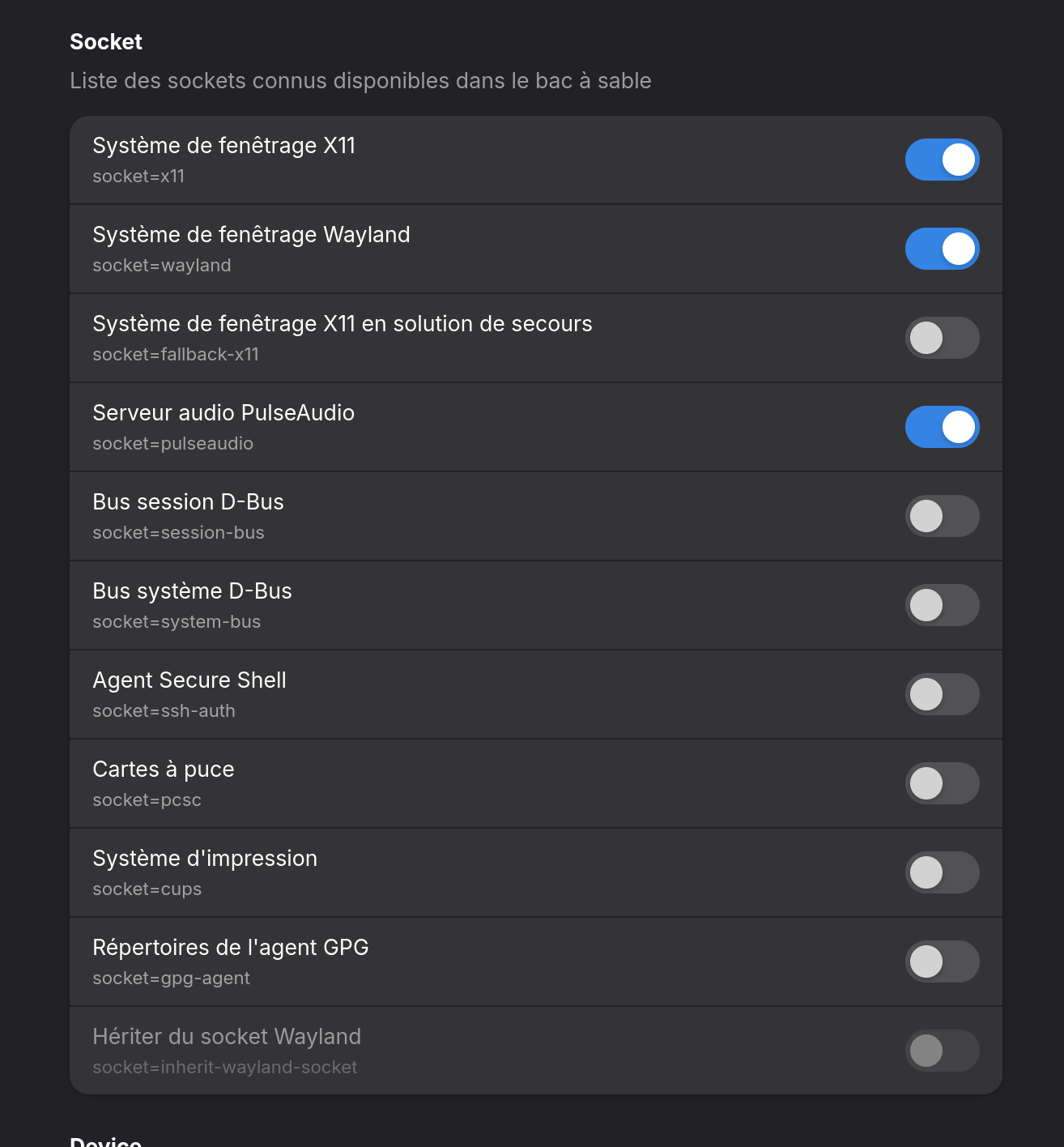
Only to be a bit more precise here: How did You set up Bottles in Flatseal? Could You make a Screenshot?
Steam is installed as a Flatpak and works fine. I tried Lutris in .deb version: the icon shows up in the taskbar, but not quite correctly (see photo). I’ve reset Bottles to its default configuration. If you have any suggestions on what to change in Flatseal or elsewhere, I’d appreciate it!
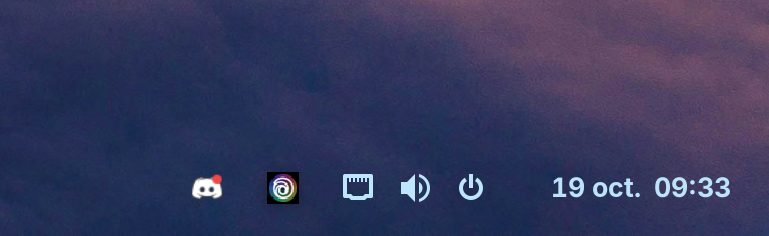
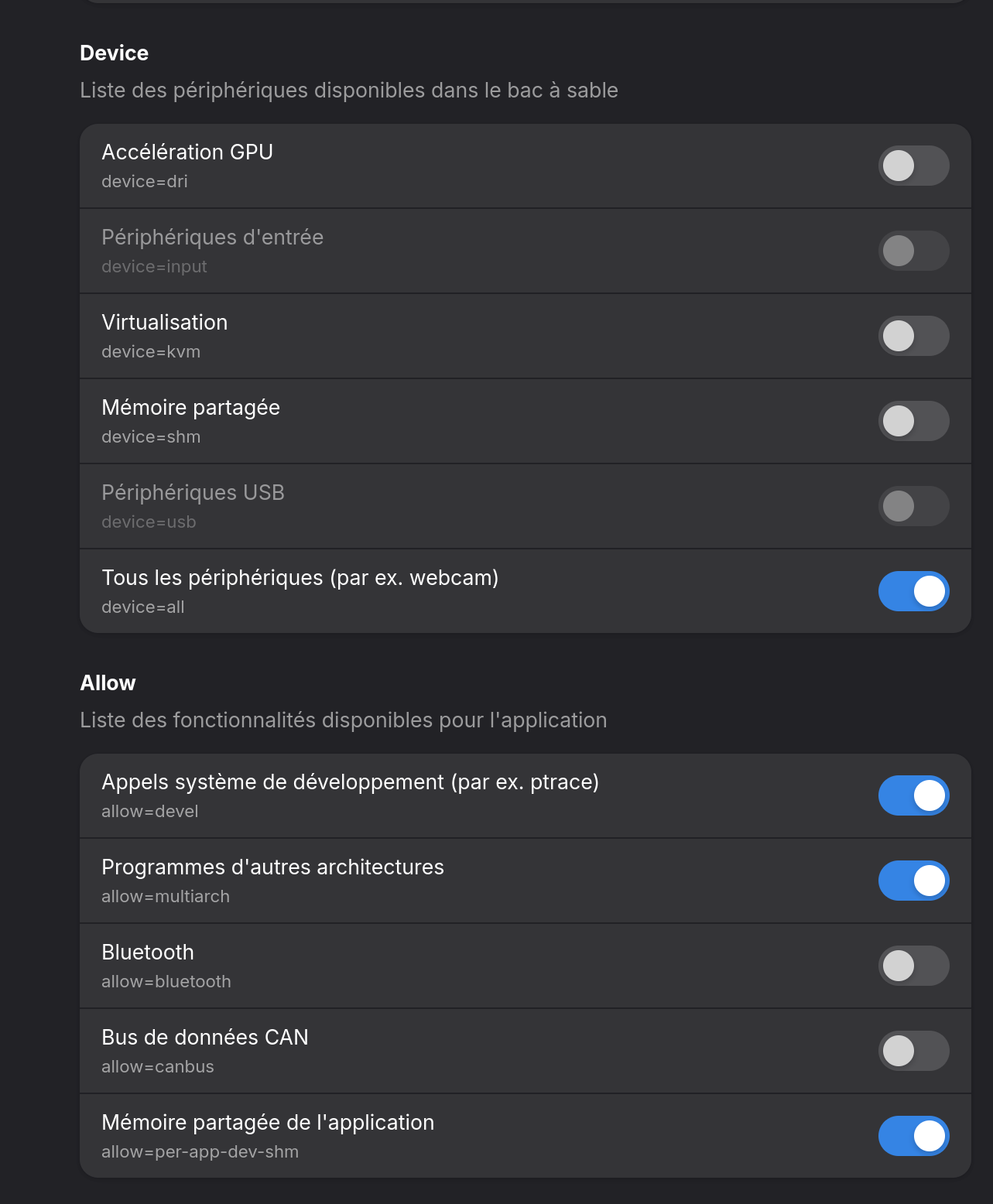

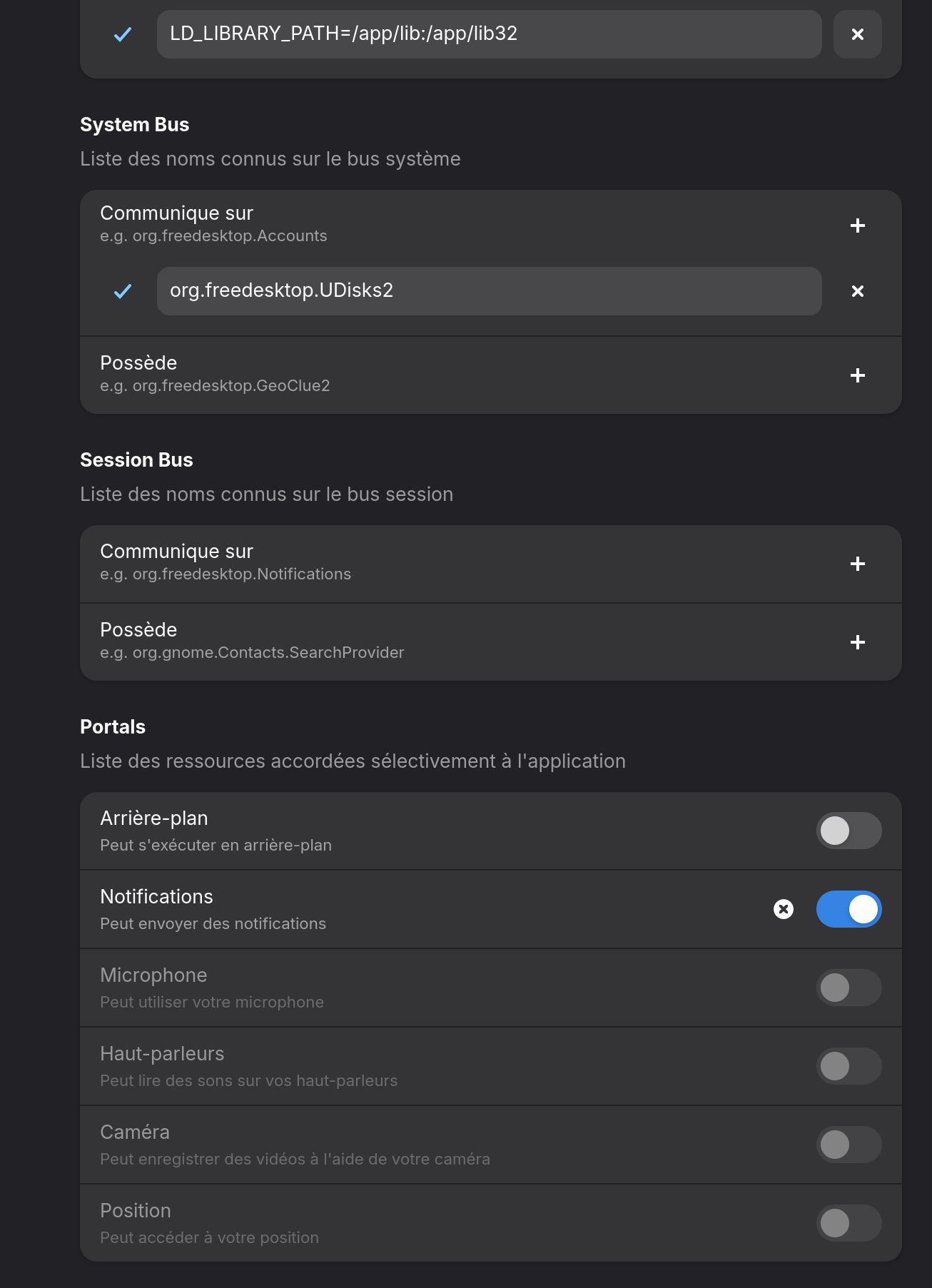
Isn't that Ubisoft icon? Don't expect to getting a better icon for that. Gnome tries/tried to kill tray icons and made it difficult for extension makers to get it right.
However, I had no problems with the beta version of Zorin 18, and since then I've wanted to do a clean reinstall, and here we are.
Try it with these 2 activated:
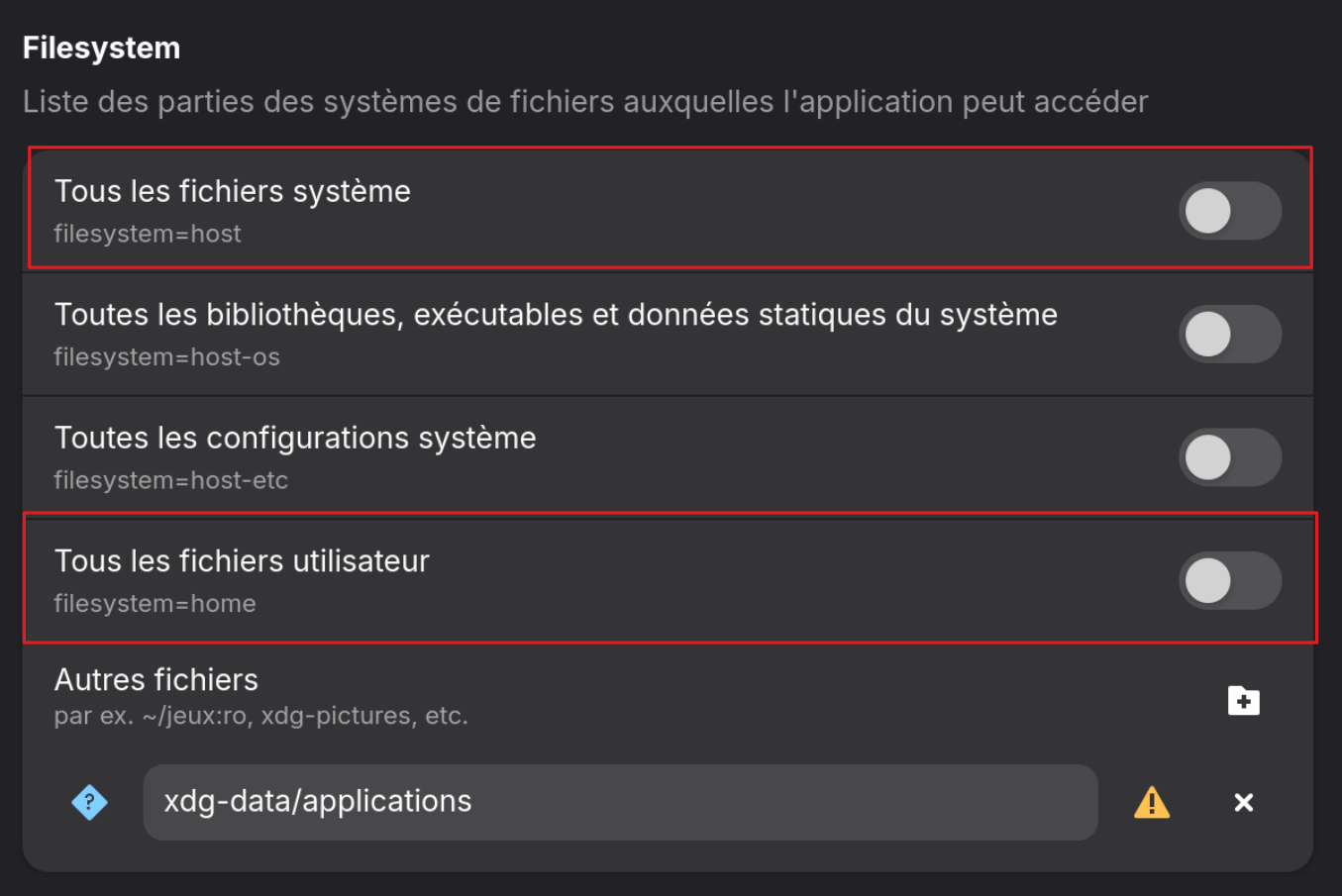
The first one is the Access for all System Files and the other one for all User Files.
L’icône est comme ça maintenant, mais ce n’est toujours pas parfait : il reste un contour noir autour.

Hmm ... now would be the Question if it is an Issue from the Icon itself or should the Icon look like this ...
The issue is that this problem occurs even on Epic Games, EA, GOG, etc., whereas the icons displayed correctly in the taskbar on Zorin OS 17
This topic was automatically closed 90 days after the last reply. New replies are no longer allowed.