Brave browser's contents(font, tabs, toolbar, etc) got smaller, in the Brave settings the font size wont work, Its already zoomed to 100%
Did You get any Updates? How are the Fonts set up in the System Settings? You can take a Look in Zorin Appearance for it or in gnome-tweaks.
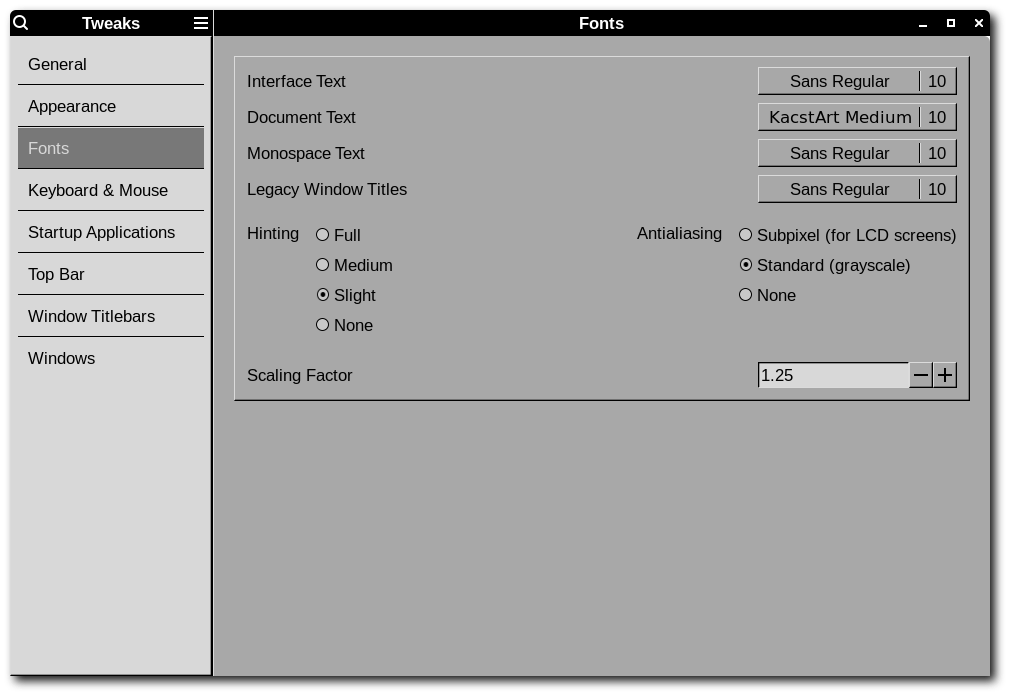
And how it is with:
And Brave is installed as .deb Package?
Are there any other browser or any application in general with this same issue?
I guess no, as you can see in the left side below the brave browser has much more smaller contents compared to Firefox in the right.
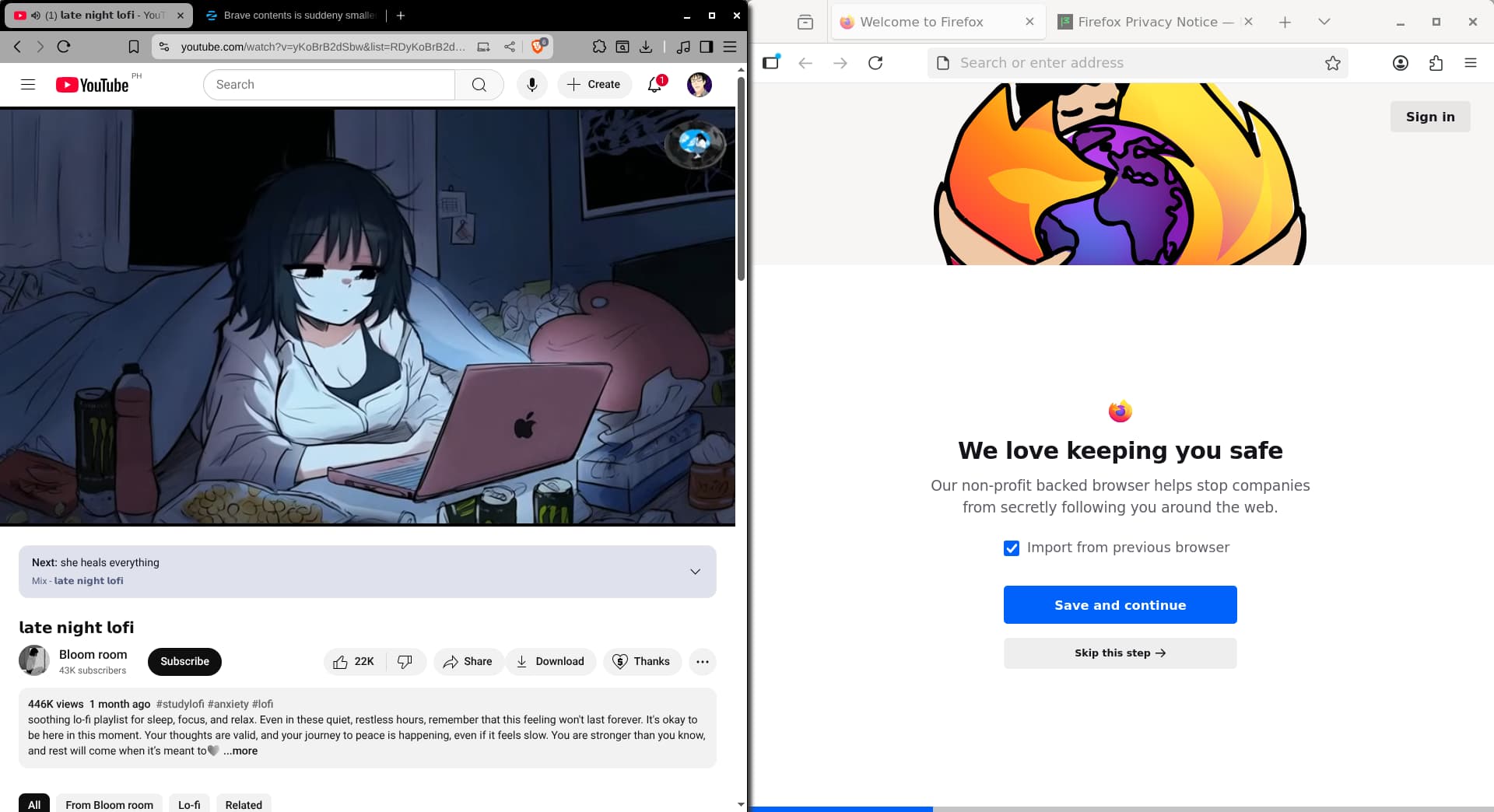
Yes, i recently received an update for Brave and i installed it. The Brave i have installed is labeled as APT in the Software App.
Hmm ... maybe Brave has own Font Size Settings? I don't use Brave much. So, I don't know. Or You could try if the Fonts are bigger when active the vertical Tabs in Brave.
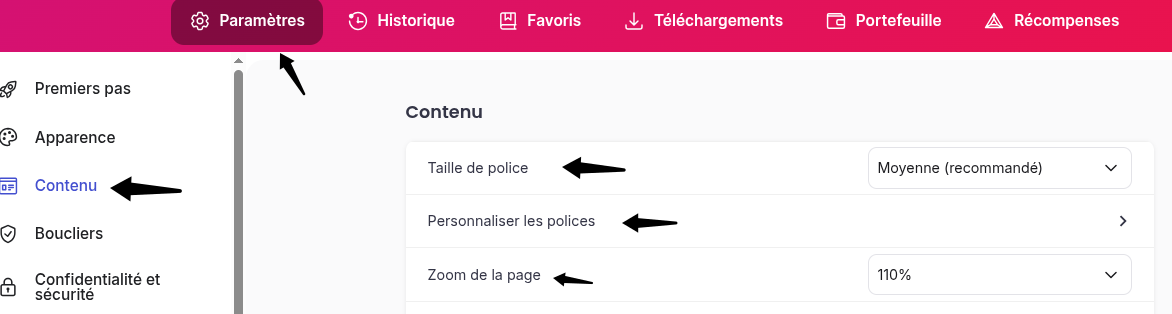
Go into the Brave settings → Appearance and try toggling the Theme between "GTK" and "Classic". Does that make any difference?
2 Likes
Ah, yes! That is a good Point. Good Info.
@jan_v: Look at @SAPien's Picture and try to set up the Fonts there. Hopefully this helps.
I have tried this and it wont take effect for some reason
I also face this "problem" with Brave as well as Signal Messenger.
It might have something to do with Wayland: Web Browser scaling issue in Wayland
1 Like
This topic was automatically closed 90 days after the last reply. New replies are no longer allowed.