The original topic is closed. For some reason when I scan above 150dpi it fails.
At 150dpi it only saves a file at 100dpi.
This is your printer/scanner
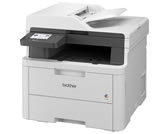
This is your Printer/scanner driver for the [MFC-L3720CDW]
Printer Driver:
Scanner Driver:
Once drivers are installed, you can configure your printer/scanner through, Zorin settings "Printers."
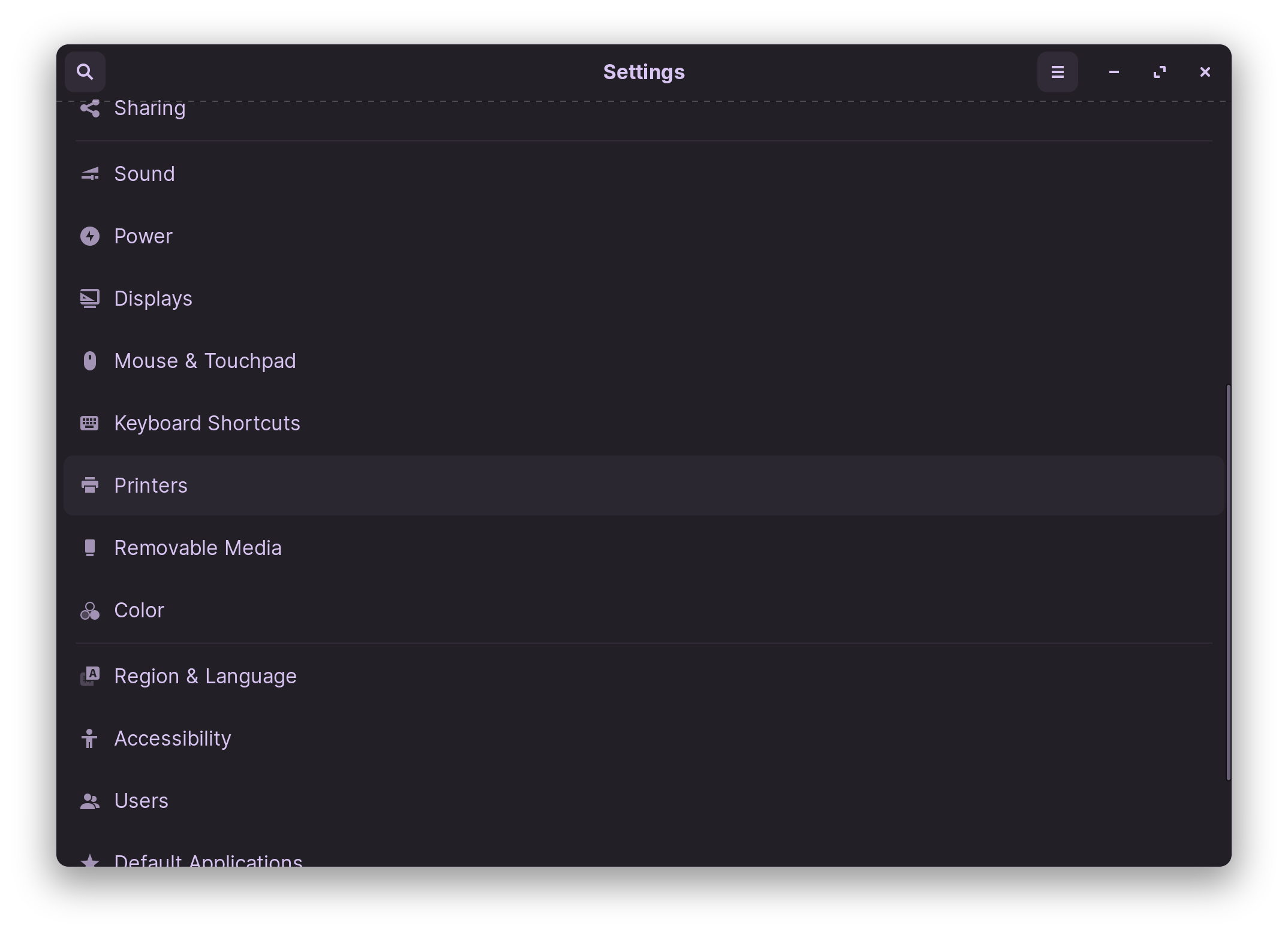
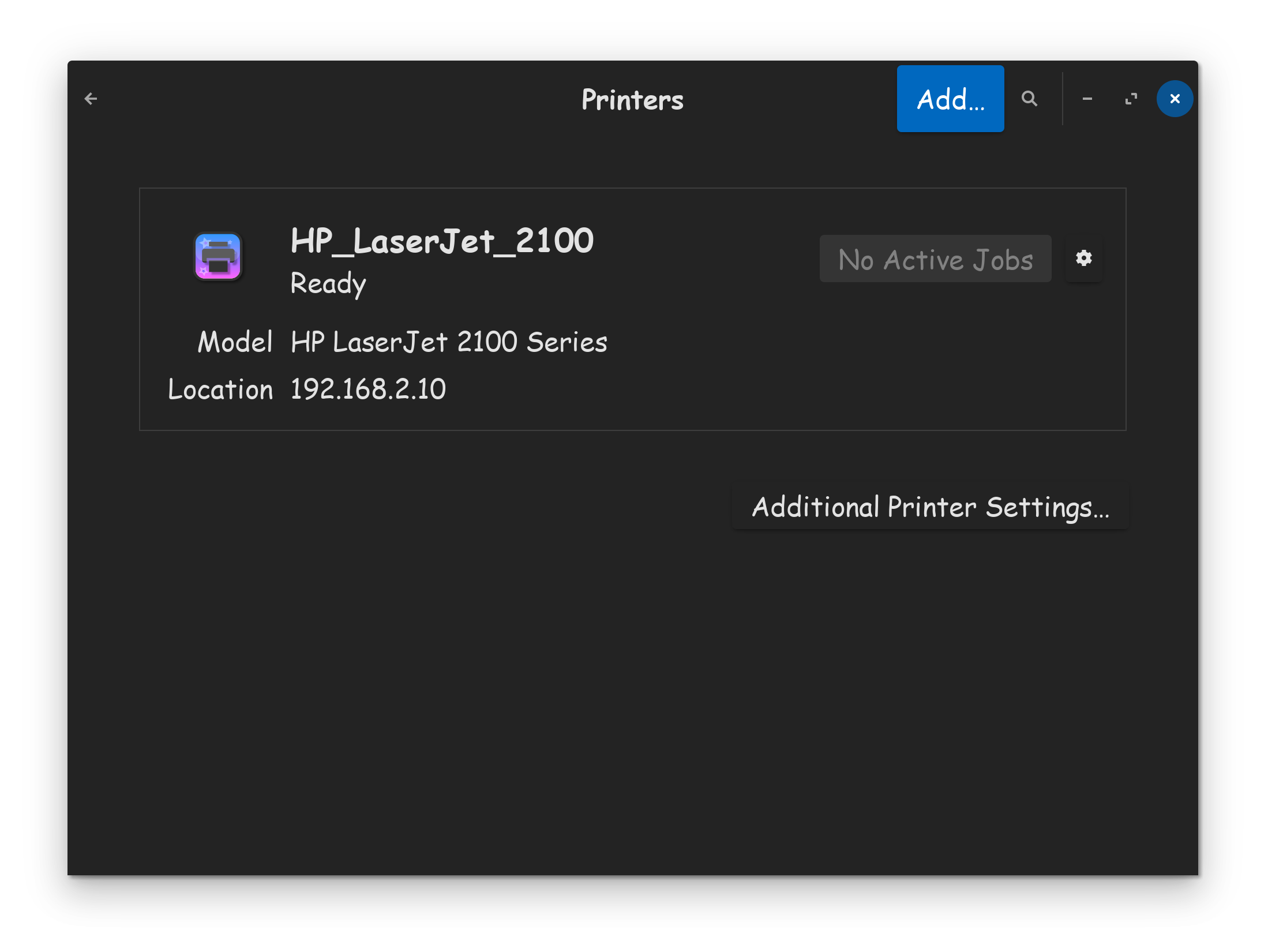
Hope this helps!

Just done a quick search and most scanners work with the brscan4 driver for Linux. Also search revealed no scanner of Brother's is limited to what you are experiencing, but the next model up from yours, the 40, has had issues not scanning above 1200 DPI! Actually the current driver is brscan5.
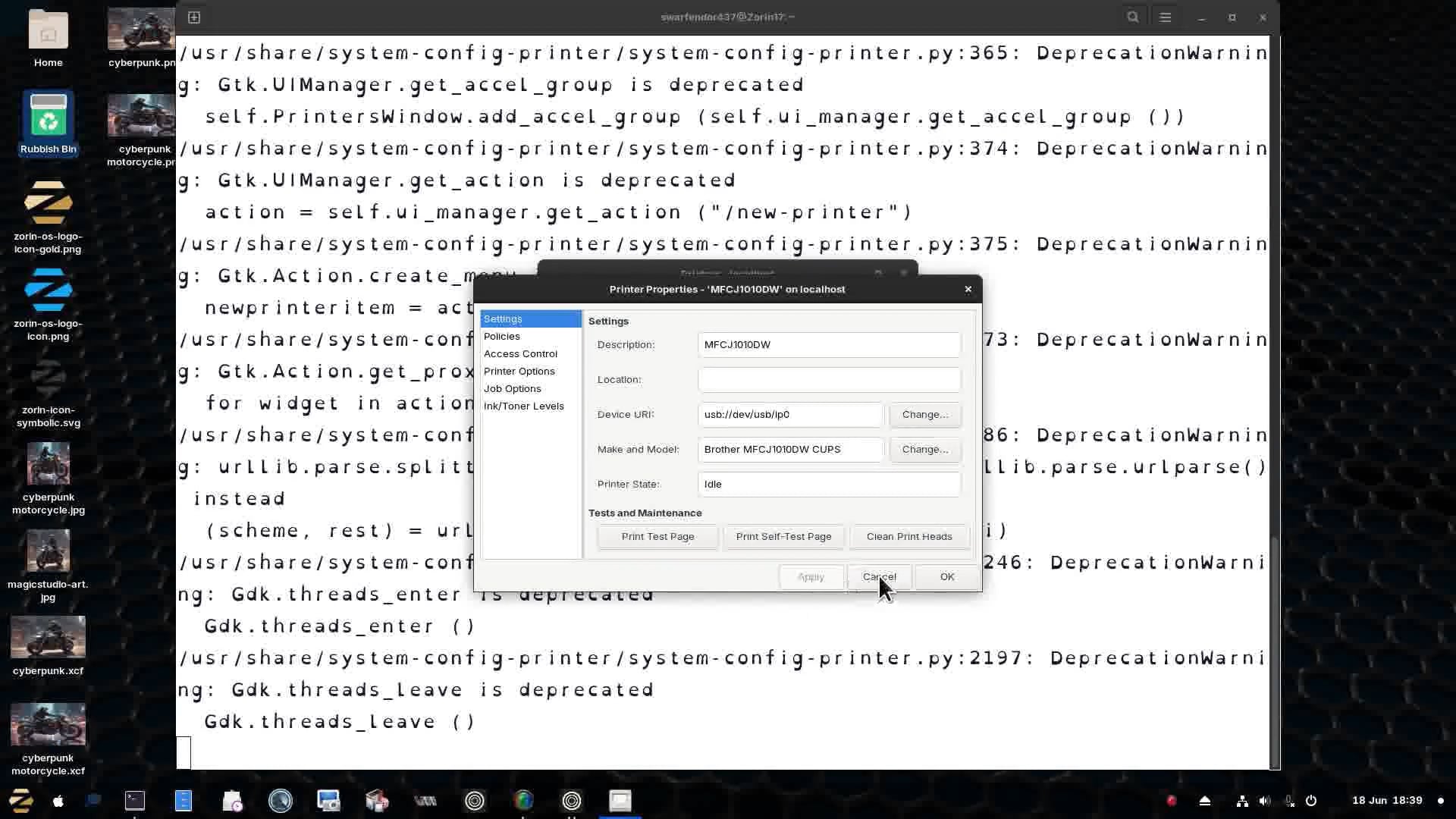
I helped a member in Arizona by taking over their machine to install the drivers without the need to use brother's installer tool:
This topic was automatically closed 90 days after the last reply. New replies are no longer allowed.