I think the title explains itself.

Interesting when i hit super+D it takes mine to desktop and back....Not transparent...just to desktop then back to where i was....I do have my super key set to open the menu centered using arc menu tho...that maybe why
screen when i hit the super key alone
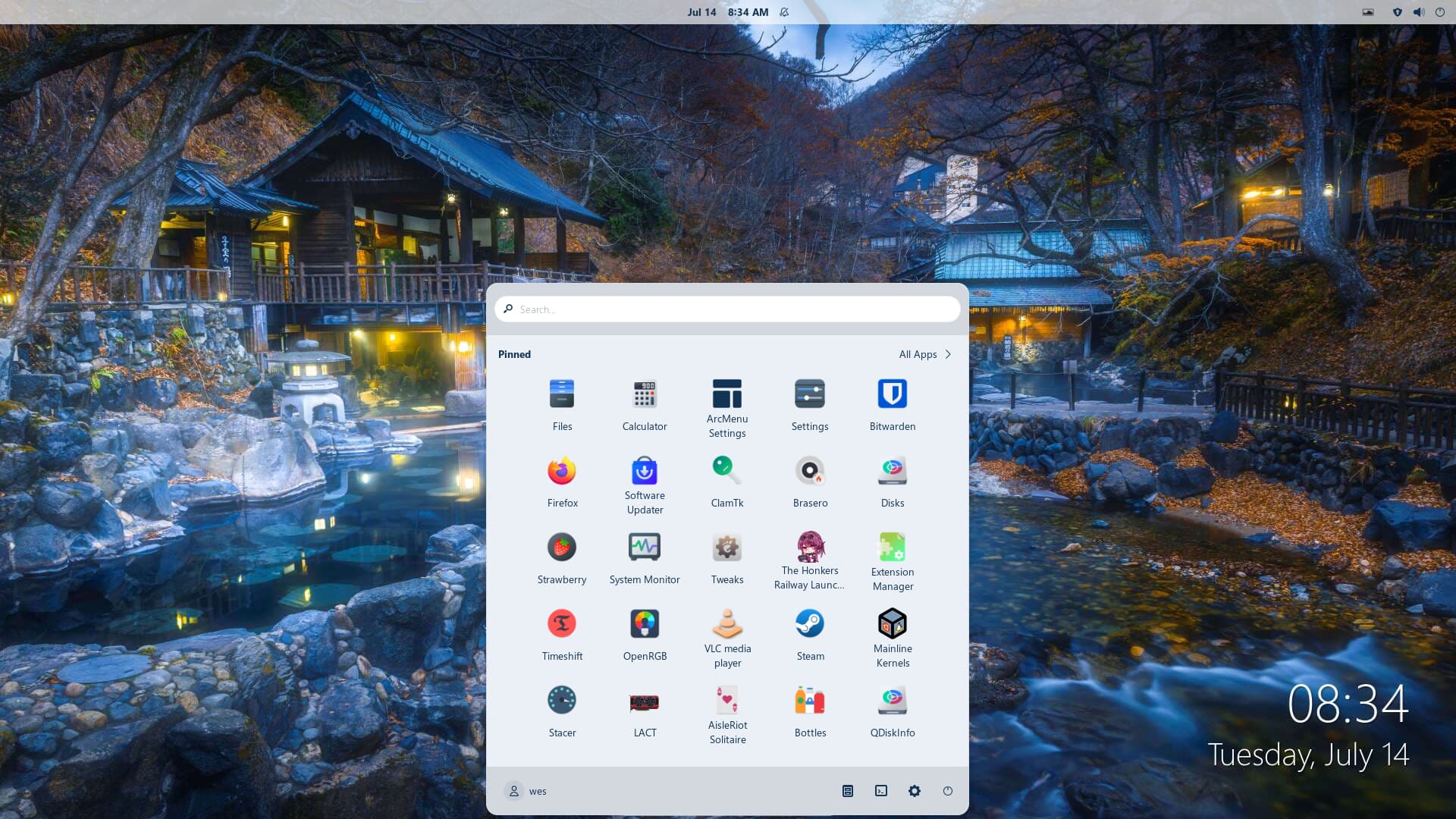
I just searched in my settings for Super+D and I'm noticing nothing except "hide all normal windows" matches the shortcut. And "hide all normal windows" is set to ctrl + shift + D so I'm kinda confused.
...anyway, heres how I did it again.
sorry I don't really share videos via links so I just went to the 2nd result...
Oh I didn't notice my mouse was missing
1 Like
Go in terminal and type
echo $XDG_SESSION_TYPE
If it's Wayland try to Switch to Xorg:
- Logout
- At the login screen, click your username (don't enter password)
- Click the gear icon in the bottom right
- Select "Zorin Desktop on Xorg"
- Log in
You're giving me a guide to fix the problem from happening, But this is just a bug report.
I'm sure the devs could fix it in the future, Using Super+D while hovering over something doesn't happen a lot so I can deal with it.
(Thanks for trying to help anyways.)
Does @Nourpon's Advice help?
1 Like
no 
I believe this is a known issue with Gnome Desktop and the compositor.
When you preview, this shifts Focus to the previw, which will dim or add opacity to other applications by design.
If you then tap ctl+D for "Show Desktop" during this, that shortcut tries to minimize or hide the open Desktop, during a moment when it is in a hover/highlight state. This puts it into an inconsistent state.
Mileage will vary depending on Compositor settings and such. But generally... Folks don't hit "Show Desktop" while also previewing a minimized application as that is a counter-productive action; so I suspect this minor UI Bug is low on Gnomes to-do list.
Pretty sure you don't have previews.
I used a Virtual Machine and hovering over icons did nothing.
This might be a bug from the Dash-To-Dock extension which I'm guessing is what this distro's taskbar is based off of... If that's true then it's a Zorin OS bug. (kinda?)
When it is that on the Picture of Your initial Comment, it isn't a Dock. It is the Zorin Taskbar.
I wanna add something:
When I simply stop previewing VLC with a Windows 7 skin, VLC just... stays there, But it's uninteractable.
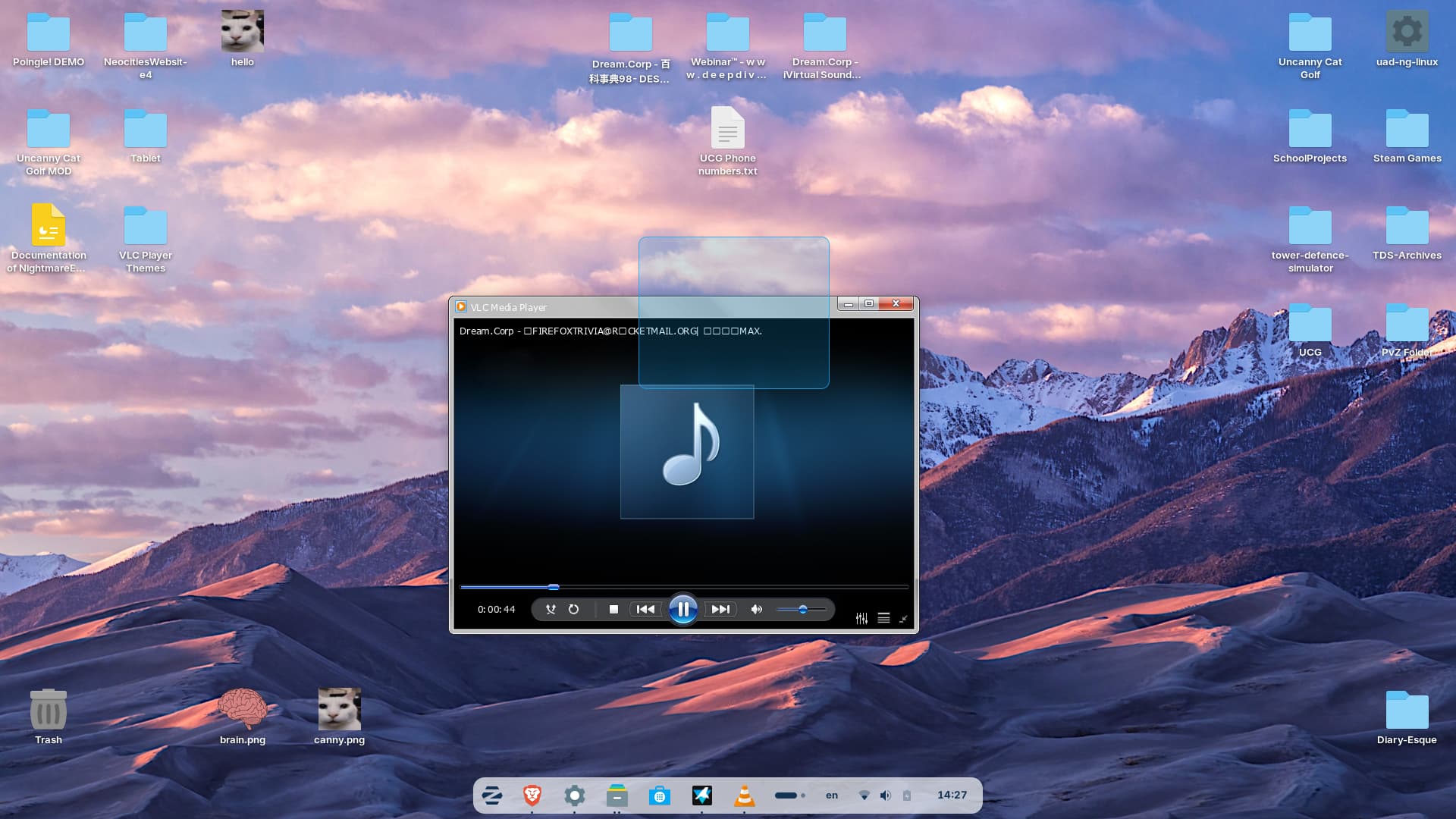
VLC: Flatpak
Skin: VideoLAN - Download skin