Hi Zorin Team
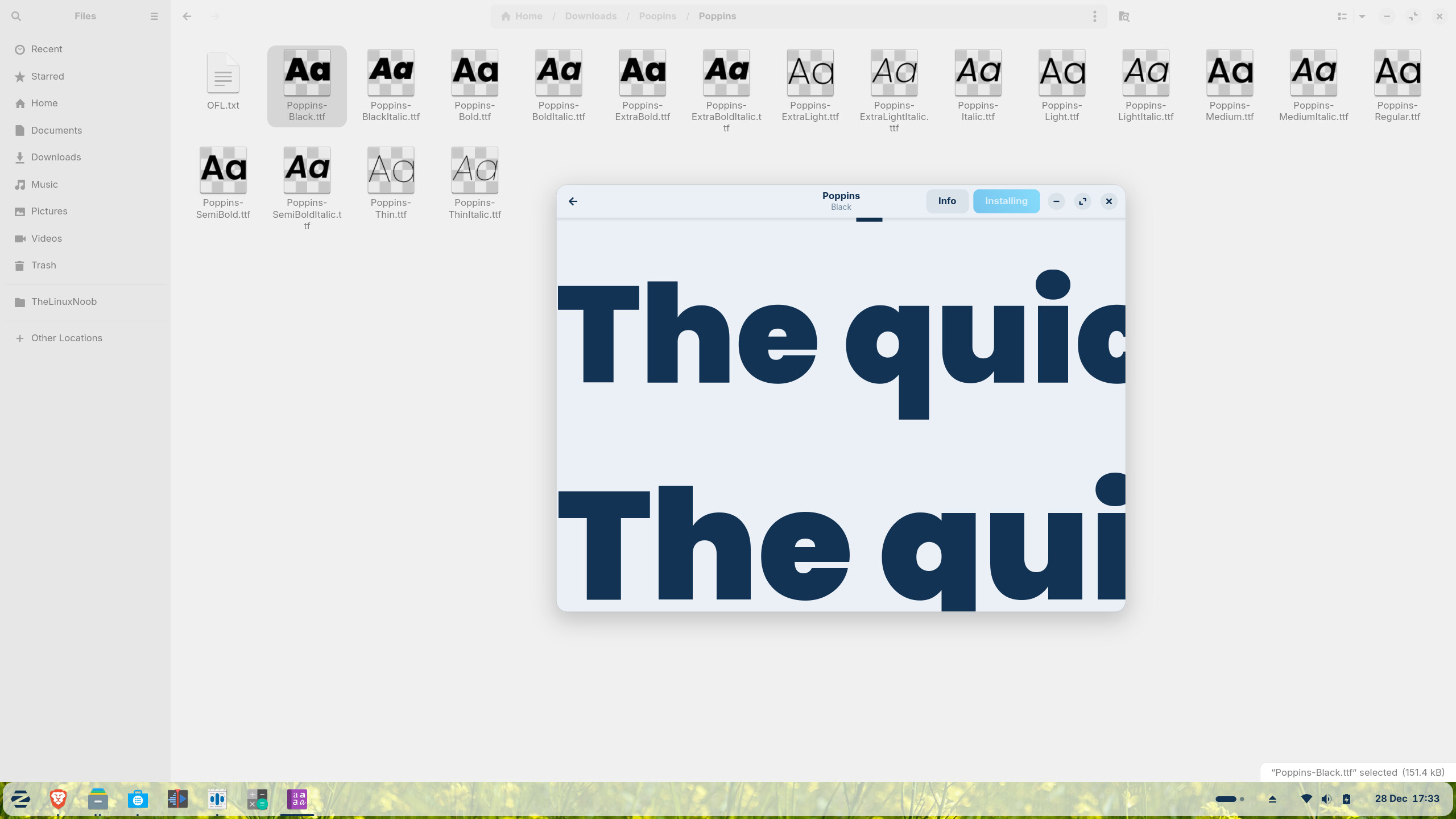
When installing new fonts (.ttf / .otf) using the default Font Viewer, clicking the "Install" button changes the text to "Installing..." but it never updates to "Installed," even though the font is successfully added to the system.
Steps to Reproduce:
- Download any font file.
- Open it with the default Font Viewer.
- Click the "Install" button.
Expected Result: The button should briefly say "Installing..." and then change to a grayed-out "Installed."
Actual Result: The button stays stuck on "Installing..." indefinitely. The user has to close the window and manually check an app (like GIMP or LibreOffice) to see if it worked.
System Info:
- OS: Zorin OS (Core 18)
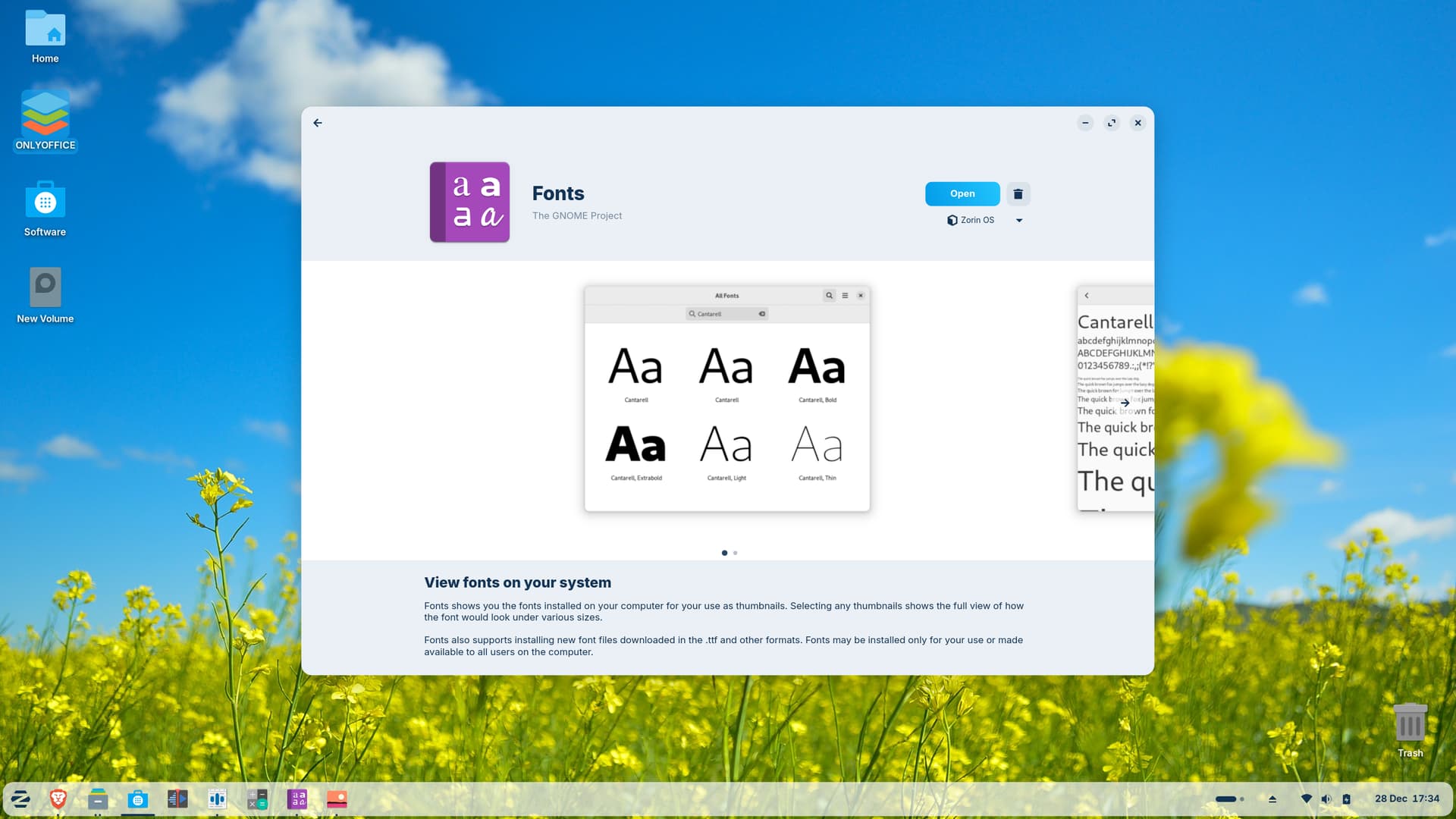
- App: GNOME Font Viewer (gnome-font-viewer)
Additional Note: I've noticed that manually moving the fonts to ~/.local/share/fonts and running fc-cache -f -v works as a workaround, but this is confusing for new users and beginners.