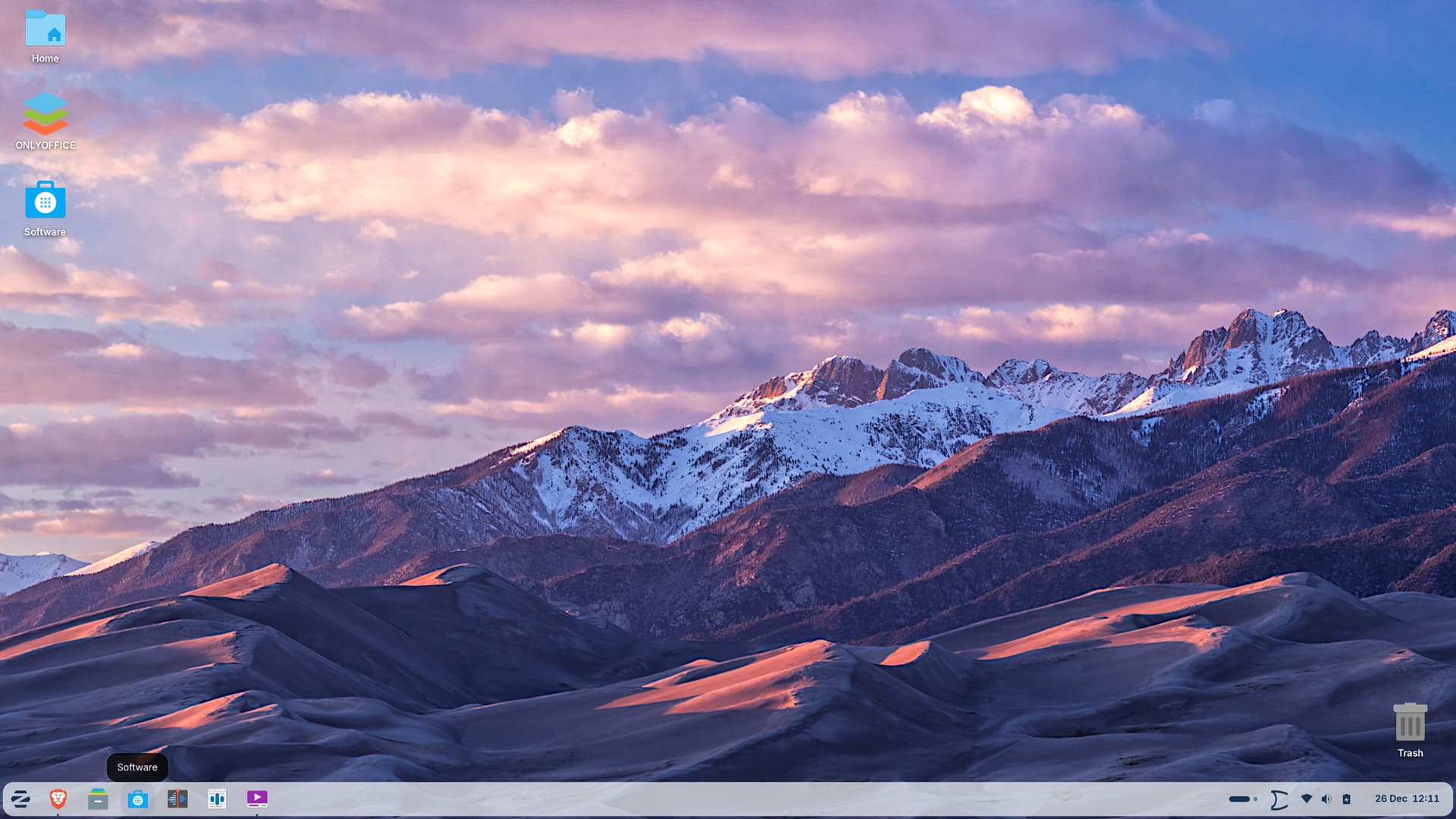
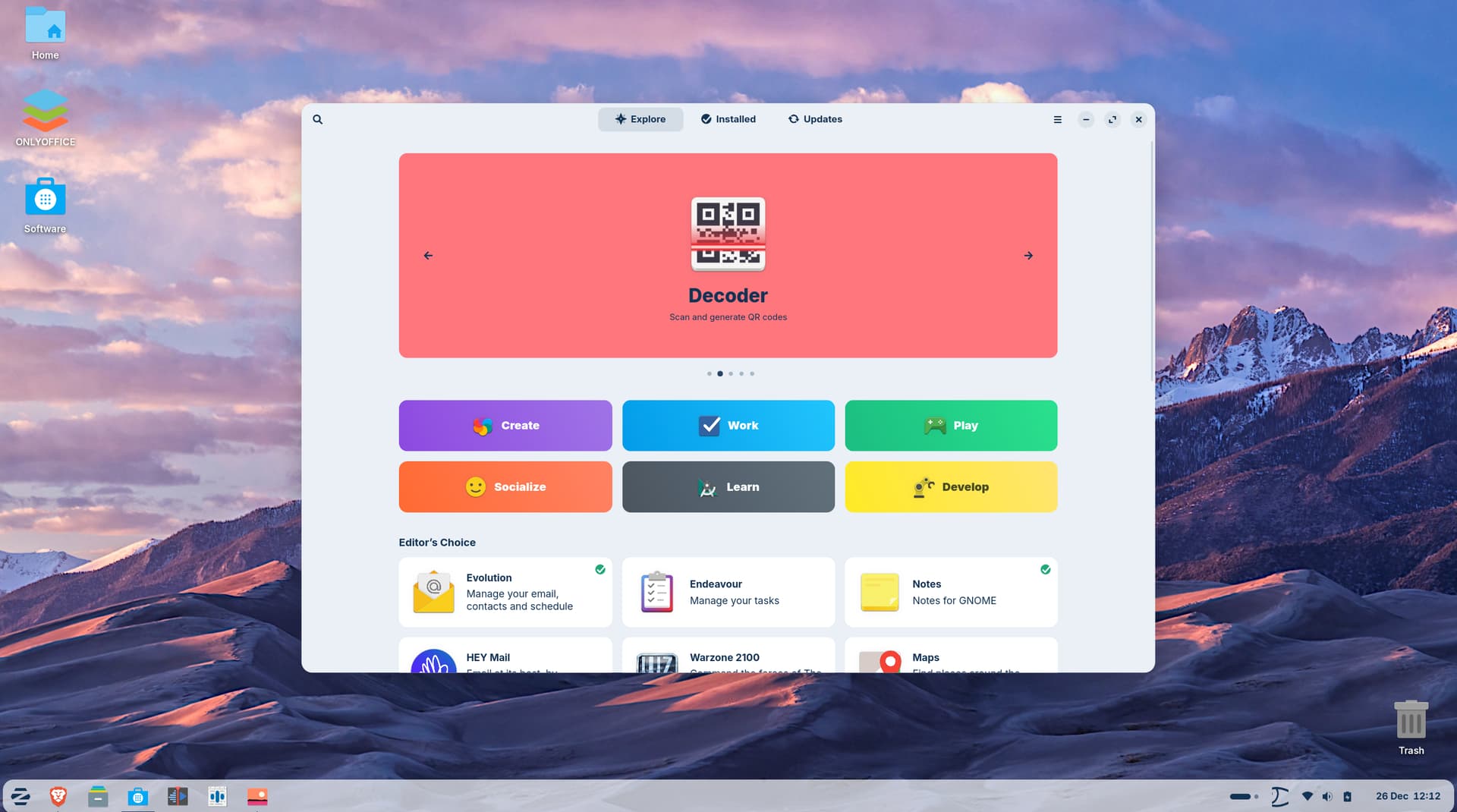
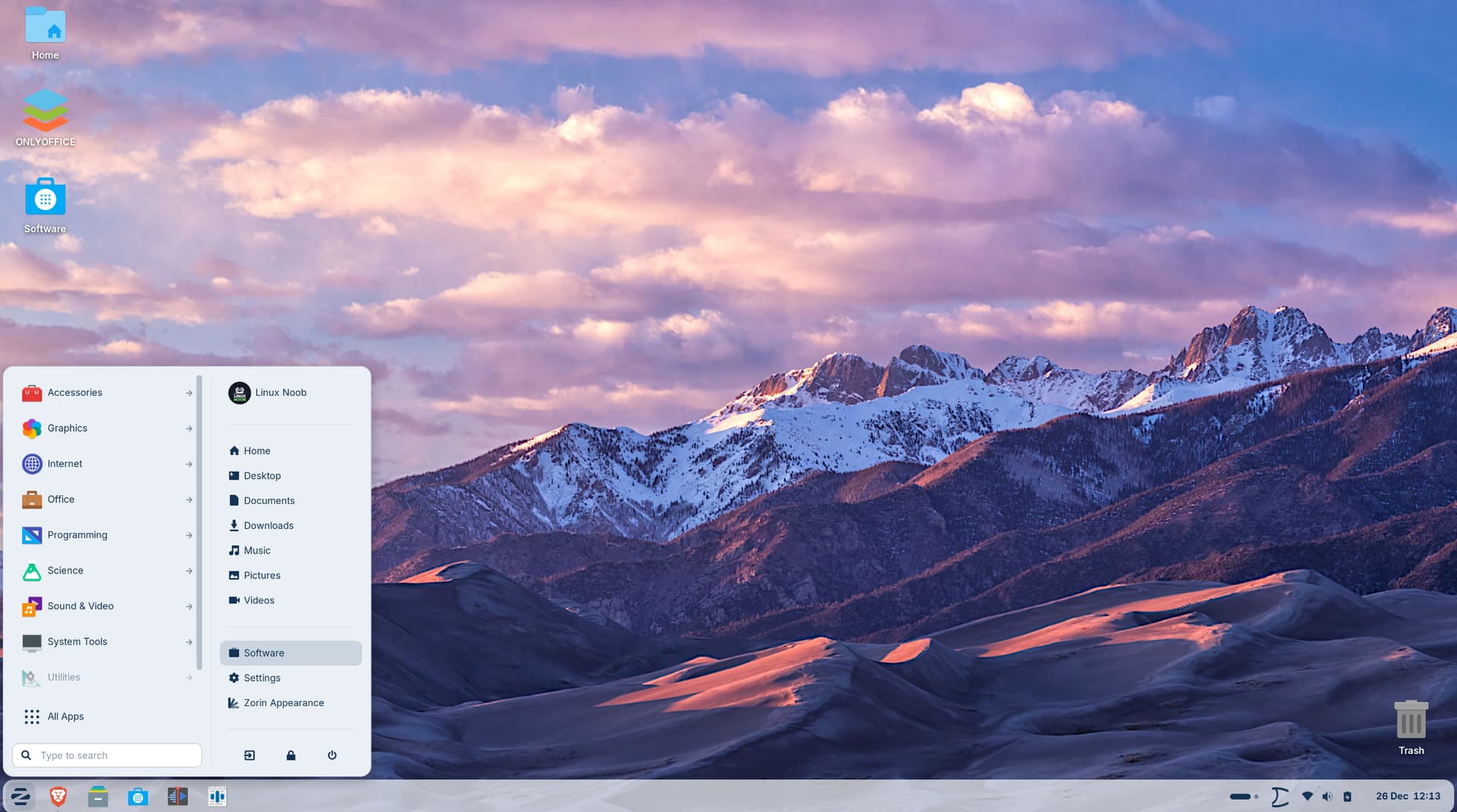
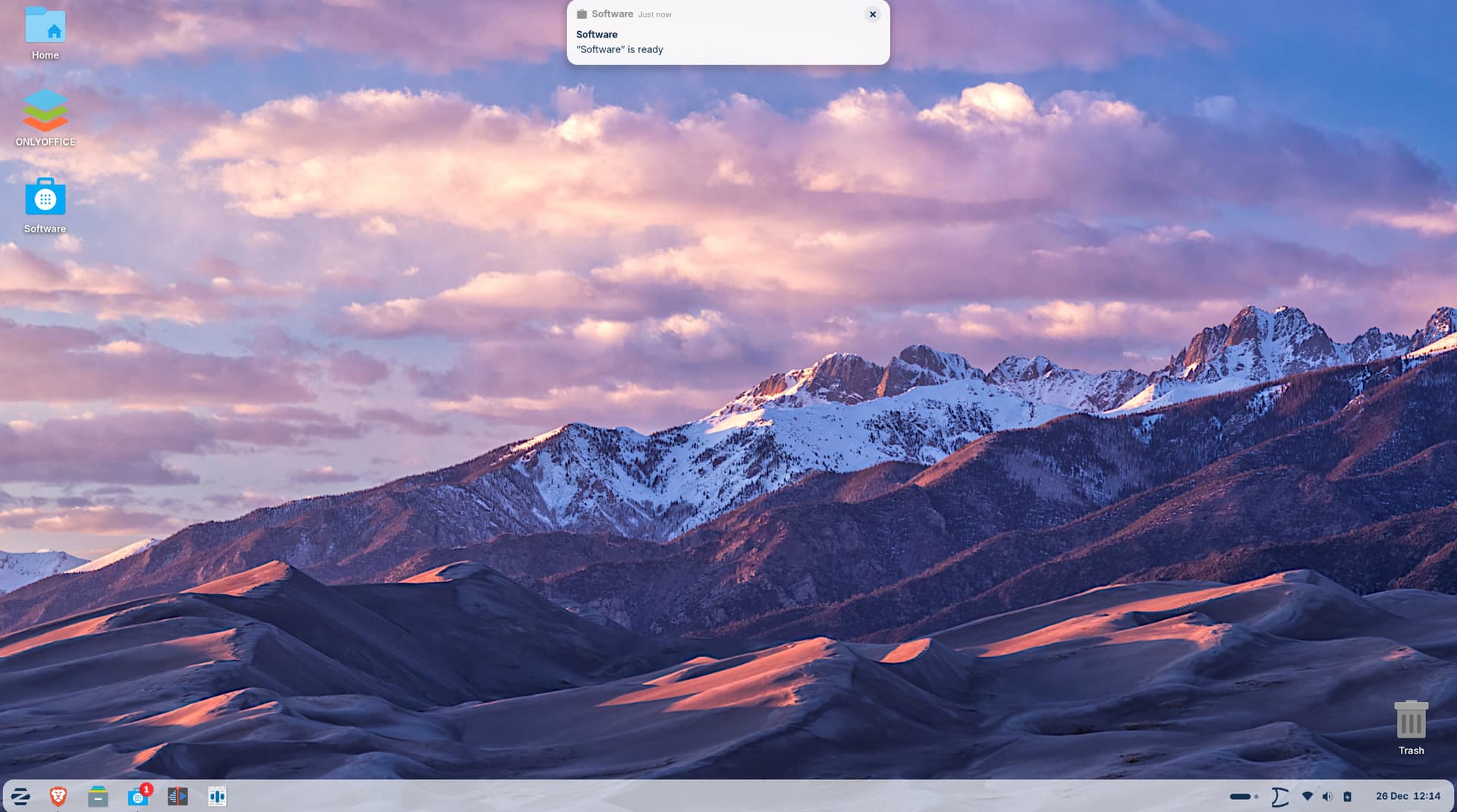
I am a new user on Zorin OS and I think I found a small bug that might be confusing for other beginners.
The Issue: When I click on "Software" from the right-hand side of the Zorin Start Menu, the app window does not pop up. Instead, I get a system notification that says "Software is ready." I have to manually click that notification to actually see the Software Center window.
Observations:
If I click the blue briefcase icon on the Taskbar, the window opens immediately without the notification.
So, this is only with the Startmenu Entry, yes? Could you open ''Main Menu'' please, and look there for ''Software'' and click on the right side on ''Properties'' and look what in the opening Window is filled in the Options?
Do you have an older machine? I wasn't able to reproduce this behavior on Zorin 18 boot stick.
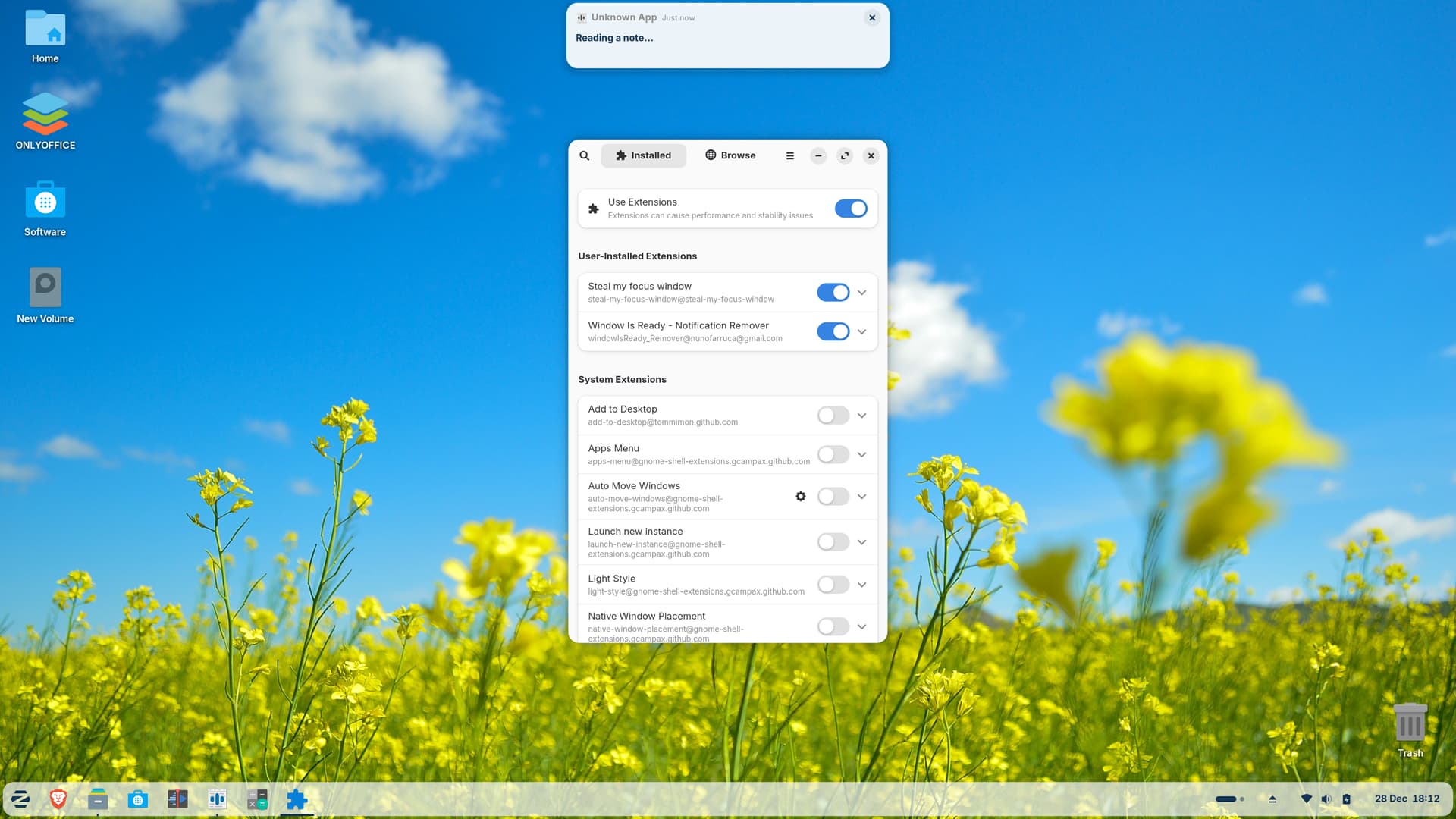
There exists a gnome extension which removes these notifications if you don't like them:
I can replicate this issue - and it happens on some apps, not all - Gnome Software is a common one.
It severely breaks my workflow and is one reason I shun Gnome desktop. I need my apps to launch when I launch them, not half-launch, then stop to announce that they did, then wait for me to hunt it down.
Hi @Forpli do i have restart to look the effectiveness most of them when i try to install says shell version is not compatible but i do find few which are compatible but nothing happens just to be sure about it may be i should restart my pc.
Usually you don't need to restart after a gnome extension is installed. Sometimes it helps to logout and login again if there are problems. The extensions I linked are compatible with Zorin 18.
I am using Speech Note to generate AI voices for my YouTube channel. When I configure a model and click "Read", then minimize the application to record my screen, a floating notification (Media Control banner) appears and stays on the screen.
Steps to Reproduce:
Paste text into Speech Note.
Click "Read."
Minimize the application.
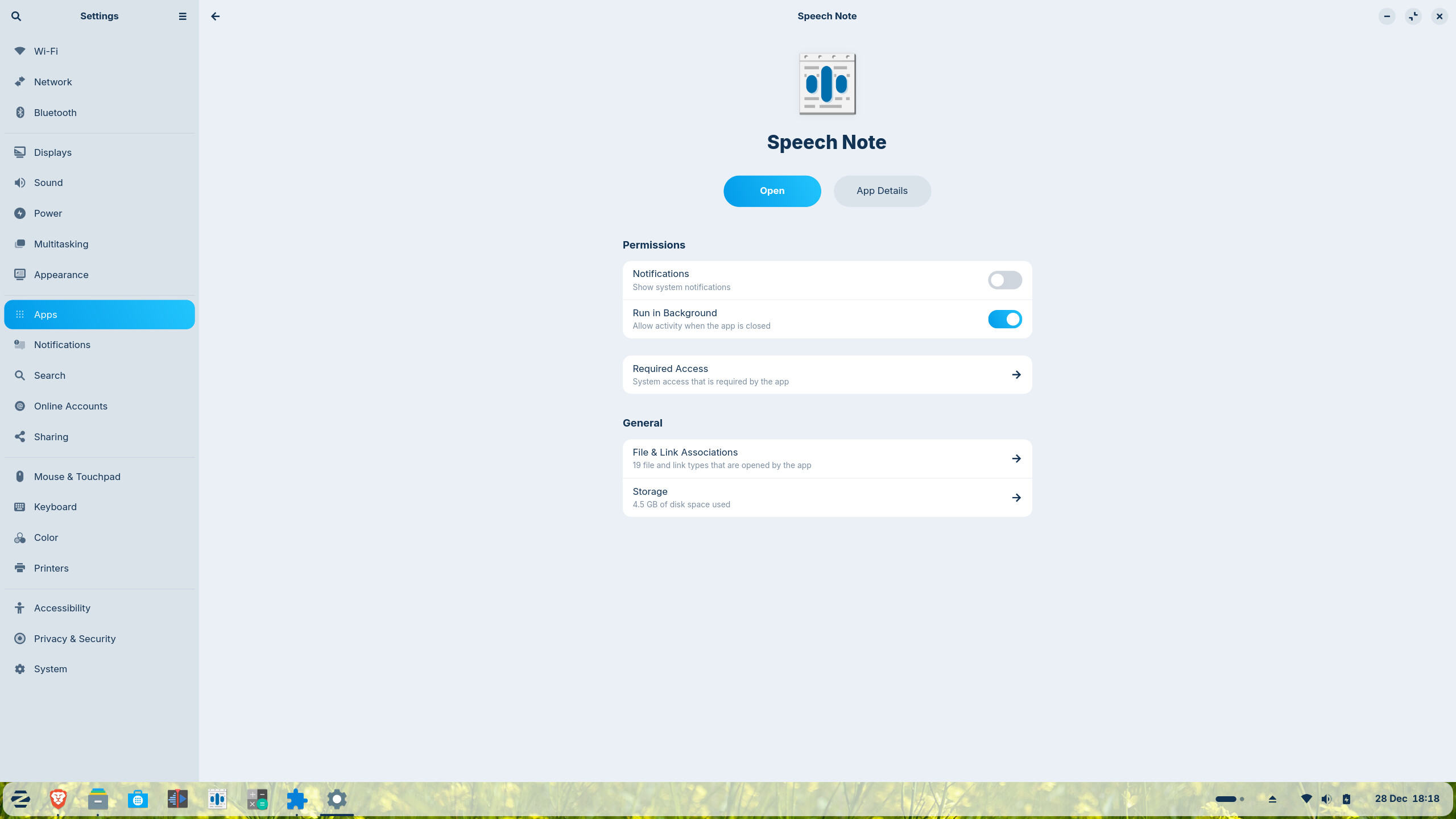
The Problem: I have manually disabled notifications for Speech Note in GNOME System Settings, but the media popup still appears. This ruins my screen recordings for YouTube. Is there a way to prevent the app from triggering system-wide media controls while reading?
I found something what You could try. First install Dconf Editor with the Command sudo apt install dconf-editor
When installed, open it and navigate to /org/gnome/desktop/notifications/ and there You find a Toggle on the Option ''show-banners''. Disable this Toggle.