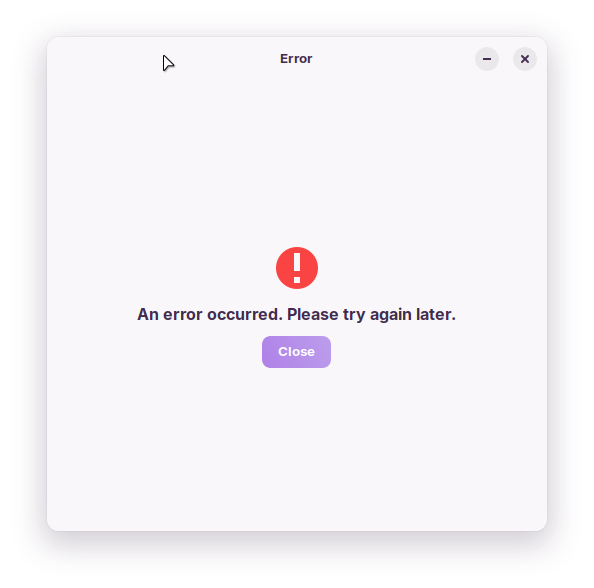
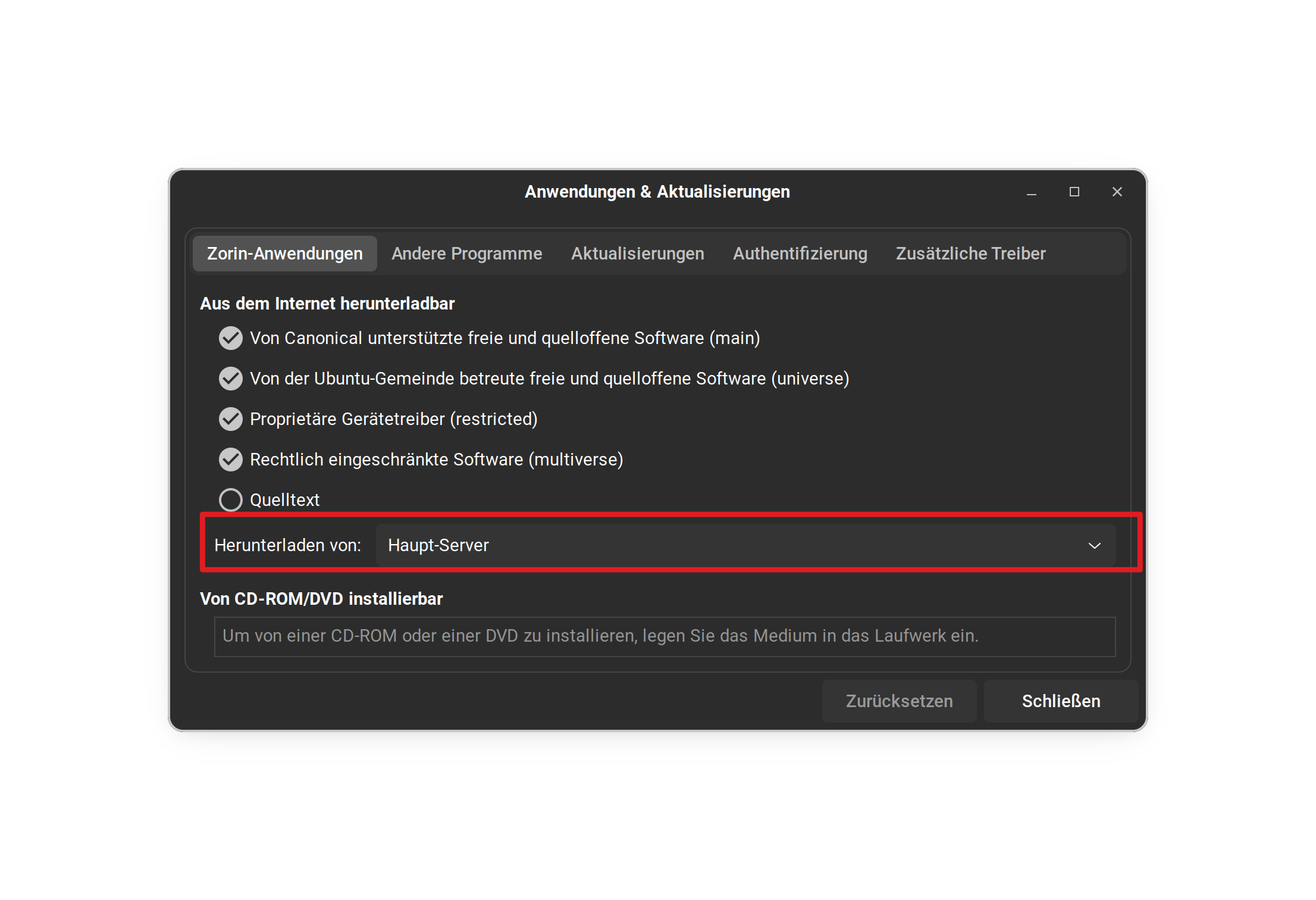
That error shows that the HTTP request returned a html page, rather than the direct to pacakges.
This also can happen if you are using a monitored network, like at work (corporate) or public wifi, like at coffee shops.
When you change something in Root, you are changing critical system files.
You can have a custom name somewhere non-critical, but you must keep lsb release as default. So the displayed name in fastfetch or About - will be default, too.
Try adding this line: Hidden=true in /usr/share/applications/zorin-os-upgrader.desktop file, save the file - reboot and test.
I did set Hidden=true but it had no affect on the about page in gnome settings...As a matter of fact even temporarly uninstalling zorin upgrader to make a test, the option stays there and when clicked goes to the zorin site. I think its baked in
It was worth trying, but you may be right.
Zorin OS is a product, with the Pro version, so they developers may intentionally inject it into gnome control center, without a user toggle.
If you use other apps or terminal to show your system informations you can hide the whole "About" tab in gnome settings.
Elevate to root and right-click on the file
/usr/share/applications/gnome-info-overview-panel.desktop
Then click on properties > permissions
and set the access for others to no access.
@Aravisian@Ponce-De-Leon Hey guys i found a way to get through this problem. Since zorin os 17.3 is based off of ubuntu 22.04 I used apt to replace the control center with the ubuntu one of the same version and now i dont have the zorin upgrader option...