Yes you can download the drivers from here:
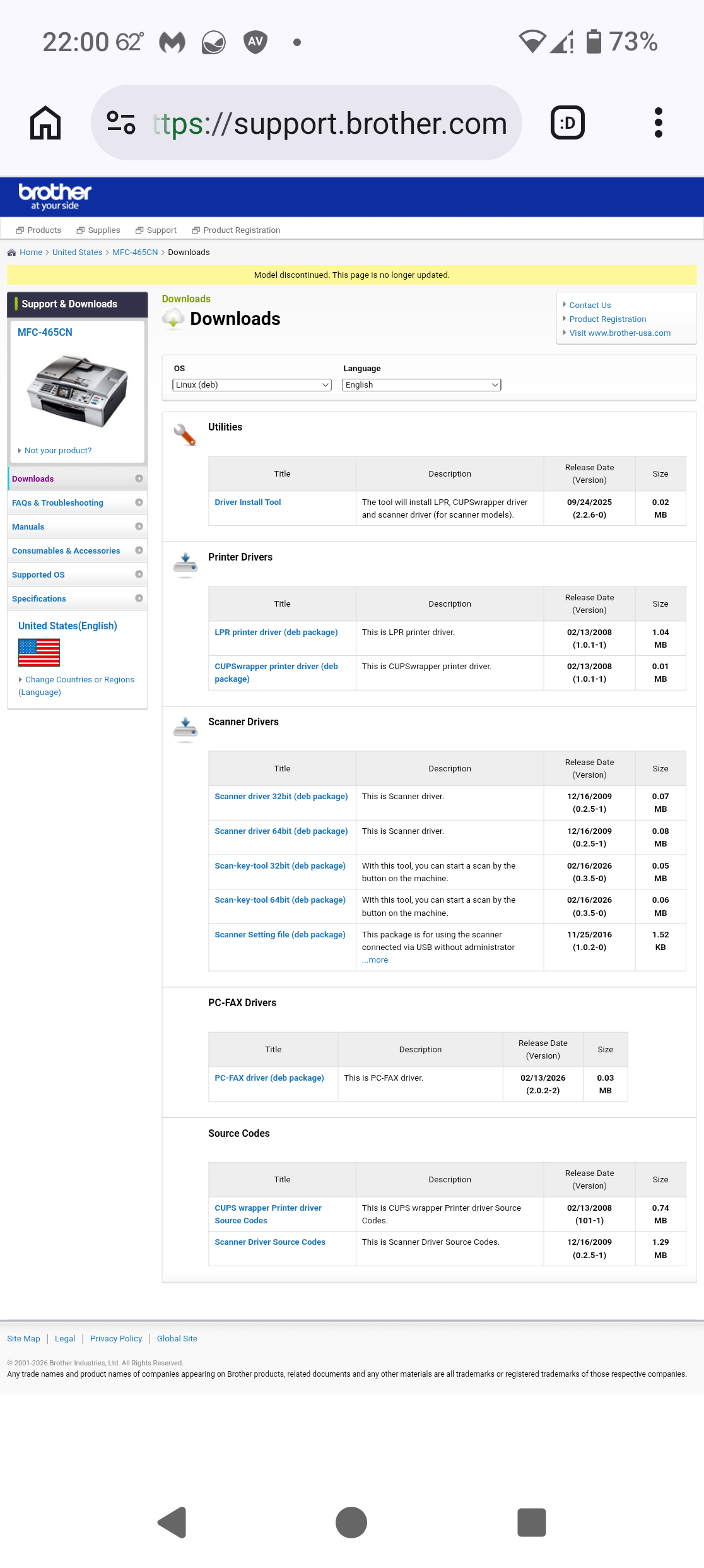
You do not need the driver install tool.
Download all the 64-bit packages for the printer and scanner.
Before you install the printer driver, please be sure to follow my advice on page 203 of the Unofficial Manual for Zorin 18 Core, just the first two terminal commands relating to 'cups-browsed':
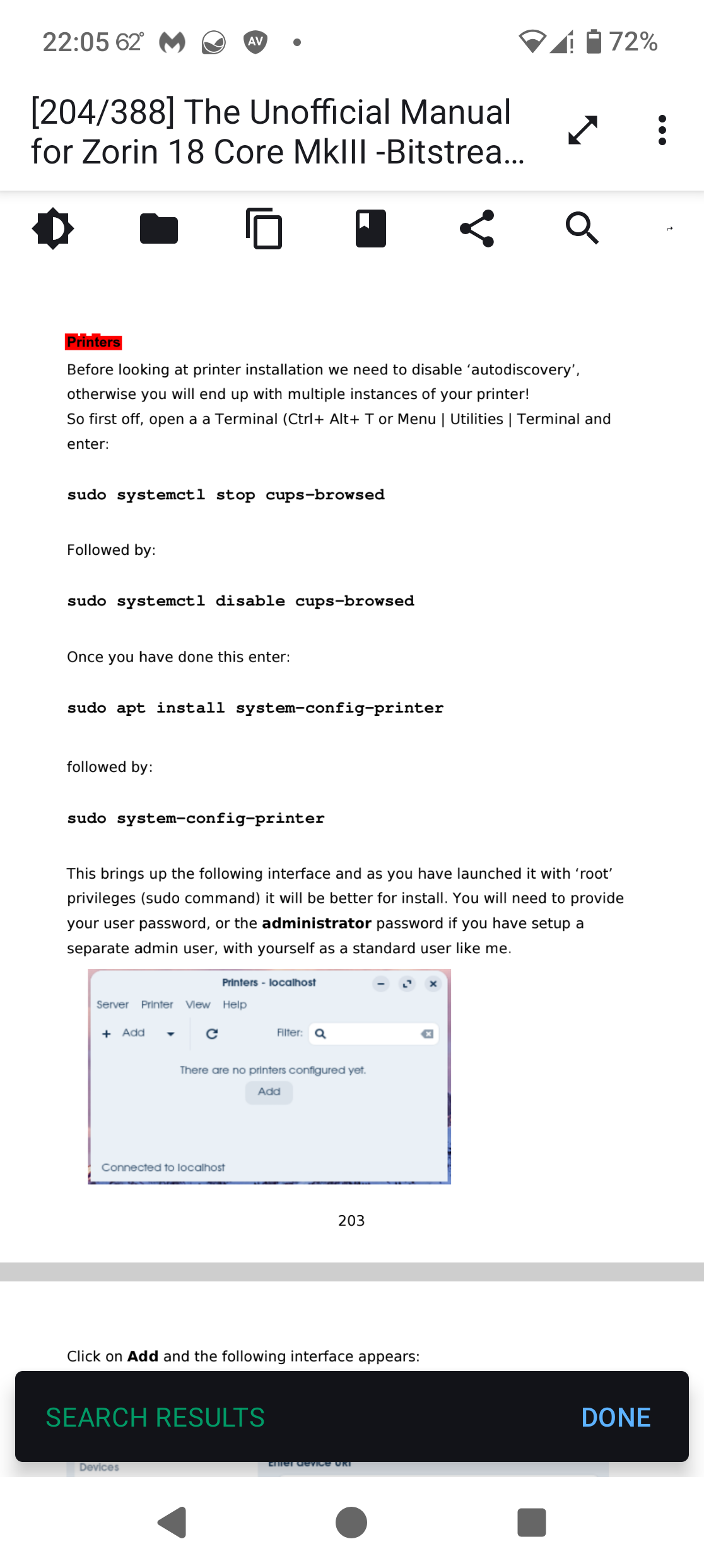
Once you have carried out those commands in the terminal, you need to install Gdebi, a Debian Package installer, by entering the commands:
sudo apt install update
then
sudo apt install gdebi
Once installed, launch it, select 'File | Open' and navigate to the first .deb package you have downloaded.
Then click on the install button, whereupon you will be prompted to enter your login password in order to elevate you to 'root' (a bit like 'Run as ...' Administrator in that other OS).
Repeat this for each of the remaining .deb packages.
Lastly, follow my guide on how to install printers successfully, starting with the 3rd and 4th terminal commands on page 203 of the manual. The example I provided relates to Canon, but the same applies to Brother.
In respect of the Scanner element of your all-in-one when you open Document Scanner you need to expand the discovered scanner descriptor/name as it will actually indicate the printer driver - click on the down arrow to choose the driver with eSCL in it - this is what is required for the scanner to work with Document Scanner.