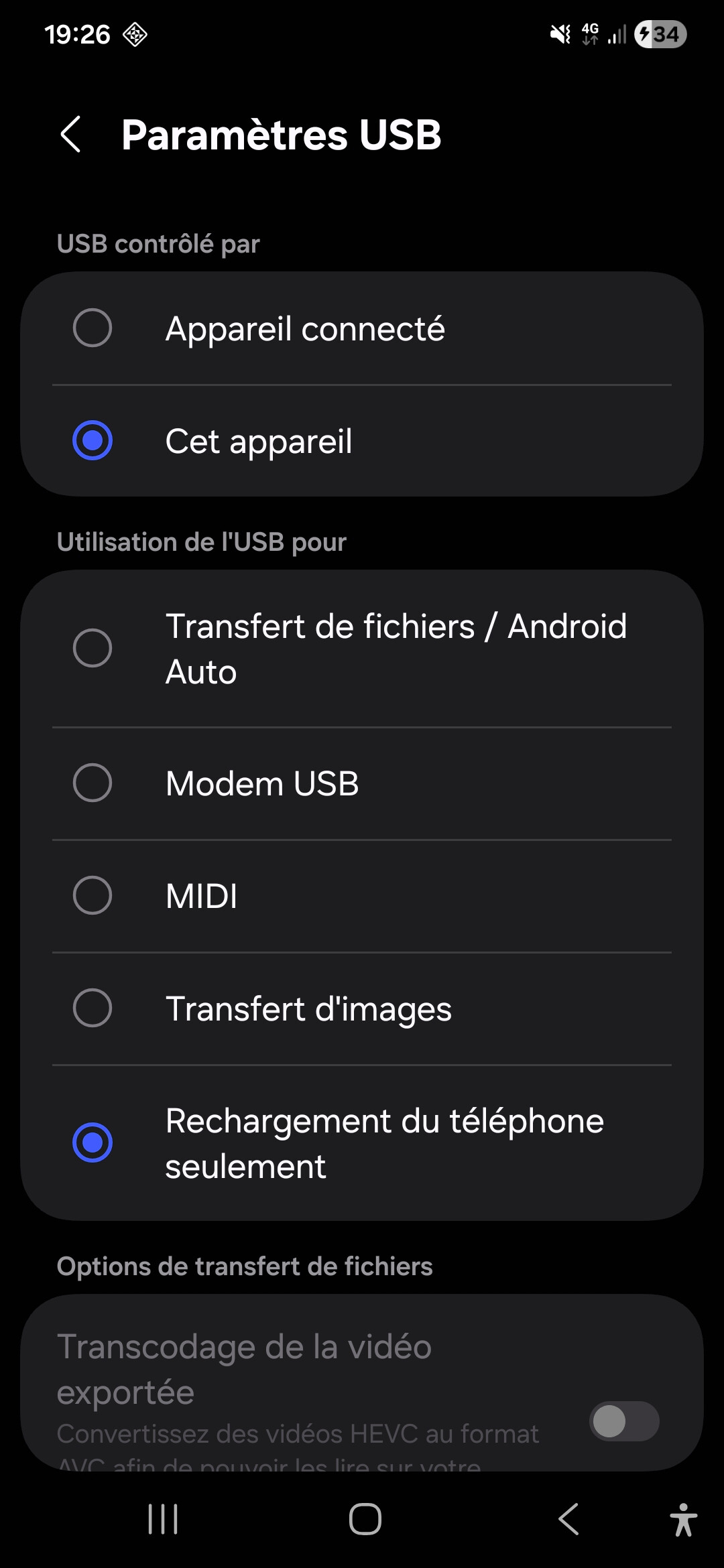
I am going to try KDE Connect on my Zorin 18.1 VM and see if that works. Might even make a video of it.
I think I have found the 'issue' (difference) between Zorin Connect and KDE Connect - the latter has an additional package 'nautilus-kdeconnect' specifically created to enable files to be sent to supported devices:
I have posted elsewhere that Zorin Connect's GitHub page shows only 4 developers involved. If you visit KDE Connect's GitHub page you will see nearly 30 developers involved.
Note that if you are going to replace Zorin Connect on the Computer, remember to uninstall Zorin Connect from your mobile device, then install KDE Connect from the Play Store/F-Droid/App Store.
Hi, you don't need to install KDE to install KDE Connect. It even works on xfce. Surprisingly they also offer it and other specific KDE Apps, such as Okular to Windows users.
I too use KDEnlive on PCLOS Debian ... but that said I am using Plasma.
Whilst on the subject, K3b, another KDE app does not require KDE to run. I have always found it to be superior to Brasero. It even has an md5 checksum checker when choosing an .iso to burn to DVD.
There is a very simple work around for this problem. I like the zorin conect interface so searched for a solution. Using some of the information in this thread and a little searching come up with this solution. It involves editing the Nautilus bookmarks. Ideally you should have a fixed IP for your phone to avoid DHCP assigning a different IP at any point, I set that at the router.
I have never had an issue with KDEConnect. I would advise install KDEConect on phone and Zorin but remember to remove Zorin Connect from the phone. Also make sure you are on the same wifi-network. GUFW also has firewall rules premade for KDEConnect. Never had an issue sending files to/from phone with KDEConnect on any GNU/Linux OS.