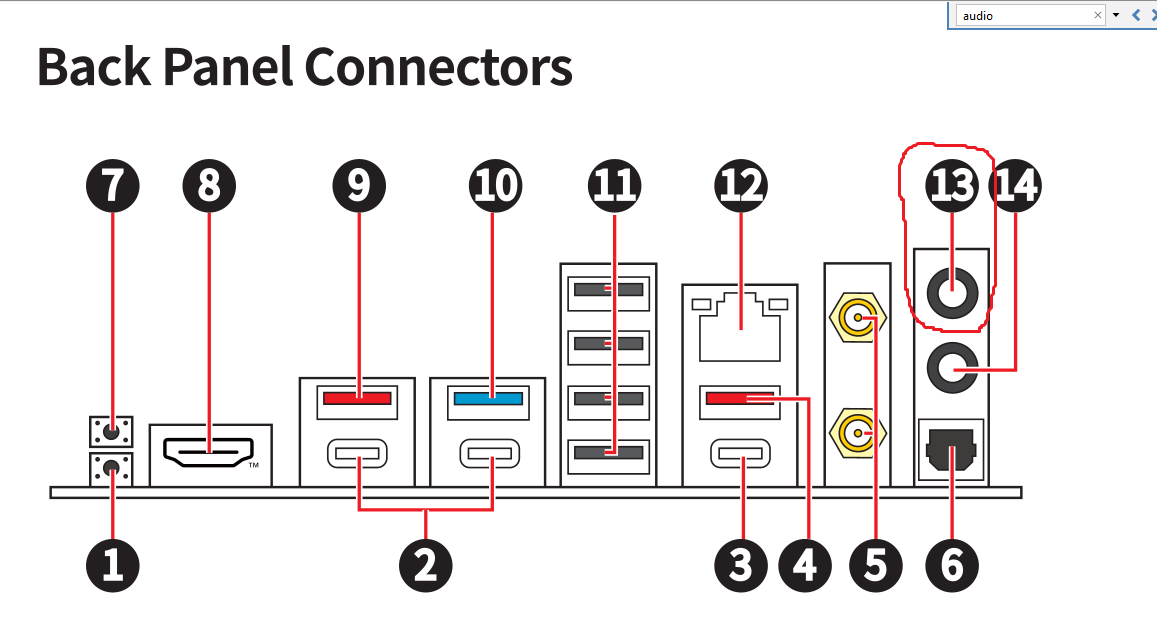
Just installed Zorin onto a newly built machine. Everything works perfectly except that I cannot get Zorin to recognize my 3.5mm audio jack as an output. I do not have a sound card, the jack (which there is one for audio out and a separate for mic in) is directly connected to my motherboard (MSI MAG B850 Tomahawk MAX Wifi). I have installed alsa but cannot see a line out at all.
A lot of sound issues can be solved by installing Pulse Audio Volume Control (pavucontrol).
Type the word terminal into the menu search bar and on launch enter:
sudo apt-get update && sudo apt-get upgrade
You will then need to press enter where you will be asked to enter your login password to elevate you to 'root' (think Administrator in that other OS).
Then
sudo apt install pavucontrol
As you are already elevated to 'root' you will not have to enter your login password a second time.
Don't forget to download the Unofficial Manual from here:
Thanks, I already have pavucontrol installed, but I am still unable to see my line out, it just shows a usb audio out which I have verified is not a misnamed control for my 3.5 mm out, and an HDMI out, which is just to the speakers in my monitor
Thank you! I am not dual booting, this is a pure Linux (zorin) machine. As for fast or secure boot, I am a little uncertain as to how to check, or even toggle them.
What is your sound card? And what driver ared you using for it? Also may be worth trying a slightly older kernel to see if that fixes things. Some hardware has problems with the newer kernels.