Hello,
I have Windows installed on one NVME drive, PopOS on another drive and just installed a fresh drive for Zorin OS.
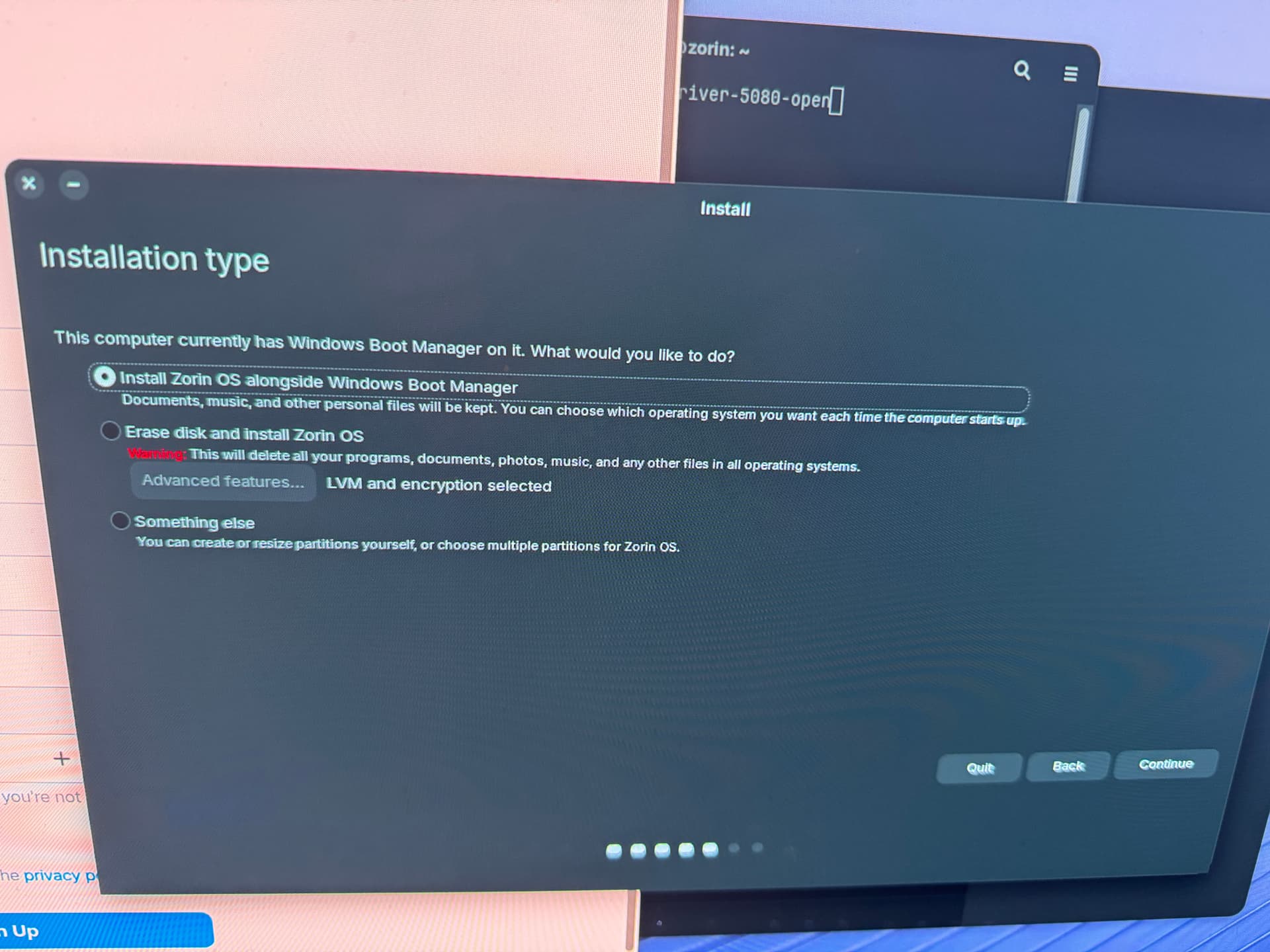
However, when i start the installer I can't select any drive and it just defaults to my Windows drive.
I can of course do the advanced installation and select the proper drive but I can't enable encryption or LVM there.
I was just wondering how to proceed here, I want to select the proper disk and enable LVM+Disk encryption.
Welcome to the Forum!
You could take out the Windows Drive and the Pop OS Drive and then install Zorin with the ''Erase disk'' Option on the Target Drive.
Hi,
That is not really a good solution. it takes me quite a while to take out drives as I have custom watercooling installed and I cannot easily reach the nvme drives. The installer shouldn't just make this assumption, this wasn't the case with Pop OS.
Using Gparted, format the partition fully and set it up.
Once that is done, then launch the Installer and try selecting the partition, after it has been formatted to EXT4.
Impossible. An encrypted partition is LUKS2, not Ext4. What you are describing is simply not possible.
I was in error (Habit) saying ext4.
However, the rest is fully possible and probably necessary.
If it is already in a LUKS container, then this is why the Subiquity installer is not picking it up. It expects a drive clean and empty and yours is not.
In the LiveUSB, launch Gparted and select the disk (It should show up fine, here.)
Under Device > Partition table - select GPT
Leave the rest unallocated.
Then launch the installer, select that drive, at which point you will Create LUKS Fresh.