I've been trying to change my resolution but they're locked after i updated. any idea how i can go about fixing it.
I have installed Zorin just today, had to install from flash drive as every-time i installed+updated it would give me a non-specific error and not install i'm new to linux and zorin it self and any help would be greatly apreiated
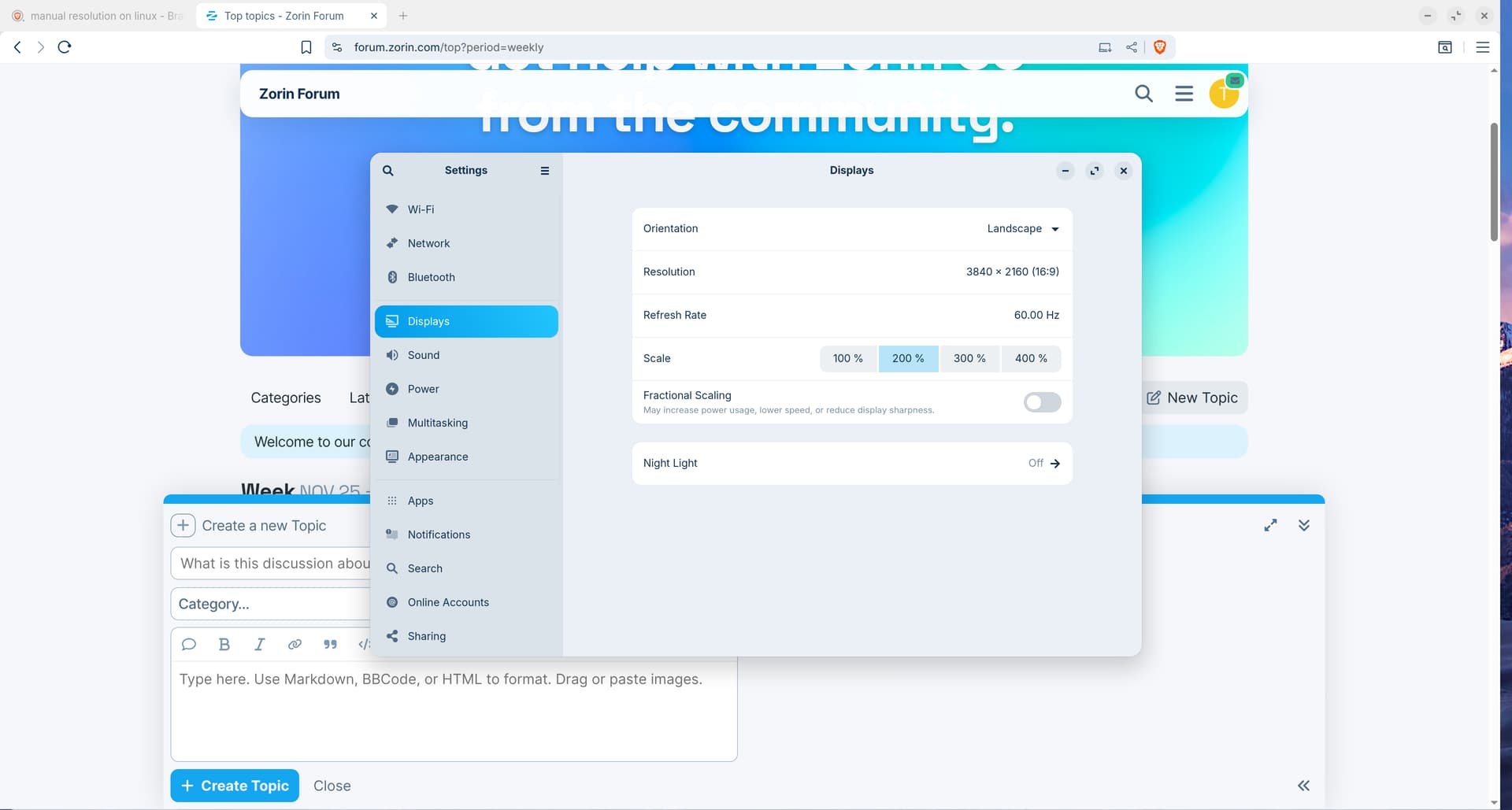
Hi, and welcome to Zorin OS!
Just to start ruling things out, could you switch to Xorg to see if that works?
In the login screen, there's a wheel icon in the lower right where you can make the switch, and then log in normally:

2 Likes
Welcome to the Forum!
Do You remember what Error that was?
Try the Following for now:
sudo apt reinstall zorin-os-desktop gnome-control-center
and then reboot.
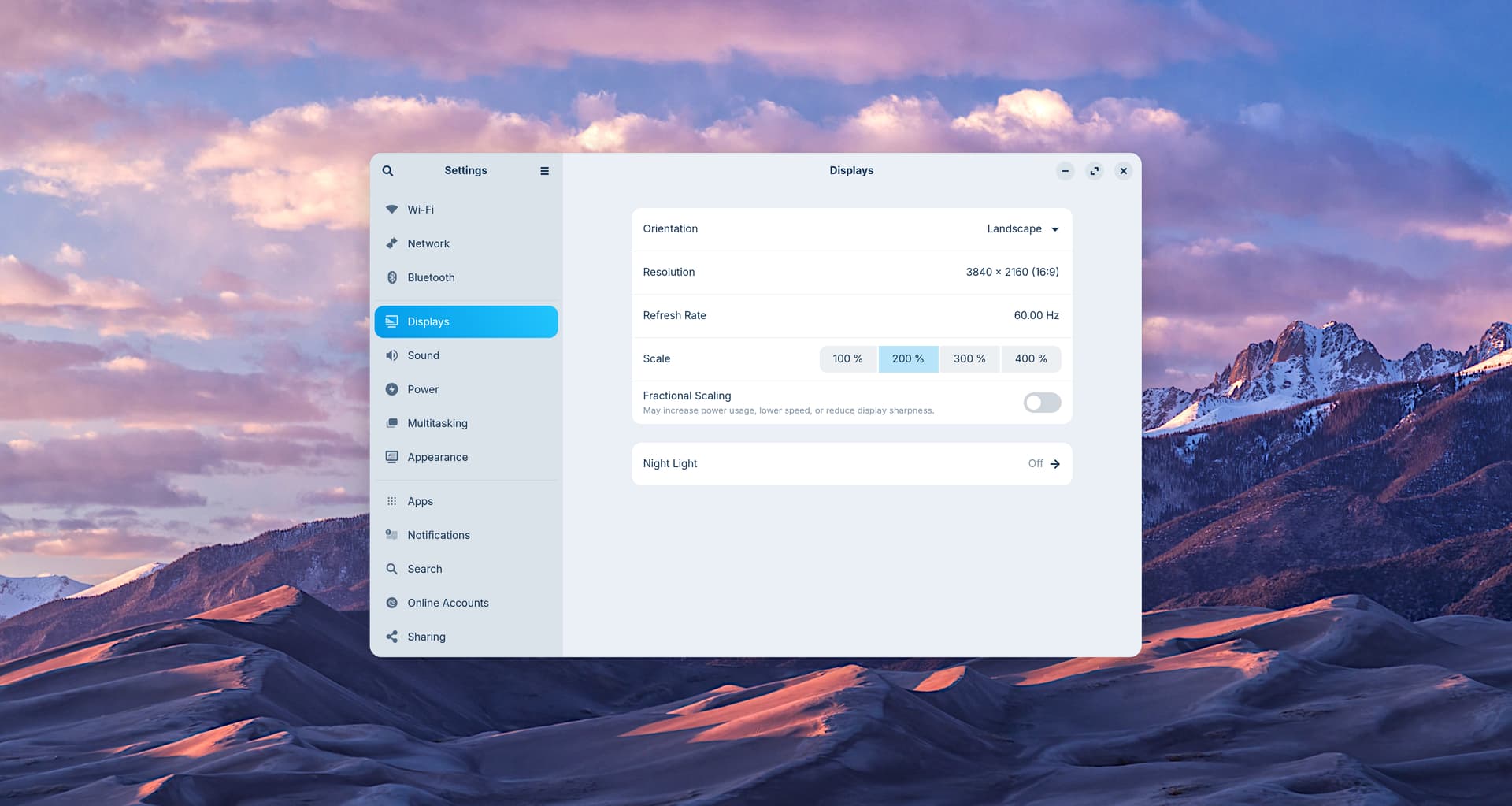
still no way to change the settings. it's weird because when i first installed it through my flash drive i was able to change around my settings but after i installed the updates for the latest version of everything it locked the display settings.
i tried that and nothing changed still not able to edit display settings, sadly also i don't remember the error it gave me
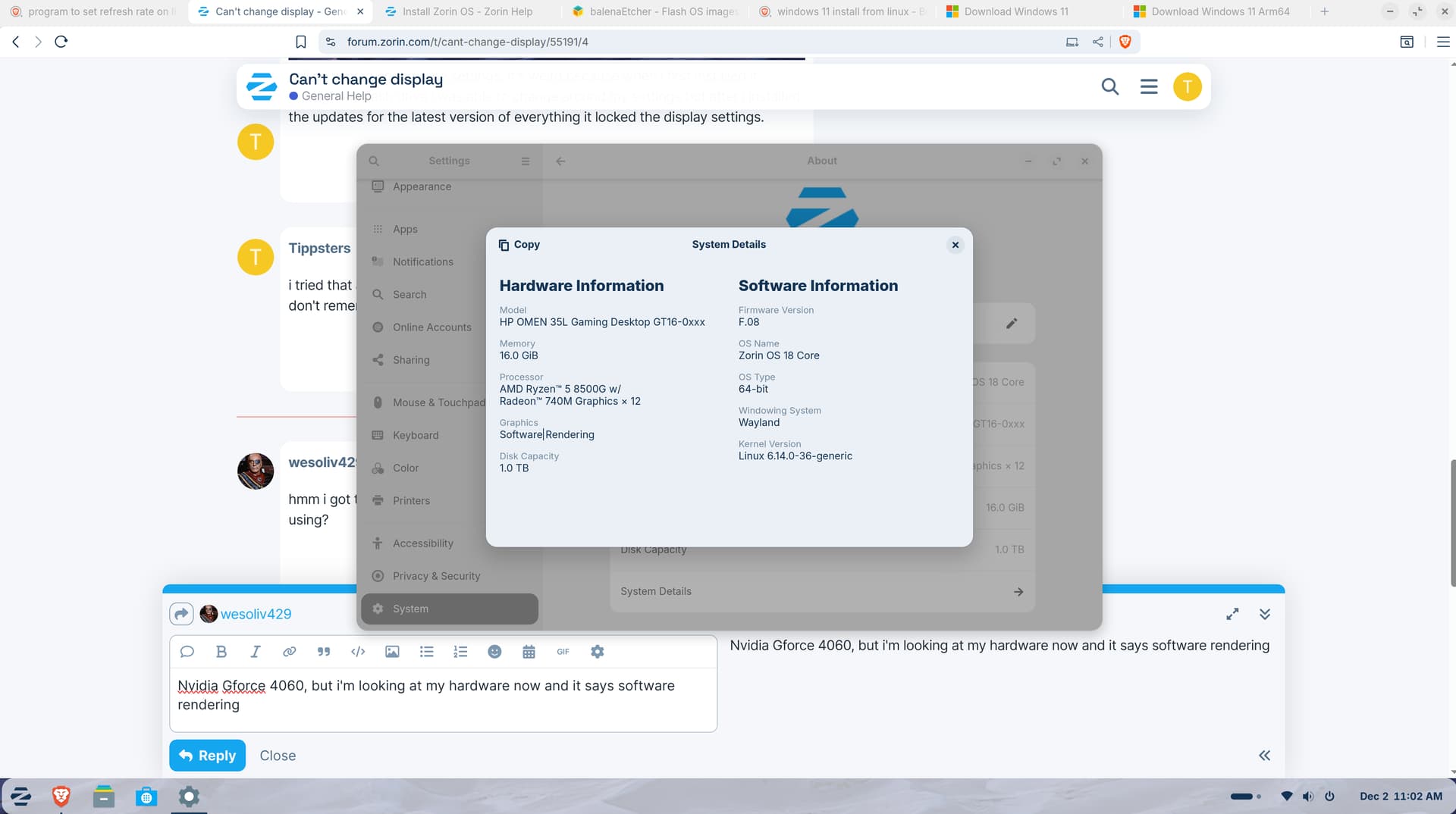
edit: i have yes still the same issue of the settings being locked
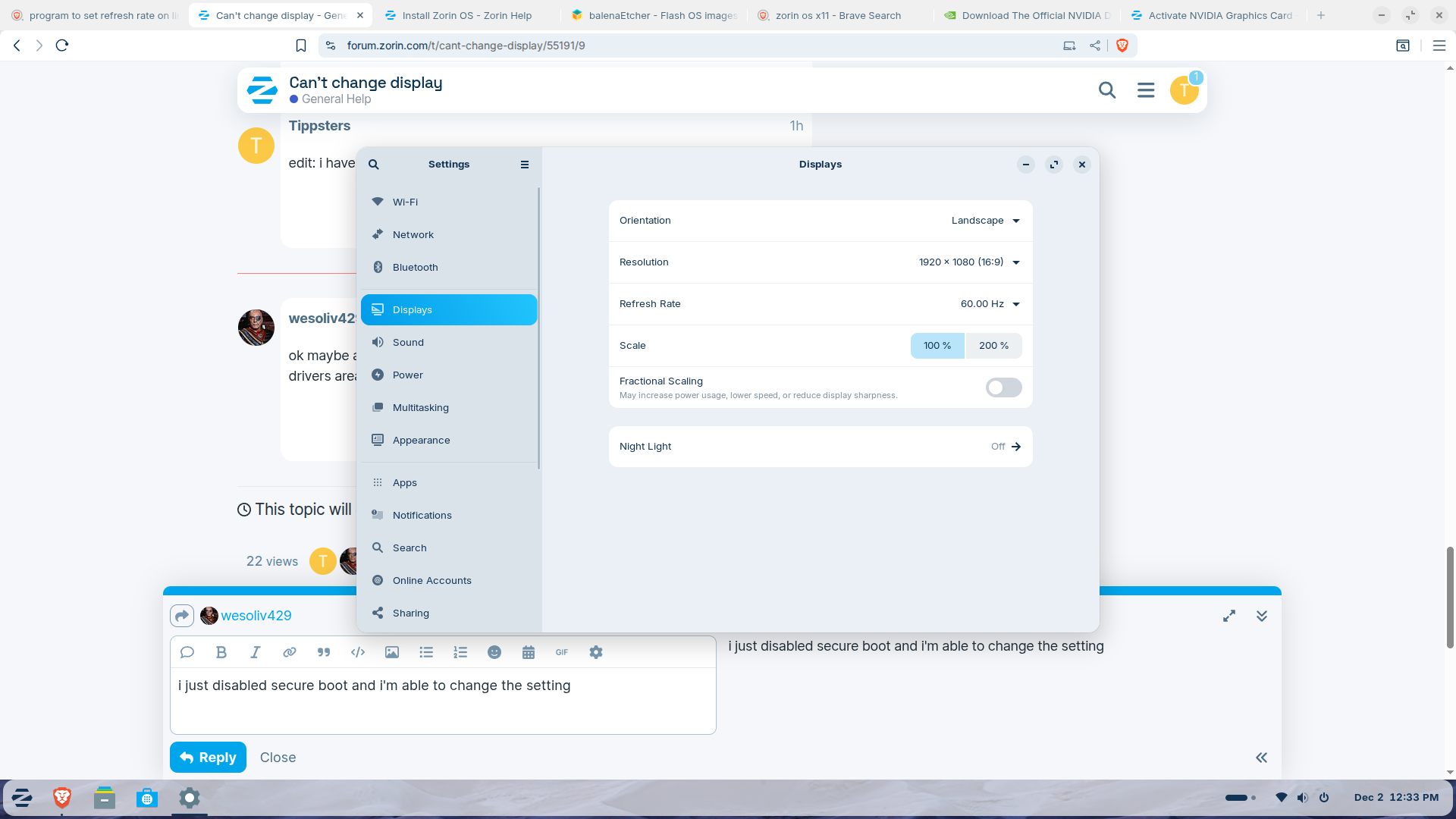

This topic was automatically closed 90 days after the last reply. New replies are no longer allowed.