Hello, I don't know much about linux yet but all I can say is that zorin is the perfect distro for me, but apparently I can't get past what said in the title.
I've installed zorin 18 in dual boot (with windows 11, on which volume control works just fine) in my new lenovo yoga 7 laptop (amd CPU) I've bought last week, but I can't control volume in zorin even though the slider shows up on screen. I've even tried installing other roms (fedora workstation, pop os! and even zorin 17) to check if it was a zorin issue, but nothing has changed, and so I think it may happen due to ubuntu or lenovo itself.
More precisely, volume mutes at 0% and "works" between 1 and 100%, but at the exactly same intensity. What I've noticed is that apparently quality changes between 1 and 100% (100 is better), but not the volume.
I've tried many things but noone of it worked (I've even tried following this guide [SOLVED] PipeWire cannot adjust volume correctly / Multimedia and Games / Arch Linux Forums but it didn't work, maybe because it is for arch and not ubuntu), and I don't really know how to fix it. Thanks so much in advance for helping!
P.s. another problem is that it takes a lot to boot even if both os are on a nvme ssd
P.s. if I change specific apps / panels (such as youtube in brave browser) volume from "built-in" sliders, volume actually change, but I still can't do anything useful with physical volume control
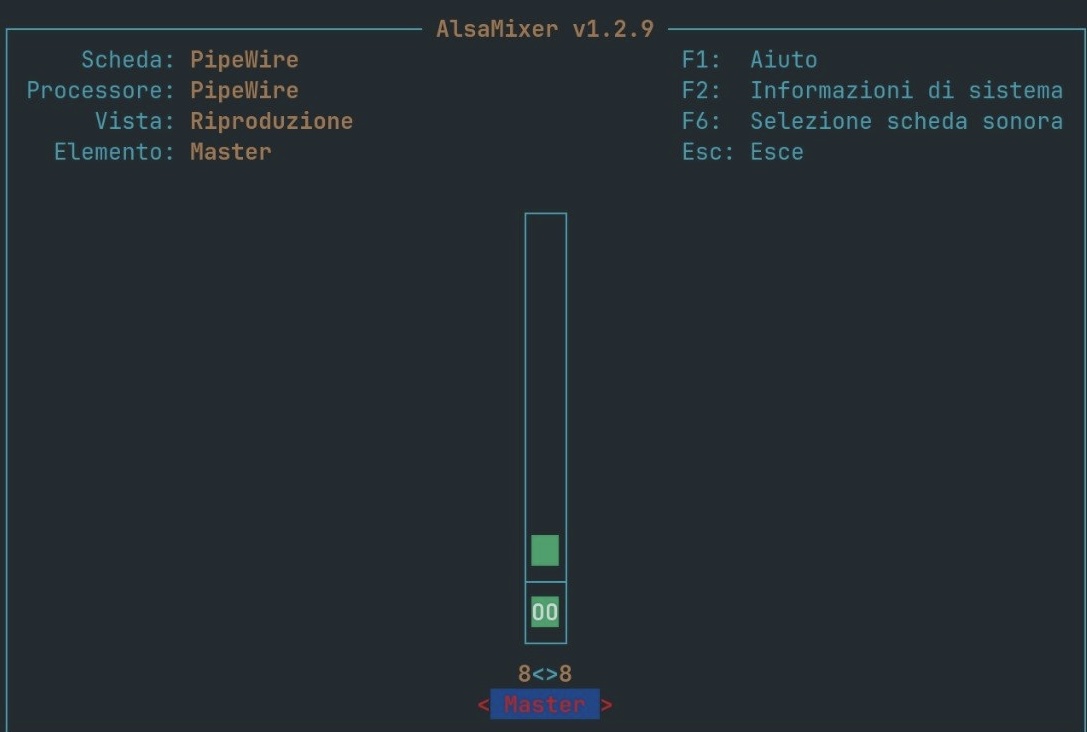
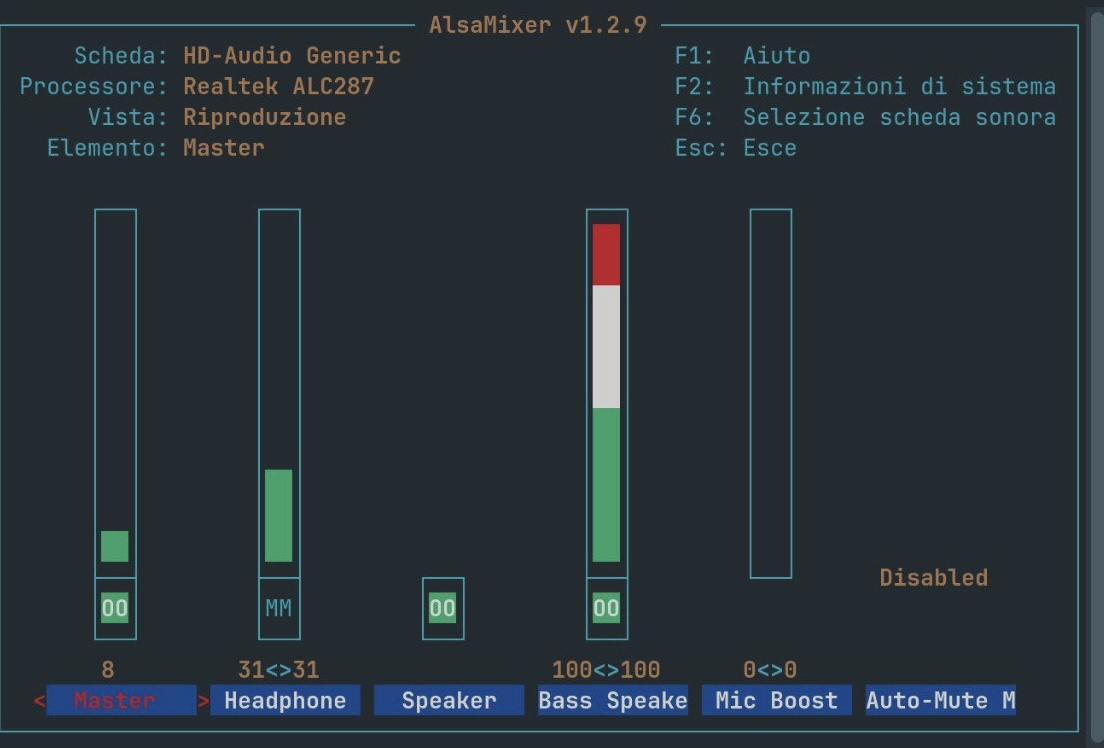
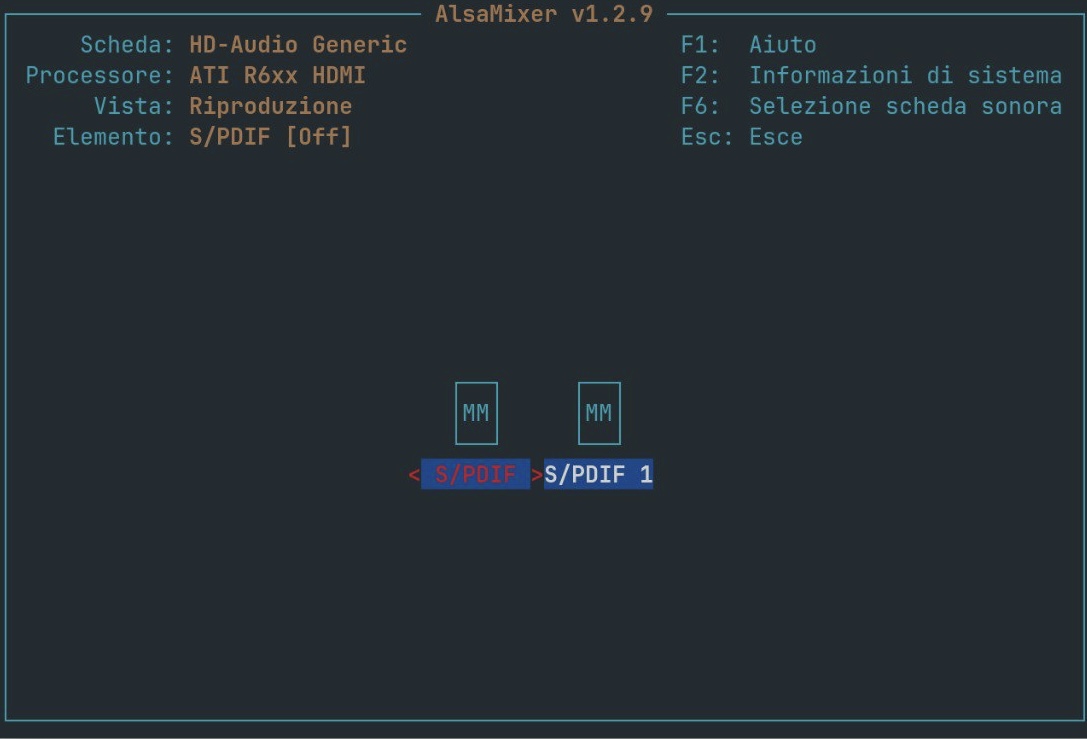
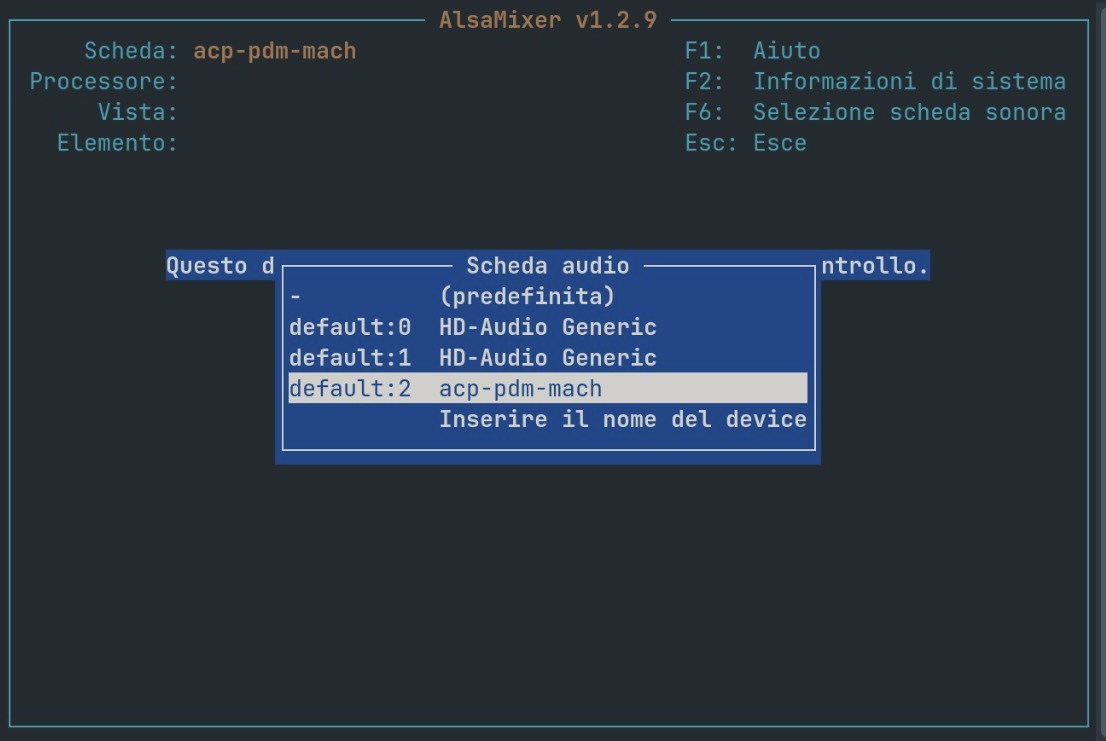
Thanks so much for answering! I’ve selected each soundcard as you suggested but sadly nothing has changed (I don’t know if I have to do something after the selection). Here are the screenshots
Did You tried Pulse Audio Volume Control? It is a Tool to set up Audio Input and Output. You can install it with sudo apt install pavucontrol and when installed, look at the Output Tab and the Configuration Tab. You should find there Dropdown Menus. Check the Profiles and if the Sound/Volume Control behaves better.
hello, thank you so much for answering! Sadly, it didn't change anything; Ive added that line in the file you've mentioned but I dont know if was exactly what you suggested me to do
thanks for answering! I think Ive tried using that before trying other distros (and before returning back to zorin 18) but it didn't change much, could that be due to conflicts between pulse audio and pipewire?
there is no conflict because they work together. remove the line you add and try what @Ponce-De-Leon said
if it doesn't change, edit /etc/modprobe.d/snd.conf (really after removing the line you added) and add this line
okay so Ill put this line instead of the previous one Ive added to the file; but what card should I use (if that makes sense) in alsa mixer? Thanks again for answering btw
p.s apparently I dont have "snd.conf" file in modprobe.d folder; do I have to manually add that file?
well, still nothing thank you so much for your help anyways, at least ive tried something new. By the way, it seems to me that the pc thinks that whenever the system volume changes, it has to change "sound cutoff" (so an effect), and not the volume itself; dunno how to explain it. Thanks again so much for your help though
thank you so much for this but well.. still nothing , maybe because this fix is for lenovo yoga with INTEL laptops, but mine has AMD . It seems that whatever I do, absolutely nothing changes
 thank you so much for your help anyways, at least ive tried something new. By the way, it seems to me that the pc thinks that whenever the system volume changes, it has to change "sound cutoff" (so an effect), and not the volume itself; dunno how to explain it. Thanks again so much for your help though