Did it work fine before this new Update? If so do you know how to roll back to the previous one? It most likely is a kernel update when you first startup your computer hit esc,delete or F1 or F2 till you see a screen that at top says Zorin the next line is advanced choose it the top one is kernel you are on next one down is recover skip and go down to next one then hit it and it should boot into older kernel if it is working again follow this to make that it stay on the kernel you are on
your looking for this screen
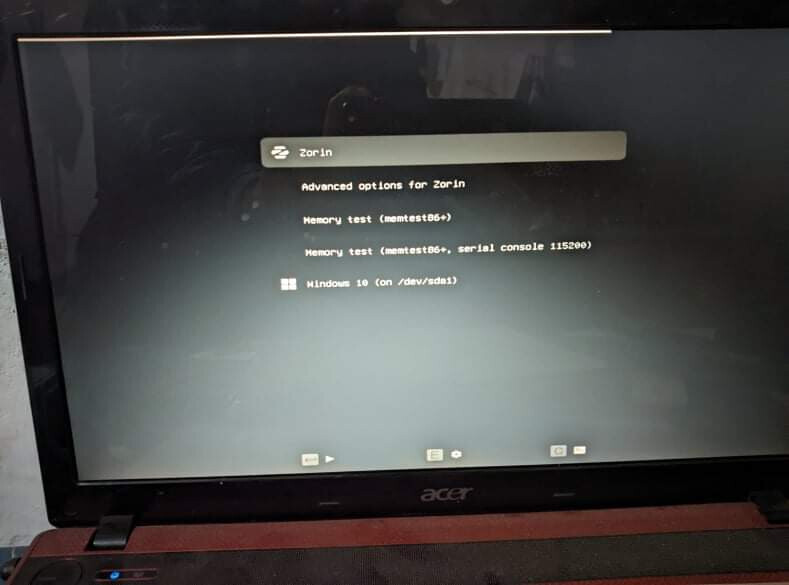
select advanced options then in advanced options go down to 3rd line should have a kernel on line 1 then 2nd line same name with recover at end then 3rd one is what ya want to hit
then follow link i posted above
if you get a screen that just has Grub> type normal and hit enter that will take you back to screen i posted