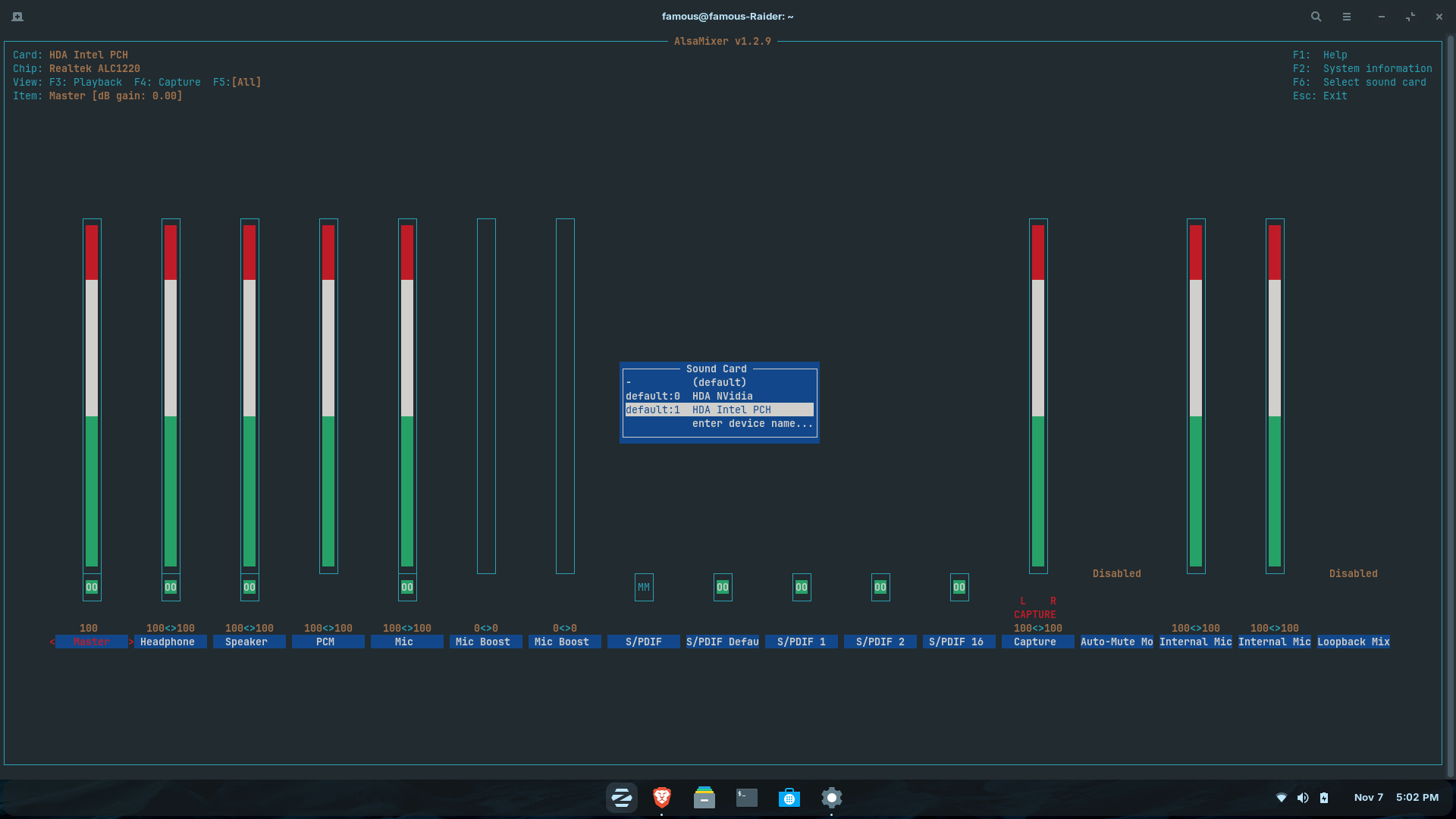
Hello, I am unable to get the sound working whatsoever on my laptop. I'm aware that it's an issue w/ the Nahimic drivers being Windows-only, I'm also aware of the workaround via unmuting the headphones in Alsamixer. That doesn't work, still not getting any sound. I've also tried installing Pavucontrol and messing around w/ that, still no luck. Any help would be appreciated.
The above screenshots are what I see, I've tried changing things on the Configuration tab (and going back into Alsamixer and ensuring the headphone option is unmuted and at max vol) but still no sound.
Then press ctrl+o to save the Change, Enter to confirm and ctrl+x to exit. Back in the normal Terminal Overview type sudo update-grub to make affect the Change. Don't forget that! Without that, it will not work.
I have the GE76 version of your computer, the next years model, and I'm not having sound issues. While following Ponce's recommendations, I'd also like to ask you to disable Secure Boot in the BIOS. I'd also like to ask you to switch off Wayland at your login screen. Click on your name, a appears, click on it, and choose Zorin OS Desktop AKA X11, do not use Wayland.
BTW, I'm using an external S.M.S.L M200 USB DAC for higher quality sound. If you are not able to get your internal notebook speakers to fire, there is always the option of getting a cheap no frills external USB audio adapter.
Tried your solution, did not work. Strangely enough, I ran some updates today and then I tried unmuting my headphone output in Alsamixer and now all of a sudden my speakers are working! Before you ask, yes I did run system updates previously (I'm an IT system admin, trust me I know the importance of keeping device software up-to-date) but for whatever reason my speakers are working now so huzzah. Now I just need to make my Alsamixer settings permanent as they aren't saved in-between reboots. I've tried sudo alsactl store but that didn't work, any suggestions?
I have never had to add anything to basic ZorinOS Core to allow sudo alsactl store to function. But I am still on Z17.3Core.
I don't know if ZorinOS move to pipewire from pulseaudio has some side effects on alsamixer.



 appears, click on it, and choose Zorin OS Desktop AKA X11, do not use Wayland.