I'm trying to install Zorin Core on a 2014 MacBook Air (no T2 chip, according to the list, Intel CPU). It boots alright, but once I take the installer past the keyboard layout, it tells me I need 14.7 GB to install, and this conputer only has 7.8GB - which is how much the flash drive with the live iso on it has. So apparently it wants to install the OS on the flash drive - what gives?
I checked the disks utility and apart from the flash drive, it shows only a "loop device" which has only 2.9 GB.
So it seems the installer can't see the Macbook's actual harddrive. Any idea why that is? The file system check before boot did pass, I chose the "Try or install Zorin" option
Hi and welcome.
The 14.7 Gb is the minimum hard drive space needed, not the amount of RAM.
I would take a look at the pdf I uploaded to the Archive of Zorin. I think you can only use Balena Etcher in terms of creating usb installer.
Will post back archive link shortly.
Hi, thanks for the pointers. I wasn't talking about RAM though, but disk space of course - sorry if the title sounded like RAM.
The system requirements say that standard installation instructions should apply, so I followed those.
The ones you posted are over 10 years old - are you sure they'd still apply (granted, my target hardware is from back then...)?
What makes you think that? I used Fedora Media Writer, it's been serving me well for other Linux distros. Do you believe Etcher does things differently to facilitate installation on a Macbook?
EDIT: I tried Etcher, it refuses to write the image ("something went wrong")
1 Like
Welcome to the Forum!
Could You run Zorin in Live Mode and look there for GParted? Start it and check if Your Drive is detected. If yes make a Screenshot and post it here? If not: Do You know how the Drive is formatted?
1 Like
Thank you. If Gparted is the utility called "Disks" ins the Zorin menu, then this is the one I already mentioned - I can't see the system disk here:
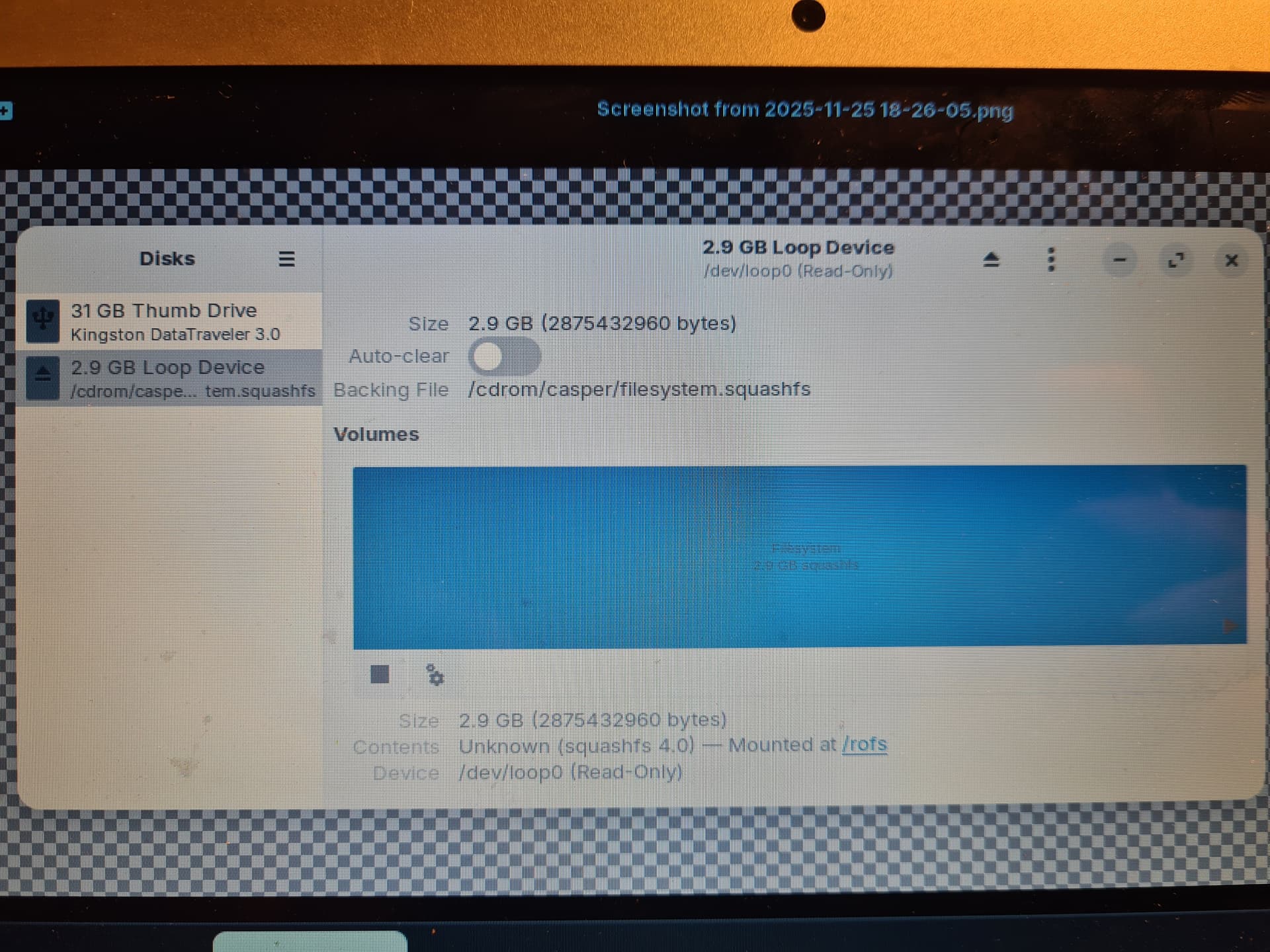
the "31GB Thumb Drive" is the usb flash drive with the live system on it.
I do not know how the Macbook's system drive is formatted - I assumed the installer would take care of that.
What I've tried in meantime:
- I wrote the newest Zorin image (r3, my first attempt was with r2 which I had downloaded a few weeks ago) to as new flash drive. Again, Etcher failed, Fedora Media Writer did the trick
- When at the Mac's bootloader, it offers the choice which drive to boot from, but also to connect to Wifi. This time around, I connected it before booting the live system. I don't know if that worked or not though because the GUI didn't show it.
- This time, the installer reached the step after assigning the keyboard layout: choosing the partition for installing Zorin:
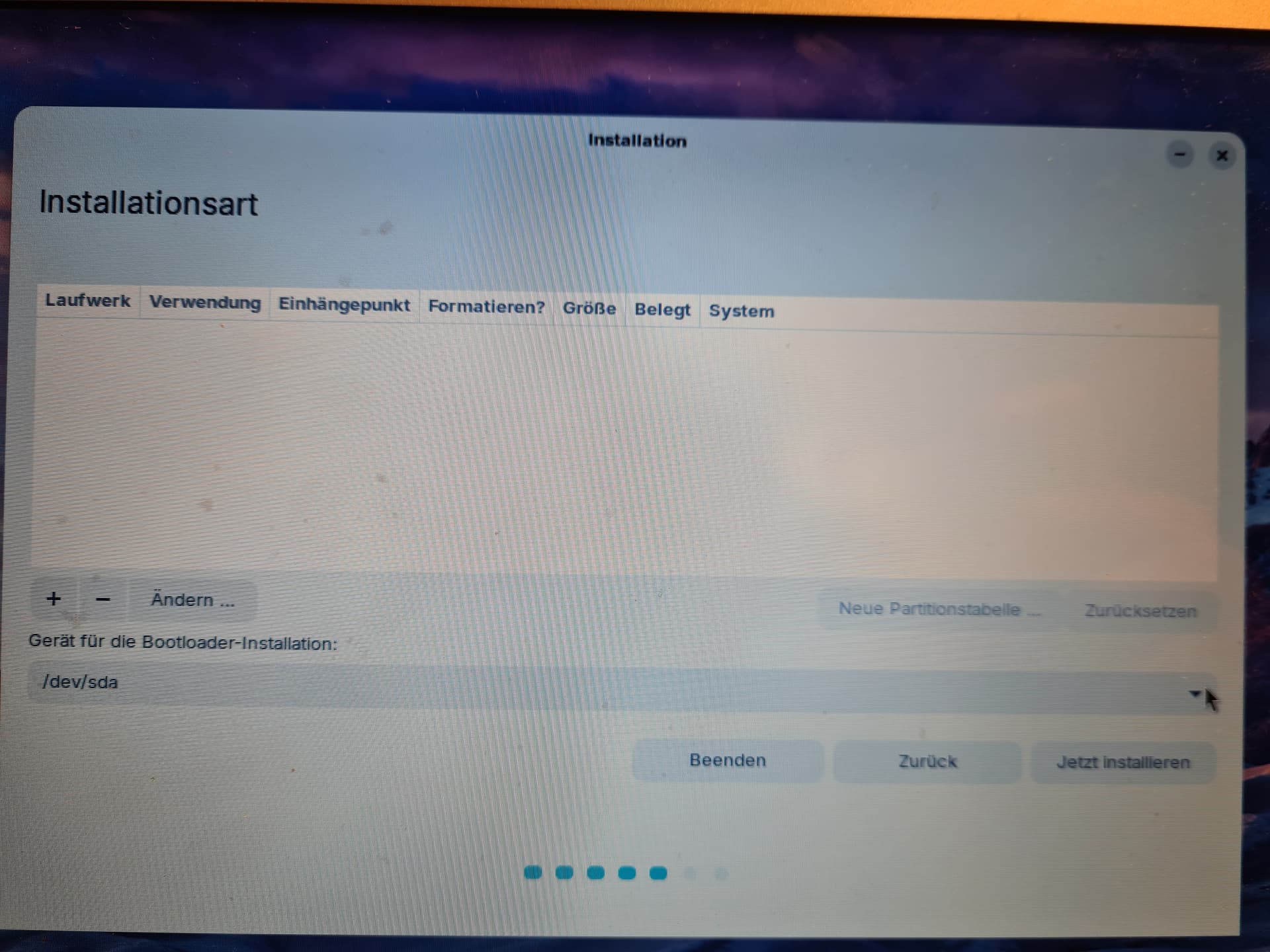
- However, as you can see, there were 0 partitions listed. I clicked the + sign to add one, which is when the installer crashed:
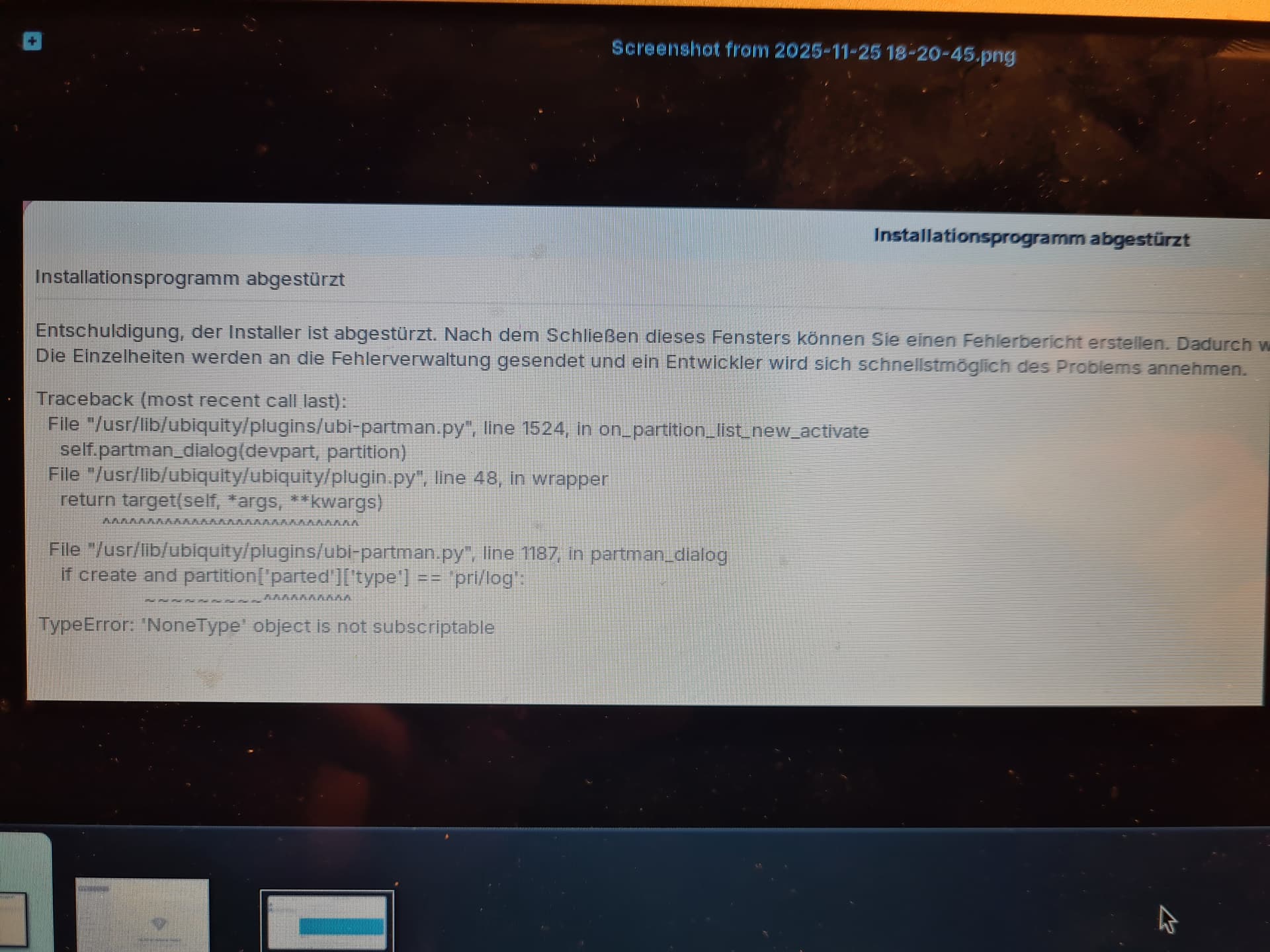
It says it'll submit a crash report, but it turns out there was no wifi connection after all:
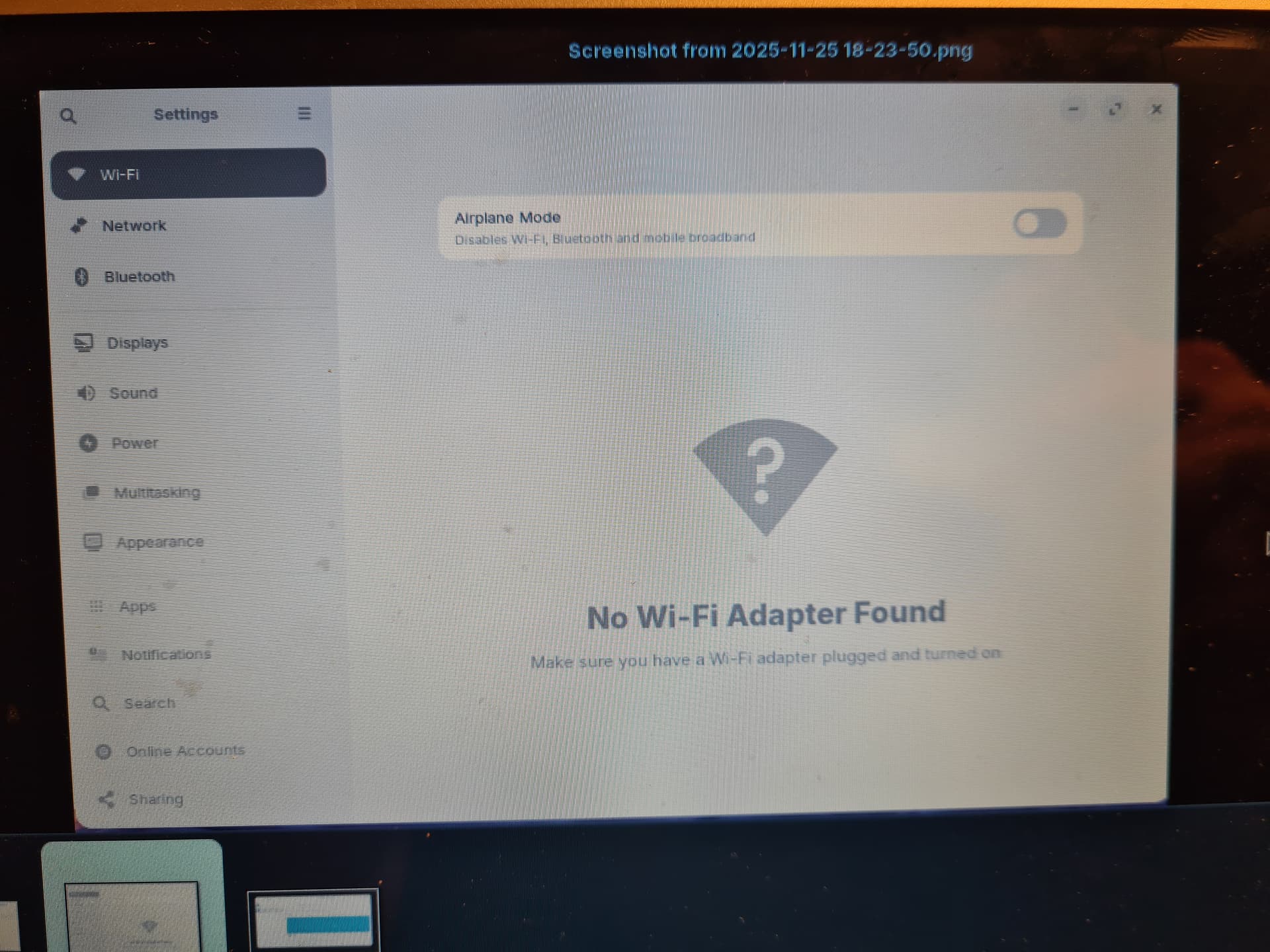
Apparently Zorin isn't detecting the wifi adapter either.
Sorry about the poor image quality - with wifi not working and no option to share the screenshots via bluetooth (copying them to a second flash drive was also unsuccessful), I had no alternative but to take pictures with my phone.
All in all, Zorin seems to have no love at all for this old macbook...
Hello,
Hmm, yes, this is very strange. You are right, it looks like Zorin can't see your hard drive at the moment.
Do you still have access to MacOSX? What is your plan? To keep both MacOSX and Linux side by side or completely replace MacOSX?
For the Wifi, it's likely because your mac is using a proprietary Broadcom wireless chip. Once Zorin is installed, you should be able to install proprietary drivers but you will need to have a way to access the internet without using the Wifi.
No GParted is a seperate Tool. In Live Mode open the Zorin Startmenu and in the Searchbar type in gparted and it should be shown to You.
Glad you are able to use a different USB tool other than Balena Etcher. I think Zorin should include Fedora Media Writer as an alternative to Balena. Never having used a Mac I am not aware of what USB tools will work. For me Ventoy is the best tool but I don't think it is compatible with Macs.
Balena just needs to be removed from the Installation methods period.
Maybe @GuestLight could help here, sounds like a similar problem that you had A review of Zorin OS focusing on the exaggerated "make your computer faster" claims - #16 by GuestLight
Hello, I had the exact same problem as you ! Boot again from the flash drive and in the menu where the "try or install ZorinOS" button is, press the E key. Then using the arrows find the line that begins with "linux" and at the end add these commands with a space between them : intel_iommu=off (no idea what it is, but it works) and acpi_osi="Darwin" (it tells Zorin to act like macOS when booting) the issue is caused by the fact that the Apple SSD only responds to macOS, so it isn't detected by Linux. After running these commands, it should work just fine. The "loop device" is the partition of your USB drive where Zorin is installed.
1 Like
I used this solution for my Mac (approximately the same as his) and it worked so this is probably the case here.
1 Like
This topic was automatically closed 90 days after the last reply. New replies are no longer allowed.