Can't install Zorin

So I've spent the past few days trying, and failing, to install Linux on my laptop (MSI GF65 Thin with some aftermarket SSDs and RAM, plenty of both), which has previously run Linux Mint, but I've now tried to install Zorin, Pop!, and Ubuntu on with no luck. I've re-downloaded and verified the ISOs, tried to flash two different USB sticks with both Rufus and Balena Etcher, and gone down a few different install paths (e.g. with or without connecting to wifi). So I'm pretty tired and pondering the possibility that the damn thing is cursed.

The first USB was used to install Mint some years back with little issue and is 8GB, the other is brand new and 64GB.

Rufus would sometimes give an error message about the file being an ISOHybrid and asking if it should be an ISO or DD image, I tried both with no real difference in result. It also mentioned that they're using a newer syslinux version and asked to download them. Sorry the pictures are in Danish, I didn't think I'd need to share them, and I figure the keywords are still understandable.
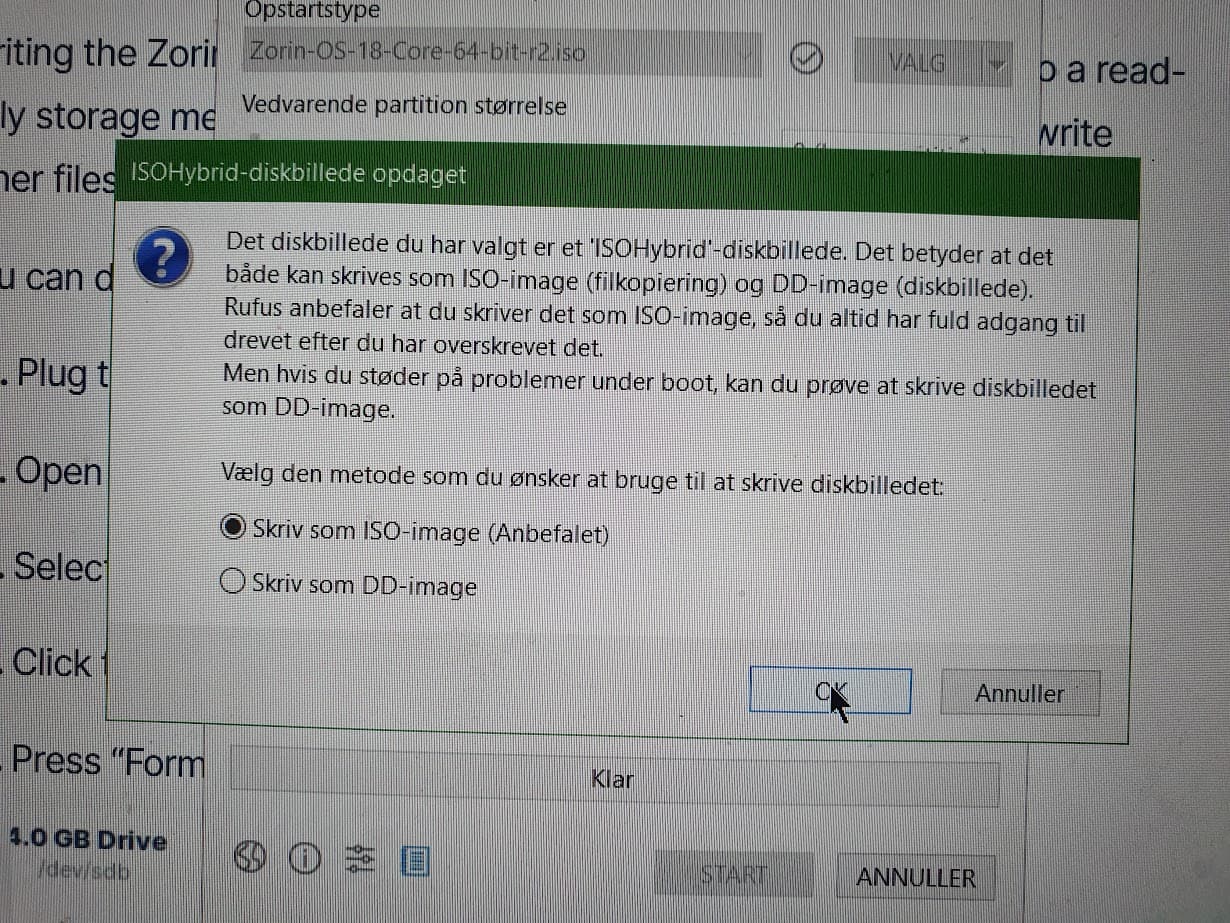
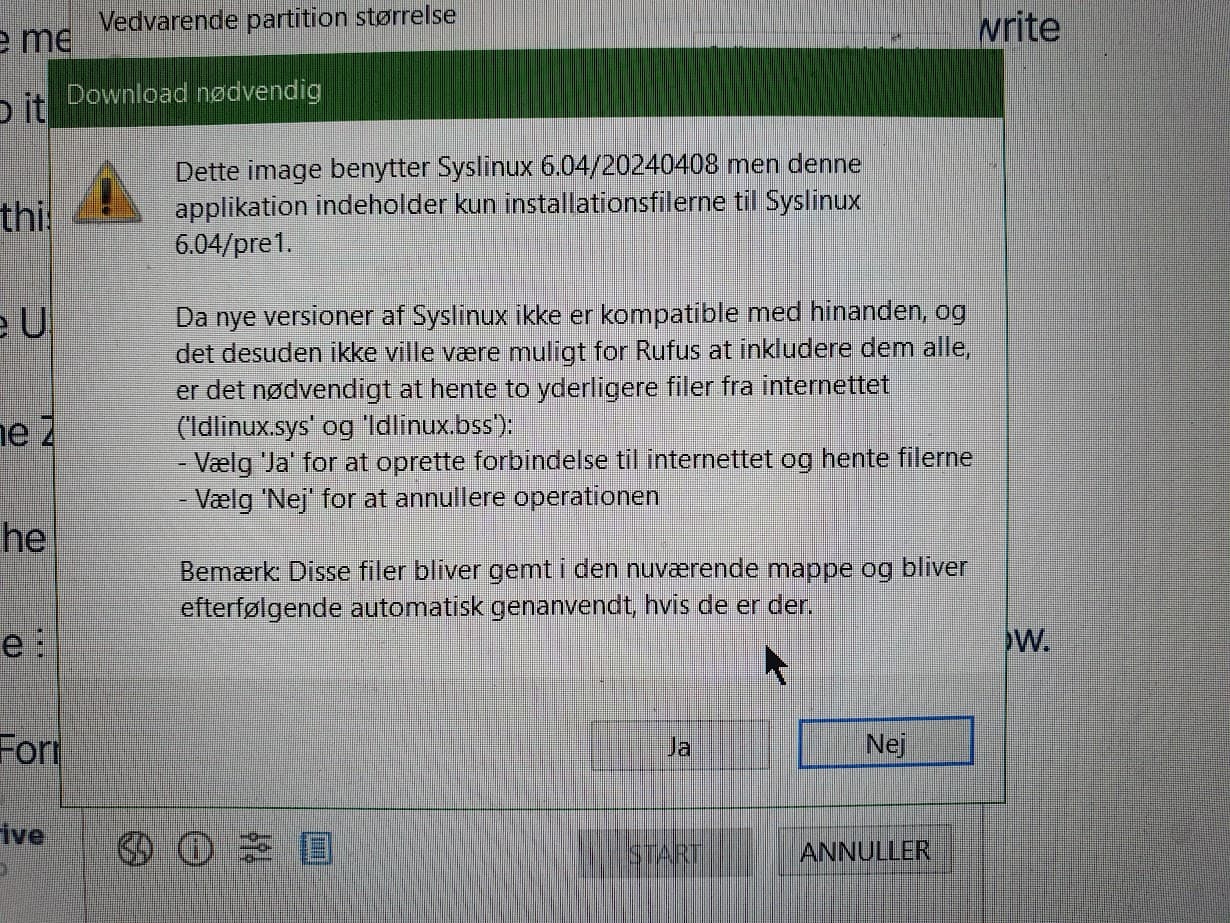
Balena Etcher just flashed the drive with no apparent issue.

One time I managed to get a live session booted from the stick I ran smartmontools to see if either of the two the ssd drives I have had died, but either I couldn't read the data output or they were perfectly healthy (they passed the health checks, at any rate), I'm willing to try getting a session started again to run some other checks if anyone has any good ideas but can promise nothing.

The most common error message I got from Zorin (although I got a variation of it from Ubuntu, not from Pop) was "The following file did not match it's source copy on the CD/DVD: /target/usr/fonts/" and then sometimes a few different fonts as in the attached picture. It's on at least two separate occasions been NotoSansSignWriting-Regular.
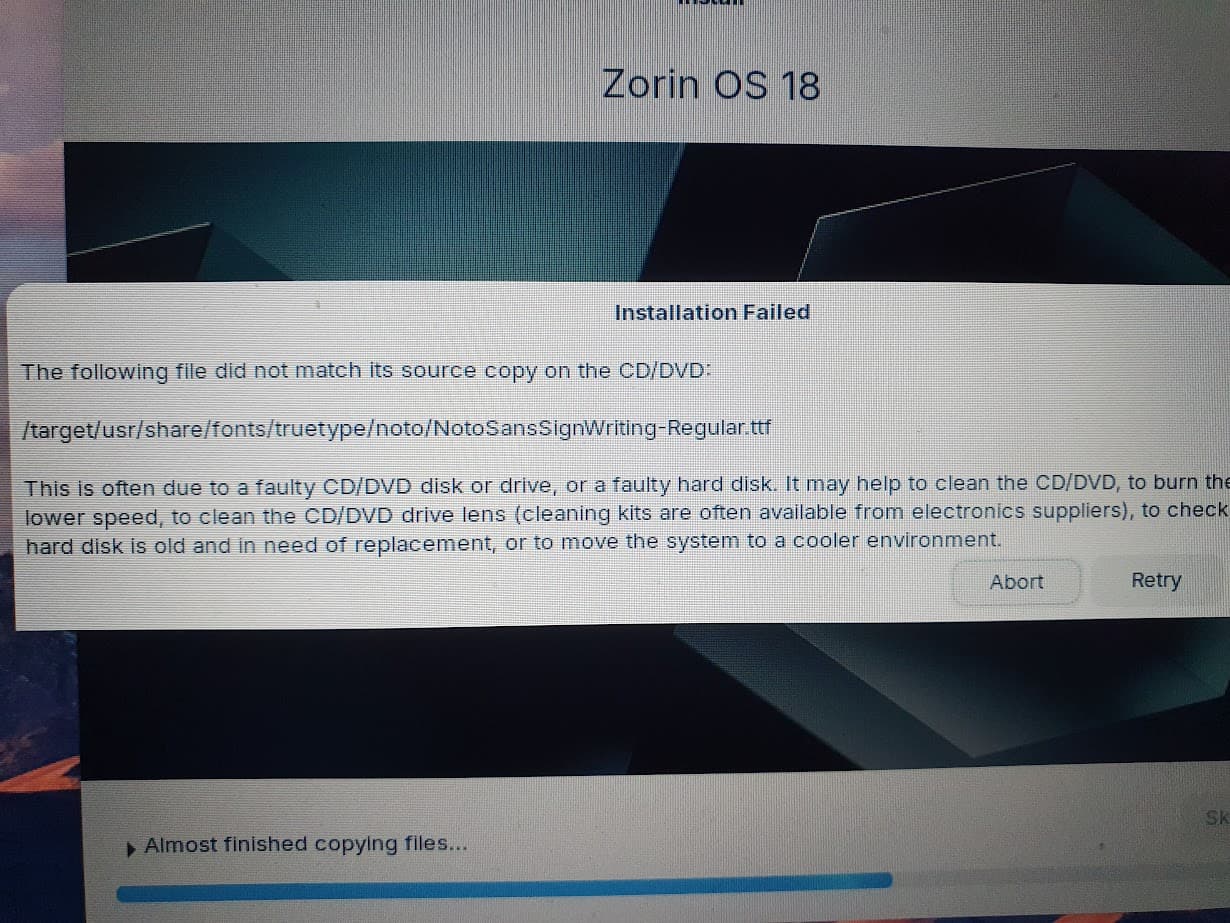
I don't know why a font of all things would cause problems, but here we are. I tried retrying and skipping both with no luck.

Pop and Ubuntu didn't give anything as concrete as that.

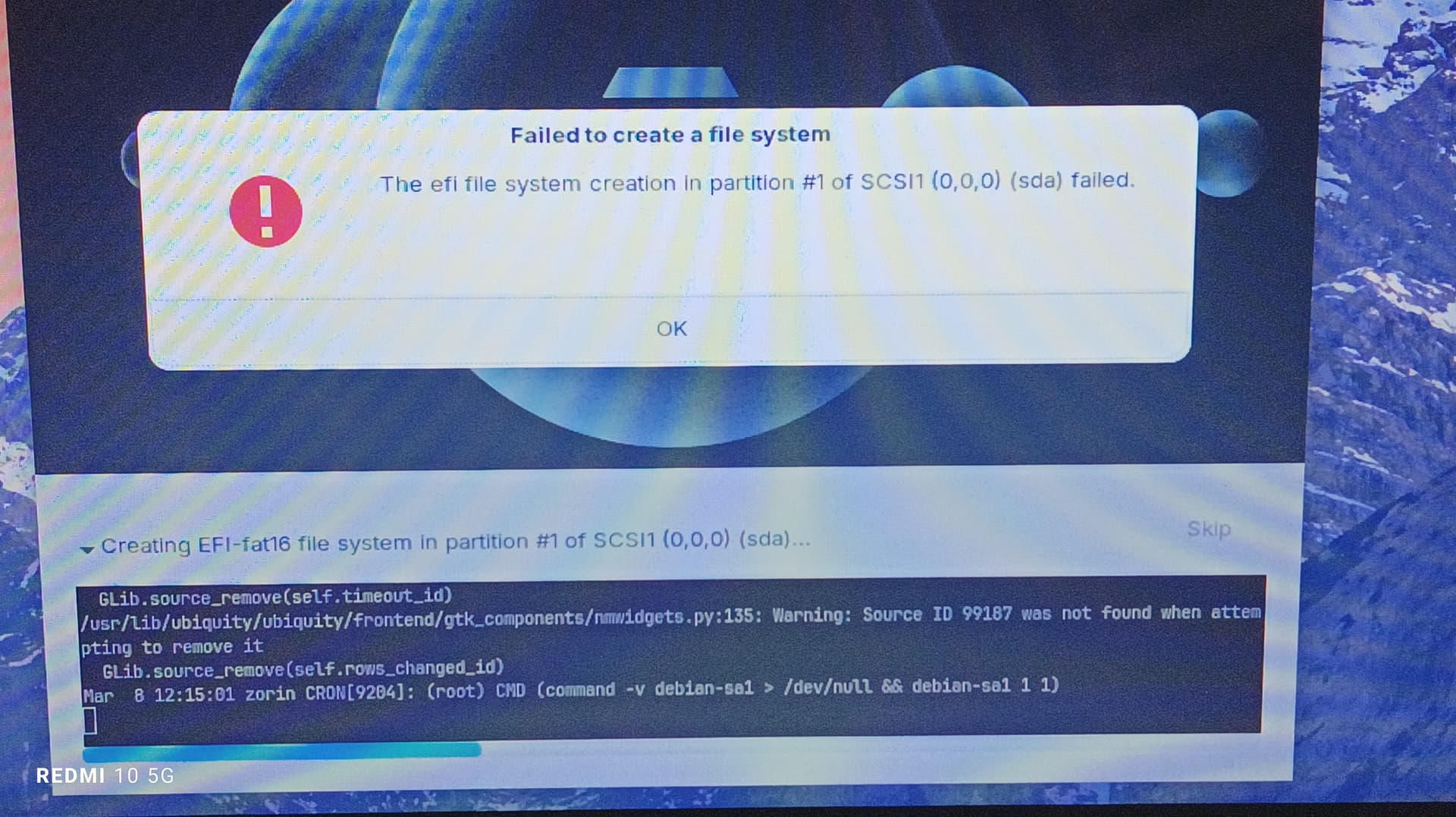
Several times it told me that an OS (or more) was already installed and taking up space on the harddisk, but they definitely weren't bootable. I once managed to briefly run Zorin as a local boot, but on restarting the computer it wasn't bootable anymore, and instead seemed to think it had two separate, unbootable Zorins.

I've had similar issues when trying distros like PCLOS. Using any USB installer failed and would only run from an .iso burned to DVD. Additionally I had to downgrade my graphics card to a GT440 from a GT1030. For clarity you mentioned SSD in the plural. Do you have 2 SSDs installed or you just have the option of swapping out one with the other?

Welcome to the Forum!

That is actually no Error Message; it is an Info Screen because the ISO supports both Modes.

But let's start at the Beginning:

I used rufus in the Past, too before I was gone Linux only. So, I would recommend it.

  • Check if Secure Boot and Fast Boot in BIOS are disabled
  • Check if Fast Start-Up in Windows is disabled
  • Check if Your BIOS runs in UEFI or Legacy Mode. Depending on that, use in Rufus on the Option ''Partition Sheme'' the Option GPT when the BIOS is in UEFI Mode or MBR when it is in Legacy Mode.
  • Format Your 8GB USB Stick to FAT32 and then use it as Bootstick
  • For Rufus, You could try it with the Portable Version or the Version to install it. I used in the Past the Portable Version without Issues.
  • I would suggest to install Zorin completely offline. So, unplug the Ethernet Cable or disable Wifi.
  • Don't forget to check the Checksum of the ISO
2 Likes

I have two 1TB SSDs

1 Like
  • Secure and Fast Boot are both disabled
  • Windows was wiped from the system some years ago, so Fast Start-Up is definitely not enabled.
  • UEFI, although I think I can switch it to Legacy.
  • Both USBs have been formatted to FAT32.
  • Checksum checked.
1 Like

I do like the suggestion of installing Zorin OS without any network connectivity. This has shown to work when installing certain packages (from what I've seen mostly graphics drivers but this tip might also help here).

Another thing that I've done to speed up the installation is to cancel the copy of files from the ISO. I wish I had a screenshot as it's a little tricky to describe, but there's a "cancel" button during this particular early stage of the installation. All it does is prevent some packages from being copied over, but you can install all of them later.
Like I said I use this trick to speed up the installation when I need to troubleshoot something but it might also help to skip over faulty packages like this one.

As to what is causing the issue with the fonts, that I don't know I'm afraid.

1 Like

Then, I would suggest to let it on UEFI and use Rufus and set the Bootstick up in GPT. If I remember correctly Rufus has by default MBR set up. And then install it completely offline.

Did not see a skip option, but trying offline and it's currently stuck at 0% "installing system", the little code window has as the last line

XDG_RUNTIME_DIR (/run/user/1000) is not owned by us (vid 0) but by vid 1000! (this could e.g. happen if you try to connect to a non-root PulseAudio as a root user, over the native protocol. Don't do that.)

ETA: apparently it has run in a circle back to this point a few times.

And suddenly, it works! I think it might have been a combination of using Ventoy and safe graphics mode. Now I have new and interesting problems.

1 Like

If it works... don't touch it! :smiley:

1 Like