I find my mouse cursor size a little too small. I can't find where to adjust the size. Anyone offer help? Thanks in advance.
1 Like
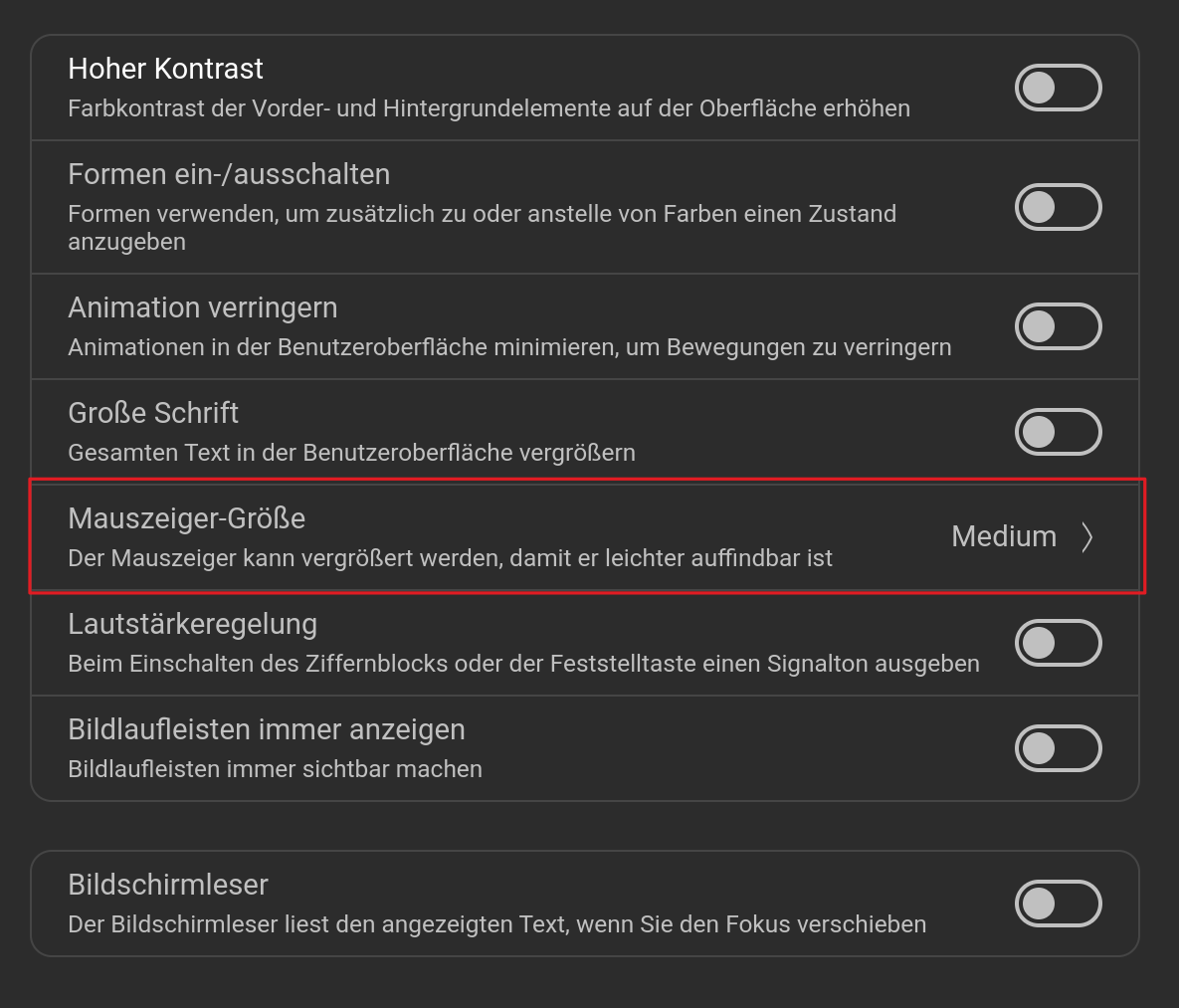

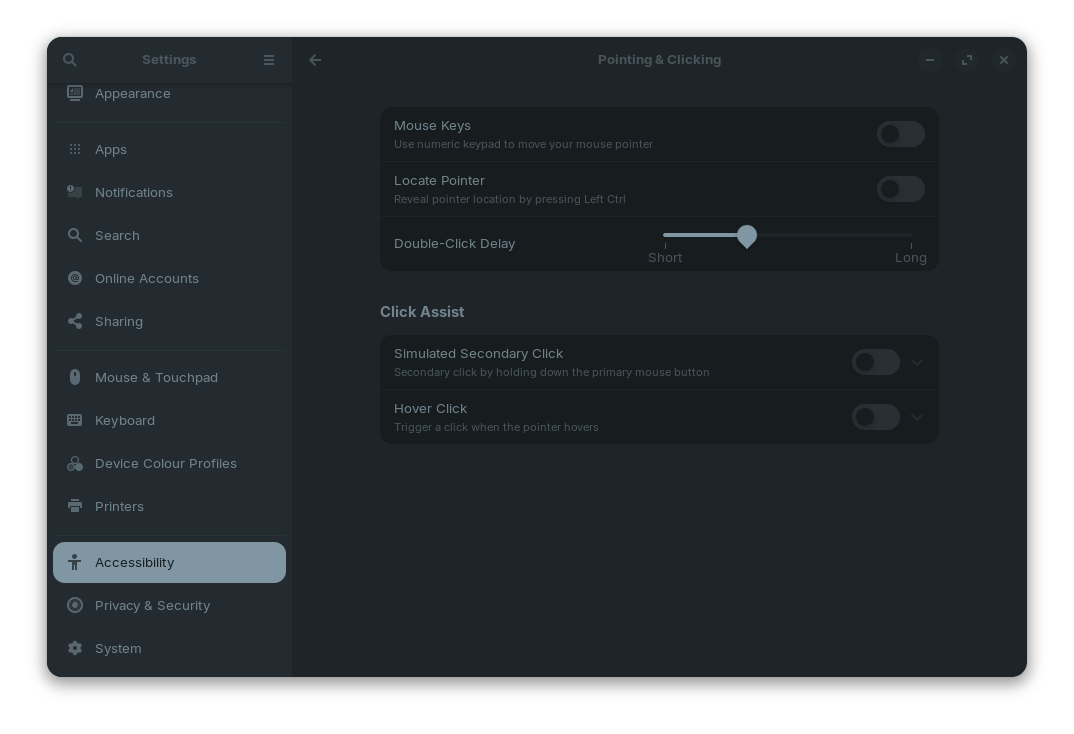
As usual, Gnome is making it harder to find things ... like that other OS!
And they have already called users with vision requirements that Wayland destroys as 'concerned trolls'!
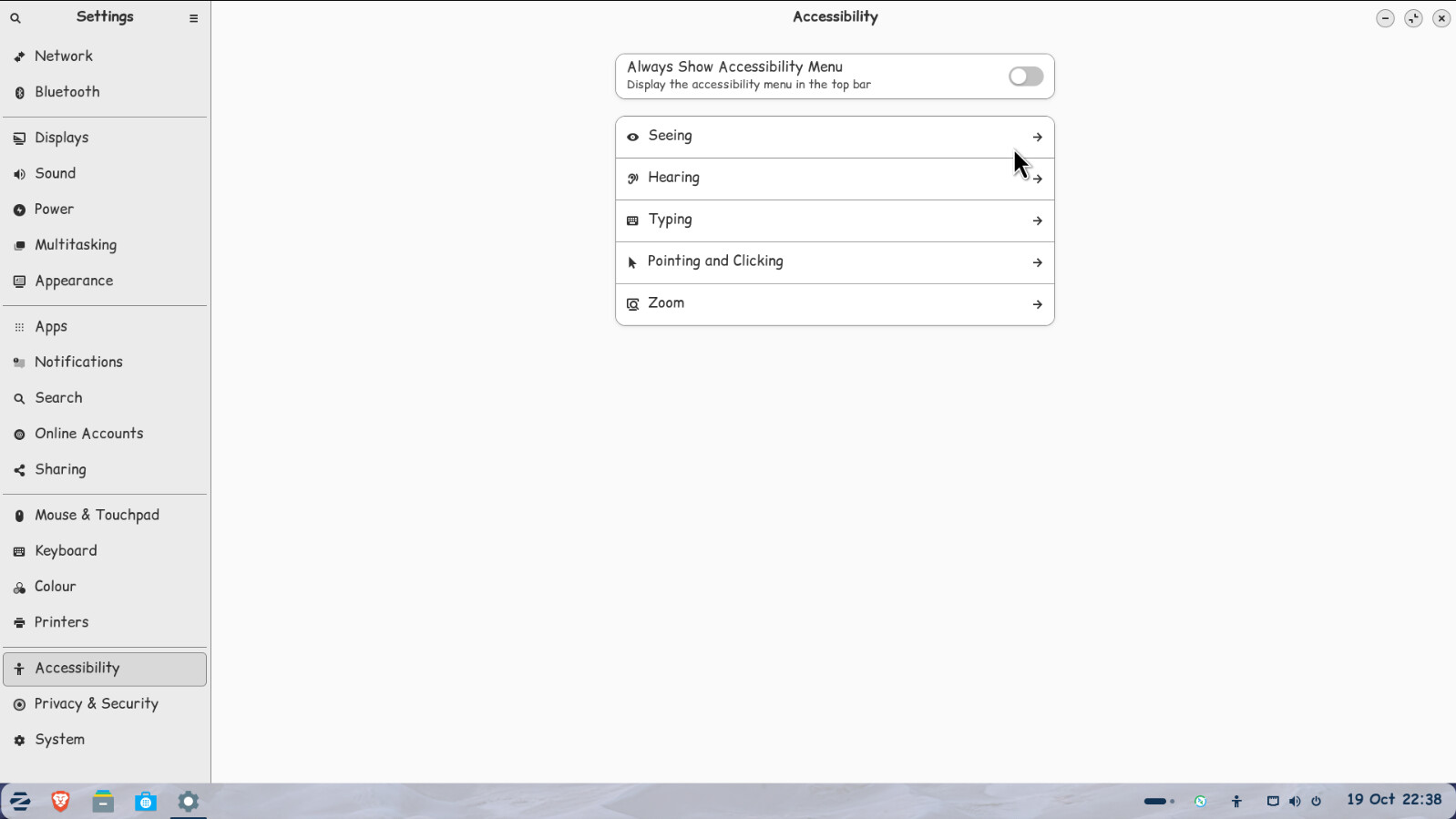
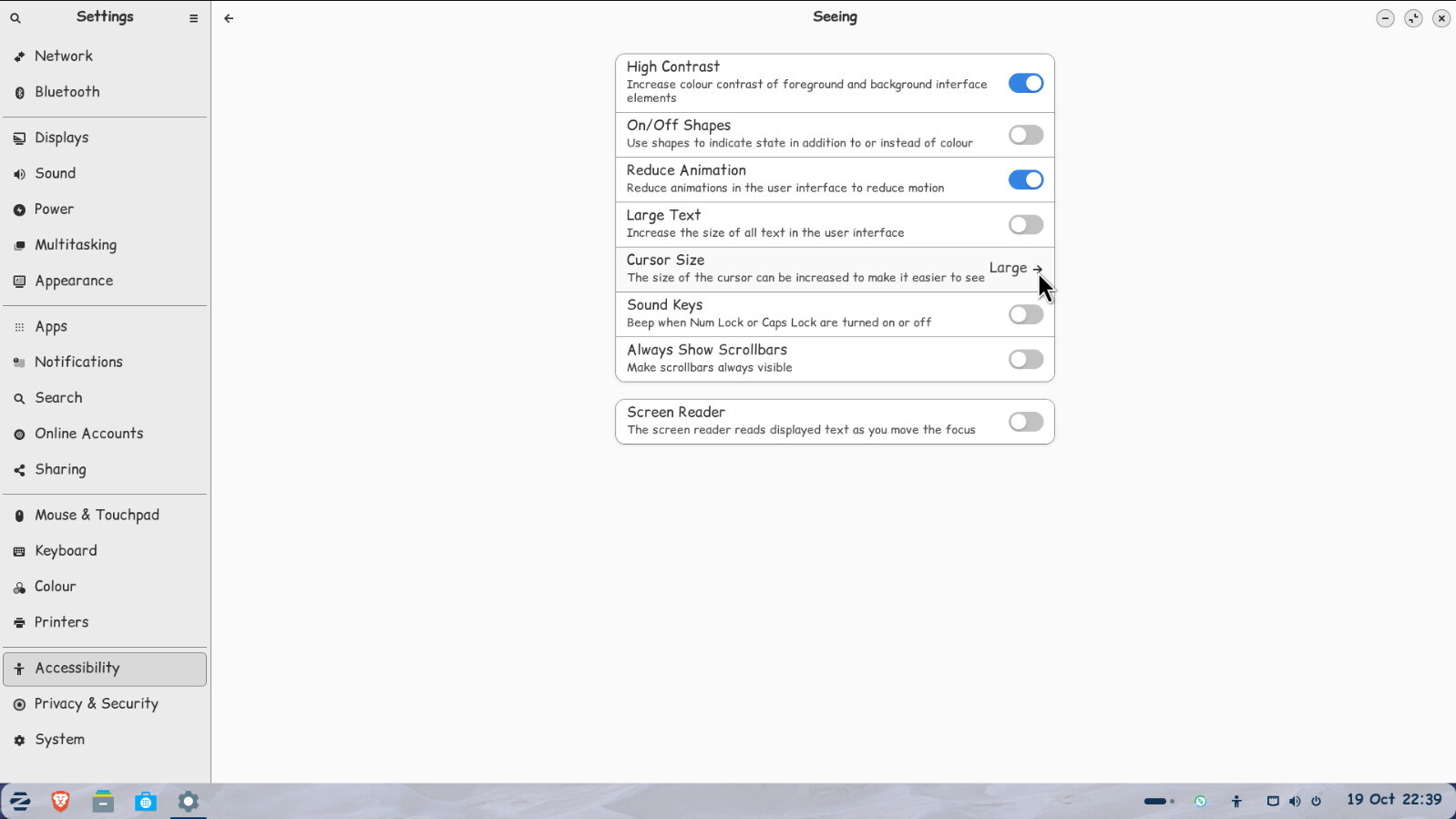
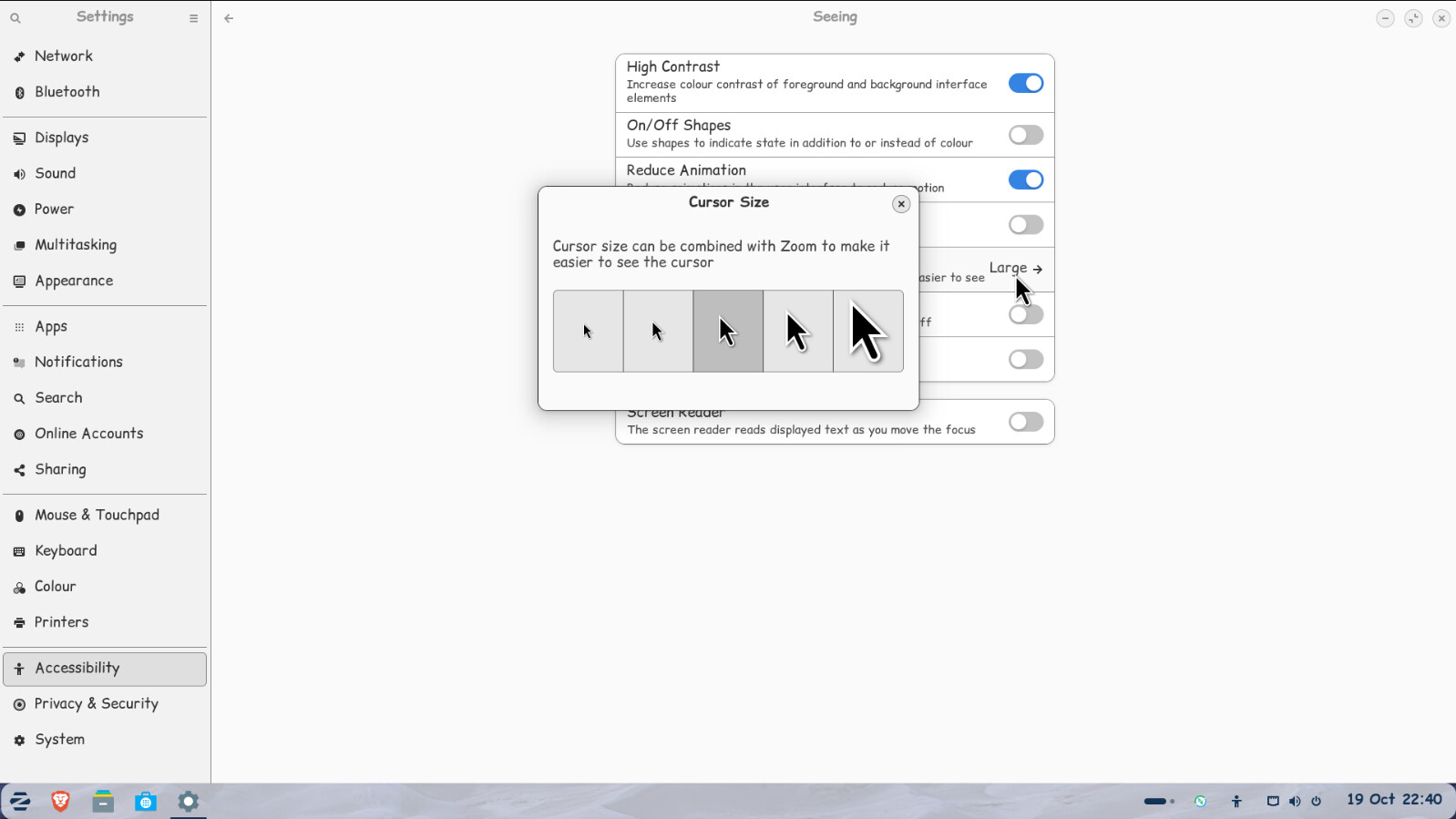
2 Likes
Perfect! Thank you so much!
1 Like
That is crazy! They have the pointing and clicking category, yet cursor size, is under seeing? OK, clearly a developer needs their bolts tightened, before they drop the oil pan.

2 Likes
This topic was automatically closed 90 days after the last reply. New replies are no longer allowed.