Thank you.
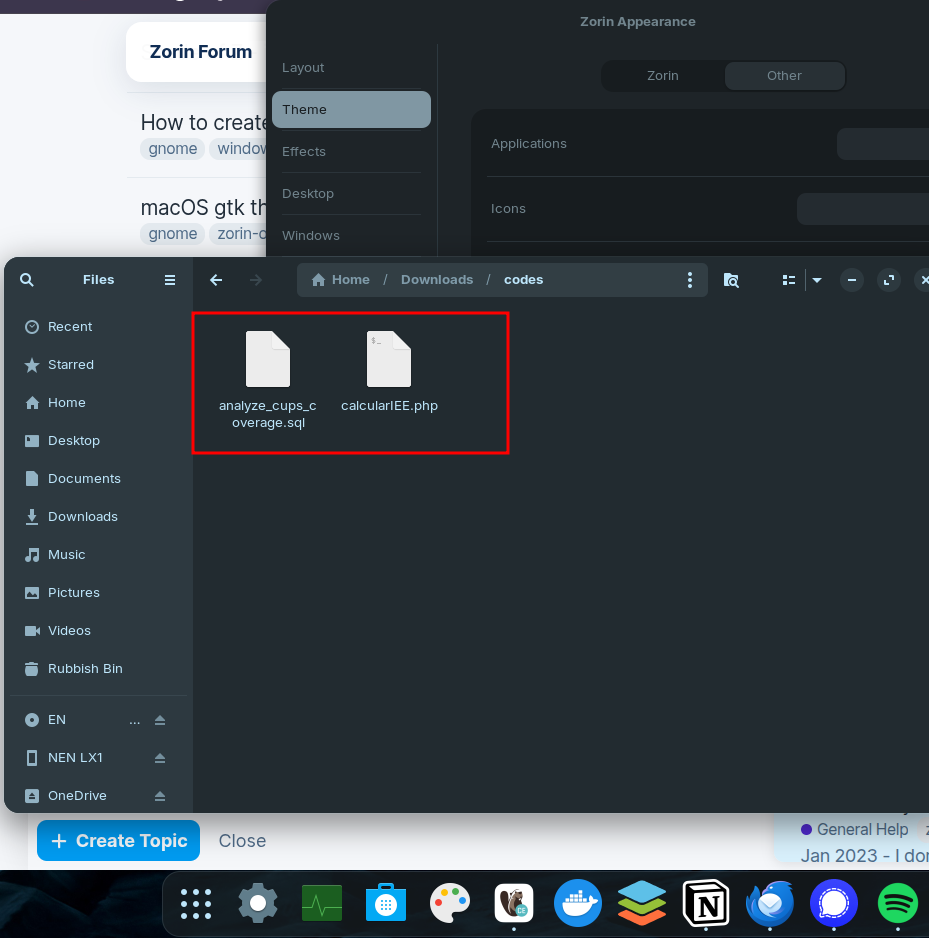
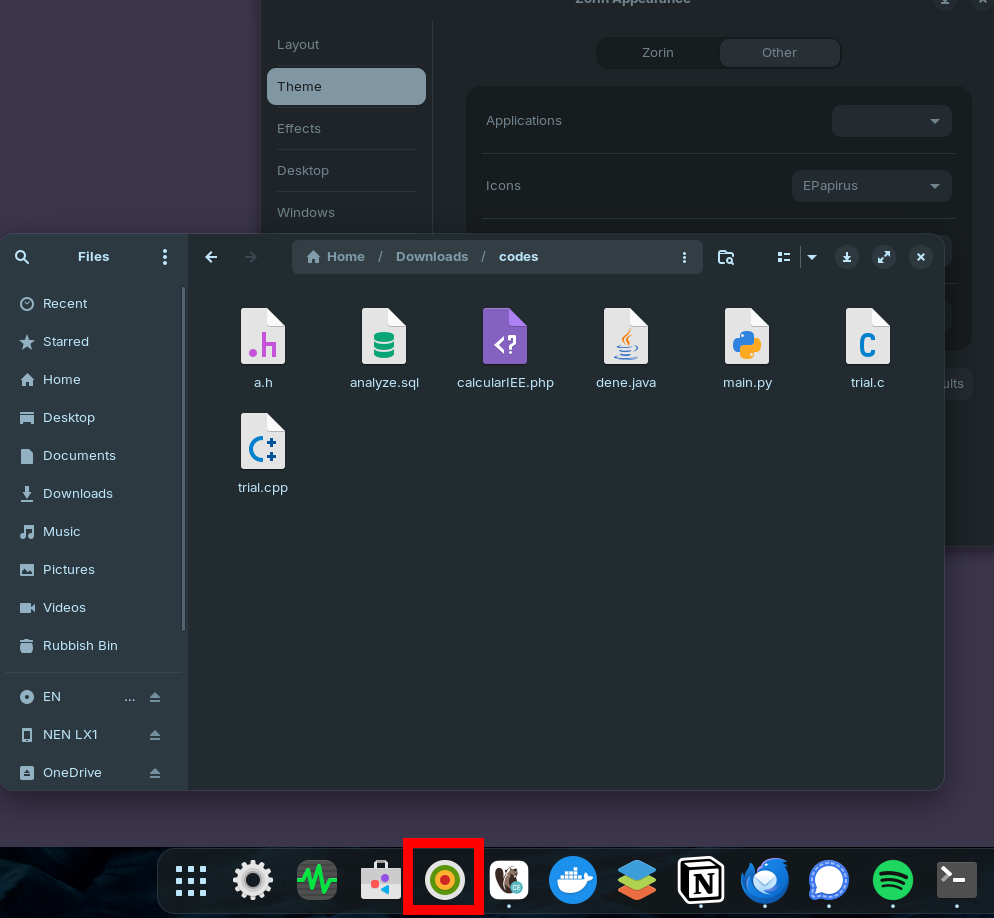
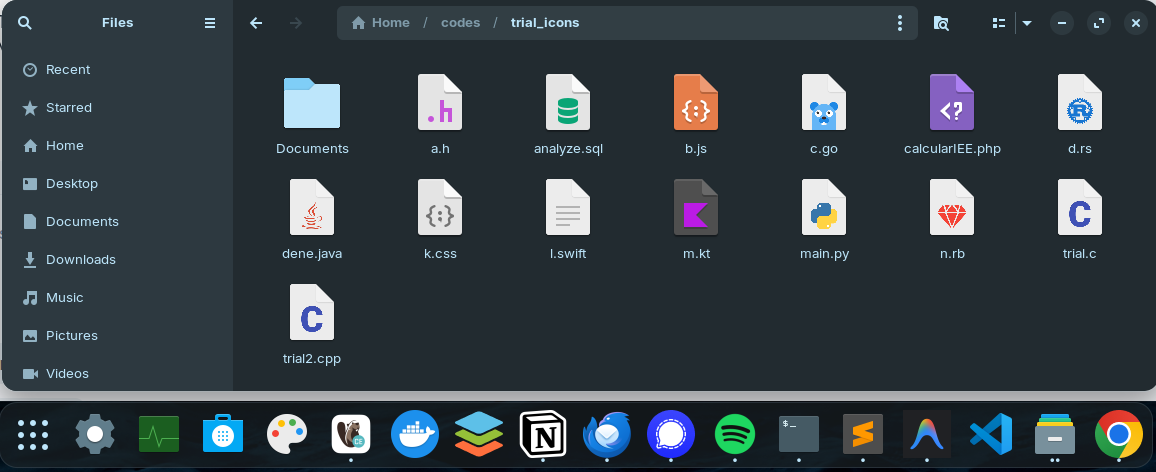
I created a new theme copying icons from Papirus. For the folders I kept Zorin's Theme.
If someone would like to do the same, this is the way:
# create themes
mkdir -p ~/.icons/Sule-Mimetypes-Light ~/.icons/Sule-Mimetypes-Dark

# copy base index.theme
cp /usr/share/icons/ZorinBlue-Light/index.theme ~/.icons/Sule-Mimetypes-Light/
cp /usr/share/icons/ZorinBlue-Dark/index.theme  ~/.icons/Sule-Mimetypes-Dark/
# edit LIGHT index.theme (using sublime text, you can also use nano)
subl ~/.icons/Sule-Mimetypes-Light/index.theme
Replace the first 5 lines with:
[Icon Theme]
Name=Sule Light
Comment=Zorin apps & folders with EPapirus mimetypes
Inherits=ZorinBlue-Light,Zorin,Adwaita,gnome,hicolor,EPapirus
Example=folder
# edit DARK index.theme
subl ~/.icons/Sule-Mimetypes-Dark/index.theme
Replace the first 5 lines with:
[Icon Theme]
Name=Sule Dark
Comment=Zorin apps & folders with EPapirus mimetypes
Inherits=ZorinBlue-Dark,Zorin,Adwaita,gnome,hicolor,EPapirus-Dark
Example=folder
Then I run this:
# copy ONLY mimetypes (light)
for s in /usr/share/icons/ePapirus/*; do
  [ -d "$s/mimetypes" ] && mkdir -p ~/.icons/Sule-Mimetypes-Light/$(basename "$s") \
  && cp -r "$s/mimetypes" ~/.icons/Sule-Mimetypes-Light/$(basename "$s")/
done

# copy ONLY mimetypes (dark)
for s in /usr/share/icons/ePapirus-Dark/*; do
  [ -d "$s/mimetypes" ] && mkdir -p ~/.icons/Sule-Mimetypes-Dark/$(basename "$s") \
  && cp -r "$s/mimetypes" ~/.icons/Sule-Mimetypes-Dark/$(basename "$s")/
done

# rebuild cache
gtk-update-icon-cache ~/.icons/Sule-Mimetypes-Light
gtk-update-icon-cache ~/.icons/Sule-Mimetypes-Dark
Then from Zorin Appearance -> Theme -> Icons, I changed the icons to Sule-Mimetypes.