When I right click to an app and select "App Details", it is supposed the open Software Store but almost for all the apps, I get this:
It's not just for this app, I'm looking for an extension (or a workaround) to know the type or terminal cli name (to be able to execute from terminal if possible), or the path.
Since removing an application is super difficult compared to Windows (Control Panel → Programs and Features → Uninstall), as applications not installed via the Software Center require identifying their exact package or command-line name for removal, I think it would be really helpful.
When you right-click on the Zorin start menu icon and select "Edit menu", you can search for dbeaver (probably at category programming) and look which command and path are shown at the launcher properties.
Thanks a lot. Wow, I had no idea there was a completely different menu when I right click to "Zorin Menu" had these options. I was using Ubuntu in the past and I never saw this option. Now I can see the exact commands.
'Edit Menu' is a clever shortcut to launch 'Main Menu', which is also in the System section of the menu (it used to be called 'Ala Carte Menu').
You can also install 'Stacer' which has a utility to uninstall applications.
You could also take a look at Synaptic Package Manager. Once installed and opened, if you click on the 's' above the small boxes to the left of a package name, all your installed apps are moved to the top in alphabetical order.
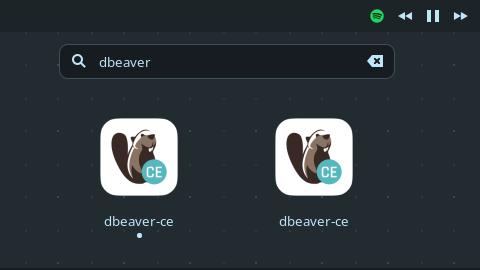
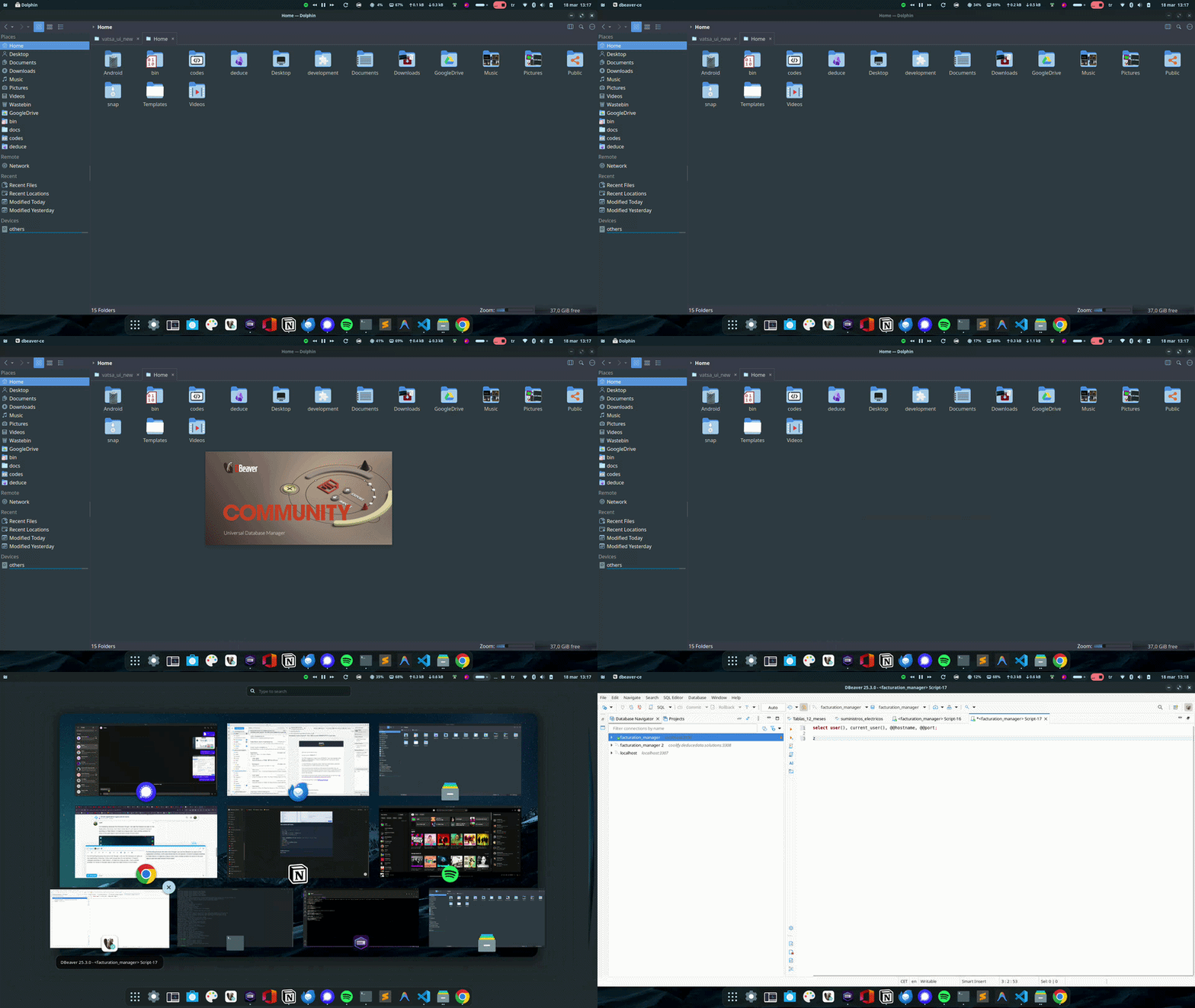
It's interesting because this time even though I can see the Dbeaver as open on the Application Overview, Zorin Dash shows like it's not opened. (I haven't changed anything on 'Main Menu'). It might be a bug as well, I had a similar problem for brave in the past (app is open but dash shows it much later)
You could use @Forpli's Way to add to the Name a (Snap) for the Snap Version. So would be tha actual Name dbeaver-ce (Snap) and You know directy what is the Snap Version and wht the .deb Version.