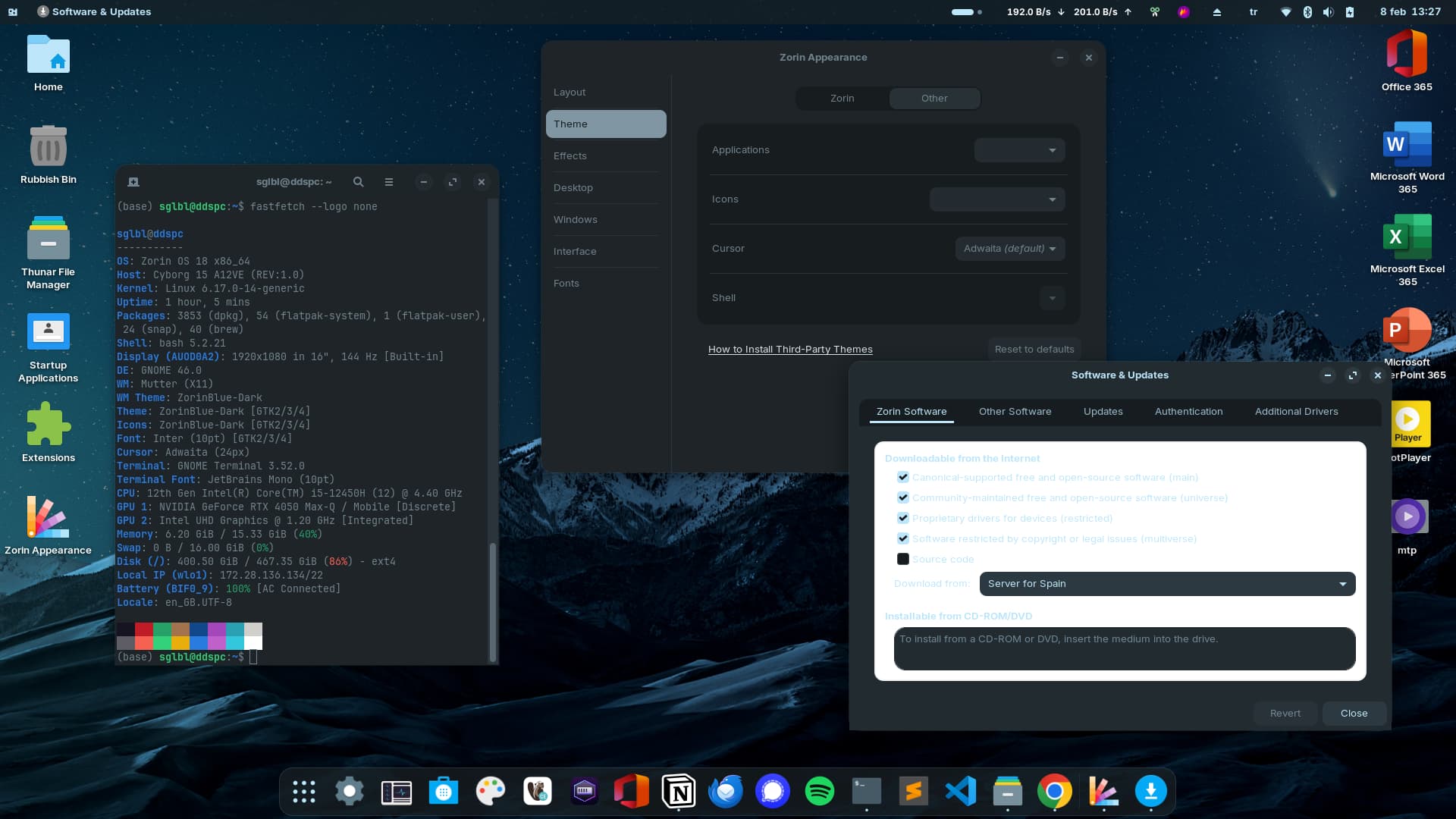
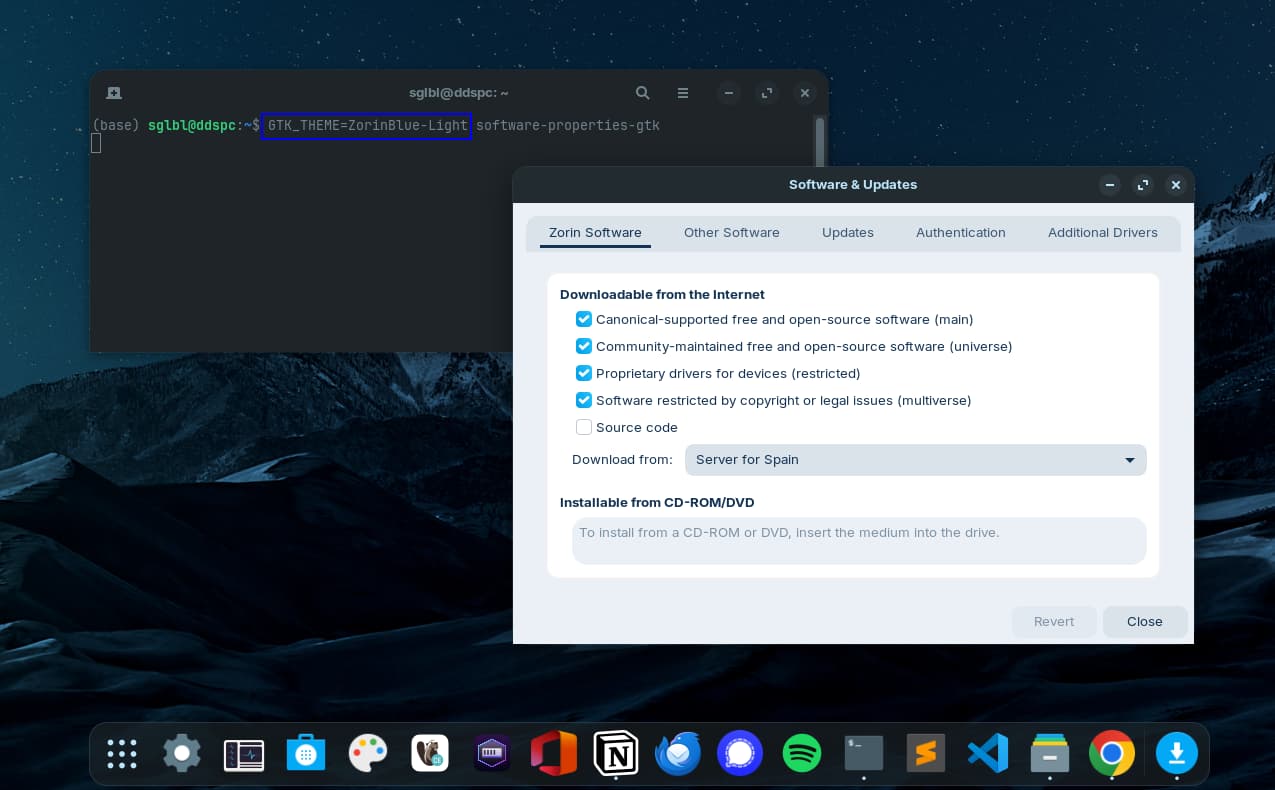
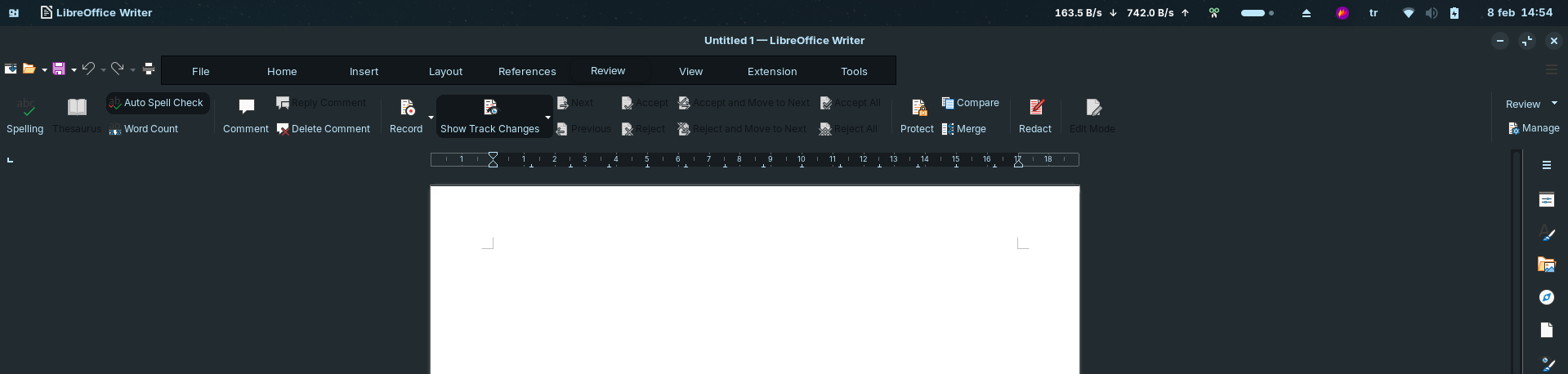
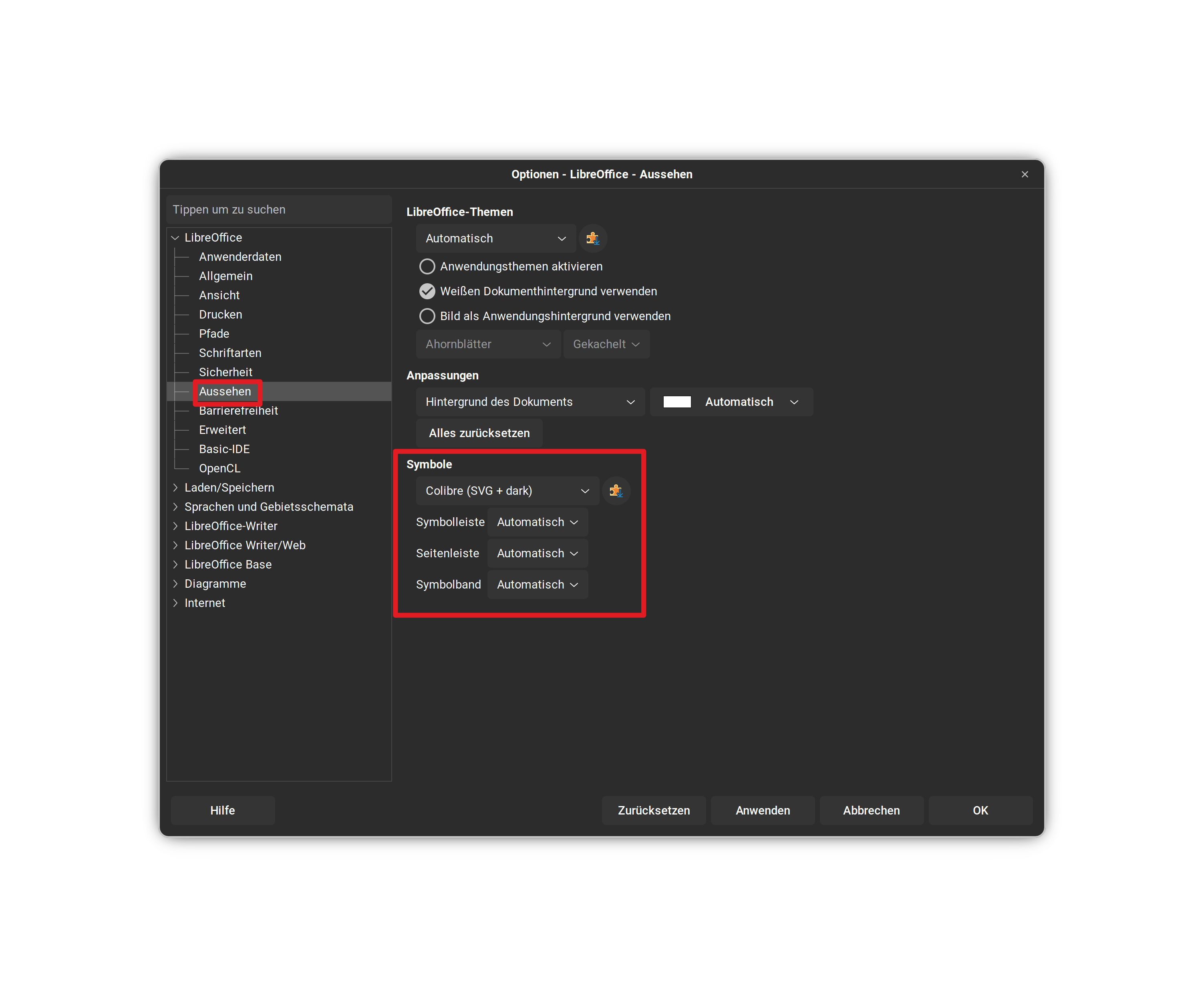
Text and background doesn't match. I am using the default Zorin OS Dark theme, I also disabled all GNOME extensions to make sure but nothing changed. Zorin's Light theme doesn't have this problem.
@Ponce-De-Leon Thanks for your help,
the problem was that Modern LibreOffice theme was breaking most of the things.
I replaced ~/.config/gtk-3.0/gtk.css content with:
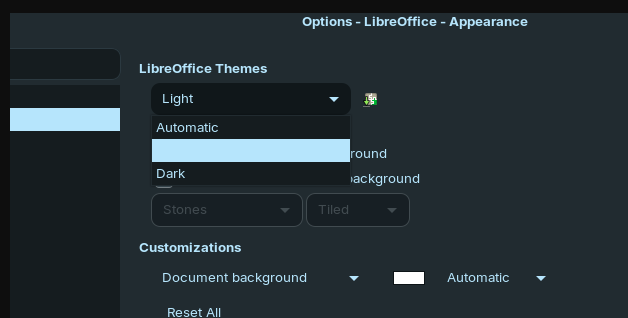
Did You checked in LO the Settings? Especially for the Symbols. I have made the Experience that - even when in Dark Mode - it uses Symbols that fits for Light Mode.
The funny part of this is that LibreOFfice is extremely sparse, as it's built, on any theme support at all.
An application calls on widgets, widgets are styled by the theme.
LibreOffice, however, calls broadly on generic widgets, and does not narrow or make use of most widgets, creating a situation where elements of many distinct widgets are crossing over. This is a case of the app breaking the theme, rather than the theme breaking the app.
I checked everything there but nothing fixed. I'm not sure how other people who use Zorin OS 18 Core/Pro see it. It looks readable if I use TK_THEME=Emacs libreoffice --writer command.
Yes, I agree. I wouldn't expect my theme for an app would break all the system. That's why I was using modern looking OnlyOffice instead of LibreOffice but OnlyOffice Presentation was opening MS Powerpoint's text as overflown.
I also tried on Test Zorin OS 18 Education64 online (Live trial) but that option doesn't fix. I checked and gtk.css doesn't even exist but it still occurs.