For the past several months I've been using a ZorinOS installation that I boot from and external drive on my old windows laptop. A couple days ago my laptop crashed and took down both the Windows and Zorin partitions with it. I've managed to get my laptop working again by deleting and reinstalling Windows, but now the laptop cannot recognise the external SSD as a bootable drive and I cannot access Zorin anymore. Has anyone encountered something like this and if so how did you fix it? I don't want to format my drive and lose the data in it...
Some info about the setup:
Laptop is an old HP model that was running Windows 10 (now 11)
SSD was just a generic SanDisk Extreme Pro model
When I plug it into a windows or Mac system (after booting and logging in), it either doesn't recognise that a drive is plugged in or if it does, can't read the contents. I finally managed to get into it by booting Zorin from the USB I made while installing and could access the file system, can see my files are intact.
Laptop can boot from other external devices (managed to boot from a USB drive), just can't boot this one.
When everything worked the boot loader was actually on my external SSD, which meant I couldn't access Windows either without the drive plugged in.
Guess my question is, is there any way to restore the installation without formatting the drive? Is it possible to fix the boot loader?
Only to add that: When You still have the bootable USB Stick with Zorin, You can start it, choose ''Try Zorin'' to get in the Live Mode and then You can go into Nautilus (the File Manager) and navigate to Your Drive to save Data - only for the Case.
Then You can seach there for ''Boot Repair''. It is available in the Live Mode and then let it run.
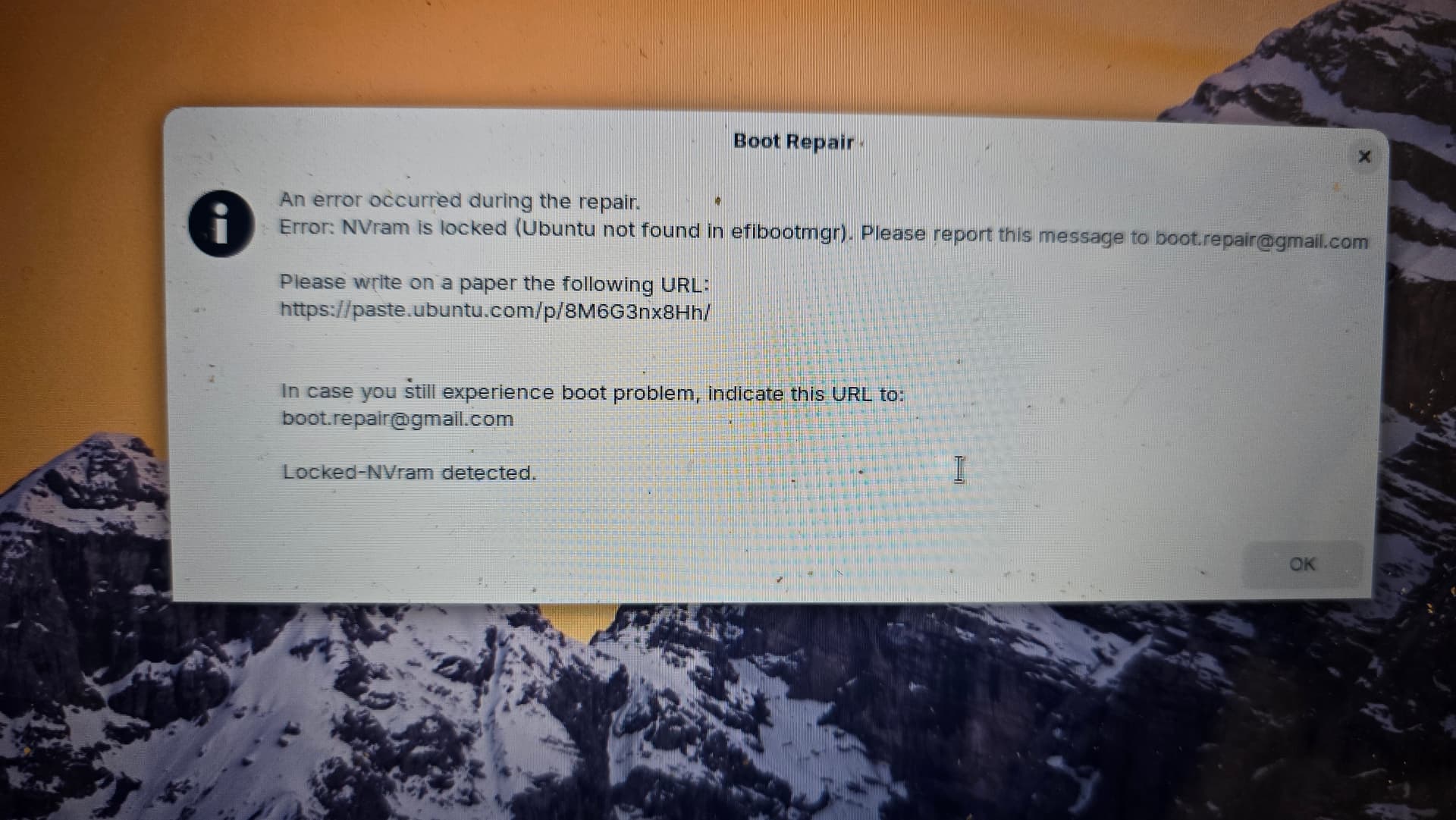
This was super helpful thanks!! Unfortunately Boot Repair threw an error. I had an Ubuntu partition as well before my laptop was erased that I didn't bother restoring as it caused all sorts of problems, but the grub repair detected it and it looks like it can't repair GRUB without it ://
Think so, I installed it years ago and haven't touched it since so I don't remember which partition it's in. Retried boot repair (made sure to set the default OS to zorin this time) and got the same error Ubuntu Pastebin, attaching a pic of the error dialog too (sorry for the bad quality :") )
If you reinstalled Windows - I bet it re-enabled Secure Boot in your BIOS settings.
Can you boot into BIOS - setting - advanced - and disable it?
Secure Boot will lock NVRAM and changes being written.
We should check this first - the old Ubuntu EFI entry might be a red herring.
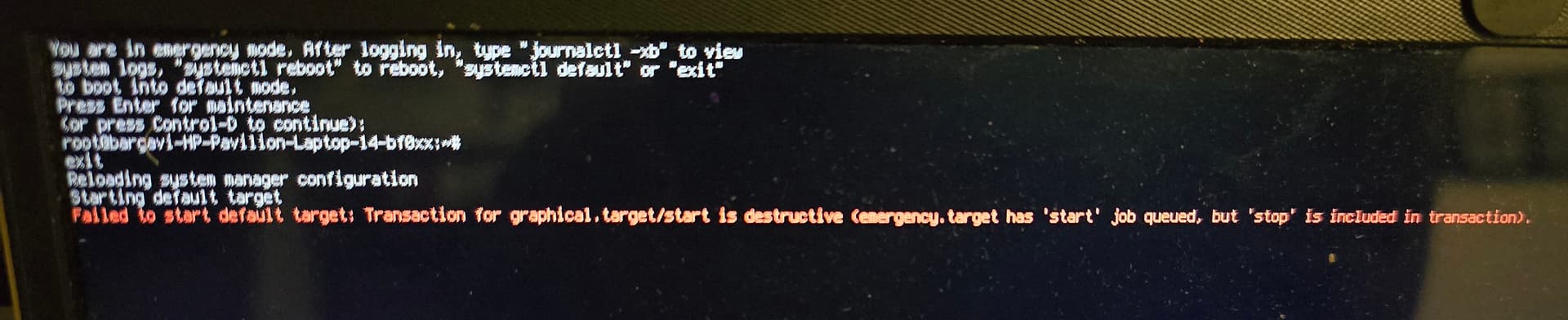
Also, I checked the OS boot options (F9 on startup) and it's finally showing both the Zorin drive as well as Ubuntu as an option! When I tried to boot into it however I got the Ubuntu GRUB menu, with Zorin listed as an option. Tried booting into it but got this error screen instead. Does this mean my Zorin installation is done for?
I do wonder if loading the LiveUSB of Zorin OS, then mounting your partitions and installing Grub manually is the best path for success. It is a tedious line, but well within your ability.
My primary concern is that the NVRAM is locked. That prevents changes made being written - and while this is not exclusively able to prevent boot, it can prevent consistent reliable boot.
And it seems like that error has been popping up a LOT on the forum lately, with varying success at solving it.
If I were to completely delete the Ubuntu partition and re-run boot repair, would it help? I don't really need it and it has caused issues since the day I installed it.