how to fix this problem
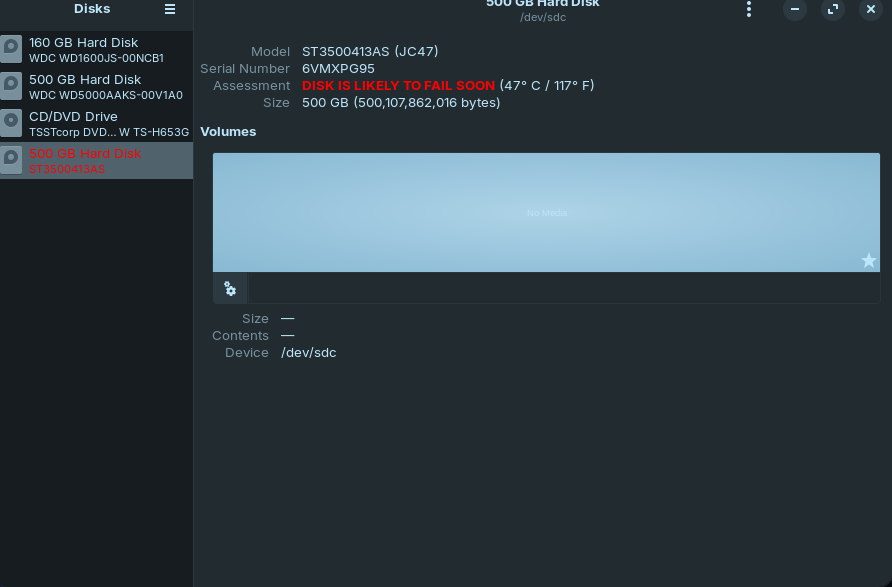
You should replace your hard drive. It looks like it is defective. You should no longer use it for important data and back up your data on the drive as soon as possible.
You can also perform a SMART test to obtain more detailed information.
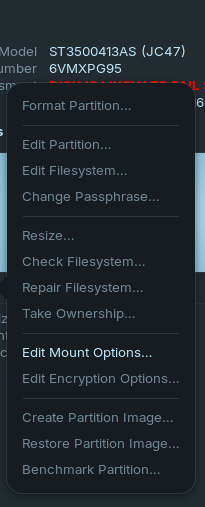
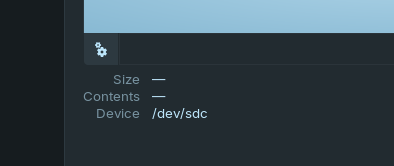
To do this select your drive in the gnome disks app and click on the gear icon. Then select SMART Data & Self-Tests.
1 Like
You have bad sectors on your mechanical hard drive, it will catastrophically fail soon. Since your computer is using a mechanical drive, that means it uses SATA. Best advice I can give you are twofold...
(1) Backup your important files that could be lost forever, on a USB flash drive.
(2) Buy a 512GB minimum, 1TB recommended, SATA SSD drive. Remove old drive, smash it with hammer, toss out.
(3) Install your new drive, install Zorin OS 18 on it.

1 Like
This topic was automatically closed 90 days after the last reply. New replies are no longer allowed.