I am brand new and was upgraded to Zorin 2 days ago without consulting me ( misplaced kind volunteer) so lost all my work . I need to know how urgently to use control c v x and y etc to do my work. I also don't know how to restore some of the apps such as vlc my preferred dvd player. Finally can I access google drive as some files may be saved and I also want to have a second place to avoid the current nightmare ( laptop didn't sync when I compressed files in google desktop when in W10
Hello and welcome,
CTRL+C, V, Y, work but not in terminal.
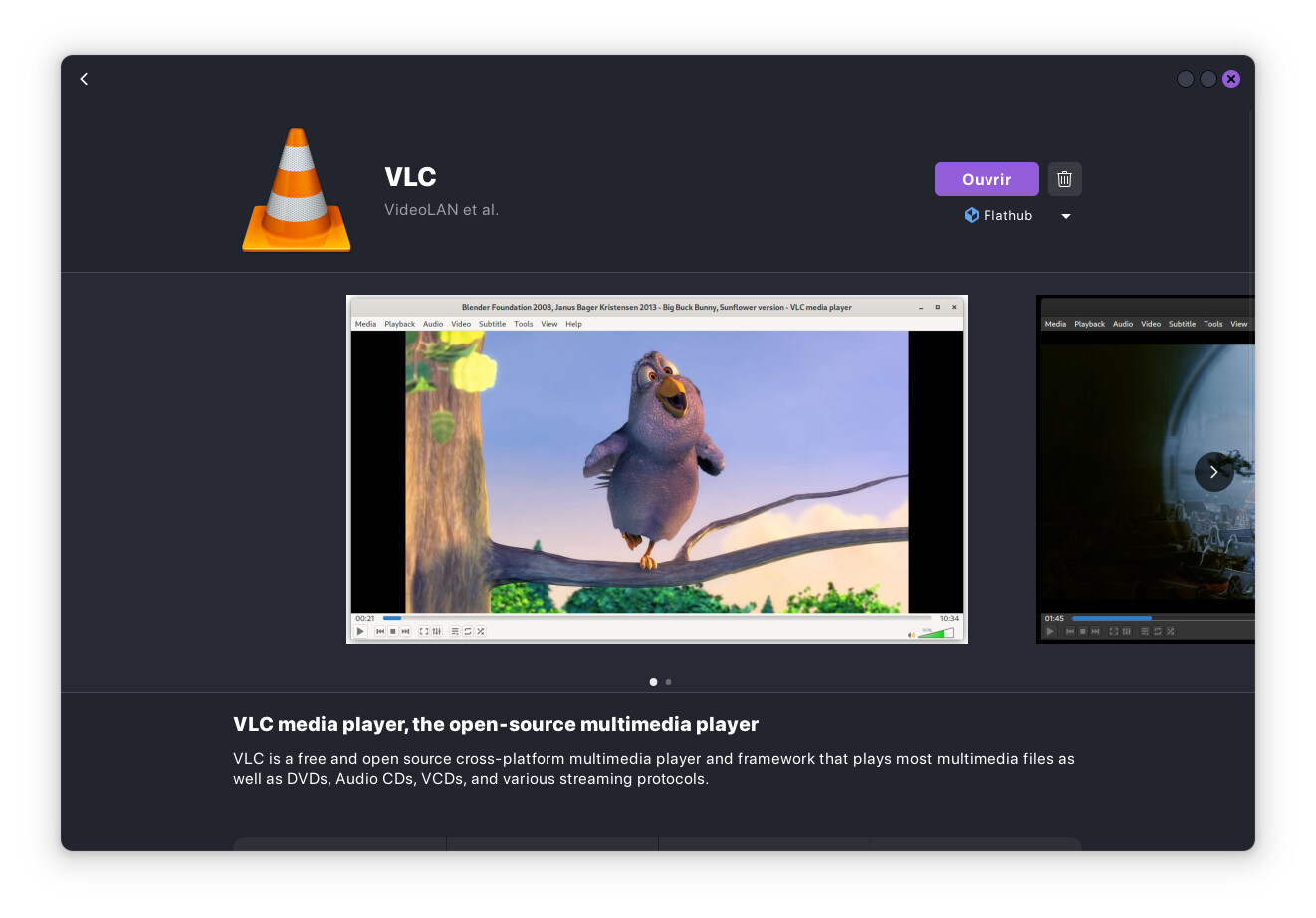
You can install VLC in Software.
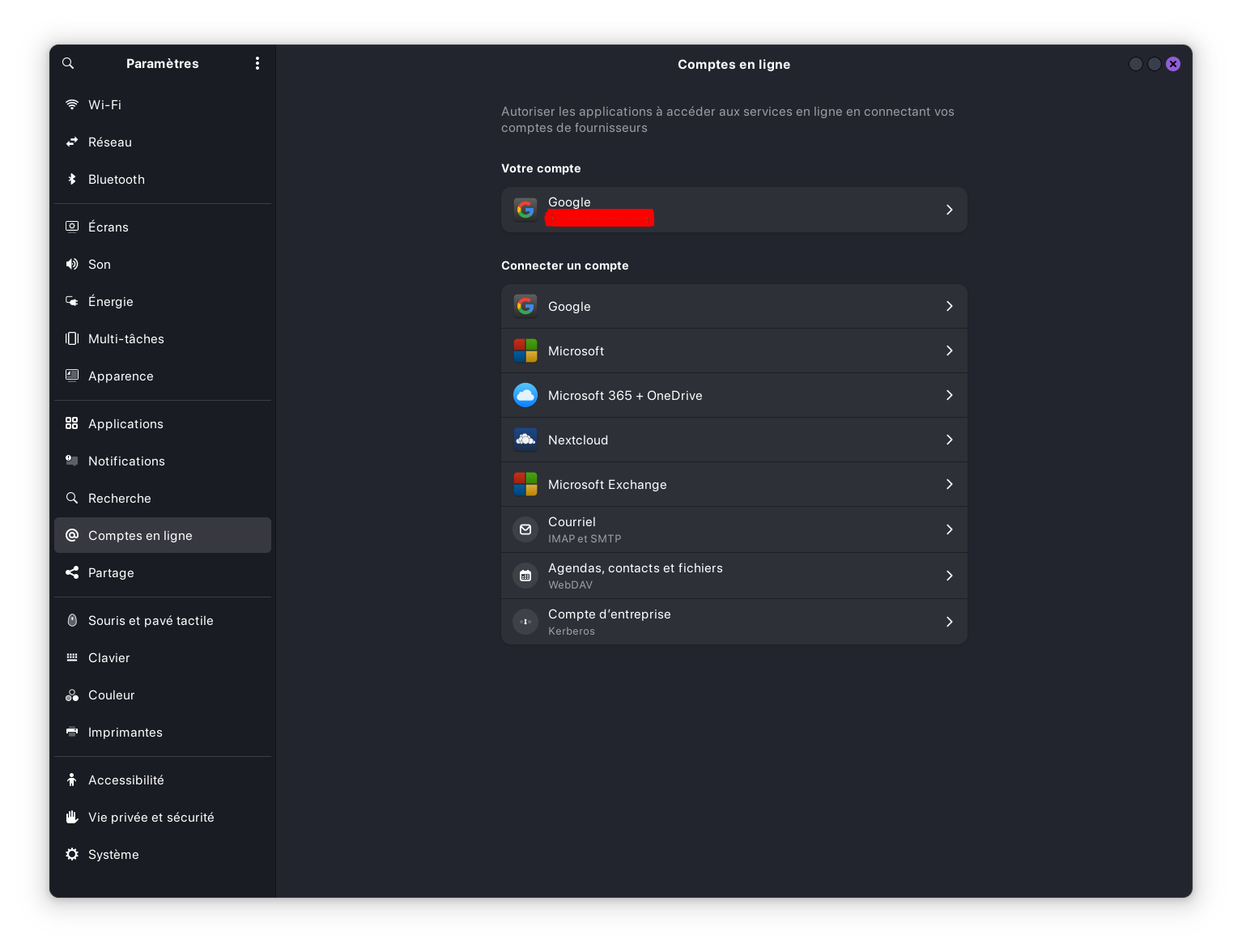
You can access to your G Drive with accounts in settings.
3 Likes
To copy/paste in the terminal, use the right-click of the mouse or ctrl+shift+c or ctrl+shift+v.
2 Likes
Thanks -so much stuff to (re) learn,,,,I assume all control shortcuts work such as control Y or control K as long as there is a shift in the middle of it.
1 Like
You only need shift in terminal, not other apps
1 Like
Possibly more stupid than normal but I cant find a way to 'search' for vlc- hence the message.I have used software repositories in workplaces and there was always a search button. I don't know what vlc is categorised as and can't find a way to simply put in vlc to avoid scrolling endlessly through apps ?
1 Like
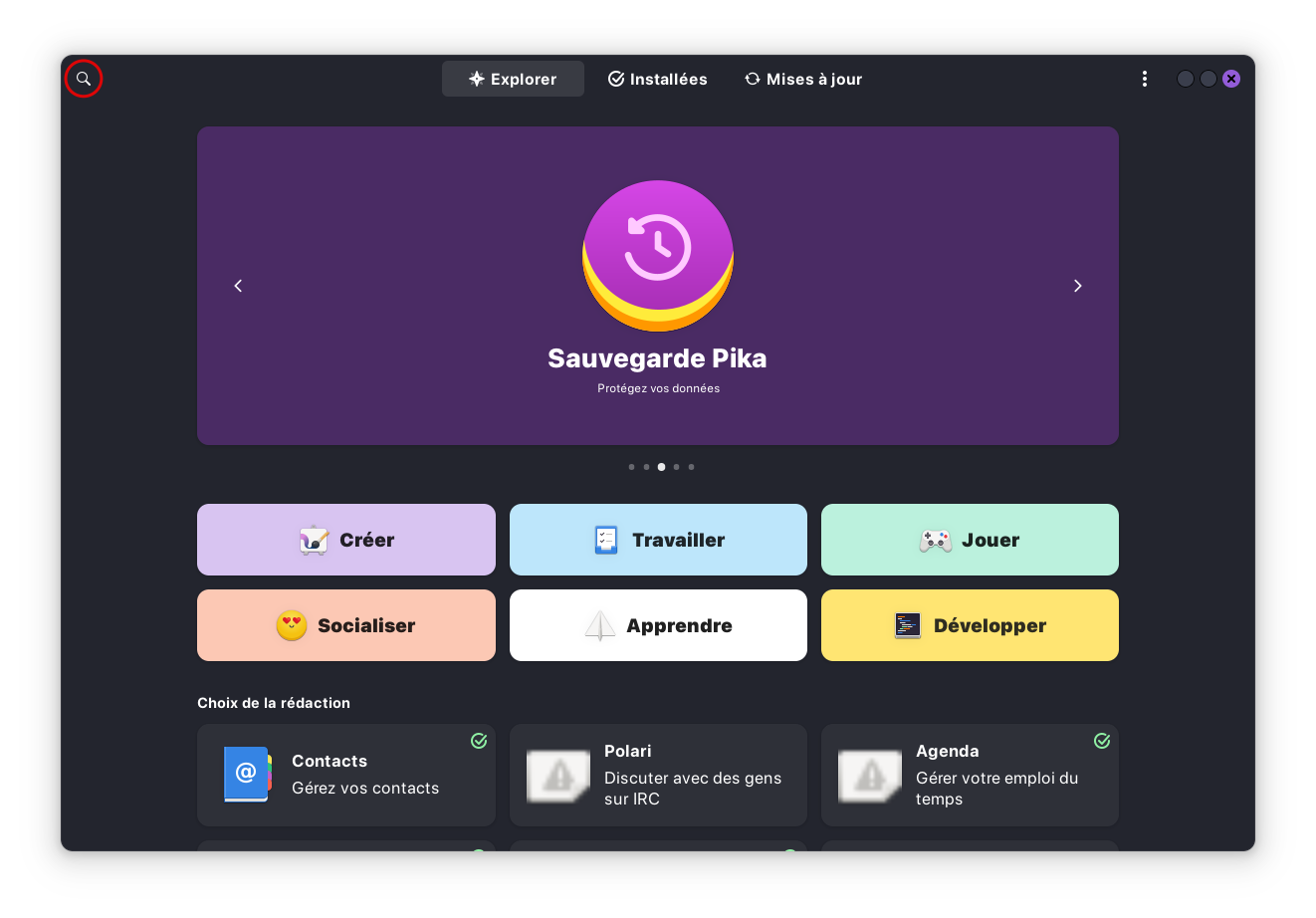
You can search in software center (gnome-software) for vlc to install it or open it, or when it is already installed, with Zorin start menu, there is a srarch field or in the app grid.
2 Likes
Only to offer an Alternative: To install VLC, You can use the Command
sudo apt install vlc
in the Terminal. But a little Tip: When You are in Gnome Software on the Start Page scroll down to the End. There, You should find a Button called ''Codecs''. Click on it and You get an Overview with Codec Packages. Install them all. These give Support for Audio and Video.
2 Likes