I have a problem with Dash2Dock Animated on my Zorin OS 18 Core. My GNOME version is 46.0 using Wayland. When I installed it, the dock was already falling down to the bottom, I've logged out and back in but it's still the same. I've already disabled the Zorin Taskbar (Claude's suggestion) but nothing changed. Does anyone know about this issue? I want to have a dock with smooth macOS-like animations 
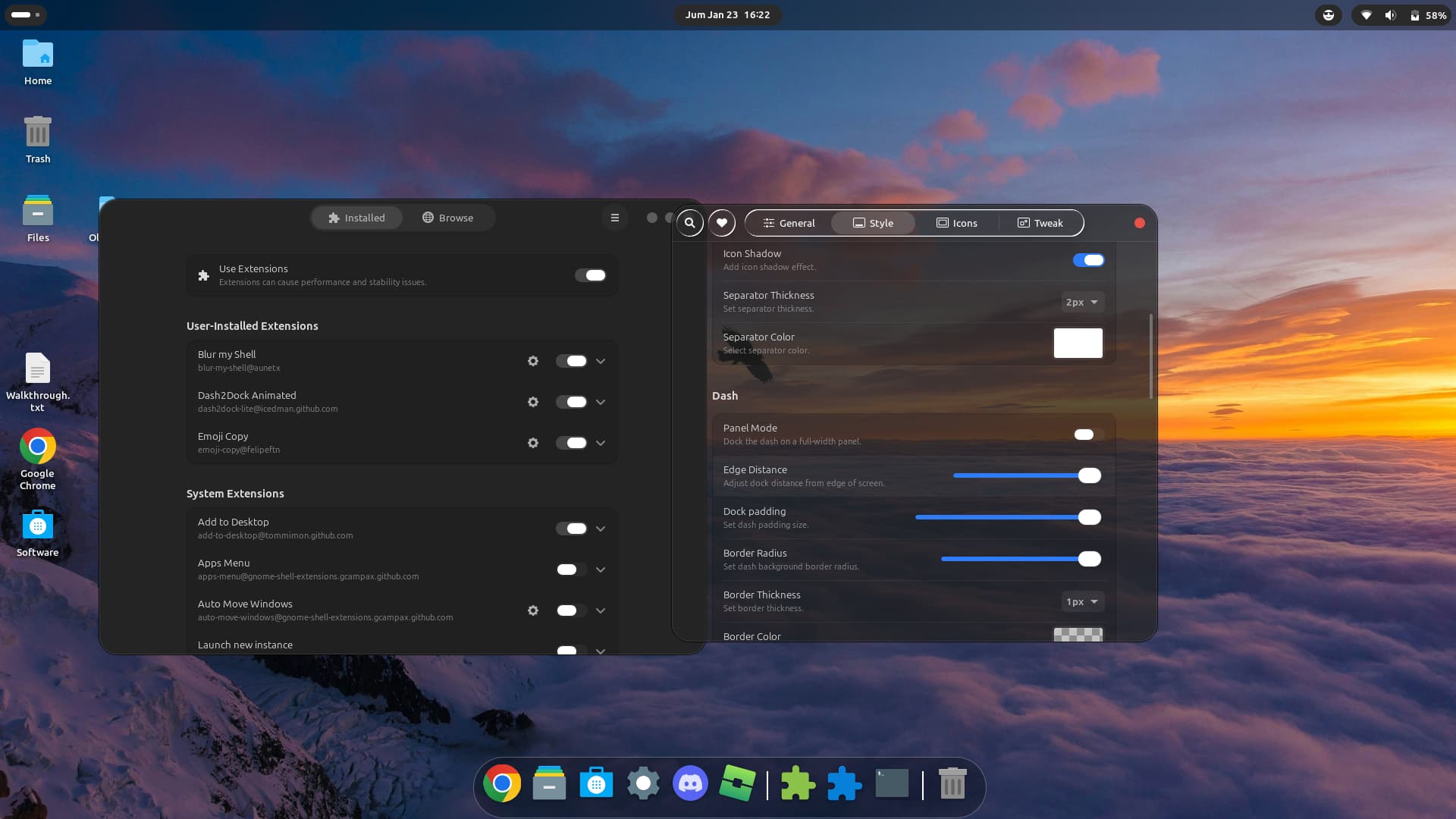
In this gnome-extension no setting exists to get a floating dock which is not on the bottom.
1 Like
But I see that people who use Ubuntu can use Dash2Dock Animated. What I know is that Zorin OS is based on Ubuntu, right?
Yes, you can use the Dash2dock animated extension in Zorin. It works, also the animations. But with the normal settings you can not set up the dock to a floating style.
The animations you can turn on at tab "General" > Animation
1 Like
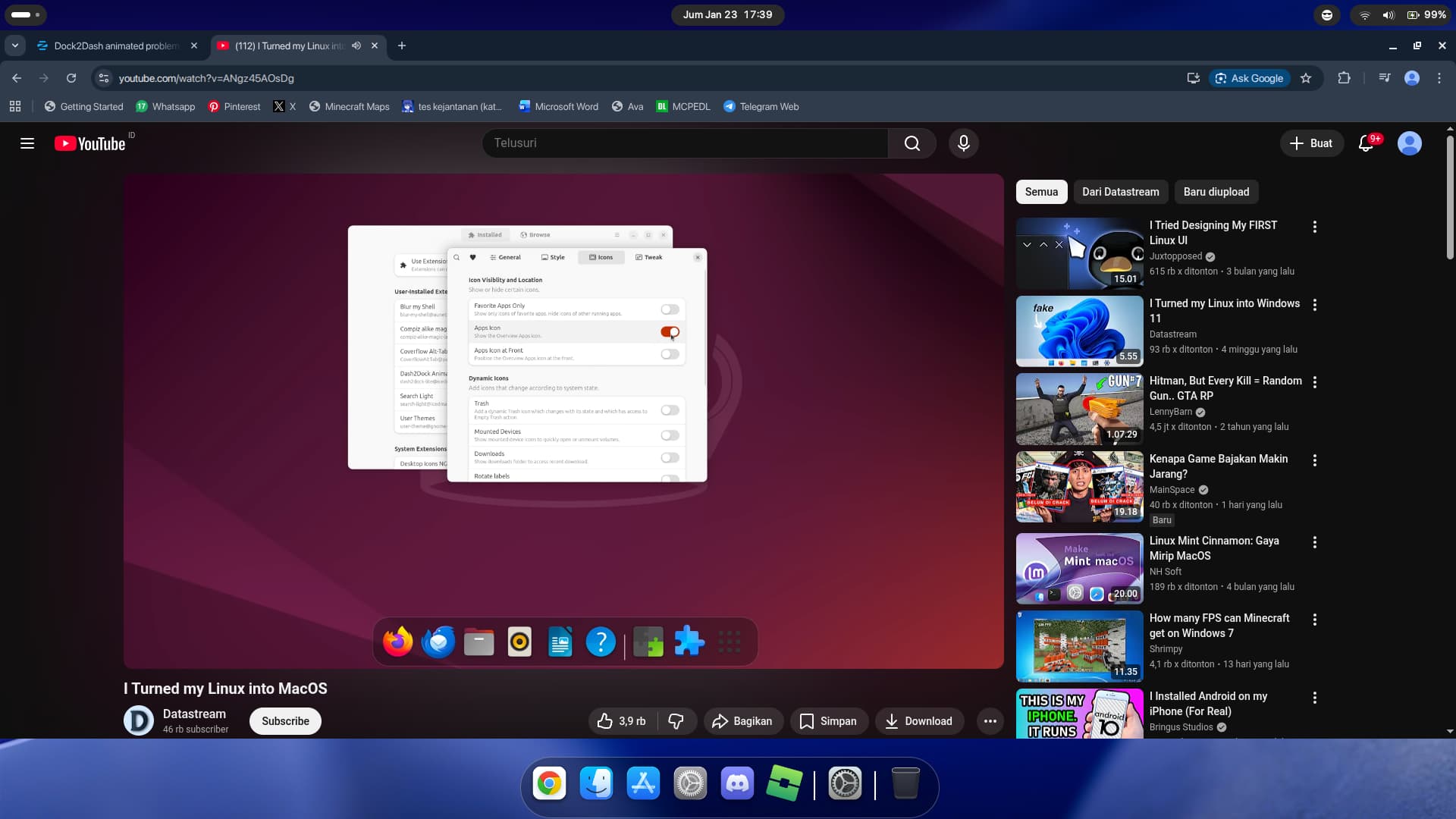
Thanks for the clarification! I need to correct my issue description:
At the default settings, the dock is positioned correctly at the bottom (same as the video at 0:55). However, when I increase the Edge Distance to move it up, the dock does move, but the positioning becomes misaligned - the dock panel and the icons don't line up properly anymore. It's like there's an offset/positioning bug.
In the tutorial video, adjusting Edge Distance works perfectly and everything stays aligned
Ah, I see, in the video is shown a floating look. That looks much better when the edge distance is increased. Maybe it is an error in the code of the extension itself which is solved in later gnome versions.
1 Like
i think it is, the extension was not stable for my gnome i think
Maybe someone can tell you how to edit the stylesheet.css file of the extension at
~/.local/share/gnome-shell/extensions /dash2dock-lite@icedman.github.com/stylesheet.css
to get a bottom padding of the dock box. I tried, but don't know how to do that.
1 Like
Maybe you can send a bug report.
In this reddit thread they talk about the same problem and I have looked on the github site for solutions for this problem but this issue wasn't reported.
https://www.reddit.com/r/gnome/comments/1pzavfi/dash2dock_animated/
1 Like
Owh, nice! but i cannot report this bug via reddit  my country block this useful web for some "po***graphy" issue
I found out something interesting. Just removed the extension which I had installed via gnome extension manager and downloaded the extension from the github site. Then I moved the unziped package to ~/.local/share/gnome-shell/extensions and logged out and in again.
Then I opened the extension manager (I didn't click on the message that updates for extension manager are available) and enabled the Dash2dock Animated extension.
Now there was a floating dock and I could increase the edge distance to make it more floating. 
So it seams to have worked in an older version!
But at the next login the extension will be updated and the bug appear again.
I unfortunately don't know how to hold the package back from updating.
But perhaps the problem will be solved with an update in future.
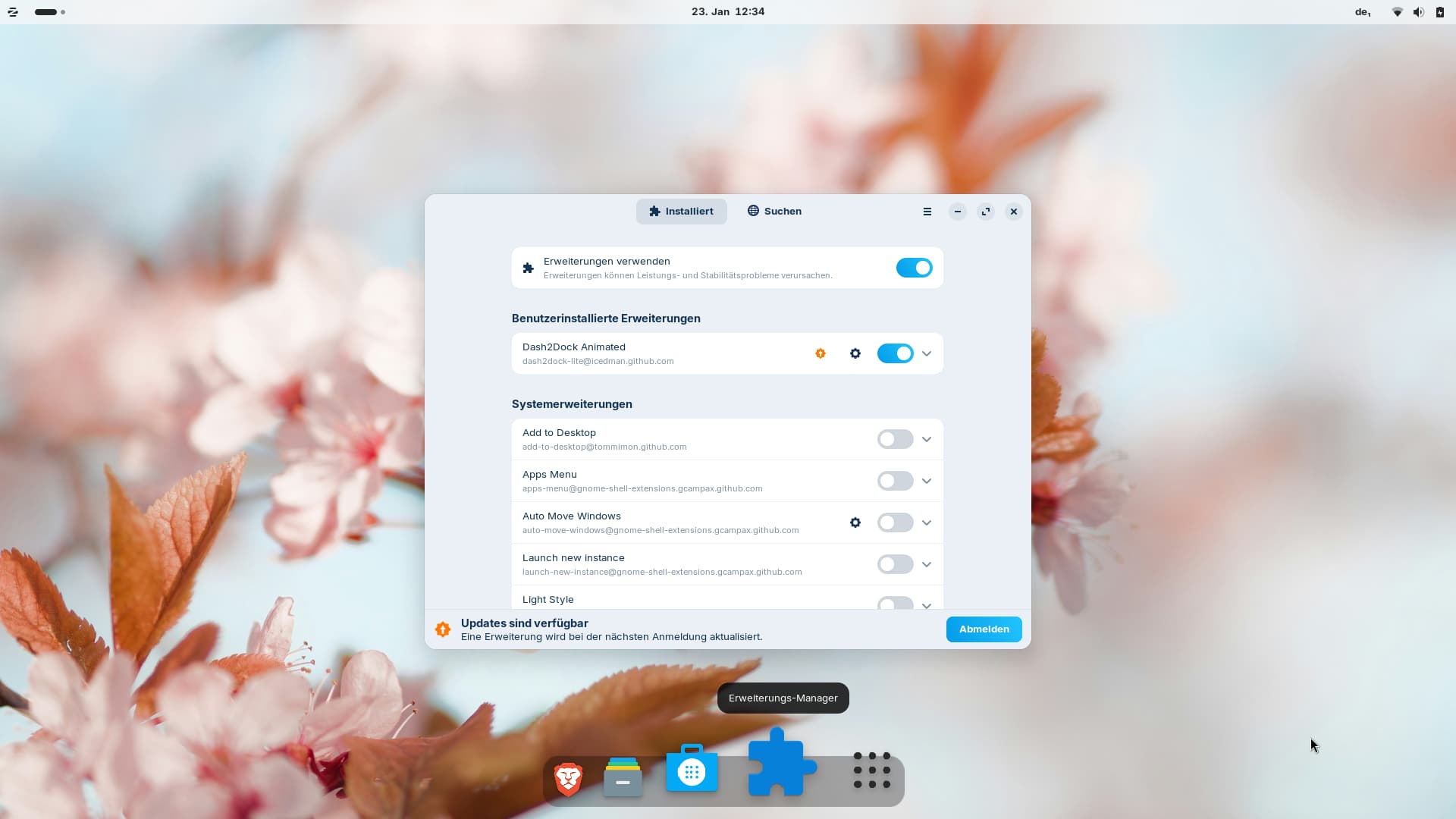
Edit: By changing the UUID it seems to be possible to prevent the extension from being updated. But maybe that causes other problems. The best will be to send the report and wait for an update.
I tested it (renamed the extension folder and then changed the uuid at metadata.json in the extension folder) - the extension was not updated at next login as announced.
1 Like
You can report the bug on github. Click on the heart in the extension settings and select "report a bug", then you are linked to the github page of the extension.