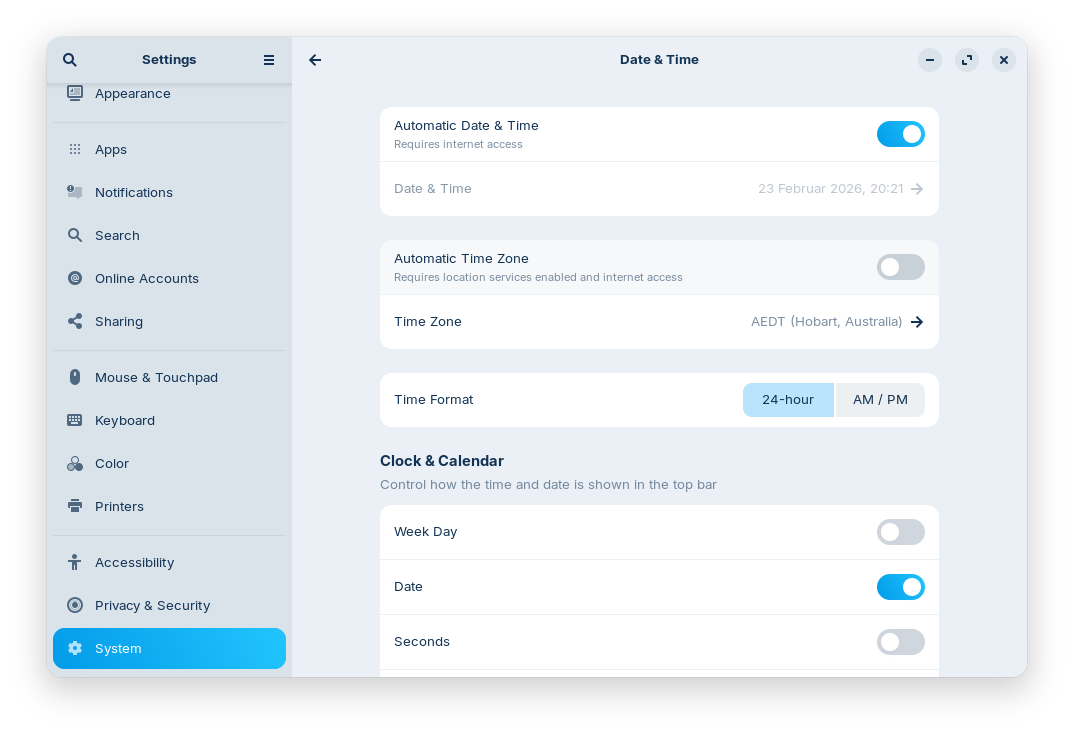
I prefer, and have used, the ISO date format for years and both Apple and Windows allow you to use ISO, US or rest of the world date formats.
I can find multiple questions from users who want to use ISO date on earlier versions of Zorin but nothing regarding using it for version 18 though I suspect that the answer is still you can not.
I see on other Linux sites that this is a common question across many Linux distro's.
Maybe I can put this question in a different way that might prompt the Linux gods to allow ISO dates.
Why are all(?) Linux versions locked to using a date format that only 7 countries use as their primary date system? Kenya, Micronesia, the Marshall Islands, the Marianna's, the Philippines, Togo and the USA and its dependencies.
Linus was not American so why does Linux use the date system that most countries reject?
I set language and location to Australia during install but I still have US dates showing in both Files and Thunar so there must be another setting to adjust somewhere.
Aus does not use US dates and uses ISO as a option so I should in theory have the ISO as an option.
I cannot find anything else on setting locale so obviously my search strings are wrong. Can you please provide a link.
You can set it in your user profile so it launches at login or set it system wide for all user.
System-wide: Just run this in terminal: sudo sh -c 'echo "LC_TIME=\"C.UTF-8\"" >> /etc/default/locale'
Per user: echo 'export LC_TIME="C.UTF-8"' >> ~/.profile
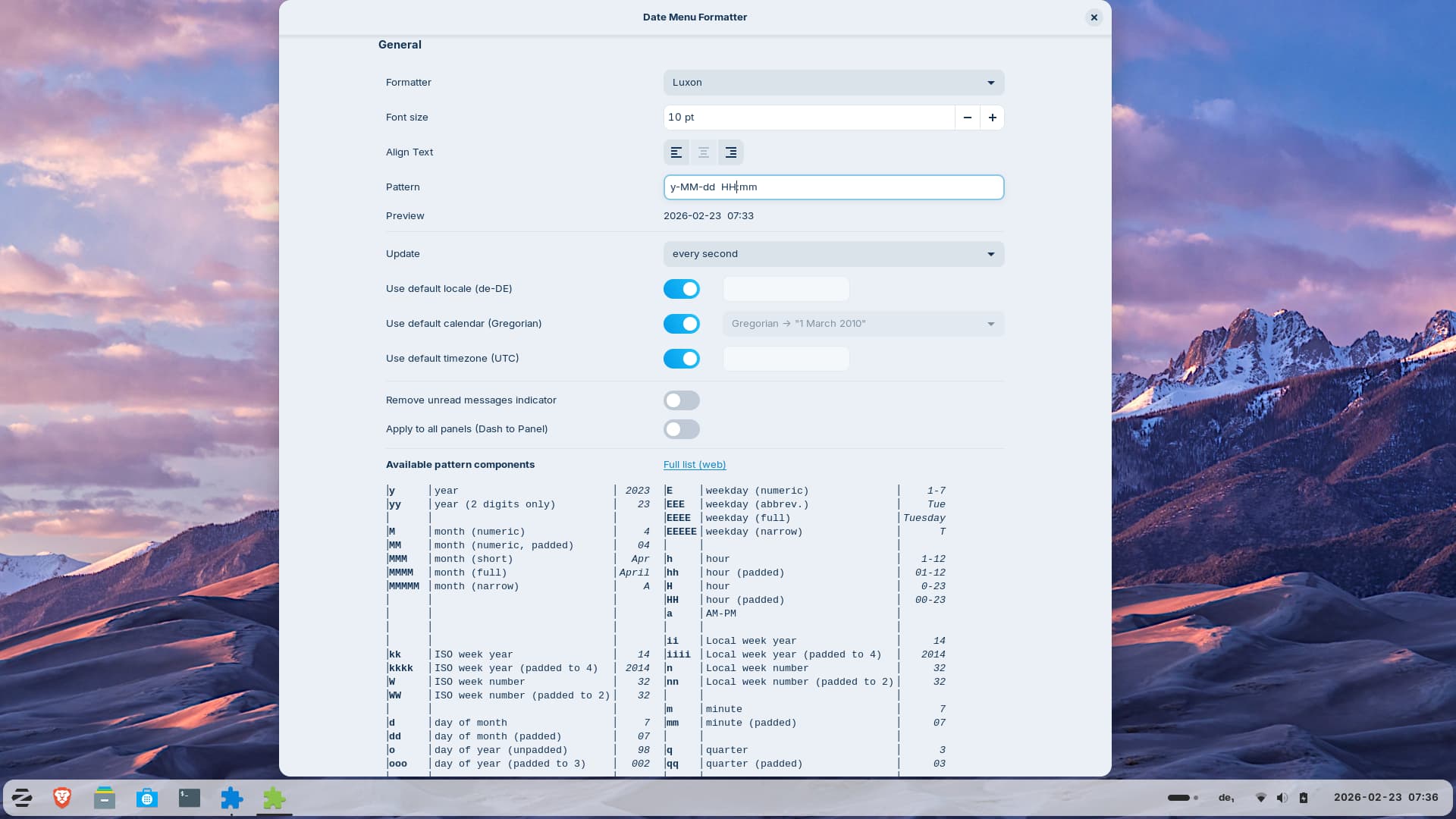
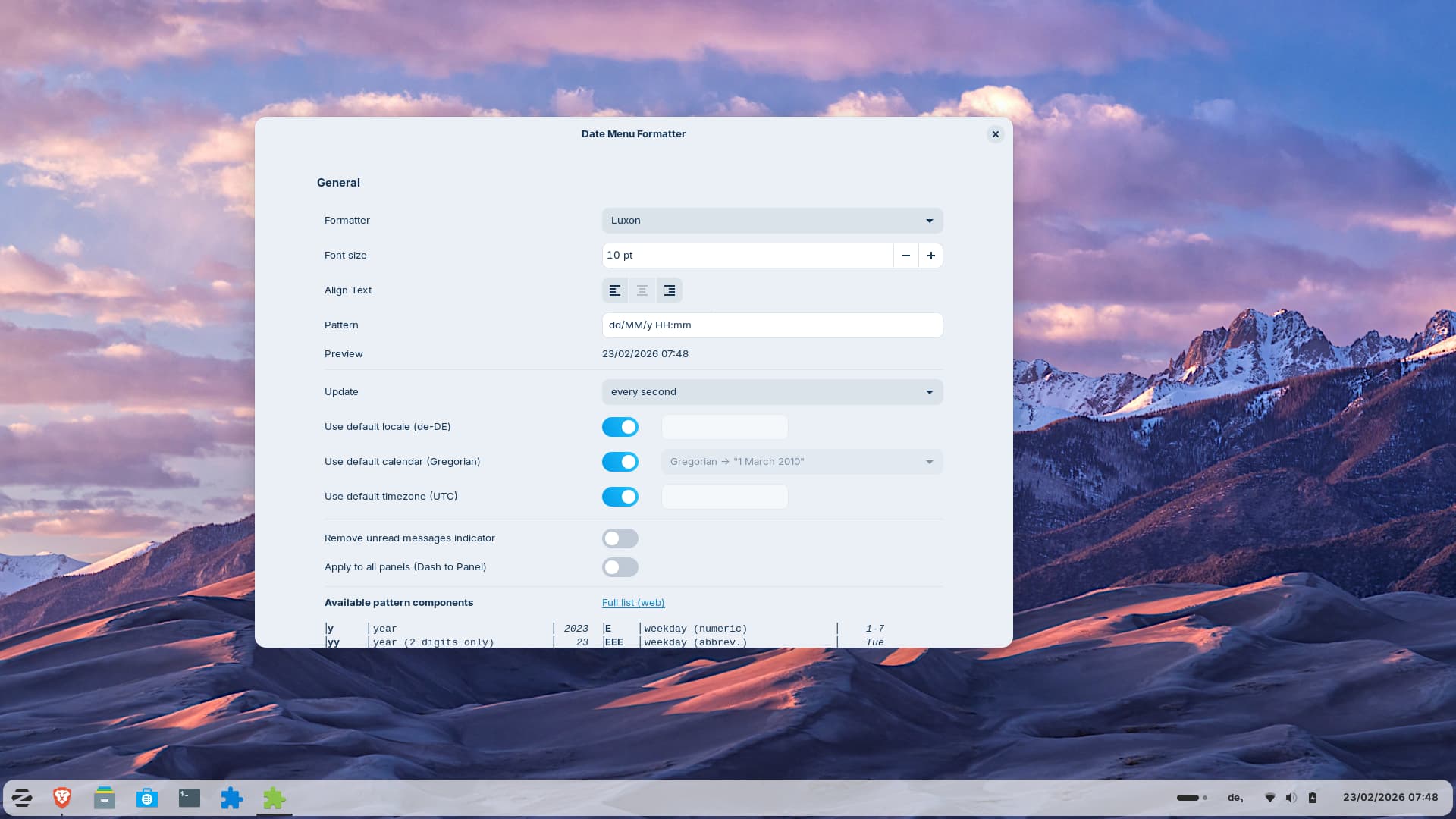
then open it, go to tab "browse" and search for the extension and install it. After it is installed, go to tab "installed" in extension manager and click on the cog wheal at "Date Menu formatter" to setup a custom format. You can also use / instead of - in the pattern.
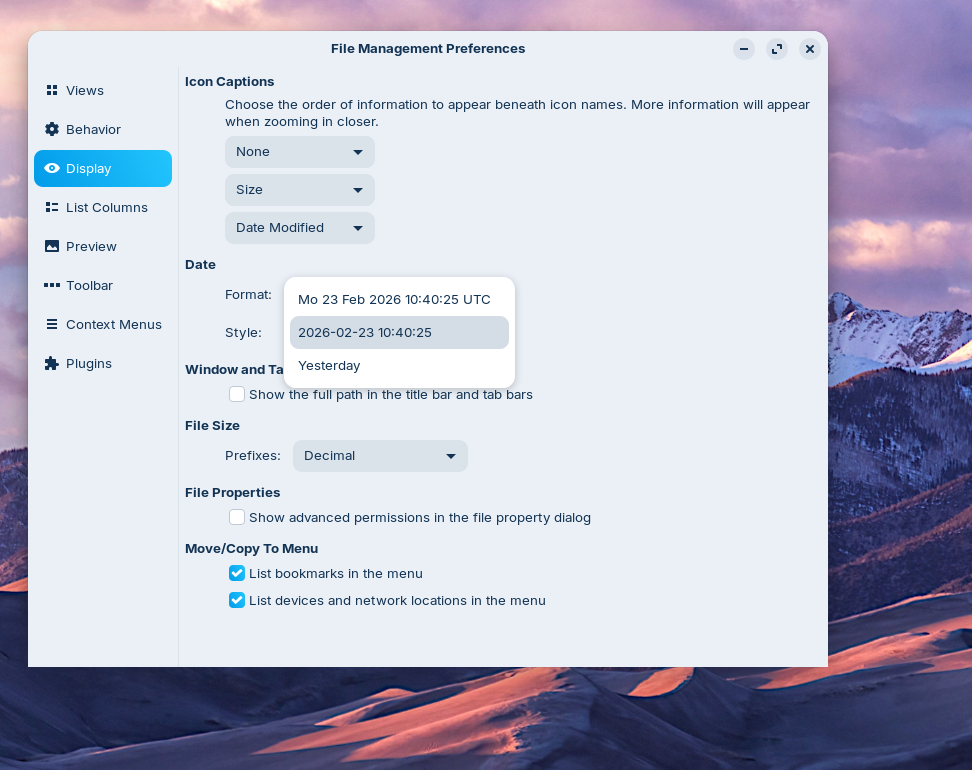
Edit: This extension only affects the taskbar, not nautilus.
Maybe this can help (I haven't tested that yet, and I'm not sure if it helps for the nautilus version in Zorin):
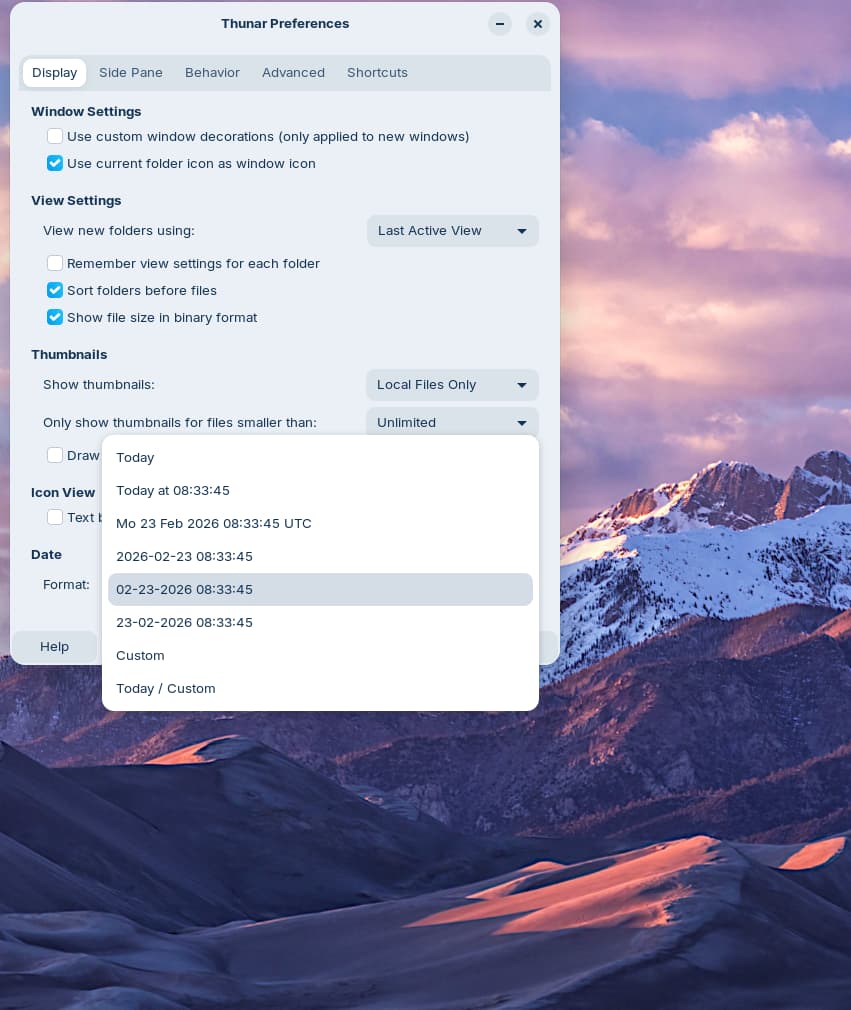
In Thunar it seems to be easier to change the date format. In Thunar go to edit > preferences > date
I can make another suggestion. I have Zorin 18 Core with XFCE installed as DE (extra alongside Gnome). I am in West Australia, and automatically it shows date and time in ISO format. In Clock Settings I left Timezone empty, as it said it would use local time. So I have: 2026-02-23 16.21 The Tooltip reads: Monday 23 February 2026
Installing XFCE is quite easy, but initially gives a layout like Apple/IOS, which you can change with a bit of work. Just an idea.
Sorry. An extra thought on subject of XFCE. Don't install XFCE Goodies, as it will replace the Zorin log-in. I used a simple "sudo apt install xfce4" It will ask you to choose 'lightdm' - accept this. You will have then a thin panel at the top, and a large dock at bottom. I deleted the dock, and dragged the top panel to bottom, and increased the size of everything (easy in XFCE). With Whiska Menu added it looks a bit like Zorin panel. And if you don't like the result, you can go to login screen, click and find little icon in righthand corner, click to choose which DE to use.
Sorry for my mistake.
Do you have a Dualboot with Windows?
Then the clock can be wrong even when the correct time zone is set. Here is a guide how to solve this problem:
Thank you all and my apologies for the very slow response. A "simple" medical problem of my wife's has turned into a very complex problem and is still taking a lot of time and energy.
@Forpli
No I do not dual boot with Windows but may in the near future to solve a couple of minor problems. Hopefully I will remain MS free.
Regarding the Date format I fixed it one night and forget who provided the solution but will comment that it was made much more difficult by one of the things that I think MS and Apple have right and Linux has totally messed up.
When I installed Nemo I found that I now had two file systems in parallel and both of them were named Files. If I had loaded these same two systems in Windoze or Apple they would display as Nautilus and Nemo, not Files and Files which make Windows infinitely more user friendly.
On the other side of the ledger Zorin is far faster than Windows in so many ways. The most pleasant one being that when I turn my Bluetooth headset on it connects almost instantly instead of taking minutes or outright failing.
You can change the display name in the .desktop file located in /usr/share/applications to Nemo from Files. You must elevate to root to have permission to edit the file, first.
Or you right-click on the Zorin start menu and select "edit menu", then search for the file manager apps. At properties you can see the name and commands. The commands contain the right name (nemo, thunar, nautilus) so that you can differ them. Then change the name of the launcher corresponding to the name in the command, e.g. "nemo" instead of "files".