Here is my basic Computer Info -
Dell Inspiron 3650
Intel(R) Core(TM) i5-6400 CPU @ 2.70GHz 2.71 GH
8.00 GB
64-bit operating system, x64-based processor
Windows 10 Home
Installed - 5/23/2026
Secure Boot - Enabled
Secure Boot Mode - Standard
I think the install date reset while I was screwing around with the computer.
I am intending to do a complete over-write install of Zorin. This is my secondary computer that I haven't used in years, and I decided to covert it. No Further need for Windows.
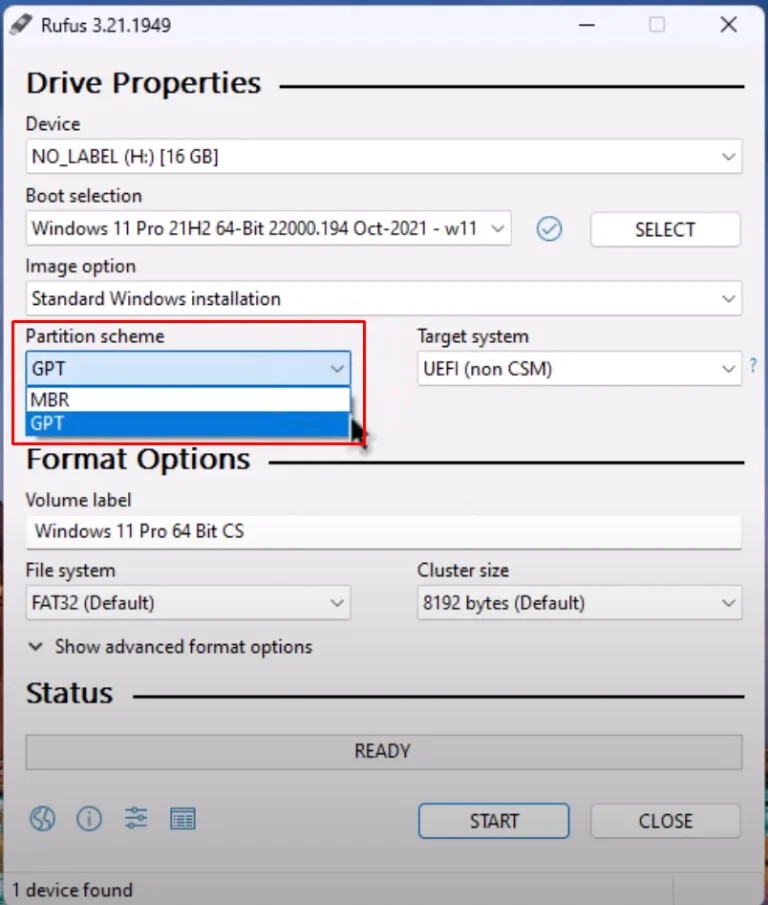
I used - RUFUS (4.13.2316) - to create a Bootable Zorin USB and it worked once on my main computer in the TRY mode. I think I used - GPT - format.
I did not do a checksum on the Zorin download file, but I got it directly from Zorin so I didn't think there was any need.
BIOS - I see no reference to UEFI in the BIOS. So ... Legacy?
BIOS are 2017 - American Megatrend 3.9.0
I don't think I see any ISO files on the USB Install Drive, lot of other files though. I do have the Original Zorin ISO file on my Primary Computer along with RUFUS.
In the - G:\boot\grub\x86_64-efi\ - I see lots of - ls - and - mod - files.
In the - G:\casper\ - I see lifesystem... and flatpack... files.
In the - G:\distro\ - I see folder for - noble - stable - unstable - Under those are folder for - binary-amd64 and - binaryI386 - in the three folders (nodel-stable-unstable) all have version of the same files.
The -G:\efi\boot\ has 4 EFI file - bootia32, bootx64, grubx64, and mmx64.
In the root - G:\ - are two - autorun - files - autorun.ico (34,494)- and - autorun.inf (234).
The - autorun.inf - was apparently created by RUFUS, and contains -
[autorun]
icon = autorun.ico
label = Zorin OS 18.1 Pro 64bit
Tomorrow I'll play around with Secure Boot and FastBoot, and see what I can come up with.
Hopefully, I've provided some helpful information.