I've installed Zorin OS 18 Core with the modern Nvidia drivers in the boot menu and I've also installed the third party driver updates etc. while installing Zorin OS. The problem occurs when I launch Minecraft 1.8.9 using Prism Launcher 9.4. The game freezes and then everything in the desktop and the taskbar freezes afterwards (making using the zorin menu impossible) and every tab goes into an infinite loop in the desktop. Brave browser weirdly works while all this happens and sometimes terminal opens up using Ctrl+Alt+T combo also but eventually the whole system crashes and returns to the lock screen. Any fixes?
Update: The crash occurs even when I use higher versions of Prism Launcher.
Welcome to the Forum!
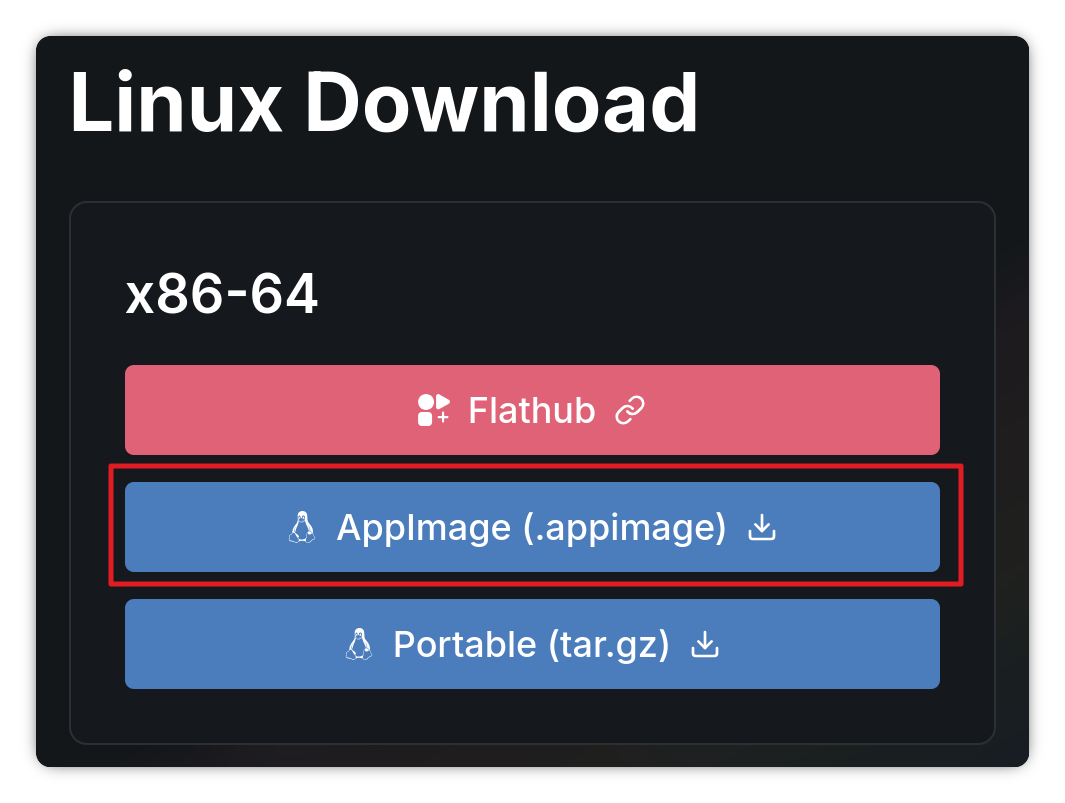
Did you used the Flatpak Version? If yes, I would suggest to try it with the AppImage offered from the Developer:
I use the launcher from their website not the flatpak version.
What Nvidia Card and what Driver Version do You use? Please check if Your System runs in Wayland or X11 with the Command echo $XDG_SESSION_TYPE
I use NVIDIA GeForce RTX 3050 6GB Laptop and nvidia-driver-580 (proprietary). Also my system runs on x11 not Wayland.
I should also note that this issue only happens when I click the "Quit Game" button and it doesn't happen when I kill the game using the prism launcher instead.
Maybe it could help to reinstall the Drivers. Open the Terminal and type:
sudo apt purge nvidia* libnvidia*
to delete the current Nvidia Drivers. Then
sudo apt autoremove
to remove File Rests. To install the Driver again type:
sudo apt install nvidia-driver-580 nvidia-dkms-580
I've updated it to nvidia-driver-590 (proprietary). Issue still persists when I use the "Quit Game" button in game but it doesn't happen if I kill the game using the launcher. So I've found a solution for it thanks for your help.