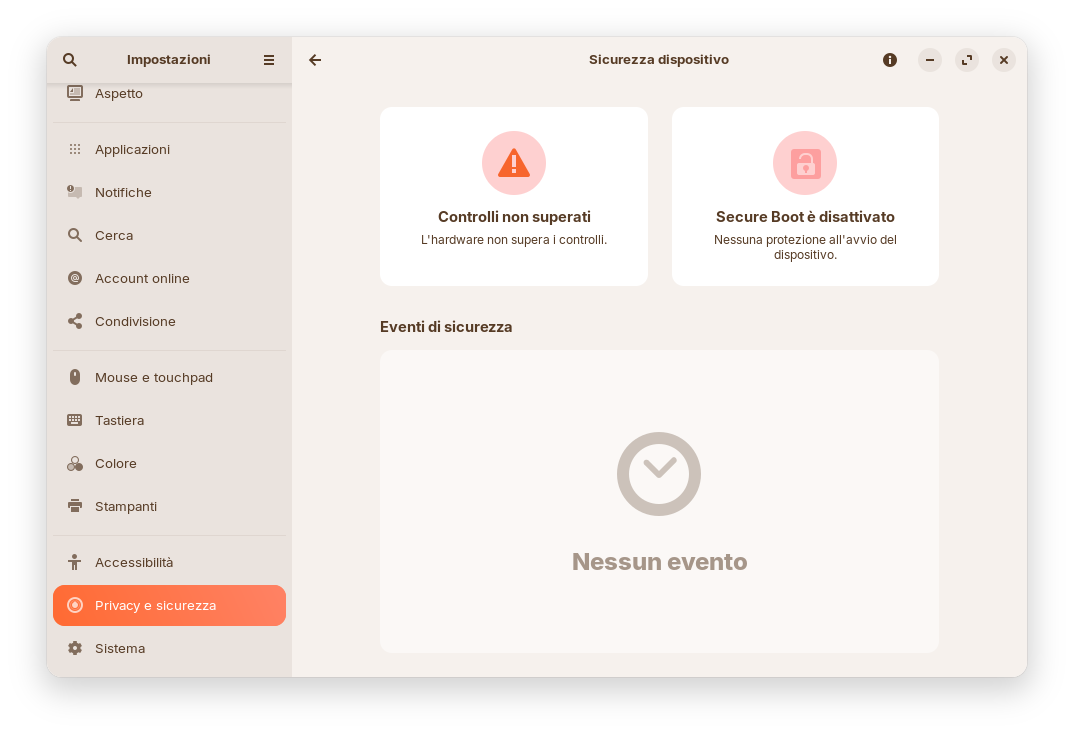
When I check Settings -> Privacy & Security -> Device Security, I see this screen. Should I be concerned? Are there any fixes?
1 Like
That just means secure boot is currently disabled on your device, i dont think you should be concerned.
I did enable secure boot on my side, but since secure boot blocks unknown drivers, it causes problem with some drivers like the Nvidia drivers. Which is why Zorin OS creates a certificate for your BIOS to load so that Zorin works with secure boot, but i think this certificate is only created when installing Zorin OS if secure boot was already enabled, so i think you can't enable secure boot without re-installing Zorin OS.
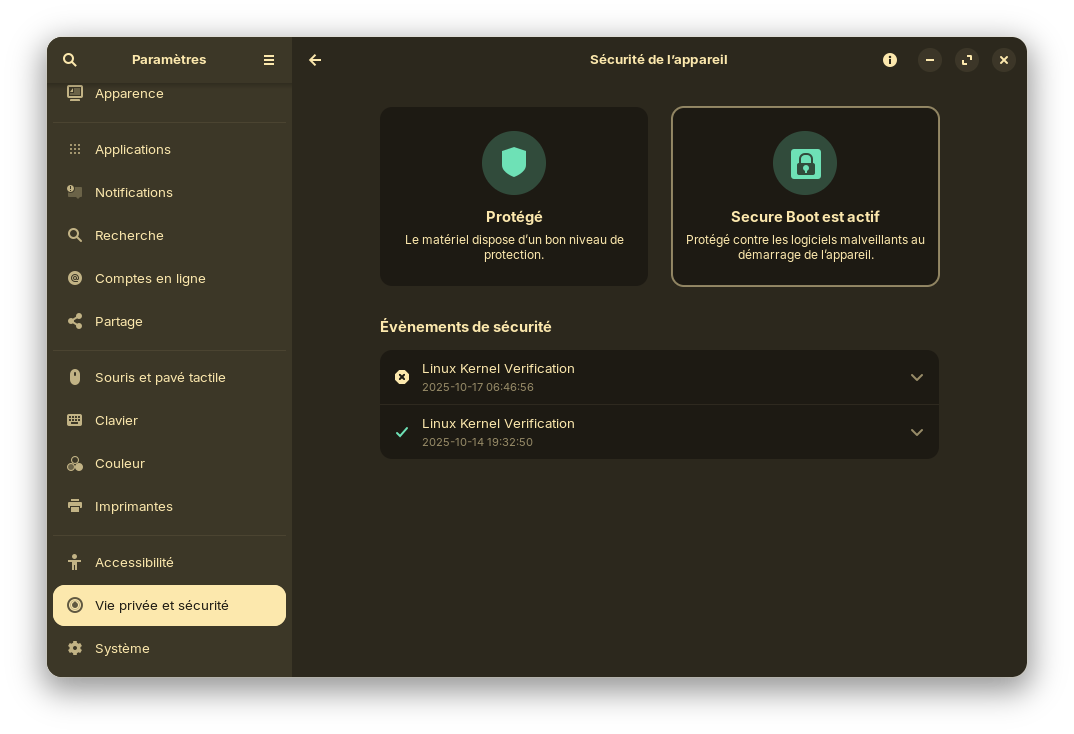
But your PC should work fine without that, so yeah dont worry about this menu.
The system works, I just wanted to know if this is due to some incompatibility with something, since I use a Mac with ZorinOS, and Macs with systems other than MacOS are a mess.
Well, having secure boot enabled could lead to more incompatiblities (such as what i said about Nvidia drivers), so its probably better to keep it disabled, except if you're like me and absolutly want to keep it enabled.
My Mac has Intel hardware, integrated graphics, and honestly, I need to set a password when booting and a login password...just to get that screen like yours, honestly. Here, on my high-end Mac, there's only FLAC music, to listen to in bit-perfect.
1 Like
This topic was automatically closed 90 days after the last reply. New replies are no longer allowed.