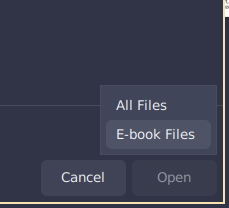
I'm trying to use an ebook reader application:
I tried the following applications:
Foliate
When I access the documents folder, it doesn't show the existing PDFs.
I checked the application settings and necessary permissions; it only has network access and doesn't list PDF file association. I didn't see how to add anything else to these items.
Koodo Reader
This one sees the PDFs, but even using the import function, it doesn't import anything.
After consulting Gemini, it recommended installing Flatseal, but I'm coming here first to ask for some guidance if possible.
Thank you
Hello,
I have Calibre, but what I saw in Koodo that I didn't see in Calibre was the possibility of organizing ebooks into shelves, that is, by subject.
However, I managed to solve the above problem in the following way:
I uninstalled the Koodo flatpak.
I went to the official website.
I downloaded a .deb file.
I installed the file.
This way it is working, importing and dividing into shelves.