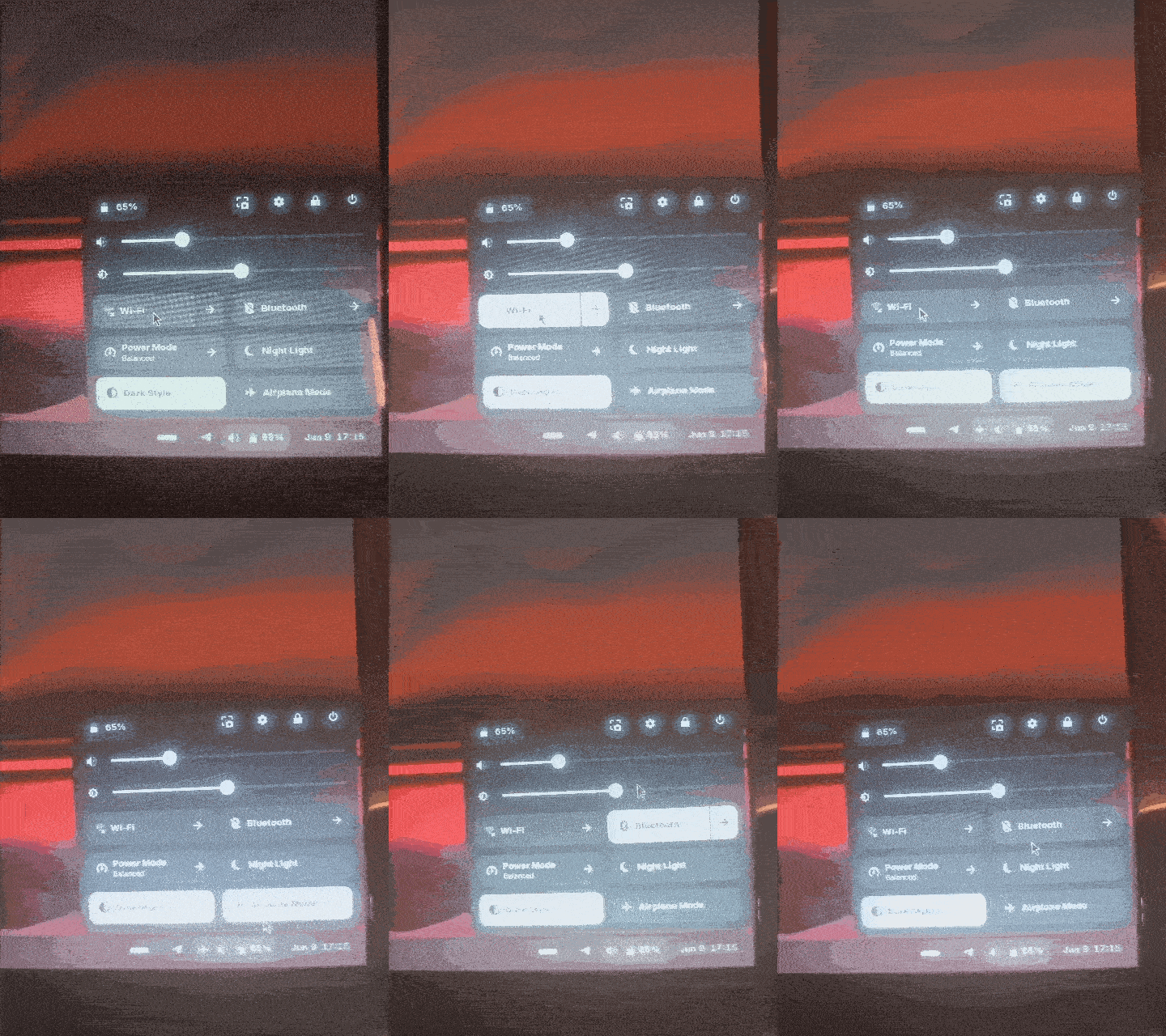
I am experiencing a strange issue with Wi-Fi, Bluetooth, and Airplane Mode.
Problem:
When I disable Wi-Fi from the Quick Settings menu, Airplane Mode turns on automatically. When I disable Airplane Mode, Bluetooth turns on automatically. Wi-Fi, Bluetooth, and Airplane Mode seem to be linked together incorrectly.
What I have already checked:
rfkill shows no soft or hard blocks. Bluetooth service is running correctly. NetworkManager is working. The issue also occurs with a newly created user account. Wi-Fi card: Intel Dual Band Wireless AC 3160. Driver in use: iwlwifi. Zorin OS is fully updated.
Additional information: Using terminal commands such as: nmcli radio wifi off works correctly and disables Wi-Fi normally.
The issue appears to affect only the graphical Quick Settings interface.
Has anyone experienced this issue before or knows how to fix it?
Since nmcli and the Settings app work normally, I would treat this as a Quick Settings / GNOME Shell path first, not an iwlwifi problem. One quick check: run rfkill event in a terminal, then toggle Wi-Fi from Quick Settings and see whether it emits both wlan and bluetooth events, or only the UI state changes. Also try logging into a plain GNOME session if it is available; if it only happens in the Zorin session, it is probably a shell/extension bug worth reporting with that rfkill output.
To install the gnome-extension, first install the gnome-shell-extension-manager
sudo apt install gnome-shell-extension-manager
then open it, go to tab "browse" and search for the extension. Click on the cogwheal of the extension to make your settings afterwards (at tab "installed").