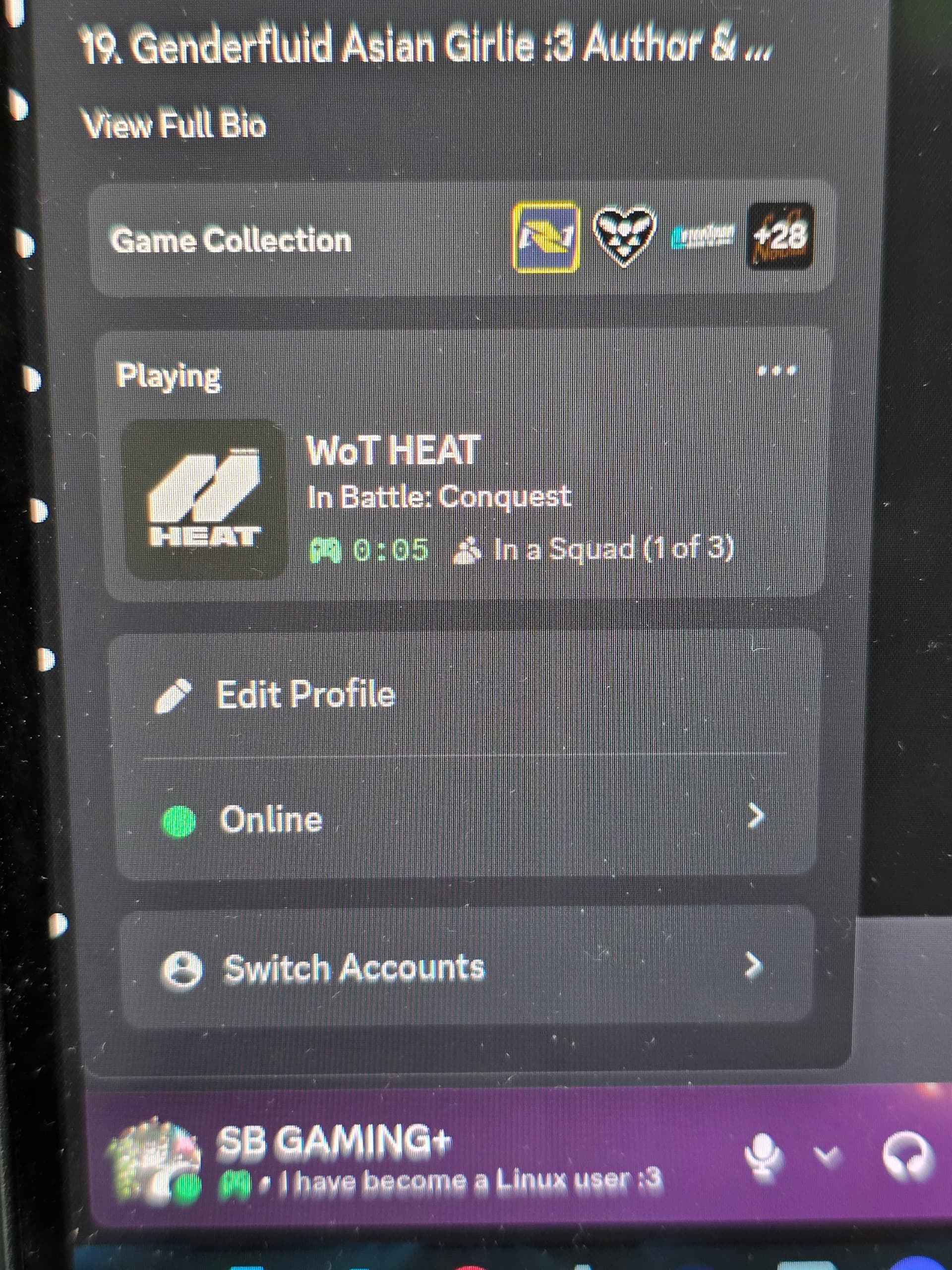
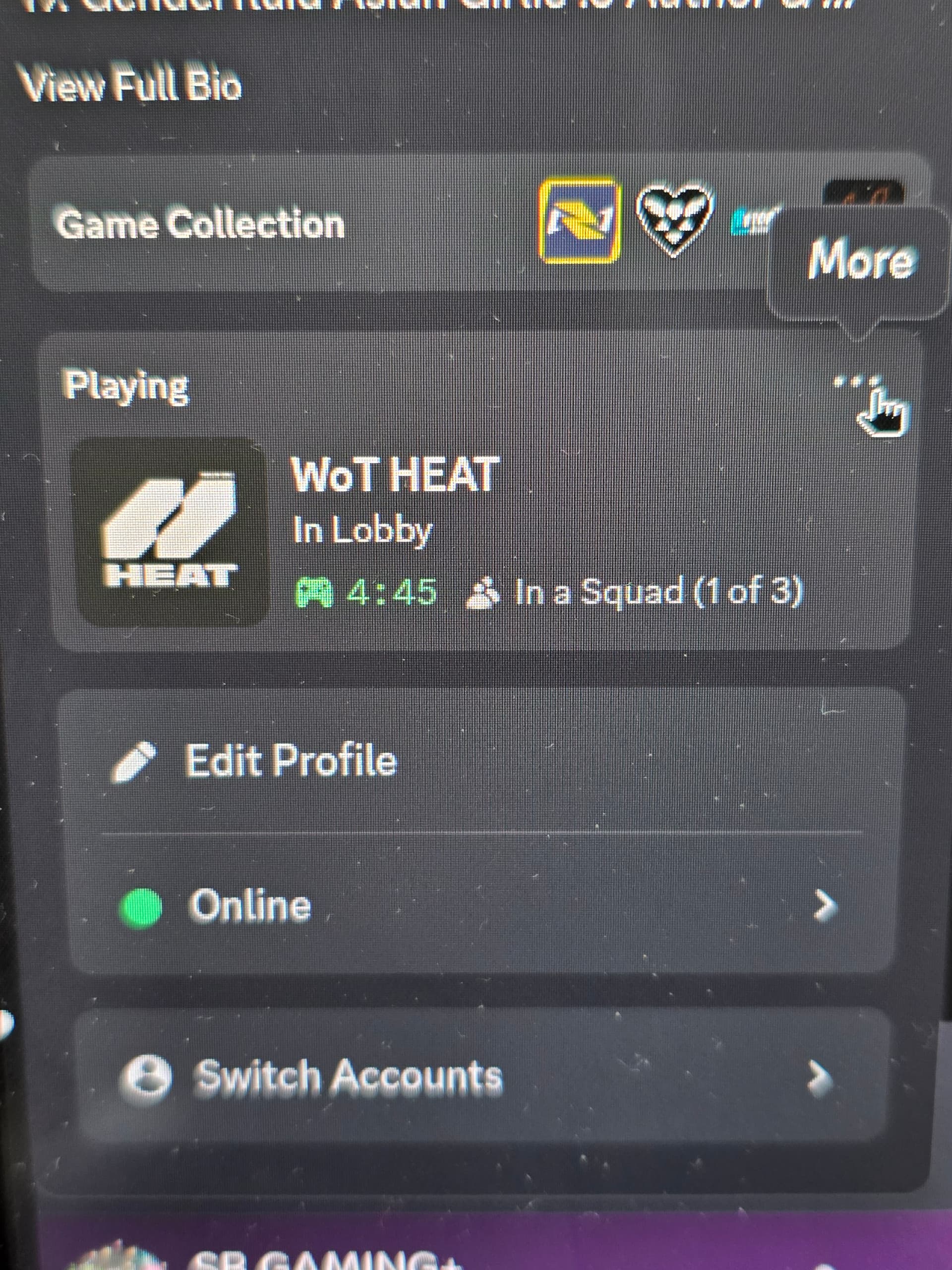
Discord often fails to differentiate between Steam Pressure Vessel and the Game title.
It is pretty common, actually.
Think of a phone with Caller I.D. Someone calls you from a direct landline, their proper number (I.D.) shows on your screen.
If that same person and number switches to a V.O.I.P. setup and a router, your caller I.D. might show their router, not their phone number.
Steam, using Proton, may show that front face to Discord and Discord cannot see past it to see the game title. Some games account for this and use Rich Presence more effectively than others.
A big name title like Marvel Rivals probably would.
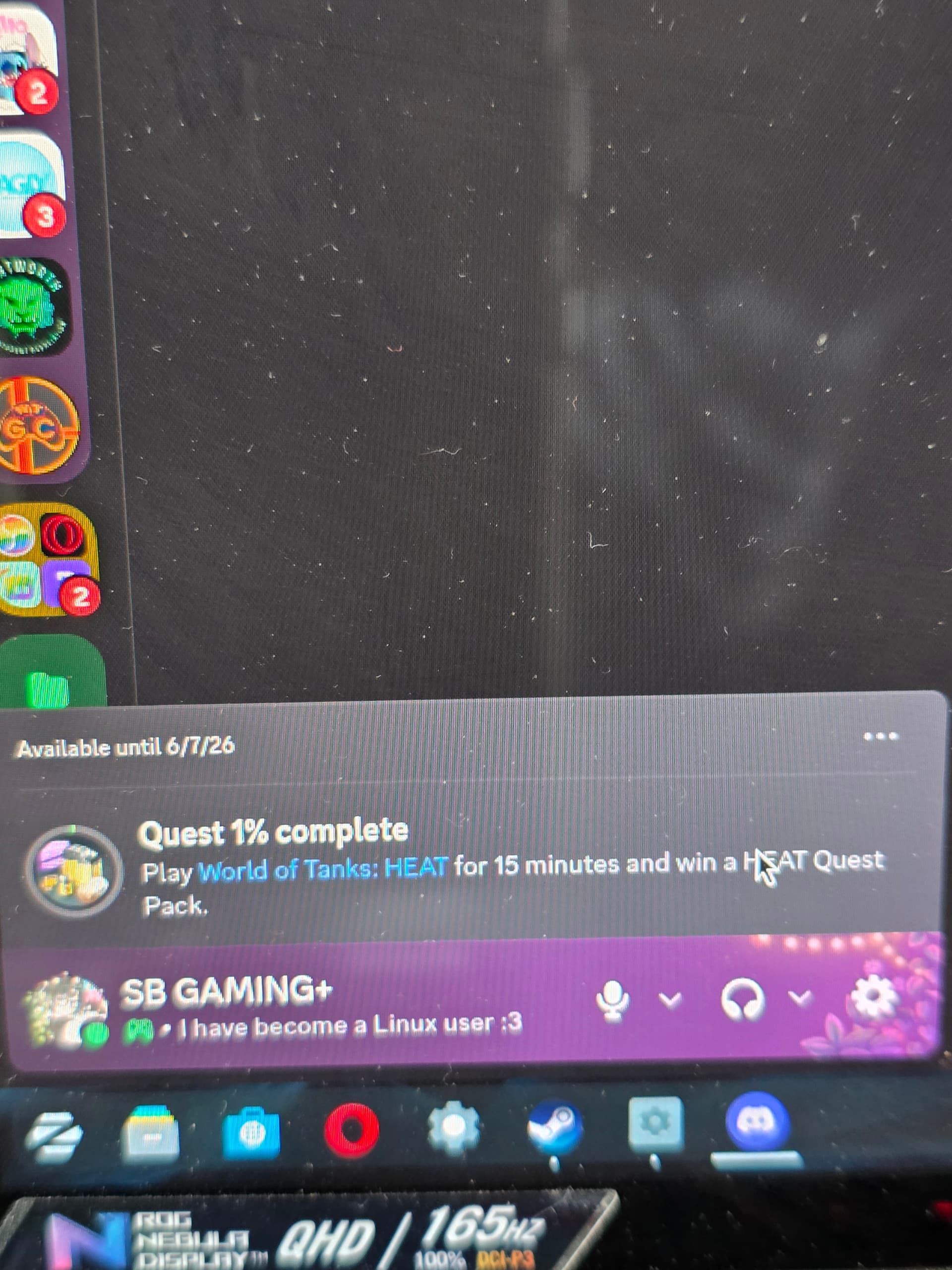
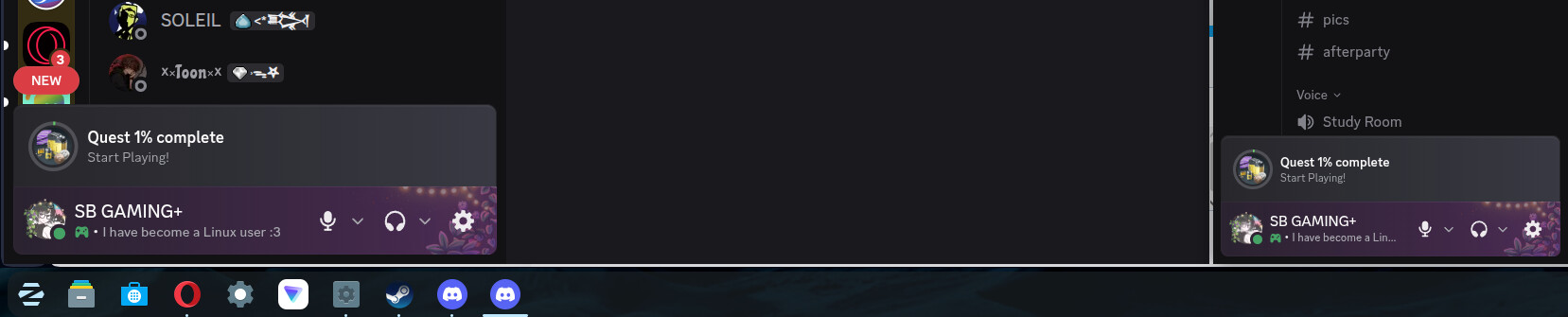
UPDATE: I connected Discord to my game and it shows I'm playing it. But the quest still thinks I only played 1% of the game when I played way more than that.
My interpretation of this is a little different. I could be wrong.
But... To me, that looks like the 1% is not a valid tracking of progress. It is that the initial state was recognized as a process begun, but tracking did not engage.
The way Discord Quests work is not the way we would intuitively envision them. We would think that as we move through a quests progress, it incrementally would register with a Discord Quest, getting updated as we go.
It doesn't. Instead, it validates the beginning - there is your 1%.
It then awaits validation signals, that will update the Discord Quest percentage - you can see it jump from 1% to 15% when that validation occurs.
It may be... that is all that is going on.
Sadly... It may be too that support for GnuLinux is the lacking part. The good news is that Steam is supportive of GnuLinux and Discord generally is.
Where Support can cause the issue: If the tracking of progress expects something like: Steam > AppID > executable > Rich Presence > Discord client hook
But on Zorin OS, you are showing: Steam > AppID > Proton wrapper > containerized executable (Wine) = Unrecognized signal, then it cannot ever get that validation signal.
If this is the case, then submitting it as a bug report to Discord and Steam is the only viable end user action.
Uninstall Discord, then reinstall it using the console command with full privileges; it will then display all activities. Console command: sudo snap install discord
I have two Discords now, neither of them work. Also, I checked the compatibility section, and it's off. It's running fine on native Linux but Discord still isn't processing it for some reason.