so for context, I'm from russia and discord is blocked here, so I can only use it with vpn. and I am using a vpn, and it still doesn't work. everything else works awesome with the vpn I am using so the problem definitely isn't with the vpn. I've also been uninstalling and installing discord trying to fix this and I think I made things worse with the way I've been uninstalling discord. I thought that the leftover files after I uninstall discord would be a problem so I looked up "discord" in my computer files and deleted everything I have found, then emptied the trash. then I looked "discord" up a second time and a few files always remained (screenshot provided below). I think I went somewhere I shouldn't have with the files and that's why my discord is broken now. and discord web doesn't work either. there was some kind of discord https file that I've always deleted, maybe I shouldn't have. in any case, please help me bring discord back to my computer.
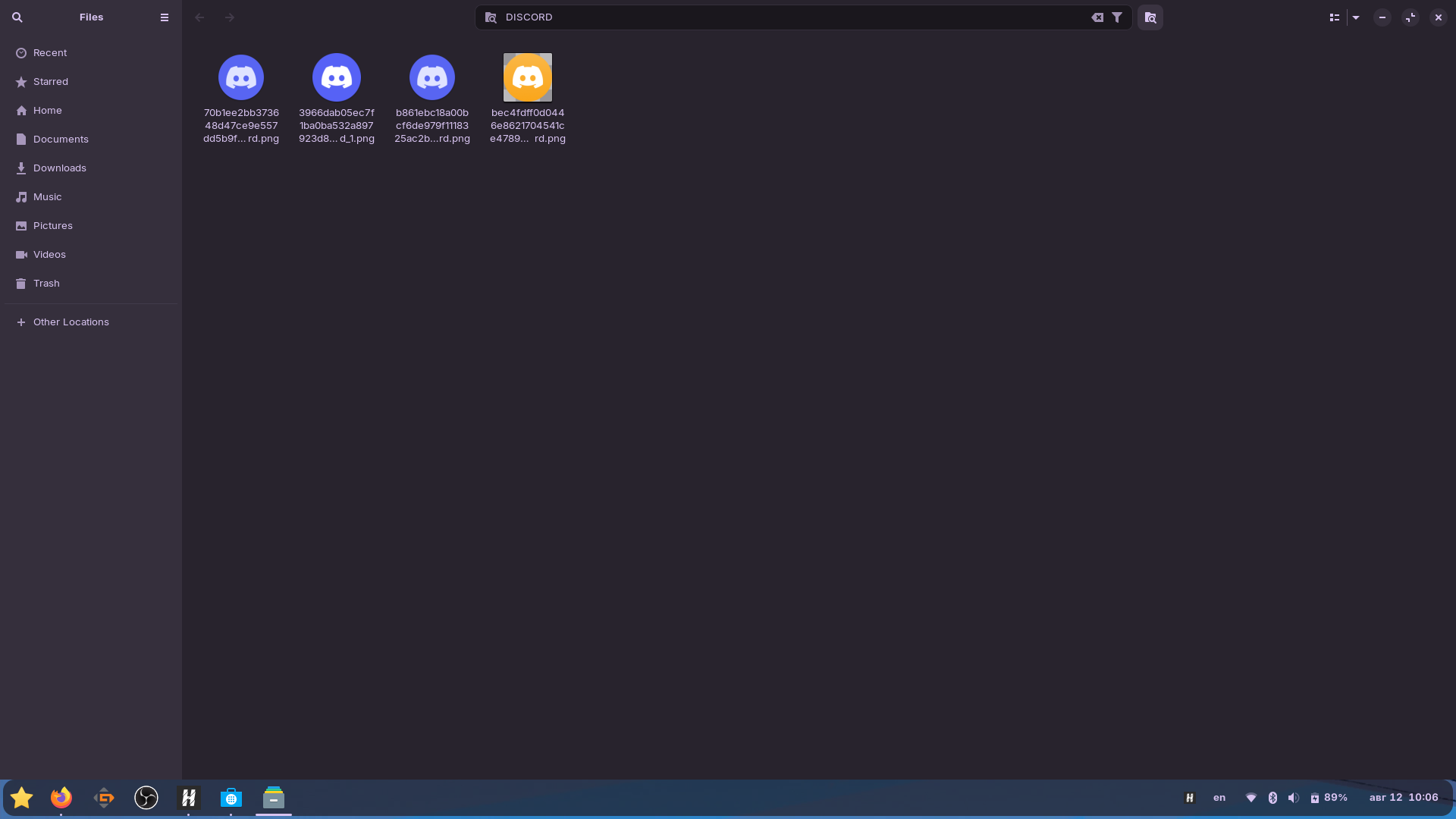
Those files are just discord icons - nothing important or that can affect anything.
The primary question is: How did you install Discord? If it was a Flatpak from Flathub, that may explain the trouble.
And the Gnome Software Store by default, directs to the Alternative Flatpak instead of the standard APT.
yeah it is flatpak. but that doesn't explain why the web version doesn't work. I just tried installing the deb version from the official discord website, that doesn't work either, it's just stuck on the "downloading discord" window.
Welcome to the Forum!
Maybe Your VPN doesn't help with the Discord Block in Your Country.
So, You downloaded it from here, yes?
yes, I have. the vpn definitely isn't the problem, I use discord on my phone with the same vpn and used to use it on the computer too until some update that broke discord and it's been like this since
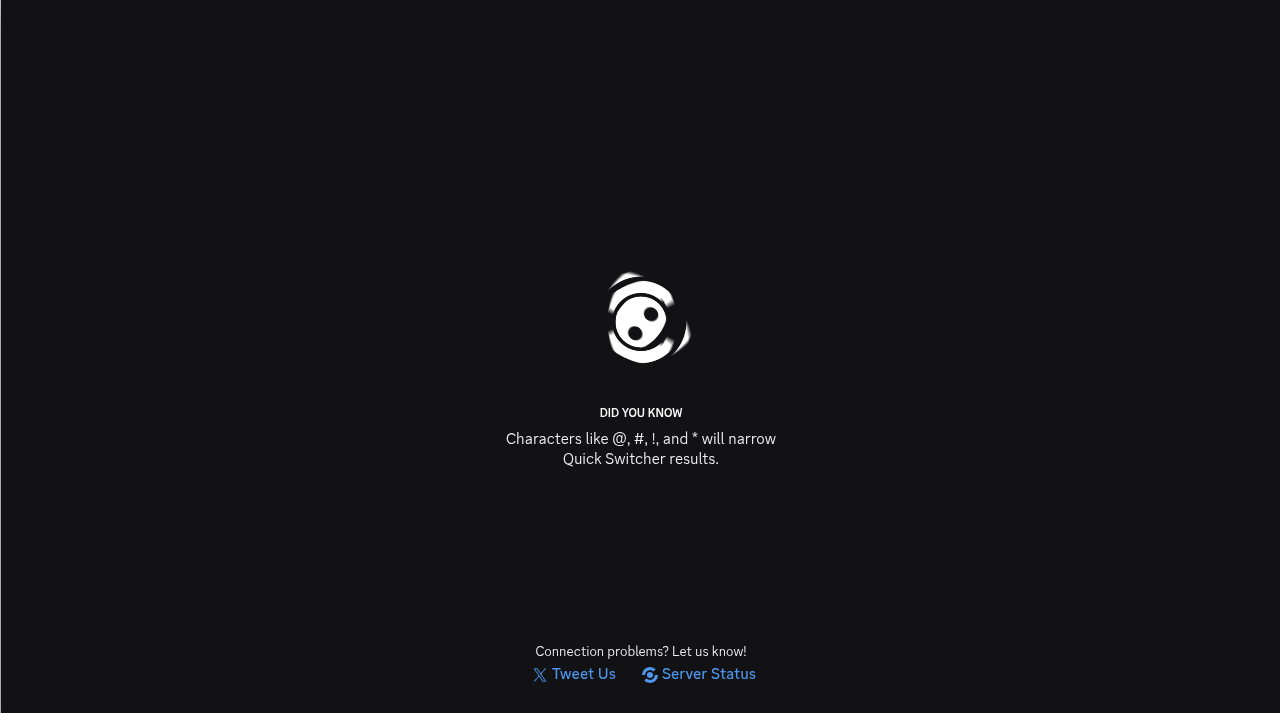
I installed the deb version and finally got past the starting screen but now I'm just stuck on this loading screen forever
Does Your System run in Wayland or X11? You can check that with the Terminal Command echo $XDG_SESSION_TYPE
wayland
I would change to X11 if it does not create issues. At login when you choose your user but before entering your password a cog should appear lower right. Left click on it and then click on 'Zorin on xorg'. Then login.
still doesn't work. now it's just stuck in the "checking for updates" window
Do You have a Firewall active?
no I don't. also I just tried running discord through teminal and here's what happens when it gets stuck in the loading screen:
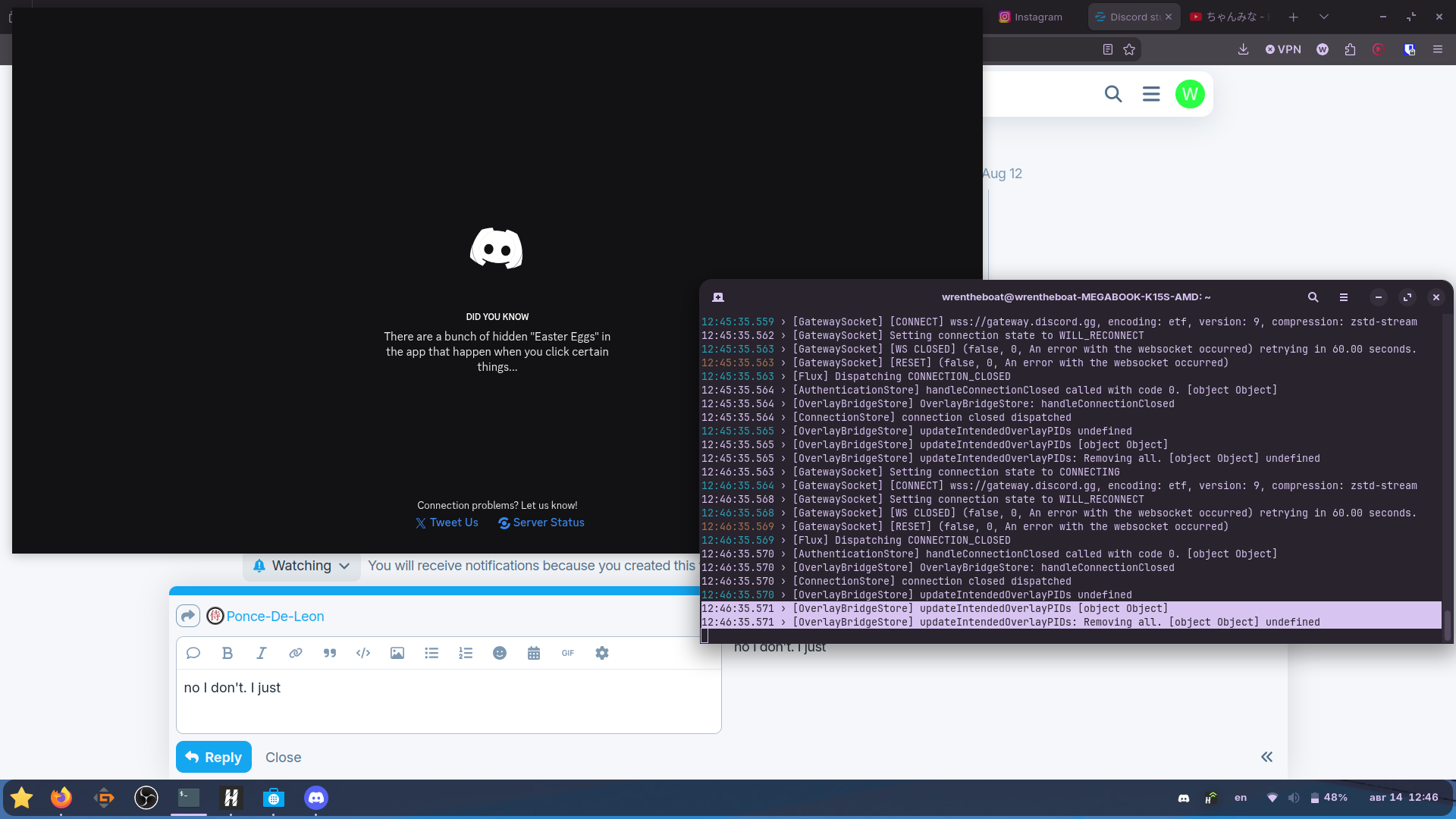
Hmm ... I guess here could be the Problem:
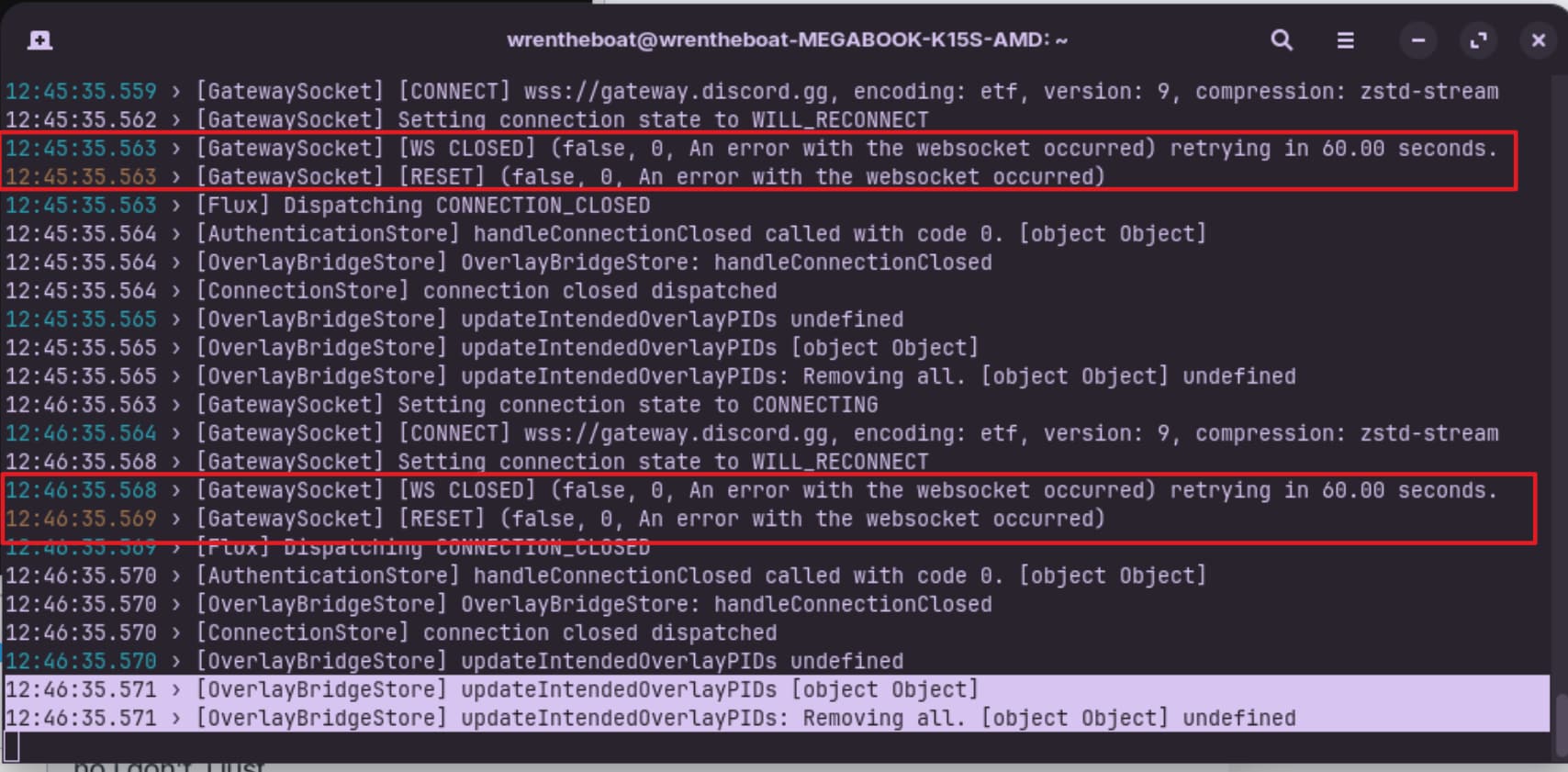
It tries to connect but can't. The Question now is: Why? You use VPN, You wrote. Is there a specific Land set up?
Germany, if I understood the question correctly?
here's the server configuration, if that helps:
{
"dns": {
"queryStrategy": "UseIP",
"servers": [
"https://8.8.8.8/dns-query",
"https://8.8.8.8/dns-query"
]
},
"inbounds": [
{
"listen": "127.0.0.1",
"port": 10808,
"protocol": "socks",
"settings": {
"allowTransparent": false,
"auth": "noauth",
"udp": true
},
"sniffing": {
"destOverride": [
"http",
"tls",
"quic"
],
"enabled": true,
"routeOnly": false
},
"tag": "socks"
},
{
"listen": "127.0.0.1",
"port": 10809,
"protocol": "http",
"settings": {
"allowTransparent": false,
"auth": "noauth",
"udp": true
},
"sniffing": {
"destOverride": [
"http",
"tls",
"quic"
],
"enabled": true,
"routeOnly": false
},
"tag": "http"
}
],
"meta": null,
"outbounds": [
{
"protocol": "vless",
"settings": {
"vnext": [
{
"address": "de10.edge-9d7c.com",
"port": 443,
"users": [
{
"encryption": "none",
"flow": "xtls-rprx-vision",
"id": "85dcefd0-525d-4230-8679-4512d0fc8b35"
}
]
}
]
},
"streamSettings": {
"network": "tcp",
"realitySettings": {
"fingerprint": "qq",
"publicKey": "z_Rn0Vvq1GB39RhN6v7DhdtD-kS0XZa_je0h-no_hWs",
"serverName": "de10.edge-9d7c.com",
"shortId": "59eee550a1014198",
"spiderX": "/"
},
"security": "reality",
"tcpSettings": {
"header": {
"type": "none"
}
}
},
"tag": "proxy"
},
{
"protocol": "freedom",
"tag": "direct"
},
{
"protocol": "blackhole",
"tag": "block"
}
],
"remarks": "Германия
до 10 Гбит/с | Безлимит",
"routing": {
"domainMatcher": "hybrid",
"domainStrategy": "IPIfNonMatch",
"rules": [
{
"outboundTag": "direct",
"protocol": [
"bittorrent"
]
},
{
"domain": [
"domain:2gis.com",
"domain:2gis.io",
"domain:2gis.ru",
"domain:ads.x5.ru",
"domain:aeroflot.ru",
"domain:aif.ru",
"domain:alfabank.ru",
"domain:api-maps.yandex.ru",
"domain:api.ipify.org",
"domain:api.oneme.ru",
"domain:avito.ru",
"domain:avito.st",
"domain:beeline.ru",
"domain:burgerkingrus.ru",
"domain:dellin.ru",
"domain:drive2.ru",
"domain:dzen.ru",
"domain:dzeninfra.ru",
"domain:fd.oneme.ru",
"domain:flypobeda.ru",
"domain:forbes.ru",
"domain:gazeta.ru",
"domain:gazprombank.ru",
"domain:gismeteo.ru",
"domain:go.yandex.ru",
"domain:gosuslugi.ru",
"domain:hh.ru",
"domain:i.oneme.ru",
"domain:ifconfig.co",
"domain:ifconfig.me",
"domain:imgsmail.ru",
"domain:ipify.org",
"domain:kinopoisk.ru",
"domain:kontur.host",
"domain:kontur.ru",
"domain:kp.ru",
"domain:kuper.ru",
"domain:lenta.ru",
"domain:mail.rambler.ru",
"domain:mail.ru",
"domain:maps.yandex.ru",
"domain:max.ru",
"domain:megafon.ru",
"domain:megamarket.ru",
"domain:megamarket.tech",
"domain:miniapps.max.ru",
"domain:moex.com",
"domain:more.tv",
"domain:mos.ru",
"domain:motivtelecom.ru",
"domain:music.yandex.ru",
"domain:mycdn.me",
"domain:naydex.net",
"domain:ok.ru",
"domain:okcdn.ru",
"domain:ozon.ru",
"domain:ozonapis.com",
"domain:ozone.ru",
"domain:ozonusercontent.com",
"domain:paywb.com",
"domain:pervye.ru",
"domain:psbank.ru",
"domain:rambler-co.ru",
"domain:rambler.ru",
"domain:rbc.ru",
"domain:reg.ru",
"domain:reviews.2gis.com",
"domain:rg.ru",
"domain:ria.ru",
"domain:rustore.ru",
"domain:rutube.ru",
"domain:ruwiki.ru",
"domain:rzd.ru",
"domain:sber.ru",
"domain:sberbank.ru",
"domain:sdk-api.apptracer.ru",
"domain:sirena-travel.ru",
"domain:sravni.ru",
"domain:st.max.ru",
"domain:t-j.ru",
"domain:t2.ru",
"domain:tank-online.com",
"domain:taximaxim.ru",
"domain:tbank-online.com",
"domain:tildaapi.com",
"domain:tns-counter.ru",
"domain:tracker-api.vk-analytics.ru",
"domain:trvl.yandex.net",
"domain:tutu.ru",
"domain:userapi.com",
"domain:vk-cdn.me",
"domain:vk-cdn.net",
"domain:vk.com",
"domain:vk.ru",
"domain:vkuser.net",
"domain:vkuseraudio.net",
"domain:vkuservideo.net",
"domain:vkuservideo.ru",
"domain:vkvideo.ru",
"domain:vtb.ru",
"domain:wb.ru",
"domain:wbbasket.ru",
"domain:wbcontent.net",
"domain:wbstatic.net",
"domain:wbx-content.ru",
"domain:whitei.net",
"domain:wildberries.ru",
"domain:www.gismeteo.ru",
"domain:x5.ru",
"domain:xn--80ajghhoc2aj1c8b.xn--p1ai",
"domain:xn--90acagbhgpca7c8c7f.xn--p1ai",
"domain:xn--90aivcdt6dxbc.xn--p1ai",
"domain:xn--b1aew.xn--p1ai",
"domain:ya.ru",
"domain:yandex.com",
"domain:yandex.net",
"domain:yandex.ru",
"domain:yandexcloud.net",
"domain:yastat.net",
"domain:yastatic.net"
],
"outboundTag": "direct"
}
]
}
}
Did You tried it with a different one. Maybe USA directly?
I tried it with every single one, it doesn't work. and USA has too high of a ping anyway
okay yeah the problem was in the vpn all along. I just tried out firefox's vpn on discord web and everything's working good. now I just have to set up a better vpn to use the app