So this problem mostly shows up in games but sometimes happens when watching movies/shows. When there is a mostly black screen with small text or very low lighting, the display turns off, then turns back on when there's more brighter elements. I checked the power options to see if it was some sort of power saving setting but nothing helped. Is there any way I can fix this? Is it a problem with my gpu drivers?
Hello and welcome,
Could you give us more infos about your system ?
you can also find if you use Wayland or X11, in terminal
echo $XDG_SESSION_TYPE
Thanks, happy to be here.
My terminal said I'm using X11.
GPU: NVIDIA GeForce RTX 3060
CPU: 11th Gen Intel i5 (6 Cores)
RAM: 16gb
do you have dual boot ?
if yes, did you disable fast startup in Windows Power Option ?
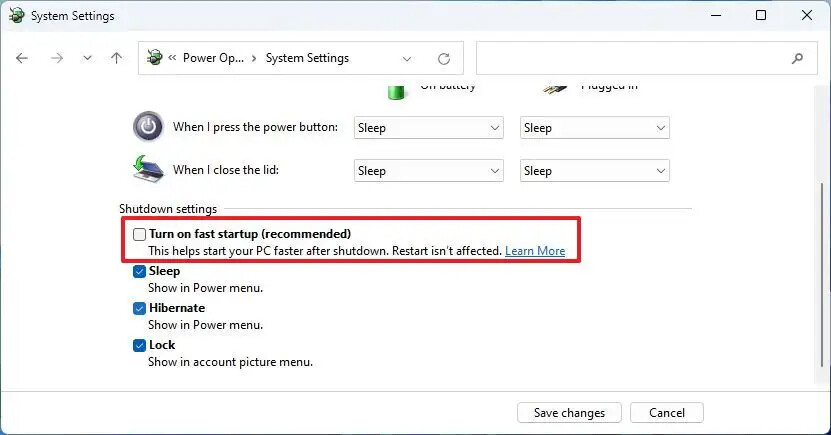
if no, do you have secure boot activated in Bios ?
Yep, I have dual boot and I disabled fast startup in windows.
Welcome to the Forum!
Did You checked the Settings of Your Monitor?
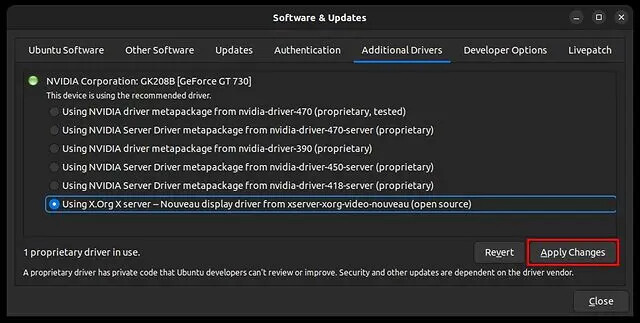
I applied that particular one you had highlighted, then restarted my pc, but now it won't boot into zorin os. I can still boot to windows though.
I have not. I'll have to check them if I can figure out how to get my os to boot again as I seem to have broken something. But I never had this problem on windows and the problem manifests on my display tablet as well.
oh it was just an example with a screenshot, not a suggestion to install, I would say the last nvidia proprietary, go to your bios and disable secure boot and try to boot to zorin
My bad! I'll respond as soon I've managed to get back into Zorin again, or if I fail to do so. 
if secure boot trick doesn't work, go back to your bios and enble it, and follow this
Boot with Graphics Driver Disabled (Temporary Fix to Access System)
Start here: Press Escape at the Grub menu during boot (the black screen that appears before Zorin loads). This brings up the boot options. Then:
- Find the line starting with
linuxand addnomodesetat the end - Press Ctrl+X to boot
This will load Zorin without any graphics drivers, giving you a higher resolution and the ability to work properly. Once booted, you can then troubleshoot and fix the driver configuration permanently.
1 Like
What monitor do you use? It is a Samsung TV?
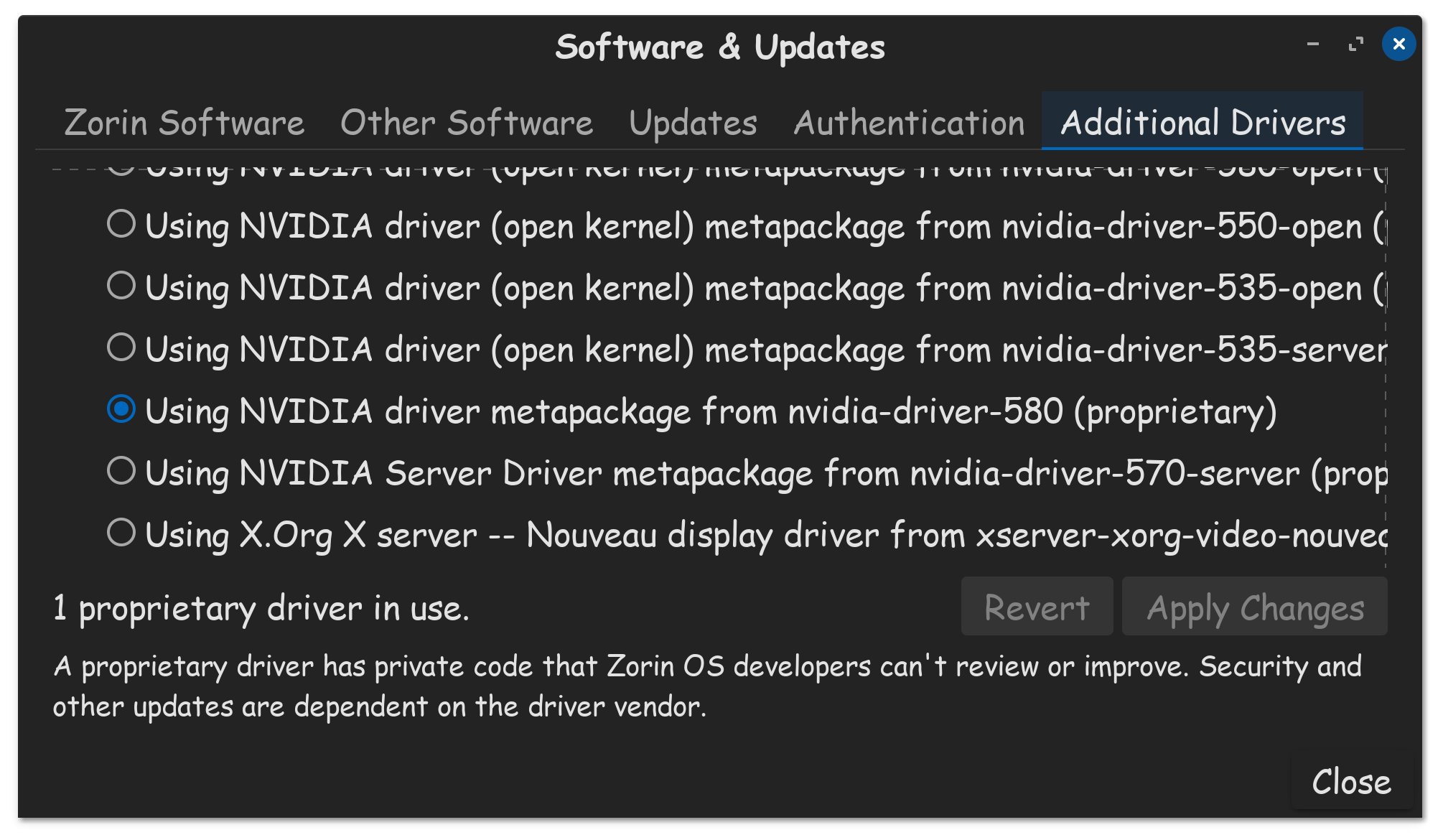
Since you have a 30-series Nvidia GPU as I do, the suggestion I would provide, if you are able to get back into Zorin OS, is you need to be running the latest proprietary driver available, for your Nvidia GPU. For me at this time, that is the 580 driver.
And yes, Secure Boot & Fast Boot, should be disabled in the BIOS.
If you can get to your Zorin OS login screen, after clicking on your name, a gear  icon should appear, click on that, and set your system to login using Zorin Desktop, which should be X11, do not select Wayland.

1 Like
To me, this does not sound like a GPU or GPU driver issue.
It sounds like an OLED monitor with anti-burn features misiniterpretting the signal.
Have you gone into your monitor settings and disabled that feature - then tested if the problem repeats?
1 Like
You are right. This worked. There was an ASCR setting on my Asus monitor I had to turn off and now I can actually see things when my pc boots, including the Grub menu. Thanks everyone for the help!
1 Like
I was able to get back into Zorin os. Thanks for your help, and your time! I sure put myself on a roller coaster. 
1 Like
Thanks for the suggestion! I purged the old driver and installed the one you suggested. Thankfully the issue was only with my monitor.
2 Likes