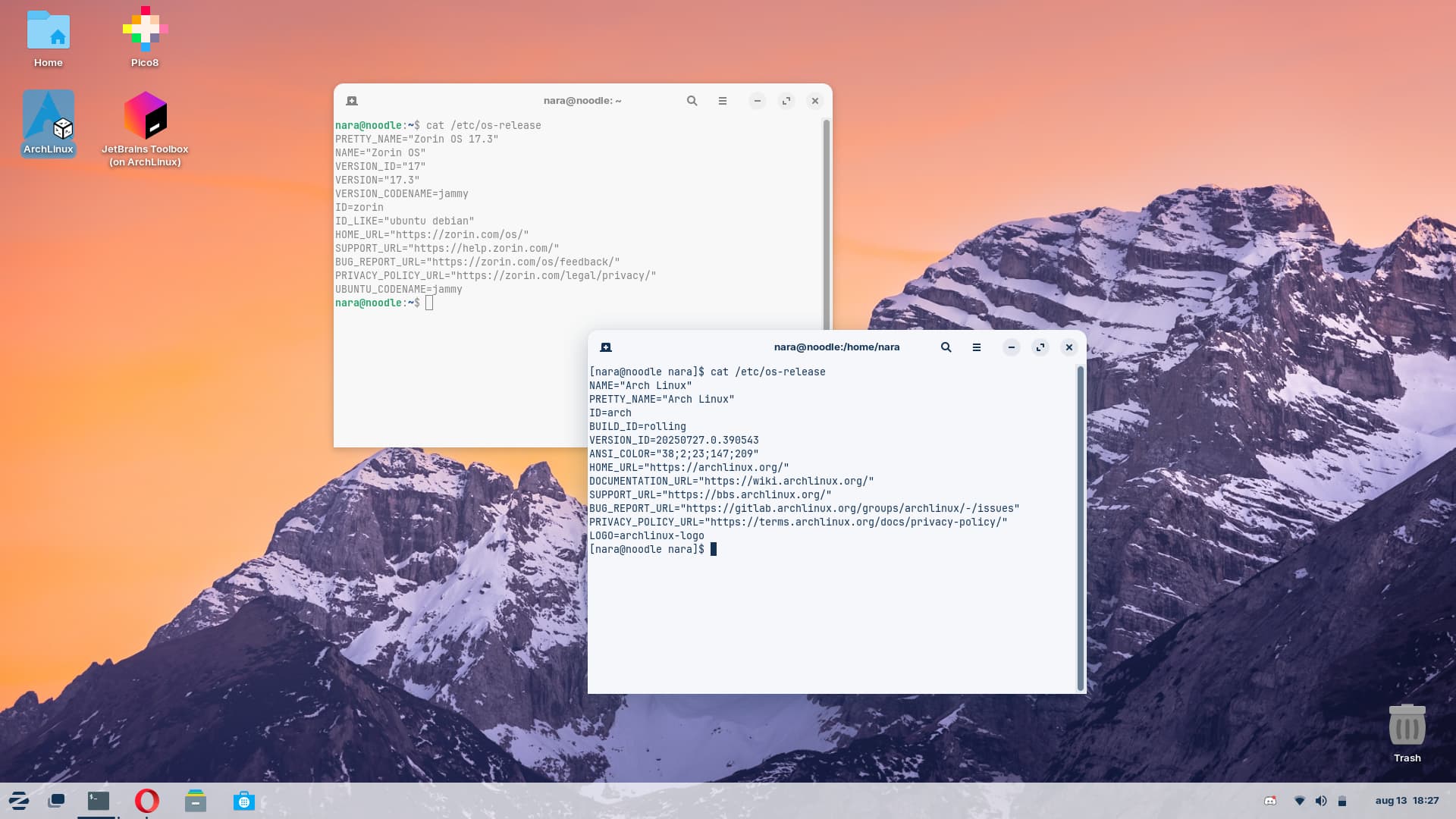
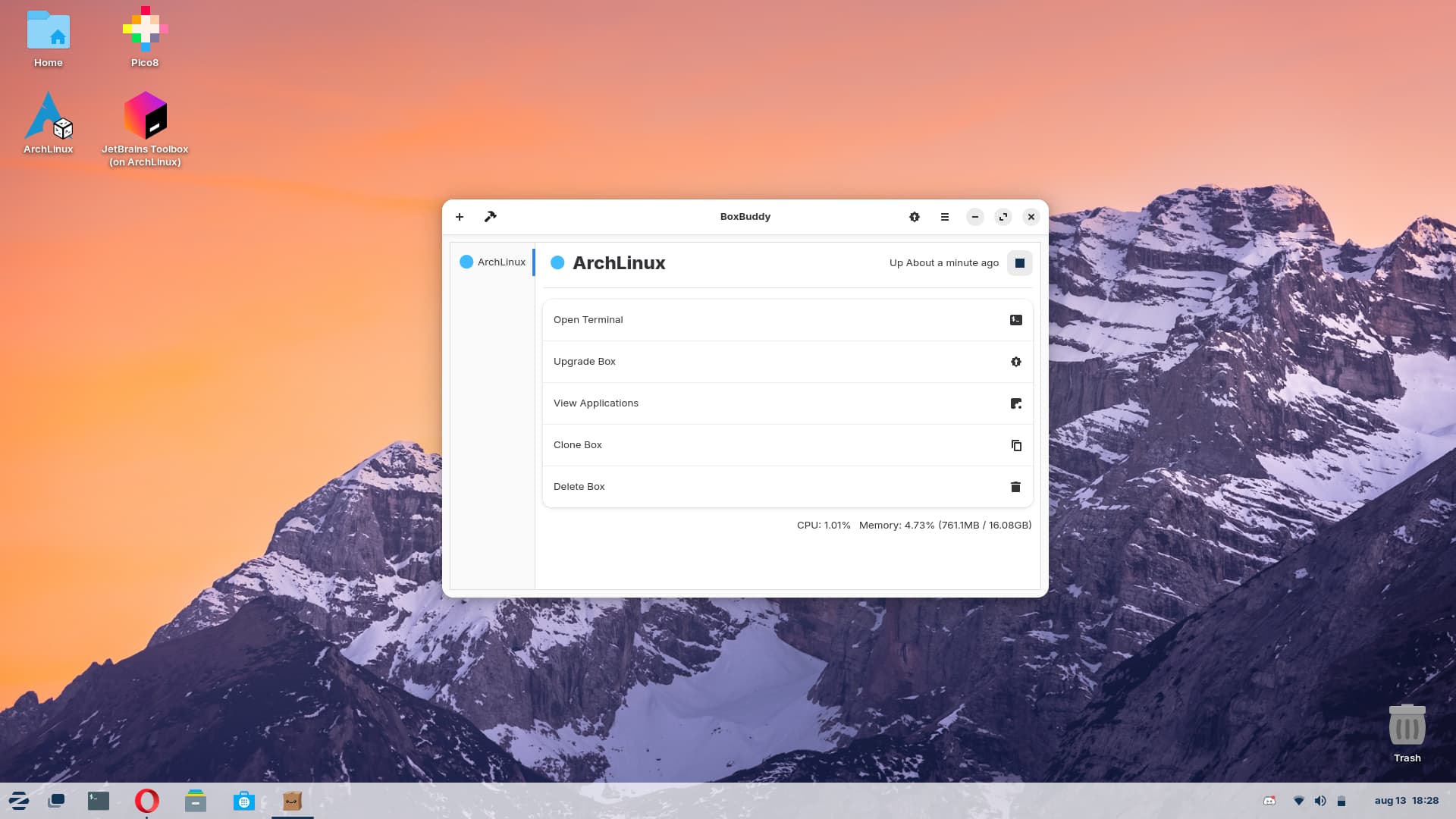
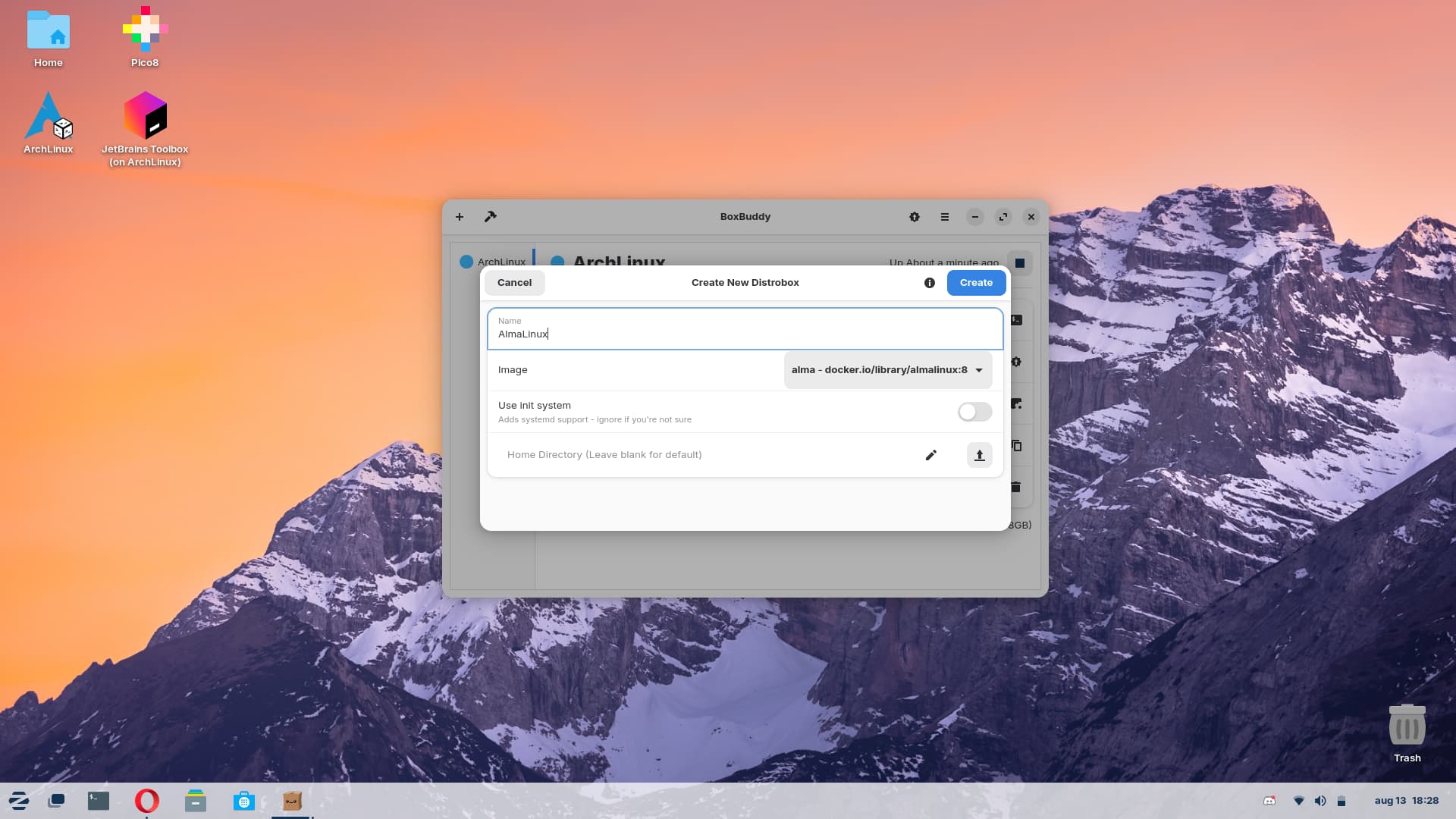
Are you a programmer? Do you want to have a GCC version not older than you? Oh boy, you're in luck!
Distrobox allows you to run as many distros as you want whilst not having to install another operating system and keeping your host clean!
A nice companion to Distrobox and BoxBuddy is Ptyxis terminal app.
It has its own integration, so you can open your distroboxes from a drop-down on the terminal menu.
I've used them together as a kind of 'package of three' which I discovered while trying out the ublue distros (I obviously came back to Zorin, but ublue had a few interesting ideas).
As a lighter weight alternative than running an entire distrobox, one might also consider using the update-altetnatives command to manage multiple versions of gcc.
I'm not a programmer, but I do use Nvidia's drivers from the .run installer, which needs a newer version of gcc than Zorin comes with. I installed 13 and set it as default with update-alternatives.
None of this is meant to rain on your parade! There's no GUI for update-alternatives. I think both are valuable tools for different, but adjacent purposes.
update-alternatives is way different, it serves the purpose to be able to make apps use [app]-[version] binaries on ubuntu/debian while distrobox helps you run any app without needing it installed on your host OS.
The way you opened, pitching using a newer GCC, I interpreted your case primarily as being to run different versions of software. That's on me, apologies. My personal experience with Distrobox was limited to a failed attempt to get a VPN working on Bazzite (they specifically cited it for that use case). I blame Proton for that one, though.
Oh! Right, that's a misunderstanding on my part... I mostly use it to hold my IDEs stuff like dotnet/java which are simple outdated on ubuntu 22, I guess I could have spoken better