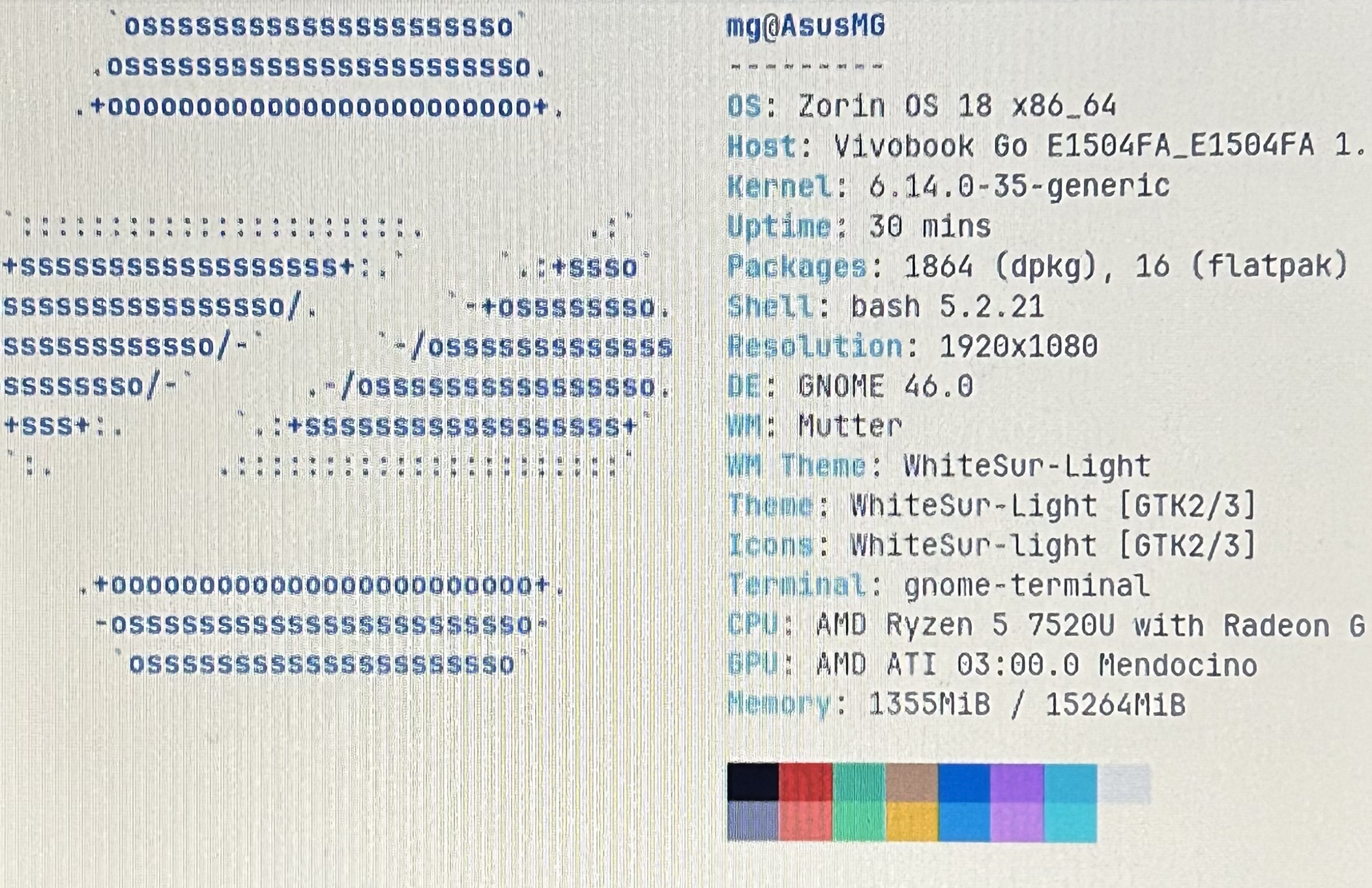
I got sick of Win11pro but since I go to college and like to occasionally hit some games I just naturally decided to dual boot Win11pro and Zorin Core 18.
I had created a bootable usb on Rufus (GPT/UEFI) and then I made an empty partition of 70GB on my C drive.
I went with the option of installing along with Windows boot manager and everything rn seems to work except the wifi.
Did you take a look at Software&Updates >Additional drivers if there is offered a WLAN driver?
Is fast startup in Window's energy settings disabled and fast boot and secure boot in your BIOS?
When you tell us the brand/model of your computer it is easier to find a solution.
Then try it with switching to Xorg. to do that, go to the Login Screen. Click on Your Profile so that the Password Field appears. When it is appeared, You should see in the bottom right corner a Gear Icon. Click on it and choose the Option ''Zorin Desktop on Xorg'' and then log in.
I did some research and found out that my MediaTek 7902 Wi-Fi card doesn’t support Linux. Now I don’t know which budget External USB Wi-Fi supports Zorin Core 18.
What I have read, yes. But to be fair: It were only a couple of Comments for it. You can take a Look at it first. And of Course wait for other Recommendations.
Yup. I have a bit different TP-Link adapter: TX20U Plus. It works okay. But sometimes you need to reconnect it or restart network-manager. Today the network-manager got an update and for while it doesn't failed yet, but I don´t know if it's fixed by the new version.