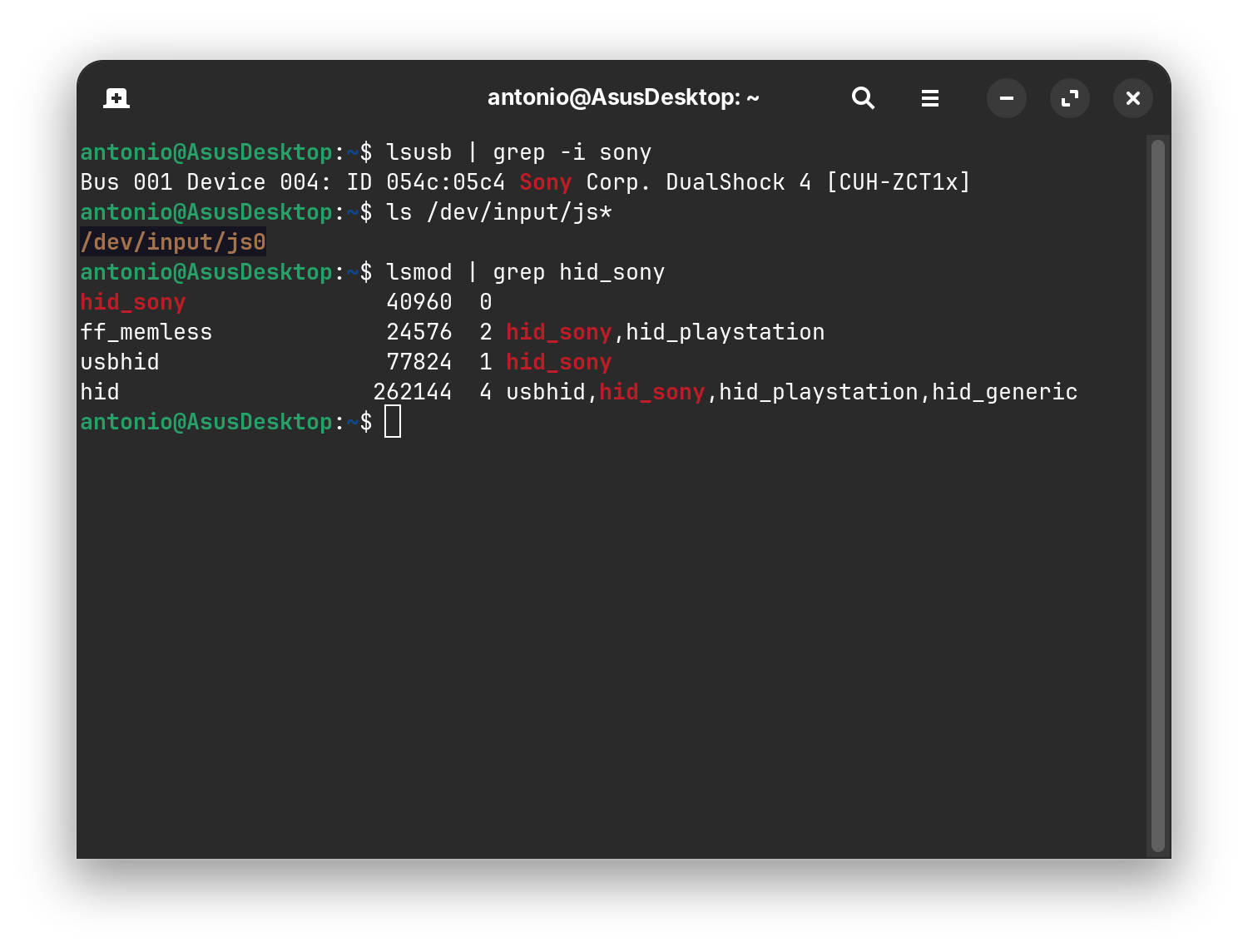
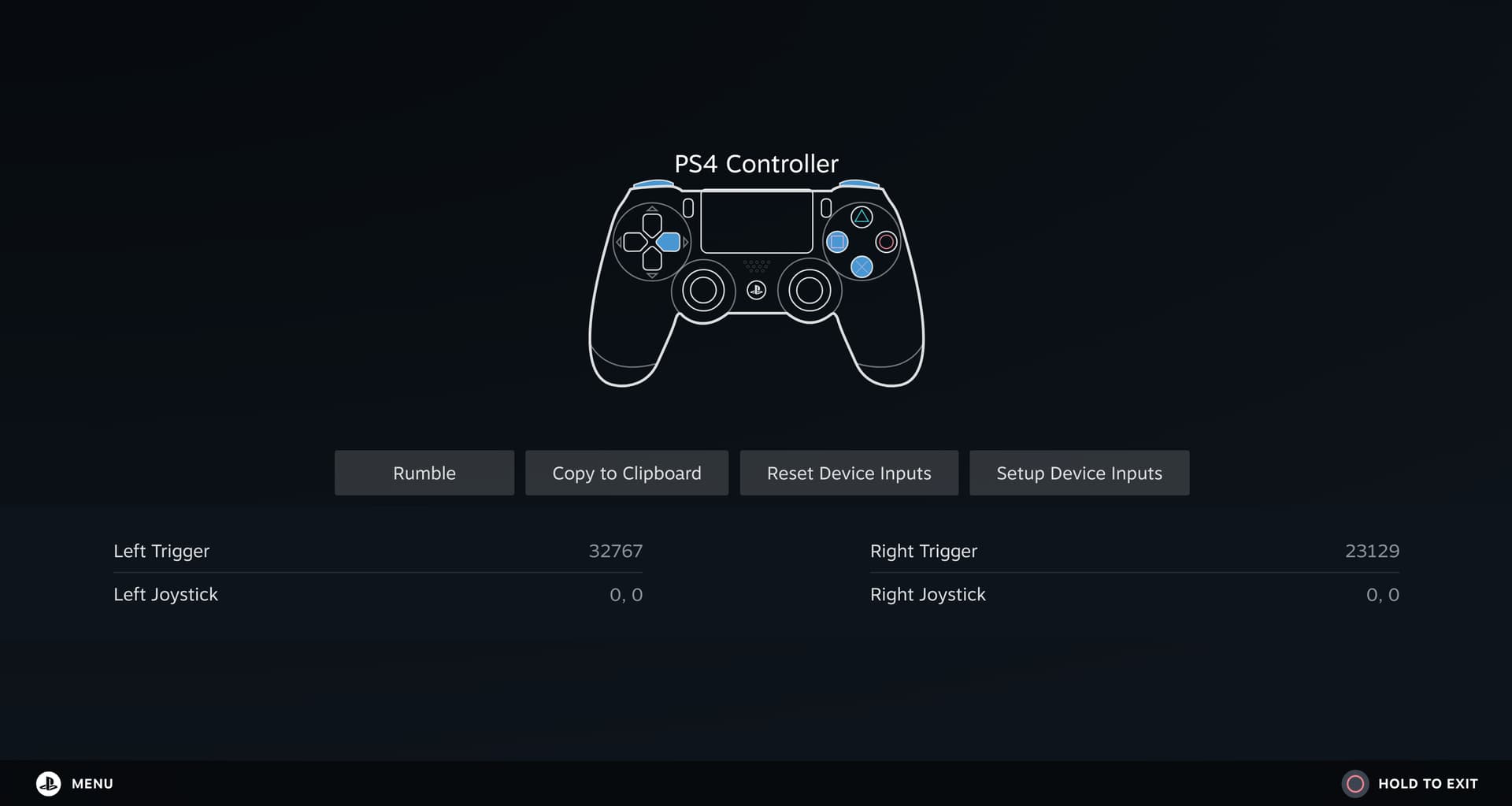
No additional controller tools or daemons are running that might interfere (e.g., ds4drv) and Steam is installed as the native .deb package.
It does not receive any input in games, I've already tried Forza Horizon 5, Need for Speed Heat, art of rally, Horizon Chase Turbo, all of which fail to detect input.
I've already tried enabling and disabling Steam Input (globally and per-game), enabling and disabling different layouts, different Proton versions and restarting Steam after every configuration change.
It seems that the DualShock 4 is fully detected by the kernel and Steam, but Steam games do not receive input. If anyone else has run into this problem, I would appreciate any tips or known solutions.
I did some testing throughout this week and found out that Ratchet & Clank: Rift Apart is working with my Dualshock 4, which means this might be a game-specific issue rather than a general controller or Steam/Input problem
Okay, then it would be annoying because You would have to try each Game to see where it works. The only other Idea's I would have, is switching to Xorg or try a XBox Controller.
The relevant stuff that the package does is download 60-steam-input.rules and 60-steam-vr.rules and place them both in /etc/udev/rules.d so you can do it yourself if you want because it's just two text files:
Hi, Ive got the same issue.
After hours testing some differents config and solutions, none worked.
I decided to uninstall and reinstall Steam.
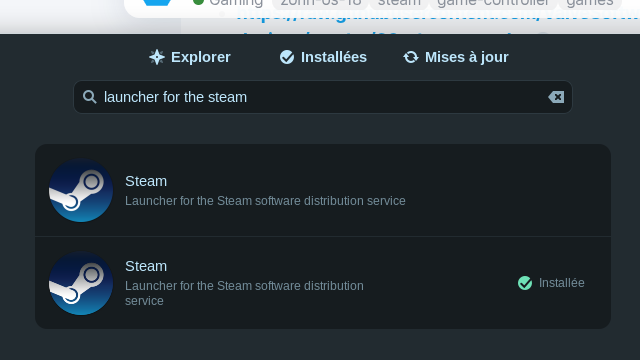
And I found an other Steam application in the software manager ...
One is from Valve and the other from canonical.