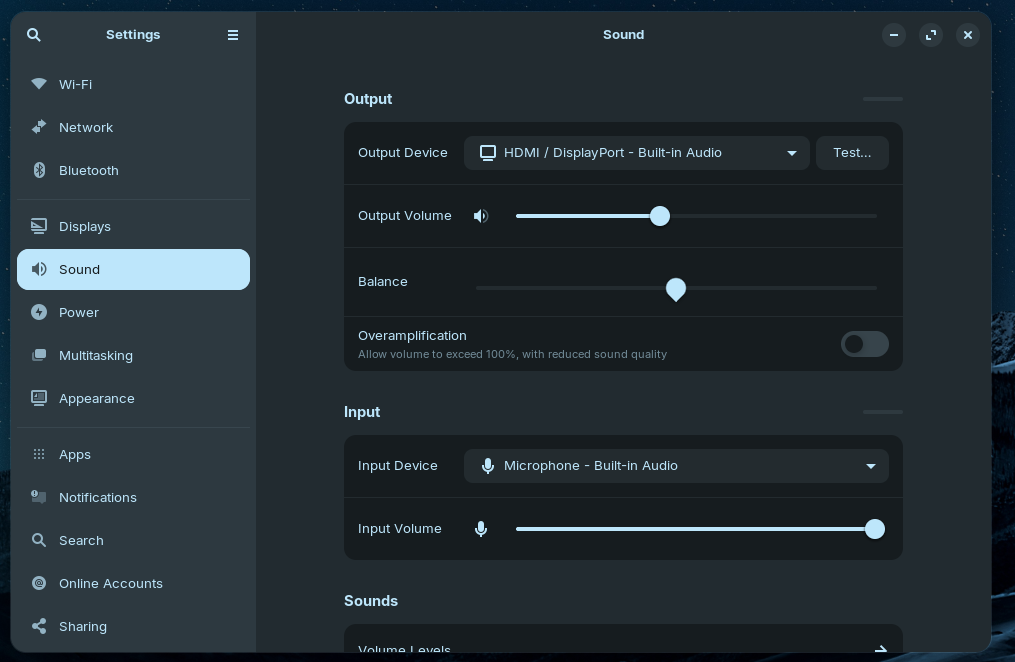
I've got the same problem. How do you add blacklist snd_soc_avs to * etc/modprobe.d/alsa-base.conf*
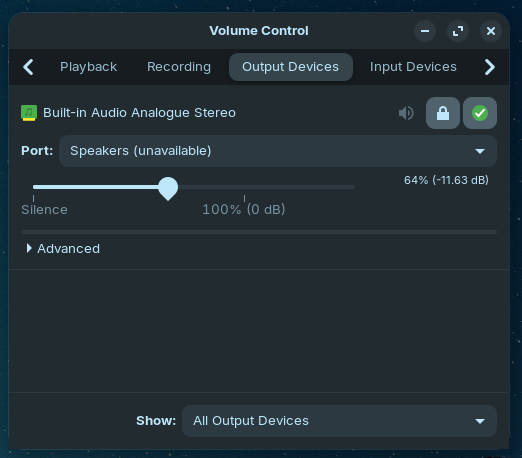
Update, I managed to add it, however, now I either have HDMI audio or headphones? No speaker option? I managed to remove it, but I'm back with just the dummy output.
Hi there
If it is any help, I have found that each time I install Z it has resulted in a different sound card recognition, of the same hardware. Sometimes a 'Dummy' out, sometimes the actual correct series driver and sometimes just stereo speakers. No been able to get the correct 5.1 output driver thus far though.
So if all else fails ..........
cheers CD
When it worked first, you could try to go back to an earlier kernel. In grub menu at boot select advanced options for Zorin and then choose an older kernel to boot from to test if that solves the sound problem. If it helps, you can set this older kernel as default to boot from until next kernel updates may solve the problem.
I've only ever used Zorin 18 on this machine (previous was Windows 10). I'm not aware of Zorin updating the kernel post Zorin 18. Plus I don't particularly want to downgrade the kernel.
This only concerns kernel versions within kernel 6.14. And yes, there have already been kernel updates since the release of the .iso version. Kernel updates can always contain regressions, and the simplest solution is then to temporarily downgrade the kernel. You can find all available kernel versions in the grub menu at advanced options.
If you look at grub menu item "Advanced Options for Zorin", see if there are previous linux kernel generic versions listed.
If true, choose one of the older kernels to boot your system, just as a test.
See if it helps. If not don't worry as the most recent kernel will be used next boot.
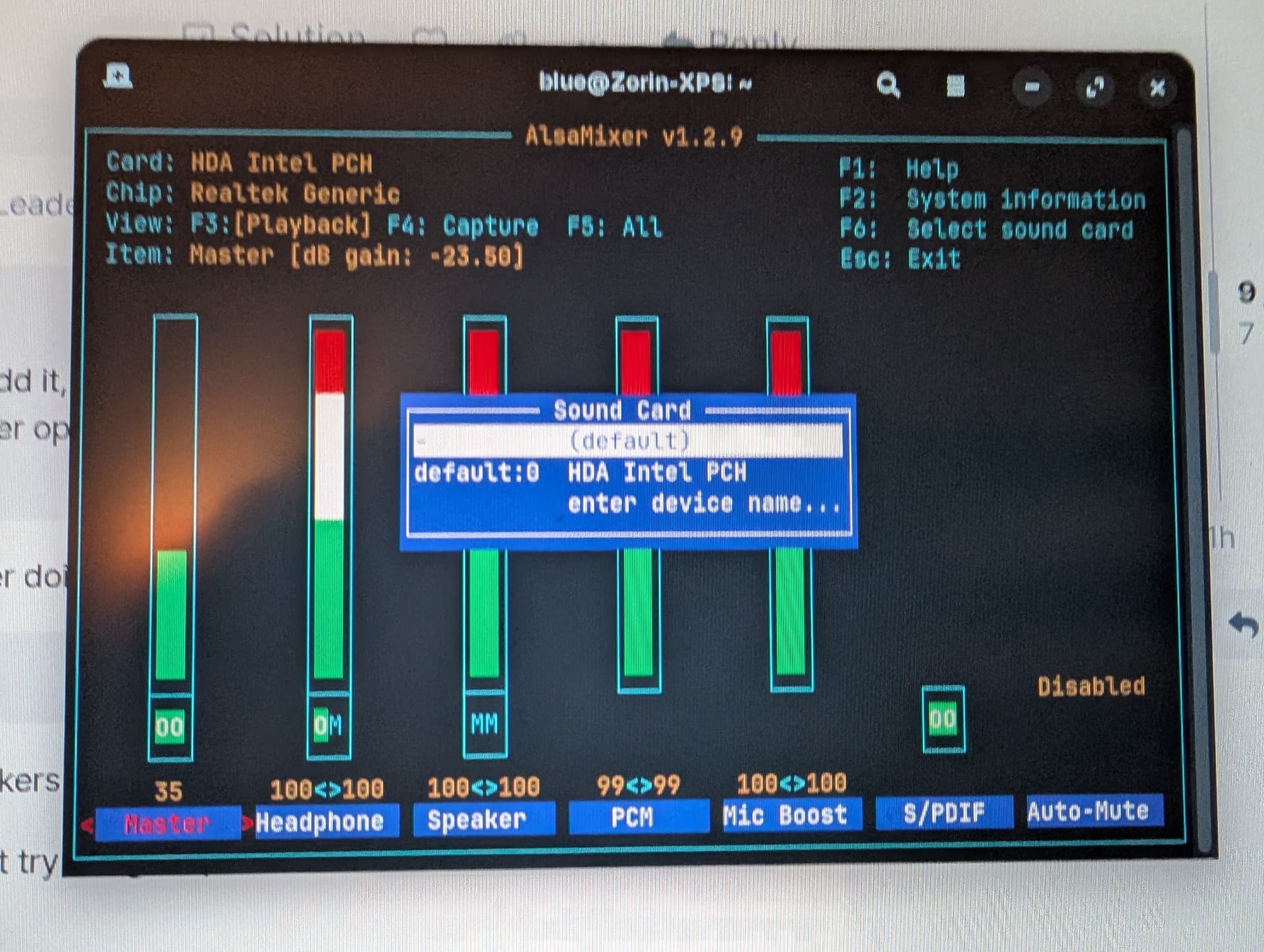
In alsamixer, when you hit F6 what soundcards are listed? Post a screenshot.
Speaker channel is showing [MM] i.e. Muted.
Use arrow keys to move to that channel and hit M to unmute.
Then up arrow to increase volume to a sensible level
Also Headphone channel looks weird, showing half muted. Try unmuting that as well.
Unfortunately no difference... And the sound output via headphones stopped working upon next restart.
I'm trying to roll back the addition of blacklist snd_soc_avs but it no longer shows up in " etc/modprobe.d/alsa-base.conf?
I've tried to completely reset the sound drivers but still showing the same non-working options...