After migrating my Zorin OS 17.3 Core installation to an SSD on my ThinkPad L560 (i5-6300U, 16 GB RAM), I decided to go one step further and optimize the audio setup.
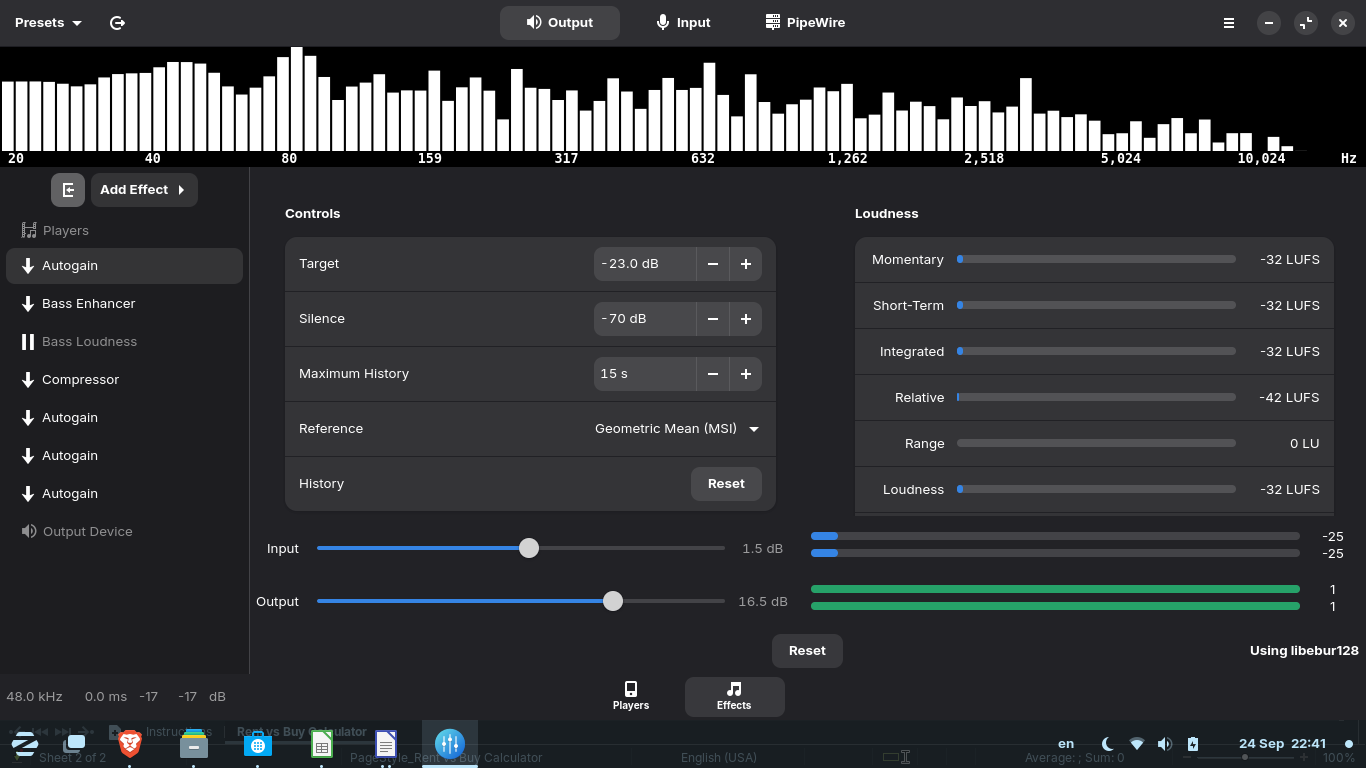
Based on a recommendation from ChatGPT, I installed Easy Effects (Flatpak) and confirmed I was running on PipeWire.
I enabled a light audio chain with:
- Autogain
- Bass Enhancer
- Compressor
To my surprise, the improvement in sound clarity and volume balance was immediately noticeable — especially when streaming or playing multimedia.
Everything is running very smoothly under Wayland, and the performance impact is negligible.
What’s even more interesting is that Zorin OS 18 now ships with PipeWire enabled by default, which (in my opinion) confirms this is the right path forward for the distro.
Highly recommend this setup if you’re using older hardware — it makes a real difference without complexity.
@ milldale
 ThinkPad L560 – Zorin OS 17.3 Core – 16 GB RAM – SSD
 Stable, streamlined and productive setup
 Brave (Flatpak) · LibreOffice · Pipewire · Wayland