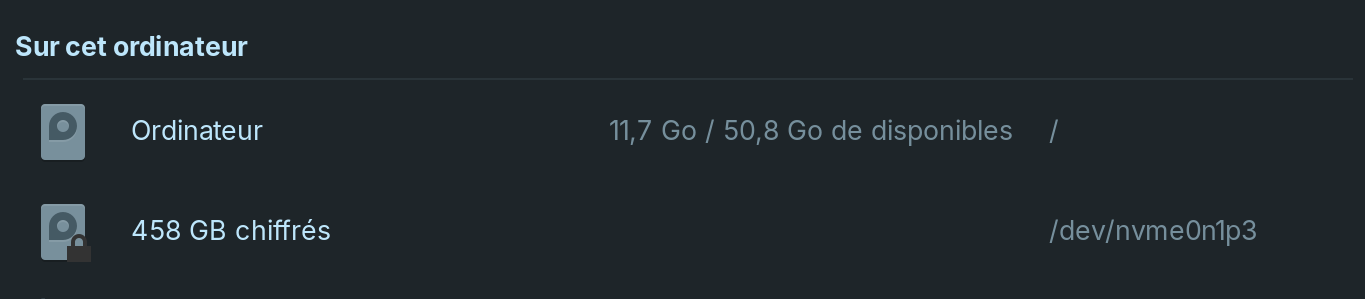
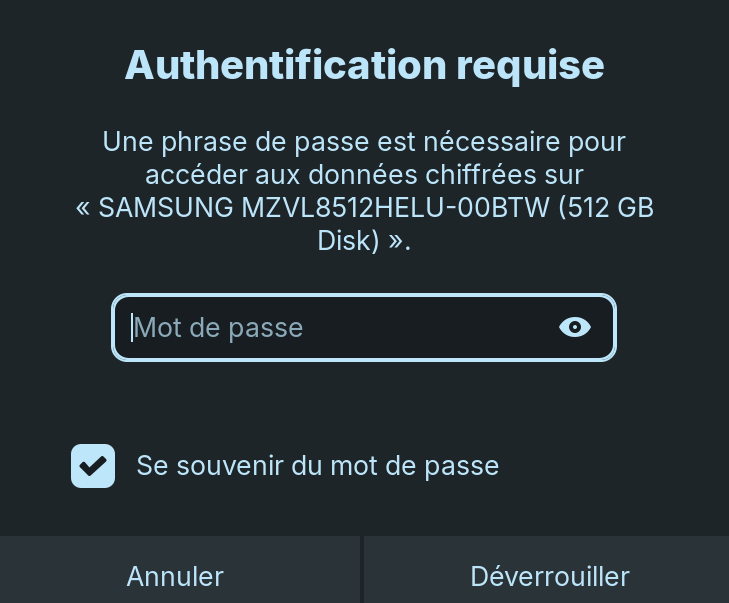
I just recently installed zorin os core 17.3 and when I go to my files, it says there are 458gb encrypted [storage space]. When I try to access it, it asks for a password that isn't anything I've set myself on this laptop and there is no button anywhere for forgotten password or anything. Any idea on how I can fix this?
1 Like
Hi, and welcome to the community!
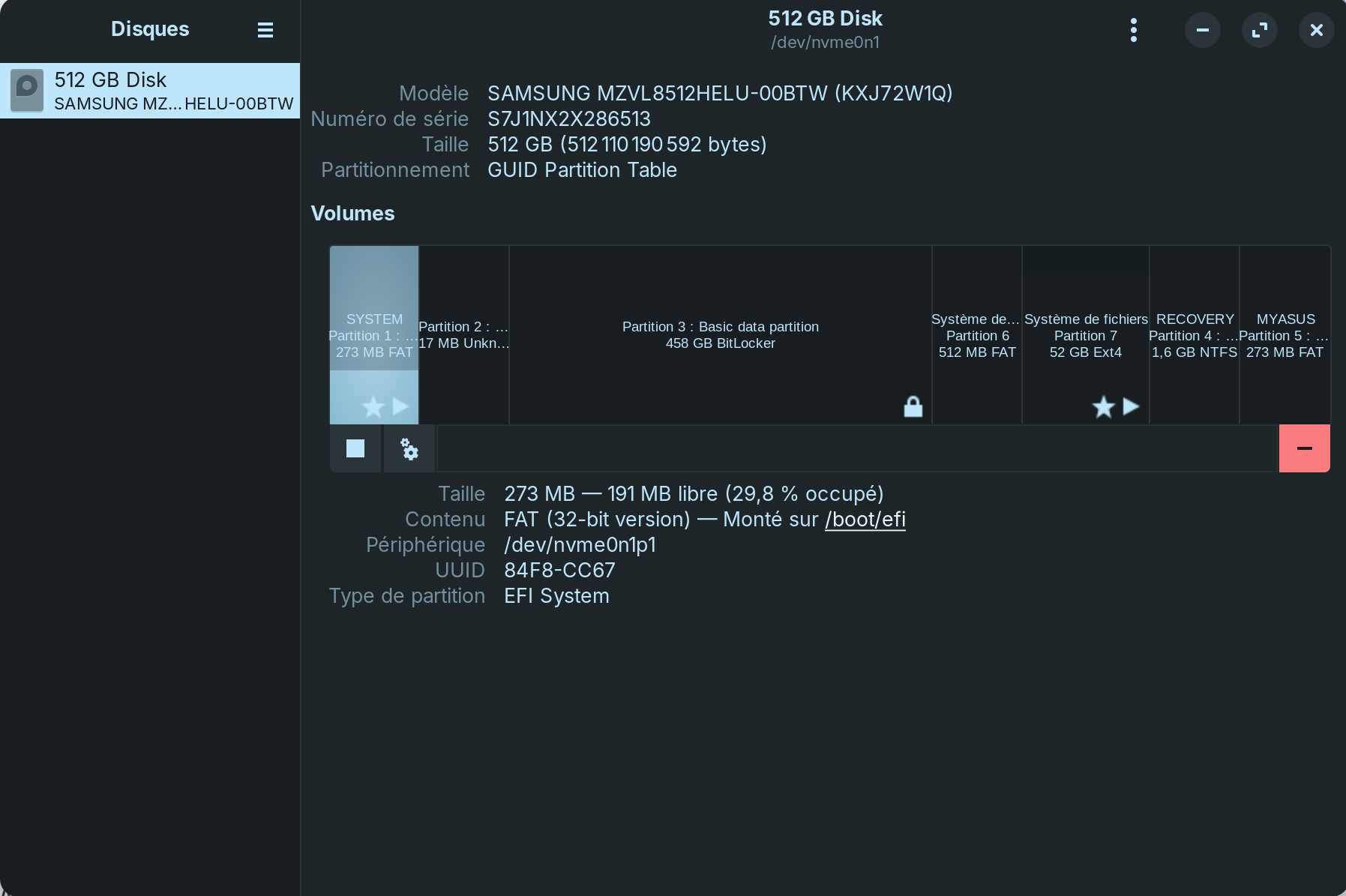
Please launch Disks from the applications menu, and select the drive where you installed Zorin OS. Take a screenshot of that and upload it here so that we can see if there's anything unusual.
During the installation, did you select the option to erase the entire drive or did you create the partitions on the drive yourself?
1 Like
I used this tutorial which told me to create partitions in the windows disk management which I think is what you are asking.
1 Like
Is this a dual boot setup with windows? And you're trying to access the windows partition from Linux ? (Partition 3 being your windows possibly and partition 7 being Linux)?
1 Like
It is a dual boot with windows, yes. I'm not very familiar with dual booting, is storage space reserved for one os or the other? If yes, how do choose how much storage each OS has?
Ah, so it's encrypted by Windows' BitLocker. In that case, try using your Windows password to unlock this partition.
For the time being, I would recommend not touching the partitions on the drive. Just continue exploring Zorin OS, but keeping in mind that you have about 50 GB of storage available. It should be enough for anything other than games or large multimedia files.
1 Like
From what I can tell you've used partitions 6+7 for Linux. Nothing wrong with this, just your standard setup more or less. Linux won't be able to read your bitlockered drive without the password however.
If you have access to the windows os still, you could go into that and remove the drive encryption, and then use another encryption method that Linux likes better (or reset the encryption so you remember the password). There are ways to get access without the password, but I'd rather not go down there for a multitude of reasons.
I'd also ask if you need encryption or not, as for most people it's often more a headache than anything necessary. However, if you're working with sensitive data, then I would definitely say your encryption is warranted.
1 Like
I really don't need the encryption. My laptop came with windows 11 pro (I didn't chose pro) and I don't recall choosing to encrypt data or not.
I agree, drive encryption is not necessary for 90% of people, its more trouble then its worth. Linux partitions should be in GPT as well. I had a feeling you were dual booting, the smell of Windows was all over it lol.

I've heard a few complaints of Windows Pro setting up Bitlocker without being asked, or vendors shipping with it already encrypted. Linux isn't likely to be able to do a thing about it. You'd want to boot into Windows and disable Bitlocker on any drives that are using it. I'll link to a how-to below. I've done it myself and it's quite easy, but I don't dual boot and I can't go walking through disabling encryption on my work computers, so a third party tutorial will have to do.
1 Like
I believe by default, in Windows 11 now if your system meets the requirements on install, it will automatically set up encryption for you. I seem to recall reading that some months ago.
Yes. I think I have read that Bitlocker default may be true for Win11 Pro (i.e. corporate use), which is what the OP has.
1 Like
I managed to shrink the storage windows had by 300gb (My ssd is only 512gb so it's most of my drive) and give it to linux which is good enough for me.
3 Likes
This topic was automatically closed 90 days after the last reply. New replies are no longer allowed.