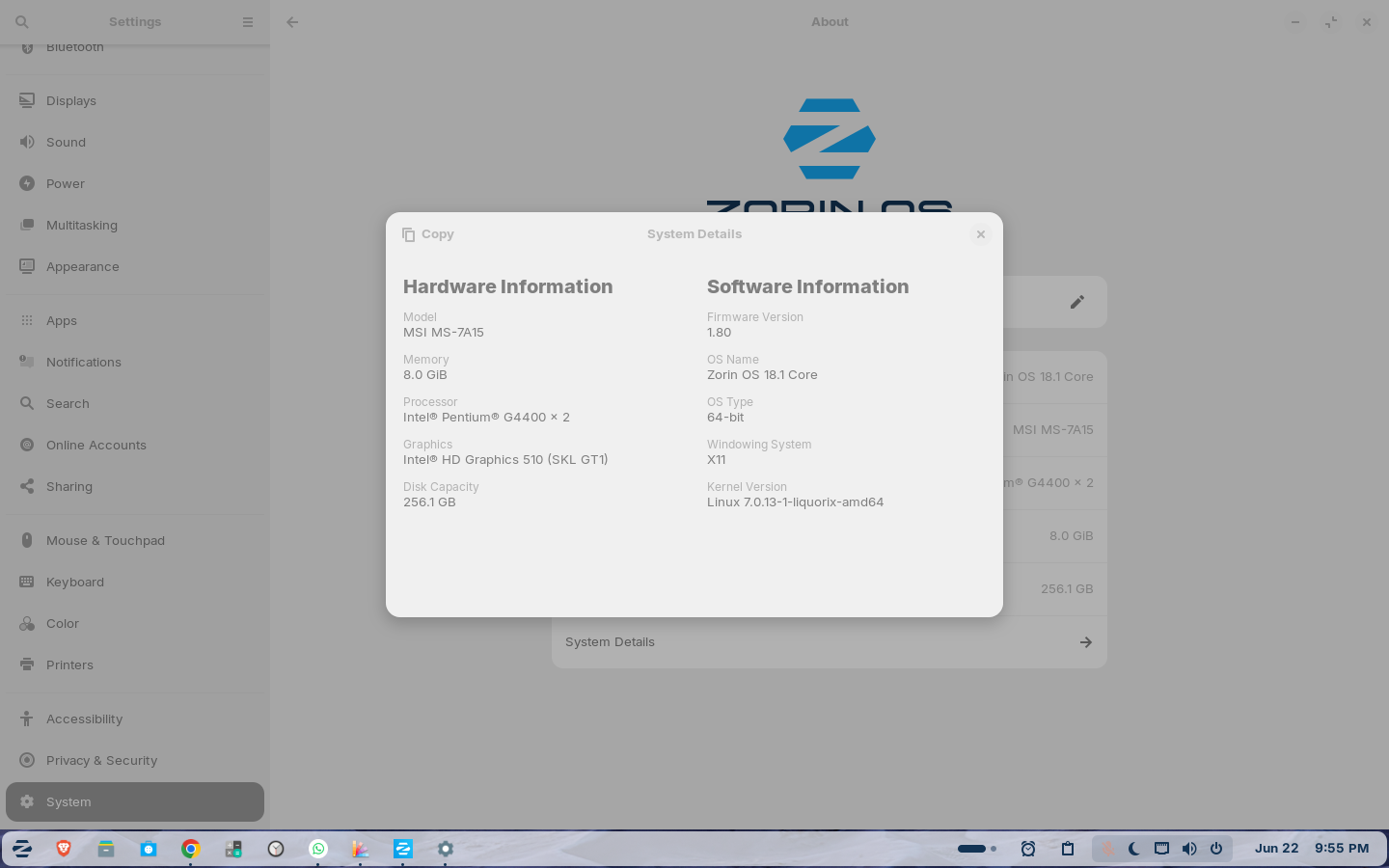
I am experiencing a severe desktop freeze on Zorin OS 18.1 Core. Whenever I right-click at the very top (the title bar or header bar) of any application window, the entire computer completely freezes.
The mouse cursor might move, but I cannot click anything, keyboard shortcuts stop responding, and the entire user interface locks up. I am forced to do a hard reboot (or use REISUB) to recover.Below are the details of my pc
Beside of the Named ... I wouldn't have any other for now. You could start with using an older Kernel. You can install that on Your current System from the Repo's.
If You want try Zorin Lite, You could install the Zorin Lite Desktop to check it out and when that runs better, You could think about switching to it. The Downsite of that would be: Zorin 18 is the last Version with Lite Desktop.
That definitely sounds like more than a normal application crash. Since the freeze happens across multiple applications and even keyboard shortcuts stop responding, I would suspect either a graphics-related issue or something happening at the window manager level rather than a problem with a specific app.
I noticed you're using Zorin OS 18.1 Core on X11 with Intel HD Graphics 510 and a Liquorix kernel. As a quick test, it might be worth booting with the standard Zorin kernel and checking whether the behavior changes. If the issue only occurs when opening the title bar context menu, that could help narrow it down to a GNOME/Mutter or graphics stack problem.
I'd also be curious to know whether the freeze happens with every application (Files, Settings, Terminal, Firefox, etc.) or only certain ones. That detail could help identify where the fault is occurring.
This may be totally unrelated but I had similar freezing/mouse disappearing/painfully slow response to keyboard input with the combination of X11 and Intel HD graphics (730 in my case). I was unable to diagnose it but it went away when I switched back to Wayland.