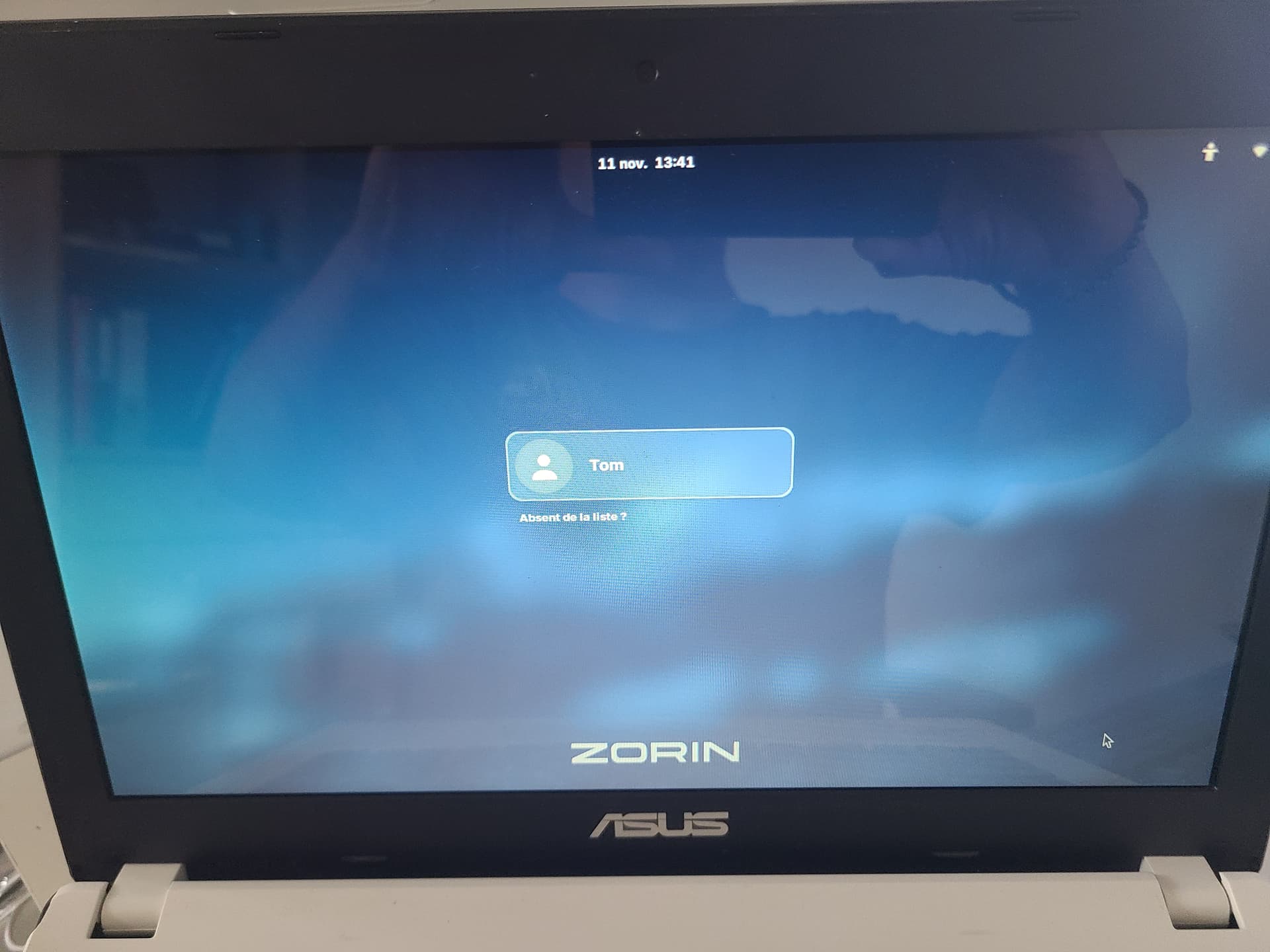
Good morning.
First of all, I apologize if my English is not very good, I am French!
That's my problem.
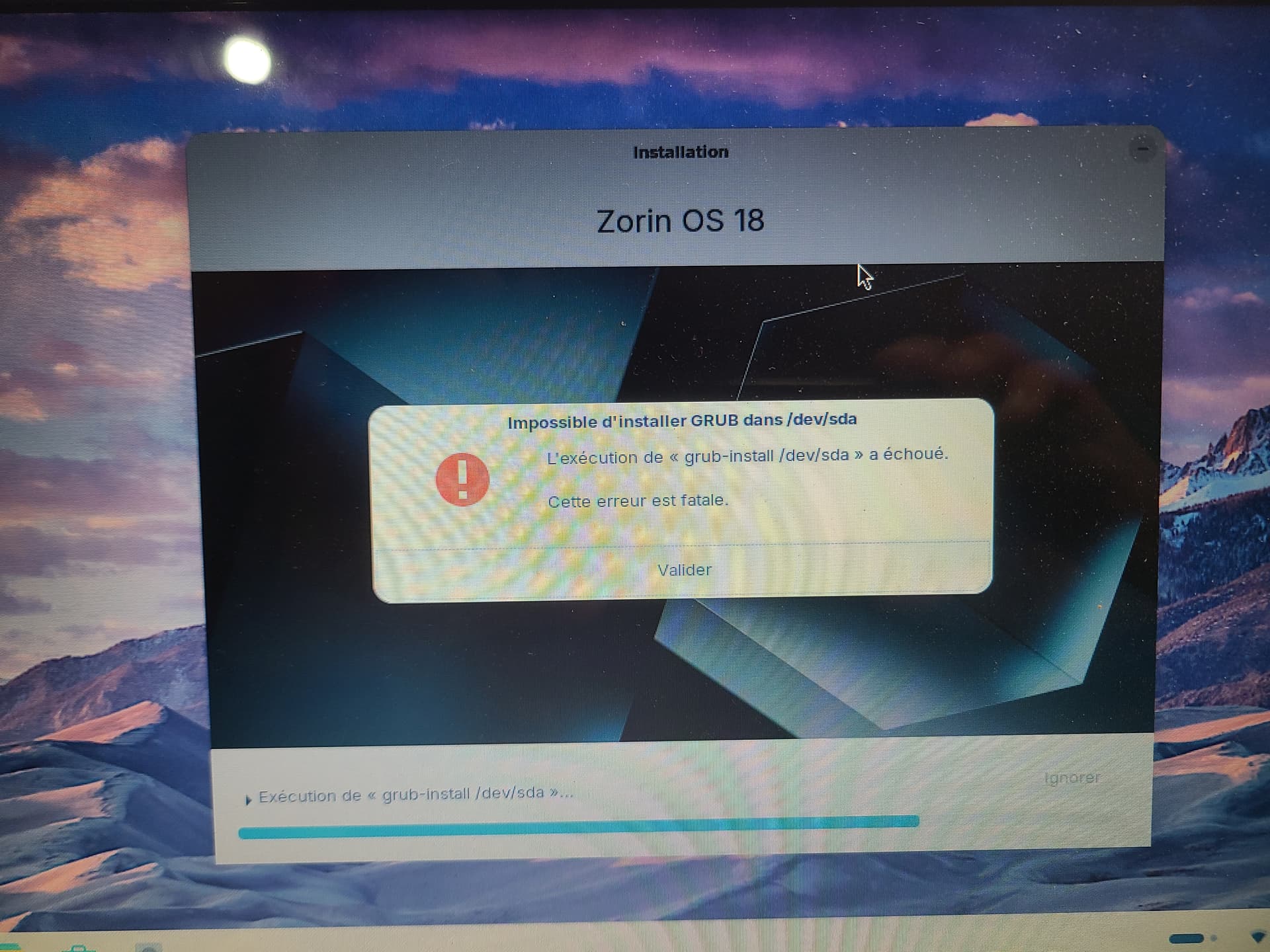
I'm trying to install version 18.1 Core on my PC (Asus f451MA-VX300H Notebook) which was running Windows 8. Everything is going well until this error message:
Can you explain to me what's going on?
Thank you a thousand times in advance
Bonjour and Bienvenue!
I looked at your issue specific to your notebook. Brave A.I. search result came back with:
" The grub-install /dev/sda failed fatal error on the Asus F451MA-VX300H is typically caused by a mismatch between the boot mode (UEFI vs. Legacy) and the partition table (GPT vs. MBR ), or by the installer targeting the wrong physical drive.
Common Solutions:
-
Verify Boot Mode: Ensure you are booting the installation USB in UEFI mode if your system uses a GPT partition table, or in Legacy/BIOS mode if using MBR . Booting in the wrong mode often confuses the installer.
-
Select Correct Boot Loader Location: During installation, when prompted for the device for the boot loader installation, ensure you are selecting the correct drive (/dev/sda ) and that an EFI System Partition (ESP) is properly created and selected if using UEFI.
-
Disable Conflicting Features: Disable Secure Boot and Fast Boot in the BIOS settings to prevent interference with the GRUB installation process.
-
Check Drive Connections: If multiple drives are present, the installer may attempt to write GRUB to the wrong disk. Disconnecting other drives during installation or physically swapping SATA connections to ensure the target drive is /dev/sda can resolve this.
-
Use Boot-Repair: If the installation partially completes but fails to boot, boot from the live USB and use the Boot-Repair tool to automatically fix the GRUB configuration.
AI-generated answer. Please verify critical facts."
2 Likes
Welcome to the Forum!
Some Questions for the Beginning:
- Are Secure Boot and Fast Boot in BIOS disabled?
- Is Your BIOS is UEFI or Legacy Mode?
- What Tool did You use to create the Bootstick?
- Do You want create a Dual Boot System?
- If Windows is still installed: Is Fast Start-Up in Windows disabled?
2 Likes
Thank you for your answers.
So, for one or more reasons that I don't understand, everything seems to work normally!
I restarted at the end of the installation, the software updates were done and I don't see anything that wouldn't work correctly!
Is there a way to check the installation?
1 Like
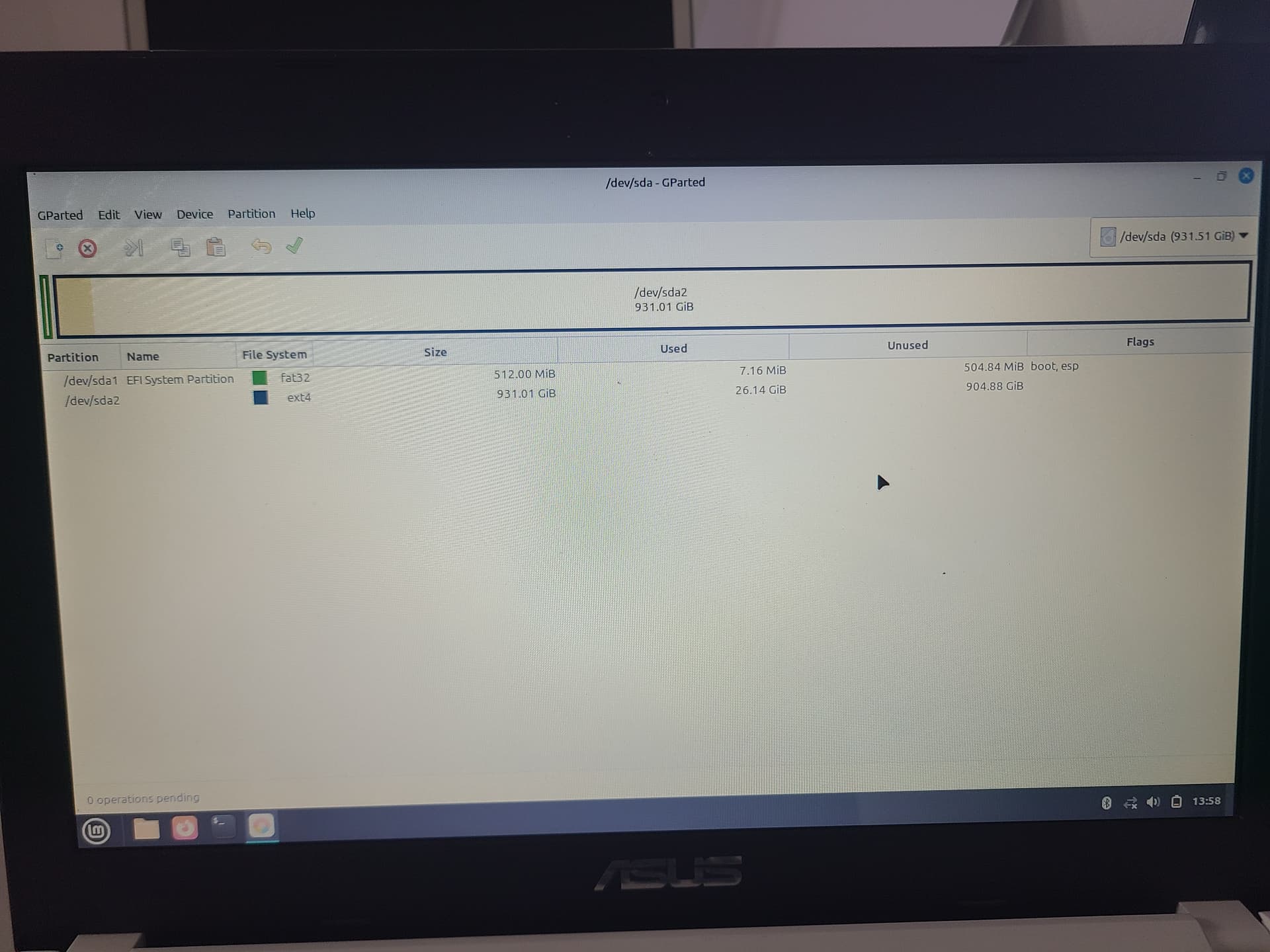
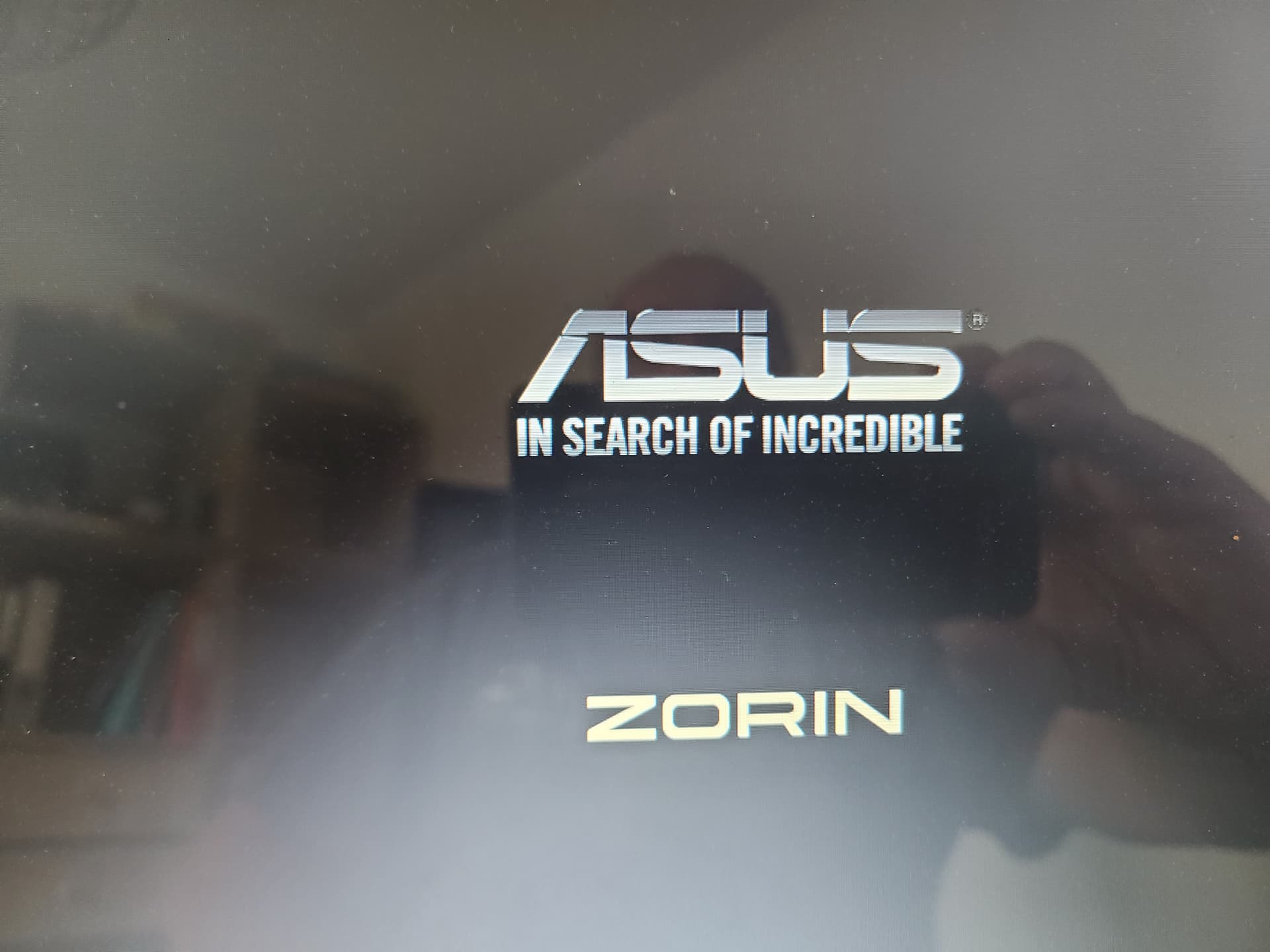
Well, when it works. it is a good Sign. You could check the BIOS if there is a Zorin or ubuntu Entry in the Boot Order on the first Position. You also could start the Bootstick again, choose ''Try Zorin'' to run it in Live Mode and there look for '''GParted''. Open it and make a Picture of the Partitions and post it here.
Good morning.
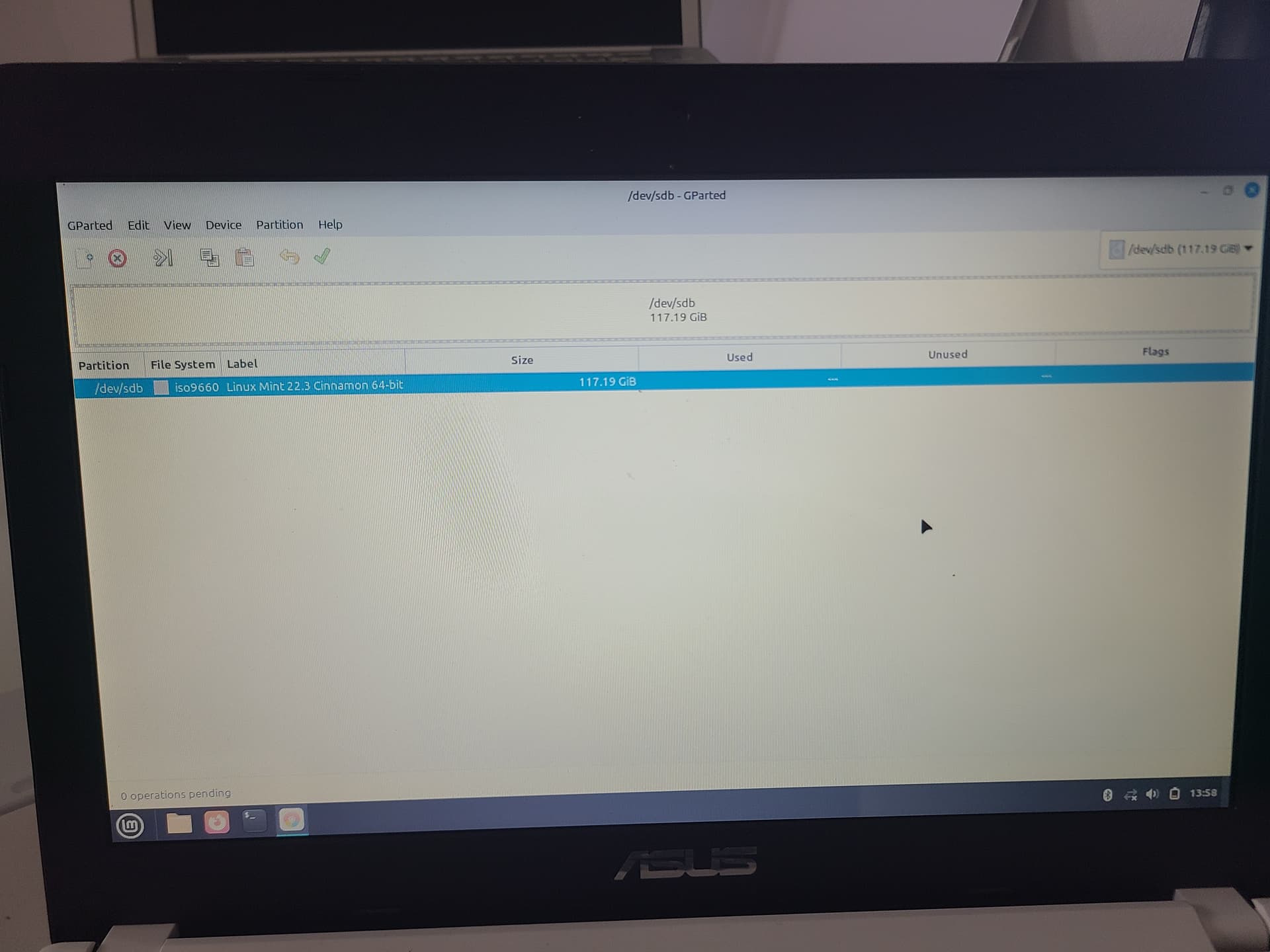
So here are the screenshots that I have, on Gparted, on the Linux Mint live cd
Here is also my bios as well as the startup screens.
Thank you
1 Like
ok
So, there must have been a problem but everything is back to normal.
Thanks for everything once again!
1 Like