I already linked You the Driver above.
Thanks yall.ill xheck all these and report back later
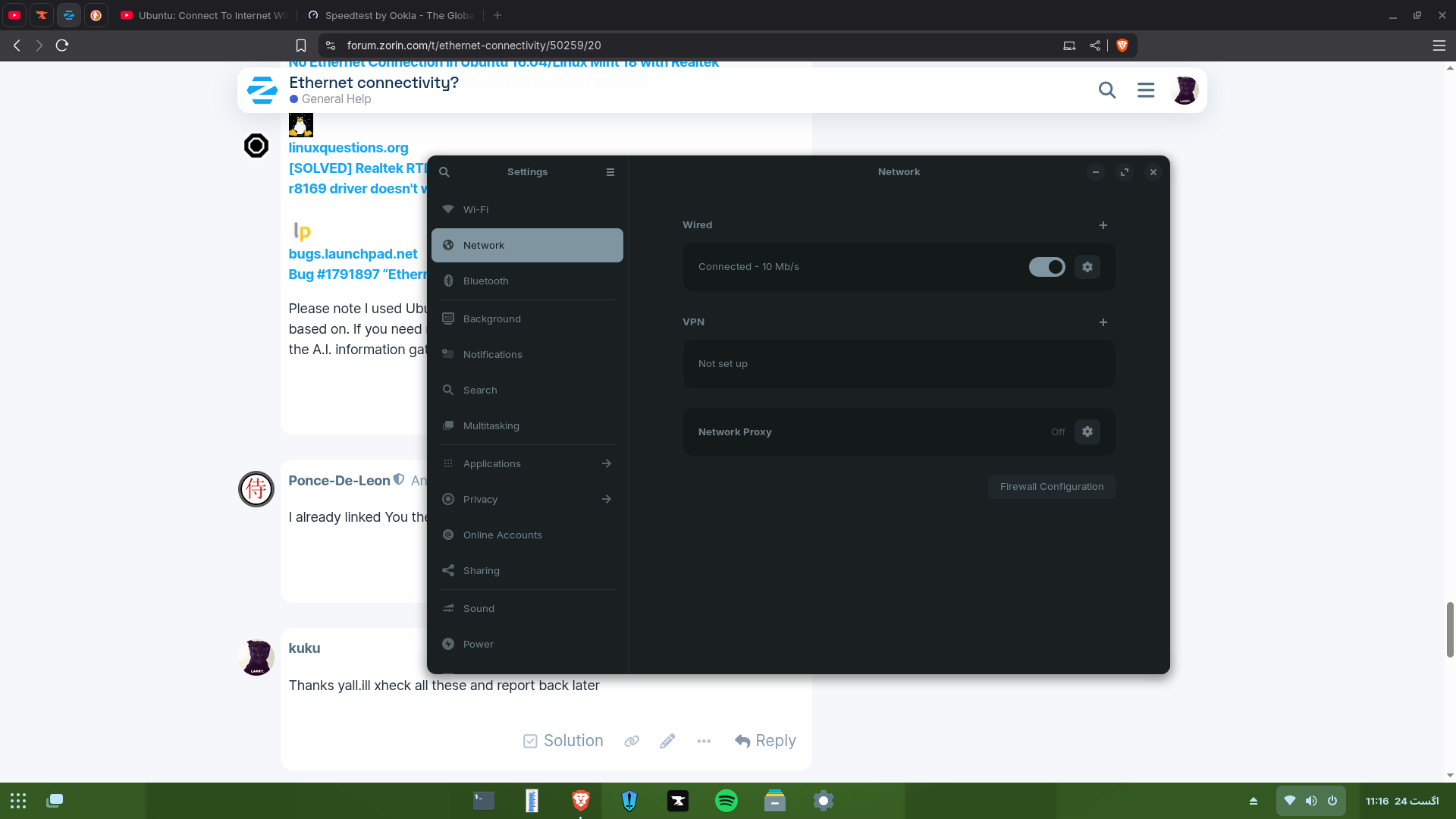
mr forpli,thanks for the idea,i restarted the router and then the next day the ethernet suddenly connected but with a ? mark.it is connected but there is no internet connection.
mam ,first of all the 1000mbps really impressed me , secondly the ethernet setting page of mine is exactly the same as your except the fact that its 10mbps.
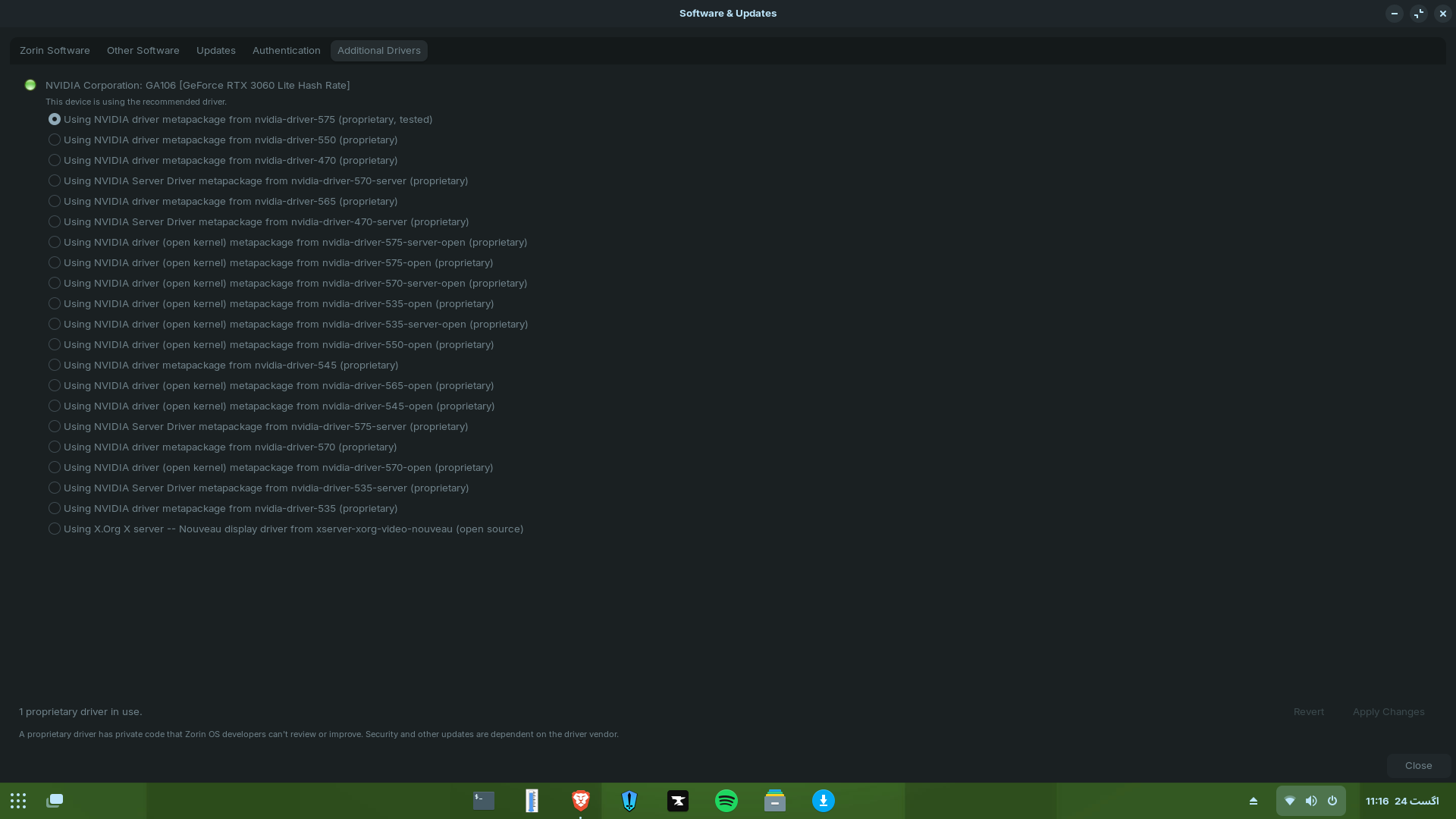
regarding additional drivers,mine is also the same as yours.im using the 575 nvidia drivers.
also today the ethernet random connected but there is still a ? mark on it and it doesnt give internet.
help would be apreciated thank you.
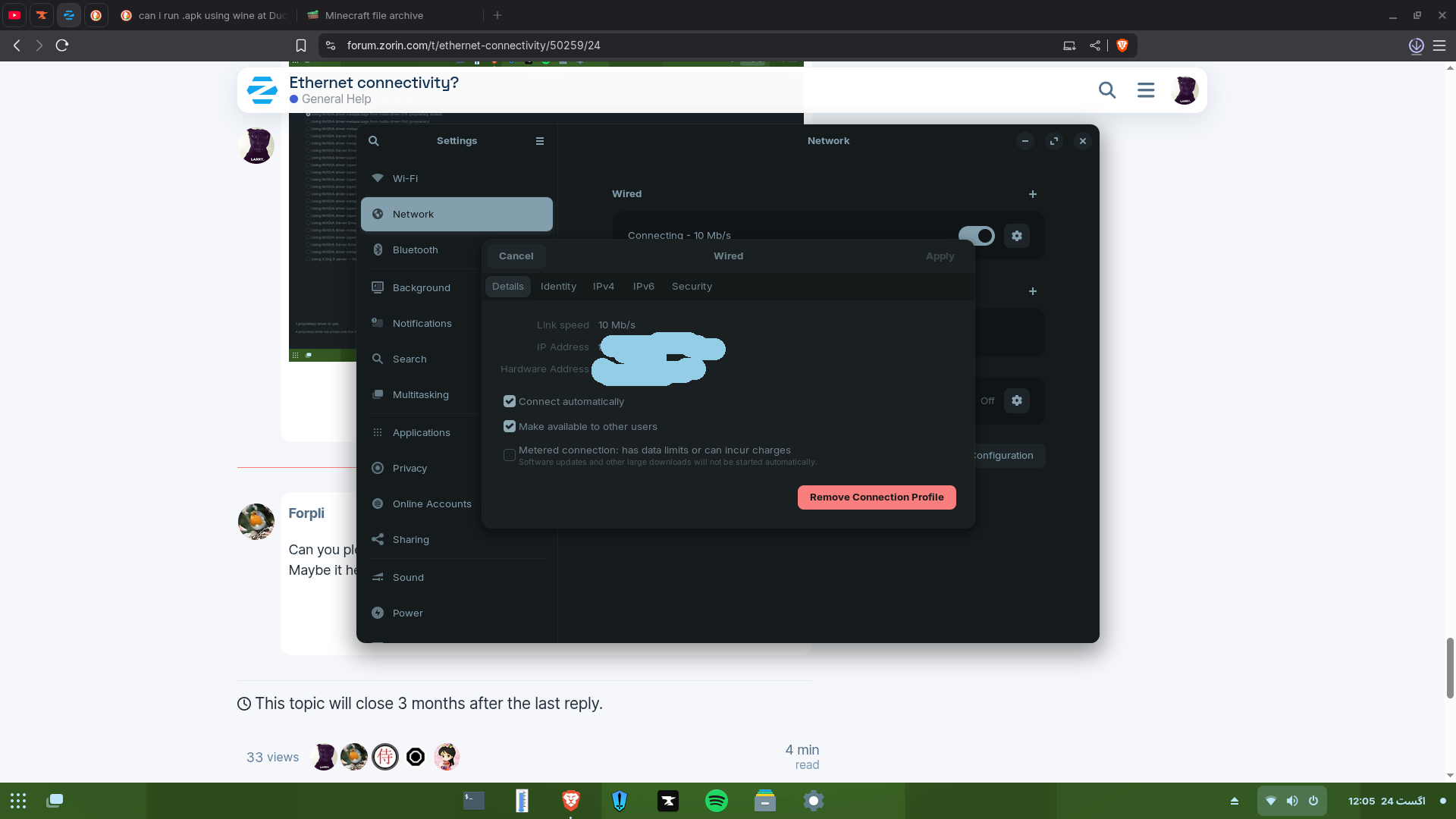
Can you please take some screenshots of the wired settings (click on cog wheel)?
Maybe it helps to disable ipv6 there.
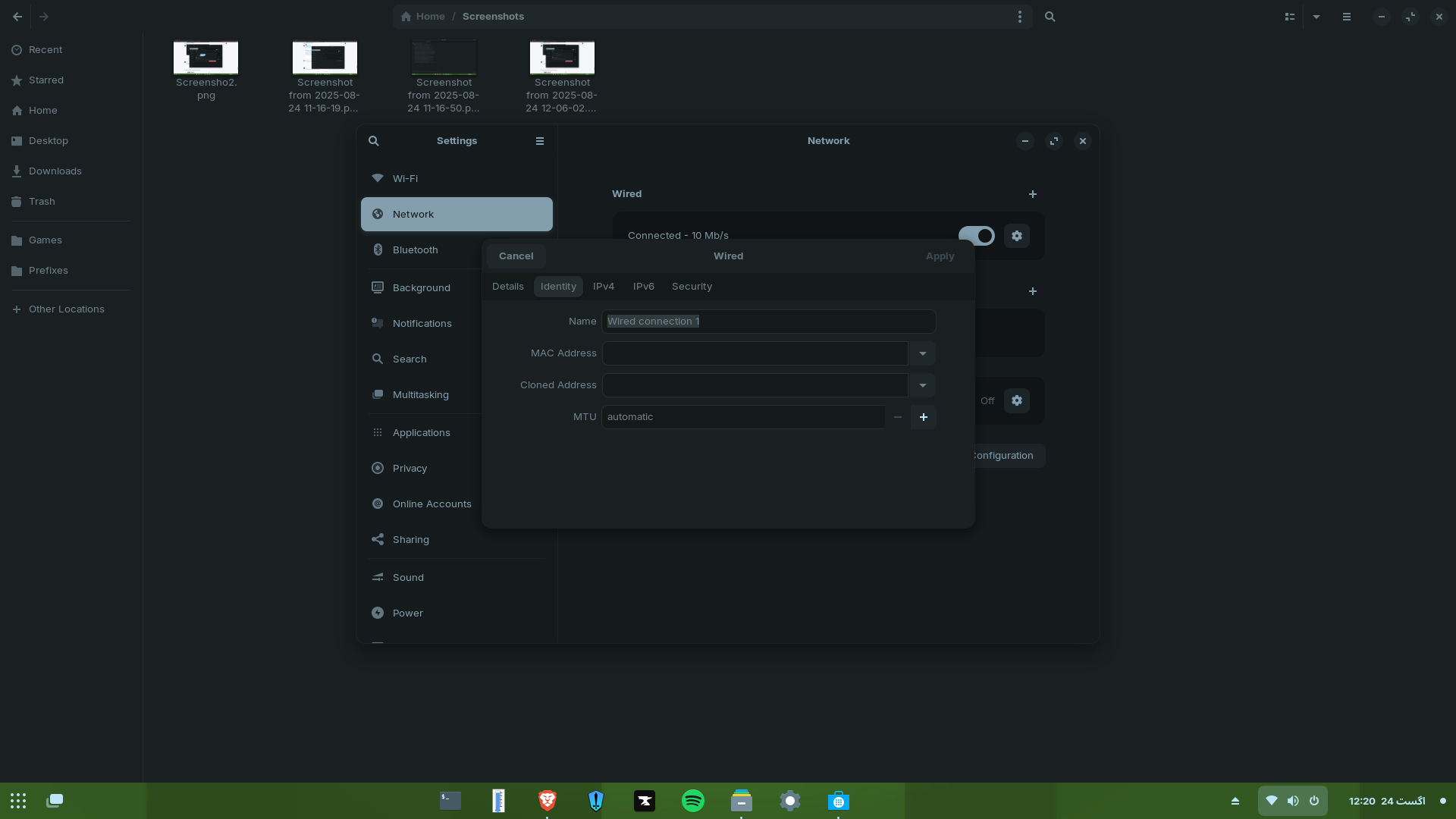
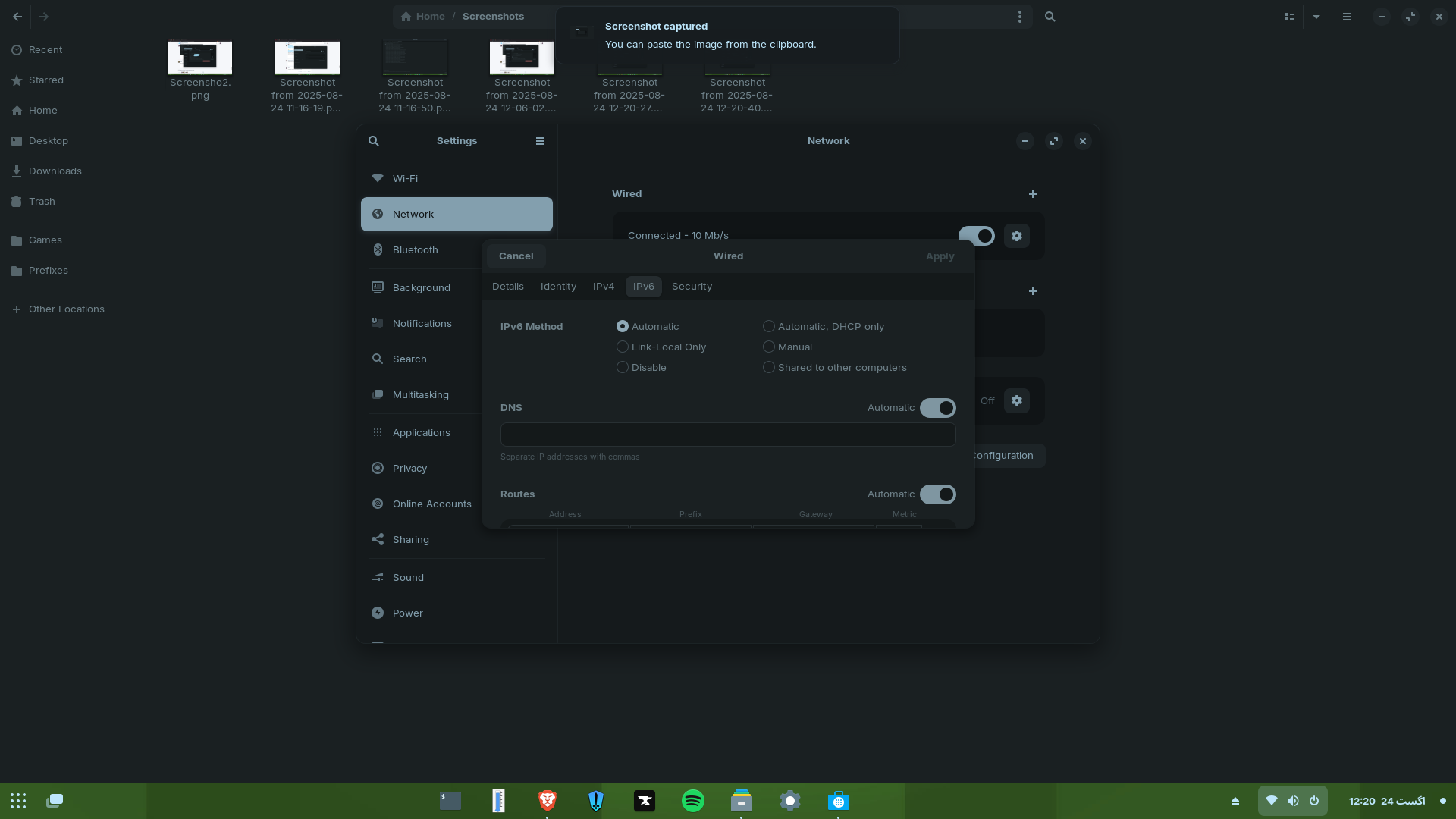
You could try in tab ipv6 to switch from automatic to disable at ipv6 method.
1 Like
Did You tried the Driver that I linked You?
Tried,didnt work
nothing worked
sir i have tried everything.it just goes connecting... and then doesnt connec t and then repeats.
When you got hooked up to internet by the technician, did they double check, that internet was flowing from the modem?
At this point, I'm such at a loss of the issue, the only thing I can think of now, is try out a USB ethernet adapter, thereby bypassing the original hardware.
Its driver free, so if the issue is on your computer's internal hardware going bad, this will be a cheap way to solve it.

I'm also at a loss. I'd check if ethernet works from Zorin live usb stick because when it works you know it is not a hardware or router problem.
And when you disabled ipv6 did you run
"sudo systemctl restart network-manager" afterwards or made a reboot? You could check if that helps.
thank you mam for still sticking around,also iwill also try to change the ethernet.thanks so much everybody
This topic was automatically closed 90 days after the last reply. New replies are no longer allowed.