Ethernet connectivity?

yoyoyoyoy.wassuuuup.im backkkk.
anyway,alhamdulillah i just got an 10mbps ethernet :money_mouth_face: .
so after connecting it to my pc...
it did appear but there were ... dots on the symbol (usually means connecting in case of internet over wifi)
in settings it did appear and was enabled.
i did a bit of research and it looks like ive got to create some kind of profile and stuff and its not just plug and play.so yes i do need a step by step guide on how top do that.
also when i rebooted the ethernet option was automatically turned off inthge settings and wouldnt let me turn it back on.should i be concerned.
any and all help will be apreciated.

thankyouuuu good people of zorin forums.

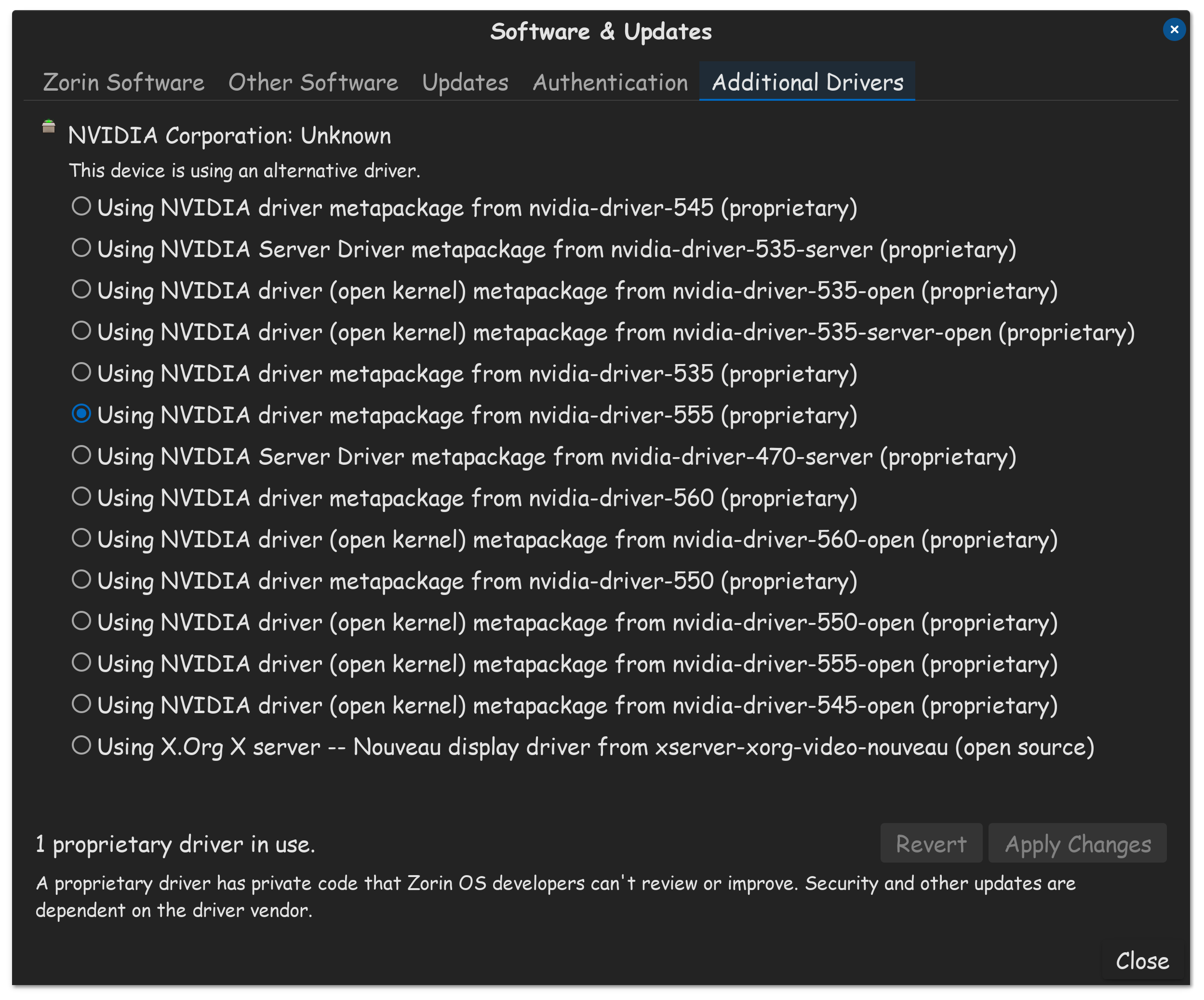
Did You take a Look in the ''Additional Drivers'' Tab in Software & Updates if there is a Driver for Your Ethernet offered?

Could You post the Output of the Terminal Command sudo lshw -C network please?

Does Your System run in Wayland or X11? You can check that in Settings>About.

*-network
description: Wireless interface
product: RTL8192EE PCIe Wireless Network Adapter
vendor: Realtek Semiconductor Co., Ltd.
physical id: 0
bus info: pci@0000:03:00.0
logical name: wlp3s0
version: 00
serial: 78:8c:b5:73:bc:eb
width: 64 bits
clock: 33MHz
capabilities: pm msi pciexpress bus_master cap_list ethernet physical wireless
configuration: broadcast=yes driver=rtl8192ee driverversion=6.8.0-65-generic firmware=N/A ip=192.168.100.48 latency=0 link=yes multicast=yes wireless=IEEE 802.11
resources: irq:146 ioport:4000(size=256) memory:81200000-81203fff
*-network
description: Ethernet interface
product: RTL8111/8168/8411 PCI Express Gigabit Ethernet Controller
vendor: Realtek Semiconductor Co., Ltd.
physical id: 0
bus info: pci@0000:04:00.0
logical name: enp4s0
version: 15
serial: 00:e0:4c:fe:cf:aa
capacity: 1Gbit/s
width: 64 bits
clock: 33MHz
capabilities: pm msi pciexpress msix bus_master cap_list ethernet physical tp mii 10bt 10bt-fd 100bt 100bt-fd 1000bt-fd autonegotiation
configuration: autonegotiation=on broadcast=yes driver=r8169 driverversion=6.8.0-65-generic firmware=rtl8168h-2_0.0.2 02/26/15 latency=0 link=no multicast=yes port=twisted pair
resources: irq:18 ioport:3000(size=256) memory:81104000-81104fff memory:81100000-81103fff
runs in wayland 11

Then, I would suggest to switch to X11/Xorg first to see if it helps. to do that, go to the Login Screen (not the Lock Screen). Simply reboot for that. On the Login Screen click on Your Profile so that the Password Field appears. When it is appeared, You should see a Gear Icon in the bottom right corner. Click on it and choose the Option ''Zorin Desktop on Xorg'' and then log in and test if Your Ethernet works.

If this shouldn't work, You could try install this Driver:

Nonon.im pretty sure its not about drivers.also im the same guy who's sys got borked by xorg.
Also please do look in that it might just be to create a profile.

You could try it with
sudo modprobe r8169
sudo systemctl restart network-manager

nah doesnt work.i did thought its plug and play.pls help.im not understanding one bit and getting frustrated trying to create profiles.

ill once again make everything clear.

  1. i connect ethernet.
  2. ethernet appear.but in state of connecting.but not connecting.faliure message appears every 3 mins.
  3. i try troubleshoot.troubleshoot no work.
  4. me clear everything i did.
  5. me come to zorin for help.
  6. me have literaly no clue how me fix

What for a Profile?

You could check if ethernet works when you boot from Zorin live USB stick.

uuhhmm.it may seem stupid but like a dsl authentication something.
anyway it didnt work i have undid all the stuff i did.
now im completely reliant on yall.
pls just give me instructions from scratch on how to use ethernet on linux.

ill check and also i want to ask that usually is it just plug and play or some setting is needed.im completely clueless

Sorry, I don't know it, I haven't used ethernet in linux yet.
Sometimes it helps to restart the router.

It can be plug and play when the Driver is already in the Kernel. So, it works out of the Box. but when the Driver isn't in the Kernel, You have to install it.

But @Forpli's Suggestion:

would be worth a Try, too I think. Sometimes simple things like that can make a Change.

Your ethernet driver is contained in the kernel so ethernet should actually work...

Yes sir ill try and also could you please also guide me on how to and which driver to install

I donut understand.so what is causing the problem then?

Were going to need you to post screenshots, as its much harder to provide support without them.

First, lets see what Additional Drivers shows, its this...


Please provide yours, lets see if there are any unused drivers in there.

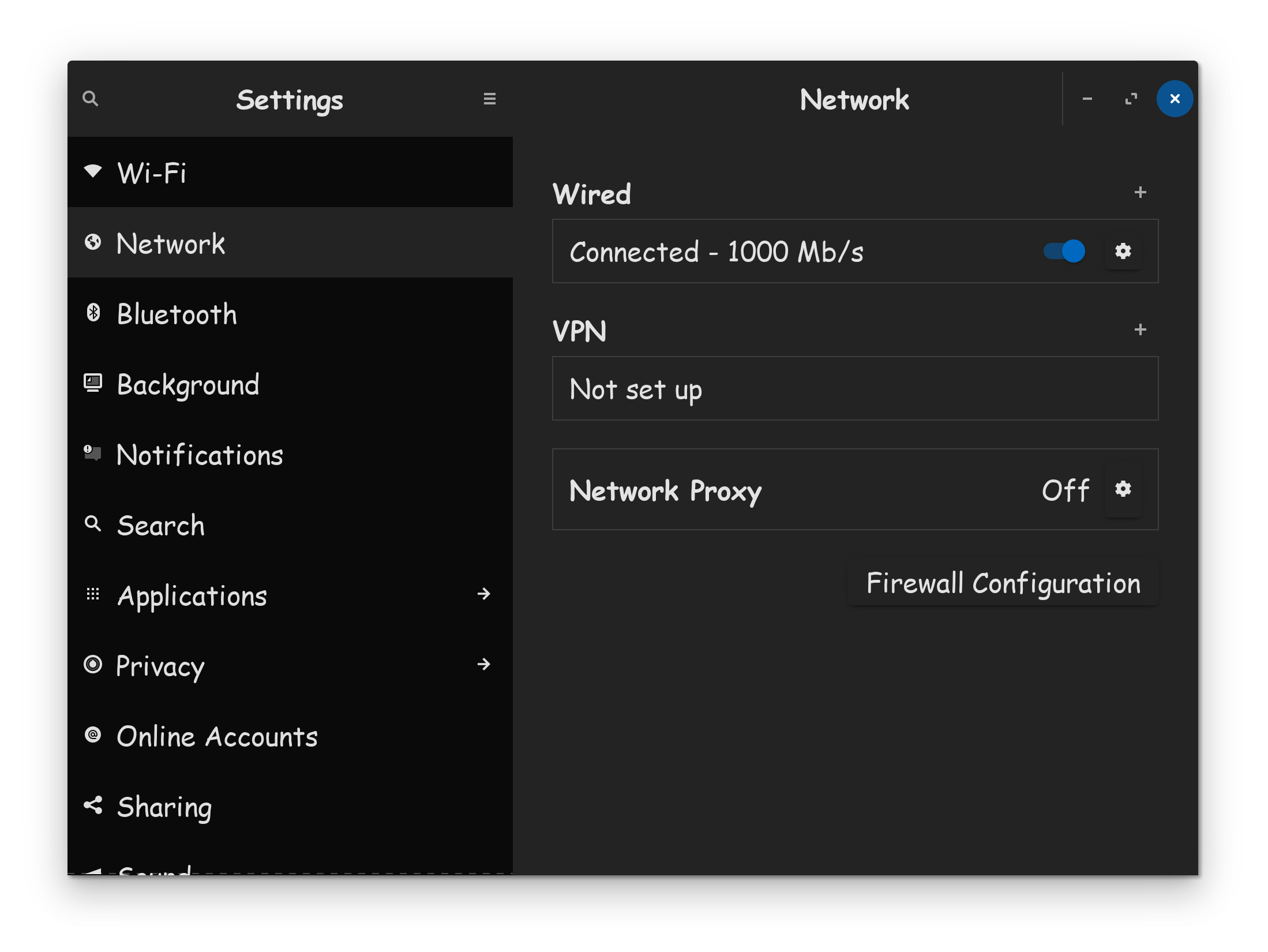
Now, with your ethernet cable plugged in, what does it show on your network connection?


Provide your screenshot please.

Take screenshots of your error messages and post those as well. Normally we recommend running in Xorg, but if you are the one who's forced to run in Wayland, there is nothing that can be done on that front.

From what you said, it sounds like your system is trying to authenticate your connection. Typically, power cycling your internet modem, can fix connection problem from your ISP device.


You could also take a look into your BIOS if Ethernet/LAN is enabled there (some BIOS have settings to disable it)

Looks like a kernel issue. Brave A.I. comes back with:

RTL8111/8168/8411 Not Working on Ubuntu 22.04

The RTL8111/8168/8411 PCI Express Gigabit Ethernet Controller can fail to work on Ubuntu 22.04 when using the 6.8 kernel due to incompatibility with the default r8168-dkms driver version available in the repositories. The version of the r8168-dkms driver included in Ubuntu 22.04 LTS (8.049.02-1ubuntu1) is incompatible with the 6.5.0-XX-generic and later kernels, including the 6.8 kernel, causing the network interface to be unclaimed and the driver to fail to build. This incompatibility results in errors during the dkms build process, such as implicit function declaration errors for skb_gso_segment .

The solution involves installing a newer, compatible driver version directly from Realtek's official website. The recommended driver version is 8.054.00, which has been confirmed to work with the 6.5.0-14-generic kernel and is expected to be compatible with the 6.8 kernel. To install it, the outdated r8168-dkms driver and the r8169 kernel module must first be removed and blacklisted to prevent conflicts. After downloading the 8.054.00 driver source, the files must be copied to a new directory under /usr/src/ , a dkms.conf file must be created with the correct configuration, and the driver must be added, built, and installed using dkms commands for the specific kernel version. Once installed, a system reboot is required for the new driver to take effect, after which the RTL8111/8168/8411 controller should function correctly.

AI-generated answer. Please verify critical facts.


🌐
reddit.com
r/Ubuntu on Reddit: Ethernet not working on Ubuntu 22.04 LTS

🌐
askubuntu.com
drivers - Ubuntu 22.04.3, Kernel 6.5.0-XX-generic and RTL8111/8168/8411 PCI Express Gigabit Ethernet Controller - Ask Ubuntu

🌐
medium.com
No Ethernet Connection in Ubuntu 16.04/Linux Mint 18 with Realtek RTL8111/8168/8411 | by Gobinath Loganathan | Medium

🌐
linuxquestions.org
[SOLVED] Realtek RTL8111/8168/8411 Ethernet Controller - r8168 driver install, r8169 driver doesn't work

🌐
bugs.launchpad.net
Bug #1791897 β€œEthernet card

Please note I used Ubuntu 22.04 in search parameters as that is what Zorin 17 is based on. If you need more steps please refer to the external links generated by the A.I. information gatherer.