Extension related problem (dash2dock)

I have Lenovo ideacentre AIO 520-24ICB its specs are:
1)Intel® Core™ i5-8400T × 6
2)8.0 GiB
3)gpu-Intel® UHD Graphics 630 (CFL GT2)
4)gpu1-AMD Radeon™ R5 M445 Series

software:-
1)duel boot windows and zorin os 18.1
2)Wayland type system
problem i had
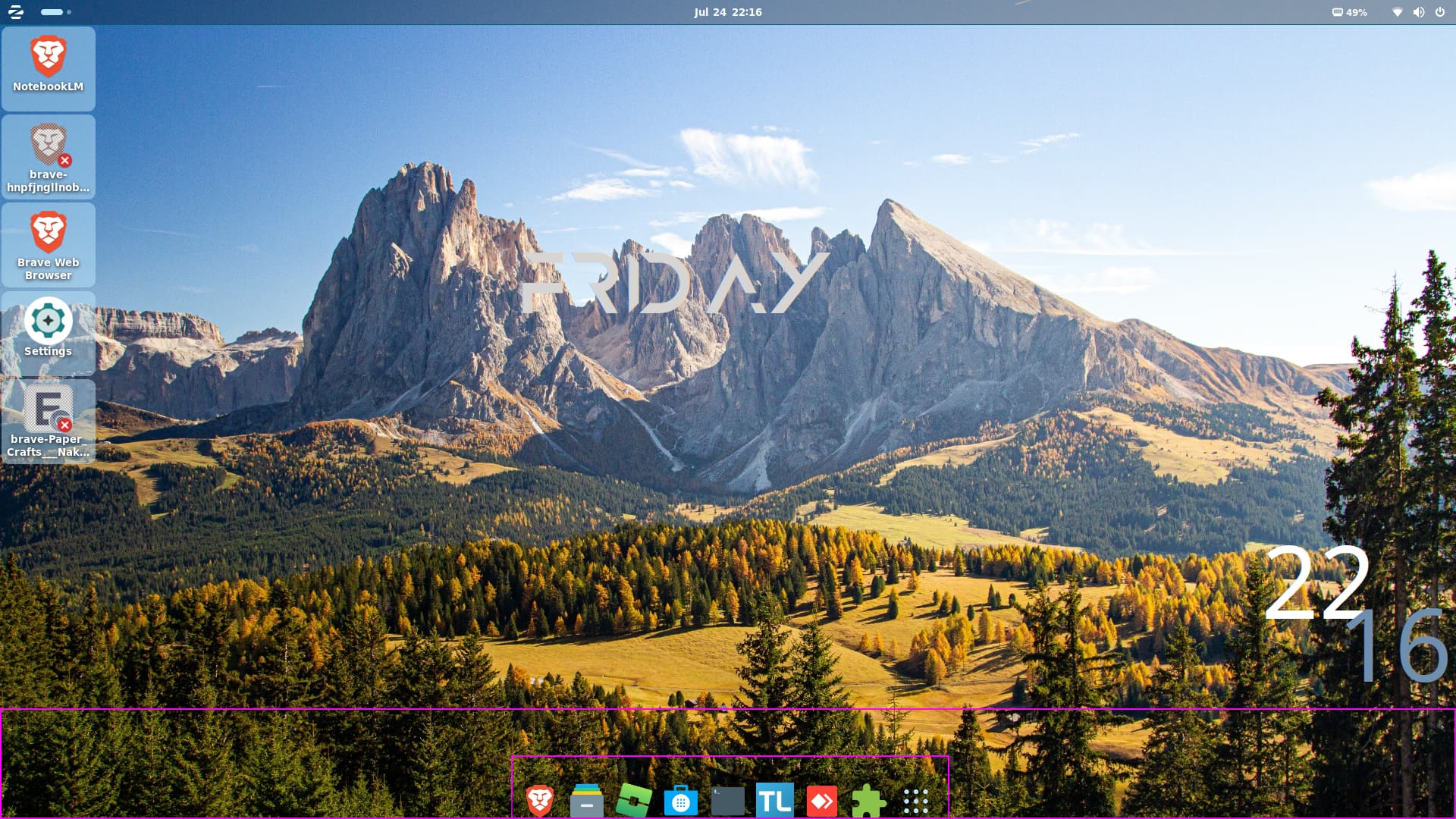
i can use the lower part of screen

You can to switch to Xorg:

  • Logout
  • At the login screen, click your username (don't enter password)
  • Click the gear icon in the bottom right
  • Select "Zorin Desktop on Xorg"
  • Log in

You mean, when You have a Window open it stops before the Dock on the upper Edge, right?

not solved

disable conky

how?I don't know

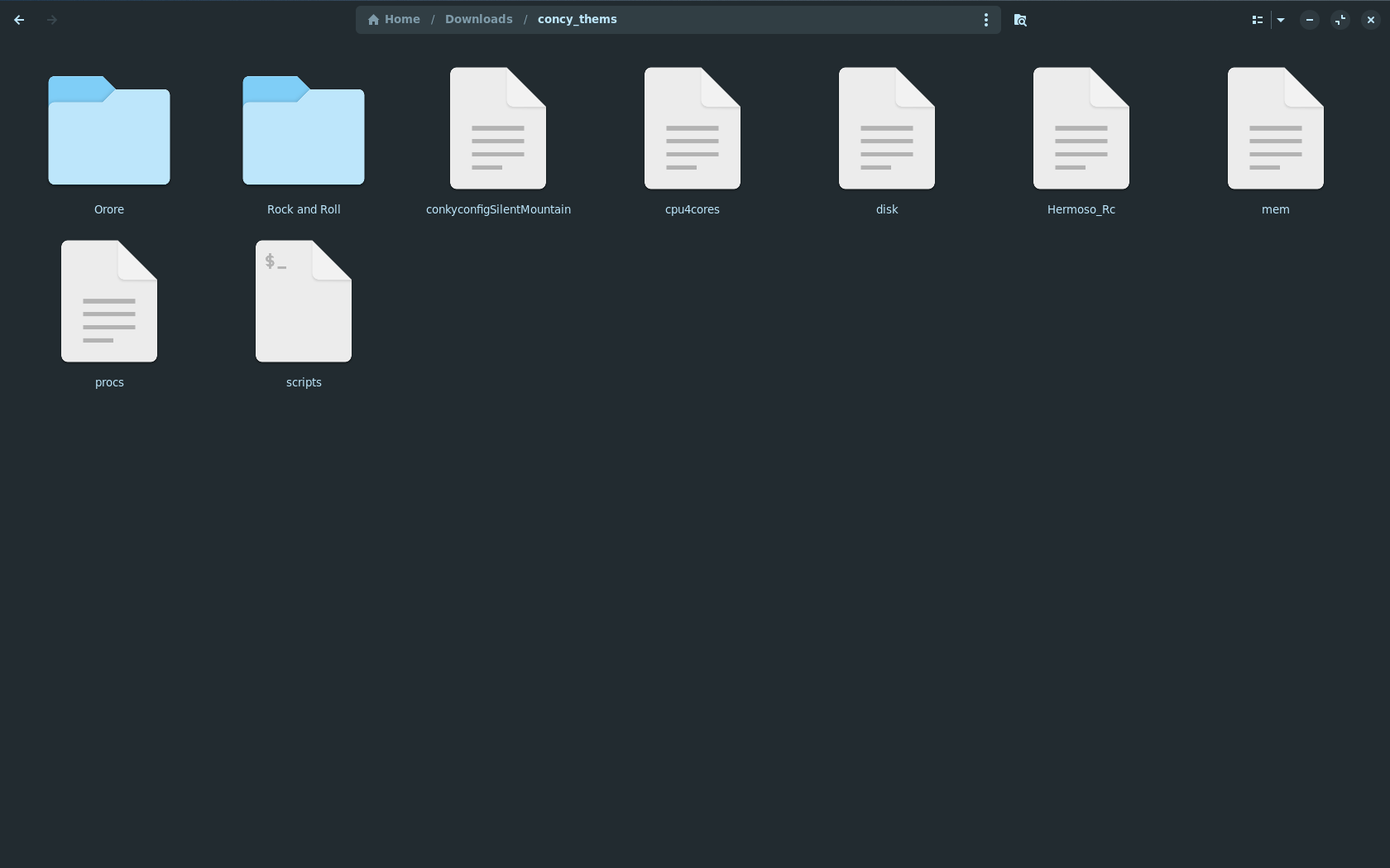
your clock on the desktop, where it come from ?


here

It is a conky theme. So try to disable it from autostart. If that solves the problem, change the position or size of your conky theme.

1 Like

you know you can make some sentences,we are not slaves here, we are here to help and for that receiving some respect...

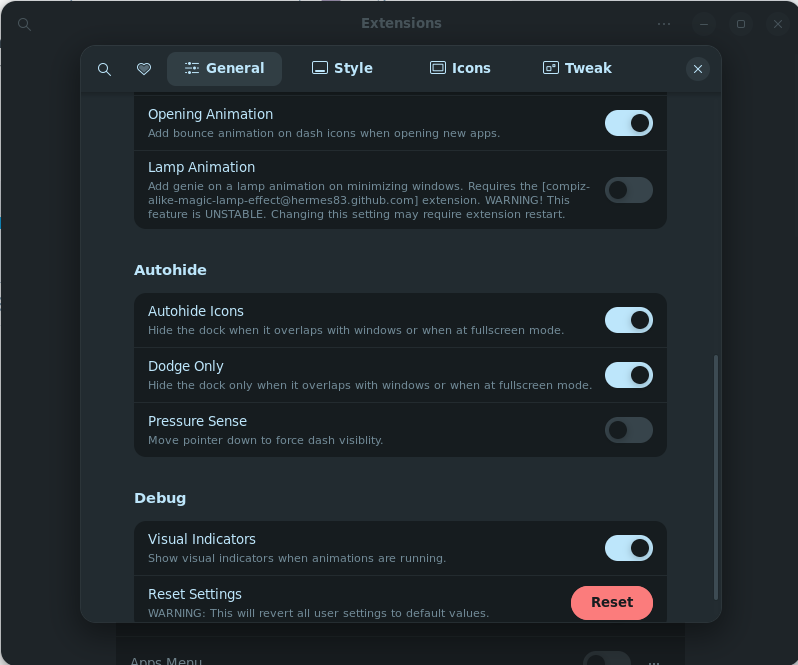
Did You take a Look in the Dash To Dock Settings and enable Autohide? If not, enable it and check if the Windows go now to the bottom.

ya I did it

When I see that right, You have installed Dash2Dock Animated, is that corect? If yes, I would like to suggest something to try. Install Dash To Dock:

When done, set it up and enable Autohide and see if it behaves different. Of Course disable Dash2Dock Animated for this.

I too installed Dash to Dock. Which was suggested by @Ponce-De-Leon. I wanted a more Linux look. I was in "Zorin Desktop" I am still new don't know all the terms yet. In the beginning in was Ok, then as time went by. Things started acting up. I started noticing "things" I can't explain it. Kinda like a problem with your vehicle. It starts out one thing then leads to other stuff happening. Recently I switched to Xorg. Then all my problems just seemed to go away.

2 Likes

fr?,but how?

Who are you addressing with your last question/s?

1 Like

Replies like this are not helpful for those tryng to help you. Please explain more.
If English is not your first language then write in your first language and use a online translator, or just write in your language and we can use the forum translate tool.
I hope you understand people are trying to help, but with little back from you.

3 Likes

I hate to bring it up @sangamesh. And I don't want to be rude. But one and two words. And half of words. Doesn't do anybody good on here. Try and explain yourself. Nobody can follow what you need help with. We are not Mind Readers.

1 Like

Do You mean switching to Xorg? To so that, go to the Login Screen. Click there on Your Profile so that the Password Field appears. When it is appeared, You should see in the bottom right Corner a Gear Icon. Click on it and choose the Option ''Zorin Desktop on Xorg'' and then log in. It will stay on Xorg until You change it again.