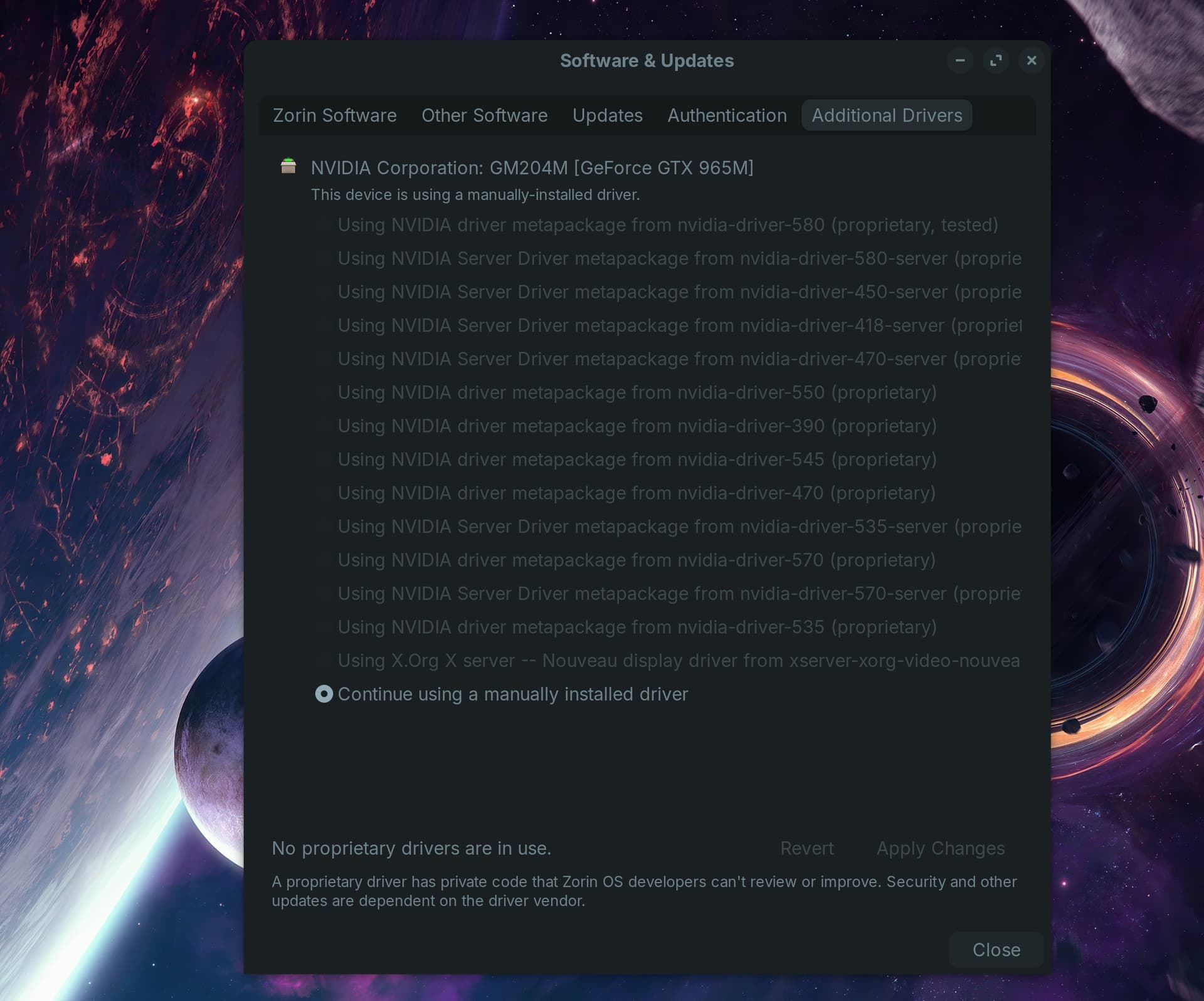
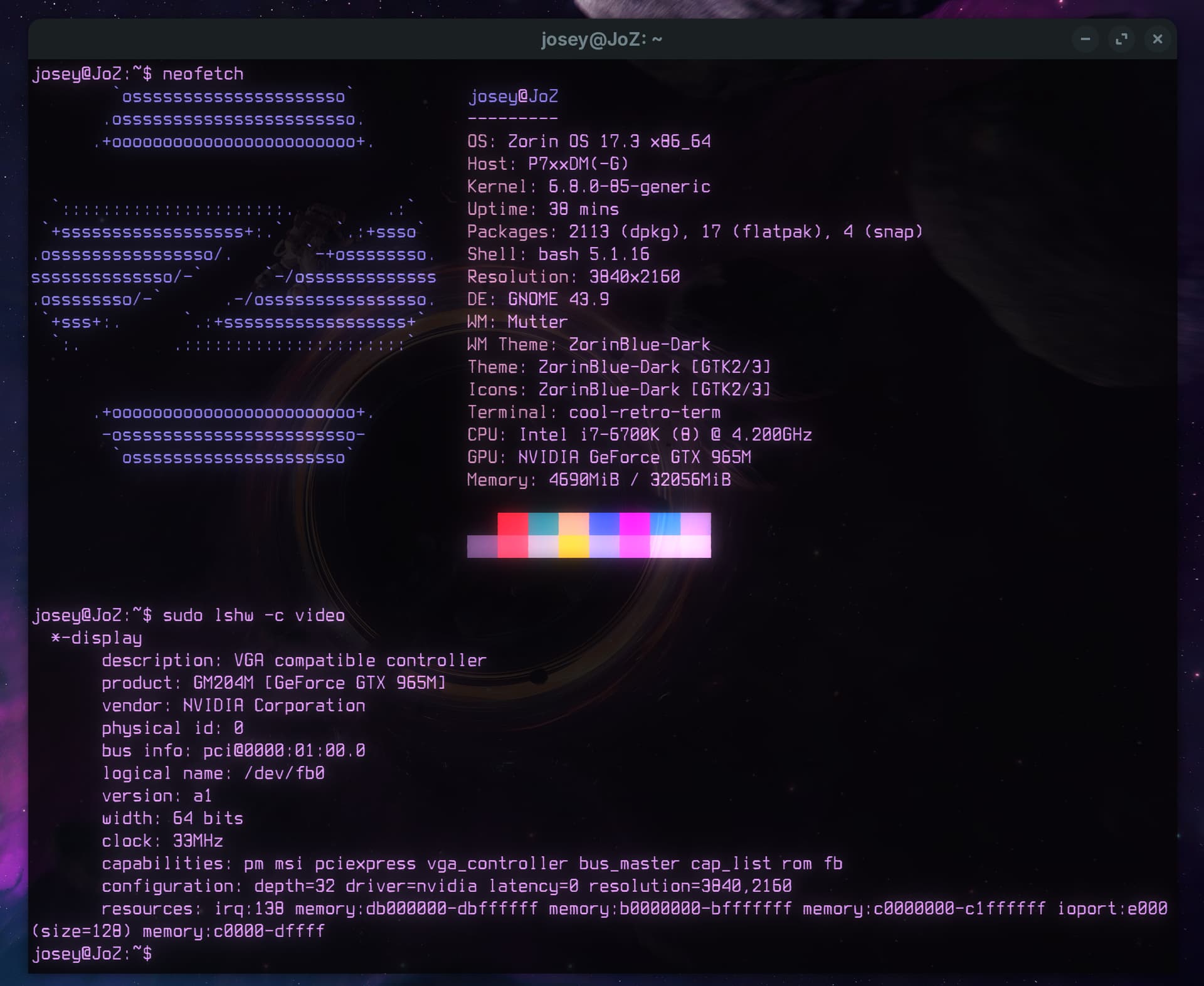
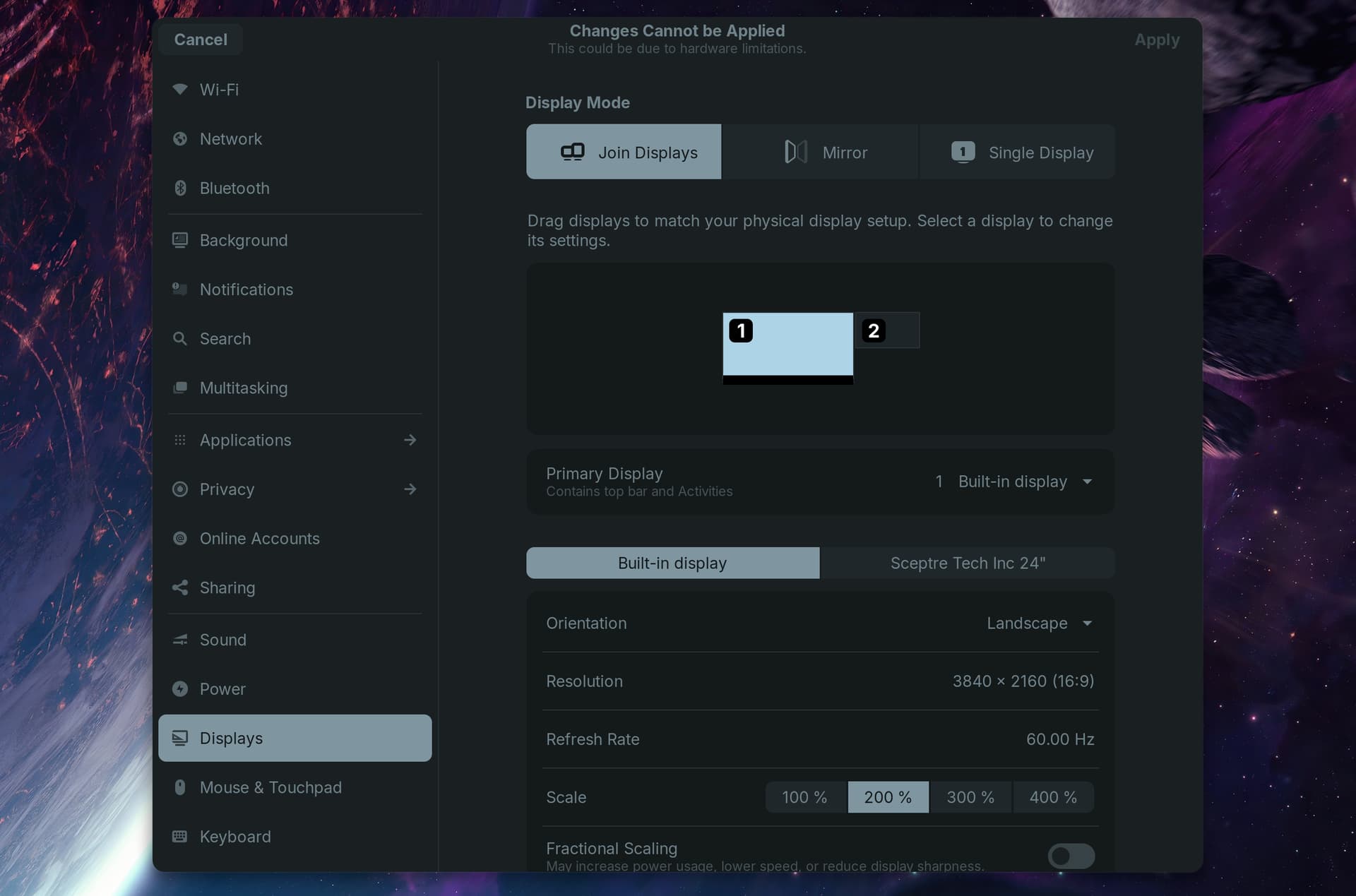
Still fairly new to Zorin and Linux in general. Originally I couldn't get an external monitor to even be recognized by my laptop. After doing some reading on here, I tried a driver change from one of the NVIDIA proprietary to the X.org. Now the monitor will get detected in settings, but won't display when I choose 'Join Displays' which I imagine is like 'Extend' on Windows? And now I cant select another driver to switch back to in the Software Updater, they are all greyed out. I've attached screenshots below, along with other relevant information that I've seen asked for.
1 Like
To open the list back up, please run this command...
sudo apt install --reinstall gnome-software
I looked up your 965M GPU, and it looks like the latest driver that was made for it, was version [431.53] Unless its found in the list after running the above command and rebooting the computer, you might have to manually install it.

1 Like
Because of Your Nvidia Card, first it would be good to see in Settings>About if Your System really runs in X11 or Wayland. When there stands X11, good. When there stands Wayland, I would recommend to switch to X11/Xorg.
To do that, go to the Login Screen, not the Lock Screen. simply reboot for that. On the Login Screen, click on Your Profile so that the Password Field appears. When it is appeared, You should see a Gear Icon in the bottom right Corner. Click on it and choose the Option ''Zorin Desktop on Xorg'' and then log in.
Now to the Driver. I looked at the Nvidia Driver Side and it seems You can use for Your Graphicsa Card the Drivers 535, 570 and 580. So, open the Terminal and type:
sudo apt purge nvidia*
to delete eventually installed Nvidia Drivers. Then:
sudo apt autoremove
to delete File Rests. BUT: Take a Look at the Stuff what will be deleted before You delete it!
To install a Driver type:
sudo apt install nvidia-driver-[Version-Number] nvidia-dkms-[Version-Number]
Replace [Version-Number] with the Driver Number that You want install. Here are an Example for the 535 Driver:
sudo apt install nvidia-driver-535 nvidia-dkms-535
If You want try different Drivers to see what works the best for You, repeat these Steps.
1 Like
I believe @Ponce-De-Leon is leading the right way here. Using the GUI is fine if you are doing a driver swap.
But in some cases, the previous driver must be fully removed before swapping the driver. You are not alone:
Switching to the open driver and getting the monitor detected is likely a red herring.
What you need is full monitor access, not just detection.
Now I have an even bigger problem. After a restart, the actual laptop monitor is now black and won’t display anything. I tried to pull up the GRUB menu, to try and change the driver or reset something there, nothing. I am dead in the water on this machine now. Any ideas?
What have You exactly done before that happened?
I let some regular updates finish, it said it needed a restart to complete. I didn’t get a chance to try anything that was mentioned thus far
Shew, I guess I got lucky. After however many restarts and attempts to get the screen back up, it worked.
I checked the Settings > About, system is running in X11. I just ran the scripts in terminal and installed the 580 driver. Do I need to restart to finish it?
If the Nvidia card stores data in vRAM instead of dumping it... Then restarting won't actually restart the Nvidia Card. It tries to pick up where it left off, usually resulting in a hang at a screen, indefinitely.
This one is on Nvidia... and it happens to me sometimes, too.
1 Like
I was able to get display on the external temporarily but only under the 'mirror' tab. After restart, now Its back to not being detected at all. Should I try with the other options? 535, 570, etc?
Fallback to "mirror" shows that there is a conflict in the Nvidia driver configuration. It usually means the system cannot negotiate two separate instances.
When swapping out Nvidia Drivers, you must purge the existing, so that no DKMS modules are left behind. This is one thing that makes me avoid using the GUI driver management.
sudo apt remove --purge nvidia-*
sudo apt clean && sudo apt autoremove
The 965M is the Maxwell Nvidia line - so the 535 driver should be the most stable on it (570 and 580, etc are aimed at the Newer cards). I am not sure which driver you are on at the moment..
Yes, I would suggest to try another Driver Version. A bit Trying can be neccessary to find the right Driver.
1 Like
I used terminal not the GUI, and I made sure I ran all commands you suggested. I tried it with 580, 470, and now I'm about to try 535 since you suggest it may be the most stable
No dice on this one either
There is a difference between a black screen of death, and just no image displayed at login, I'm not sure which one your facing at the moment.
I have gone through issues where I have a black screen at login, but if I just wait long enough, till I'm sure its sitting at the login, then I hit enter key, then type my password, and then I'm in the OS, and the display returns.
I'm not sure if this is the issue you are facing or not, I just thought I would throw that out there.
The laptop screen is back working, but it’s the external monitor I’m still having issues with. I’ve installed, via terminal, almost every driver listed in the GUI. Using the instructions above ^^
Im wondering if your facing a refresh rate issue, of course I could be wrong. I've had issues in the past, if the refresh rate was not set right, i'd have a black screen too, with red standby light on.
Please launch Nvidia X Server Settings app...
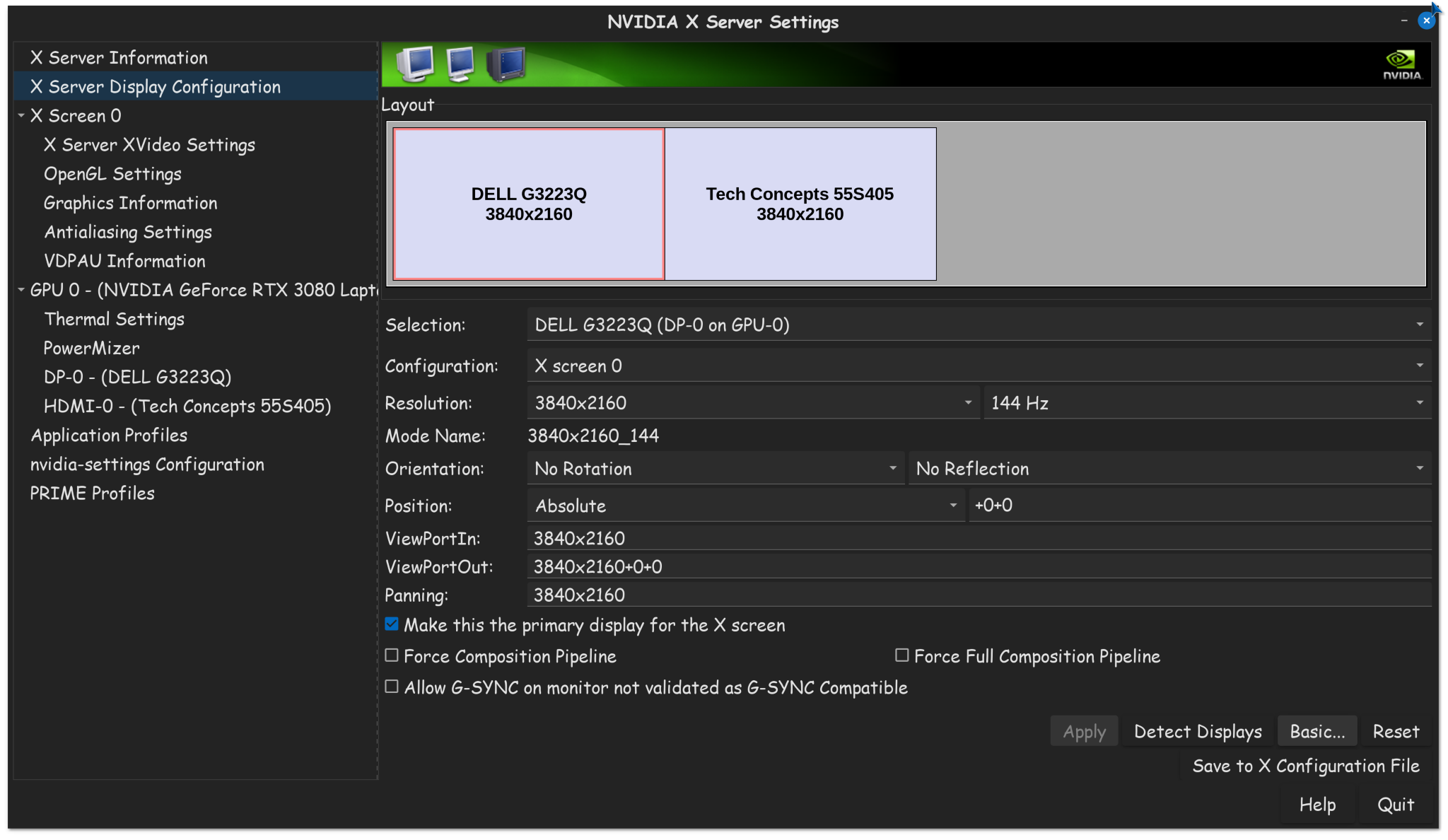
Select your external monitor. Make sure the resolution and refresh rate is proper for your monitor.
Also, I'm curious, is your external monitor hooked up via display port or HDMI?
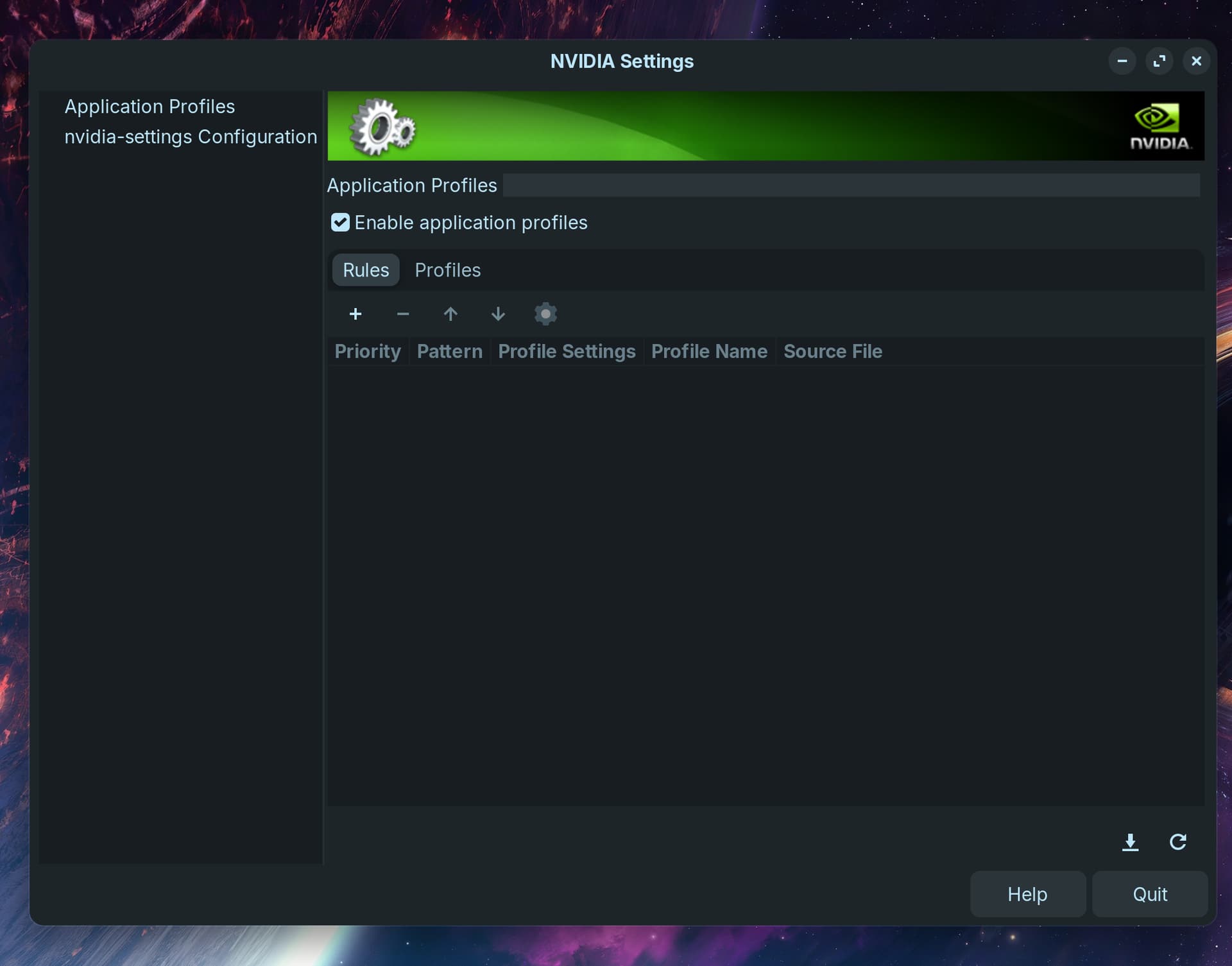
My Nvidia X isn't showing all of that. I tried running $ sudo prime-select nvidia and that didn't change anything. And external monitor is connected via Display to Display cable
Do you have checked if secure boot and fastboot in your BIOS are disabled and also fast startup in Windows is disabled (at power settings) if you have Dualboot with Windows? Otherwise the proprietary nvidia drivers can not be loaded correctly.
1 Like
And Your System runs in X11, yes?